Scroll Choreography Technique
Copy-ready GSAP ScrollTrigger and Lenis setup, pinned horizontal travel, scrubbed scenes, and a native CSS scroll-timeline equivalent.
이 자료로 구현하기
원문 주소와 버전이 포함된 요청문입니다. 복사한 뒤 만들 화면과 요구사항을 채워 에이전트에게 전달하세요.
Primary role: executable motion technique.
Repository Boundary
Product-layer script and CSS for showcase/ works and consumer pages. The document keeps vertical scroll ownership; this technique never adds animation to reusable Layout pattern CSS. For scene contracts and briefs, use Scroll-driven Story and the Motion Brief.
Reusable Method
1. Load As Enhancement
<script src="https://cdn.jsdelivr.net/npm/gsap@3.12.5/dist/gsap.min.js" defer></script>
<script src="https://cdn.jsdelivr.net/npm/gsap@3.12.5/dist/ScrollTrigger.min.js" defer></script>
<script src="https://cdn.jsdelivr.net/npm/lenis@1.1.13/dist/lenis.min.js" defer></script>
<script type="module" src="app.js"></script>const reduceMotion = matchMedia("(prefers-reduced-motion: reduce)").matches;
const { gsap, ScrollTrigger, Lenis } = window;
if (gsap && ScrollTrigger && !reduceMotion) {
gsap.registerPlugin(ScrollTrigger);
document.documentElement.classList.add("motion"); // CSS hides pre-animation states only under .motion
startMotion();
}.motion [data-reveal] { opacity: 0; transform: translateY(24px); }Initial hidden states live behind the .motion class. With no script, a failed CDN, or reduced motion, the page stays fully visible.
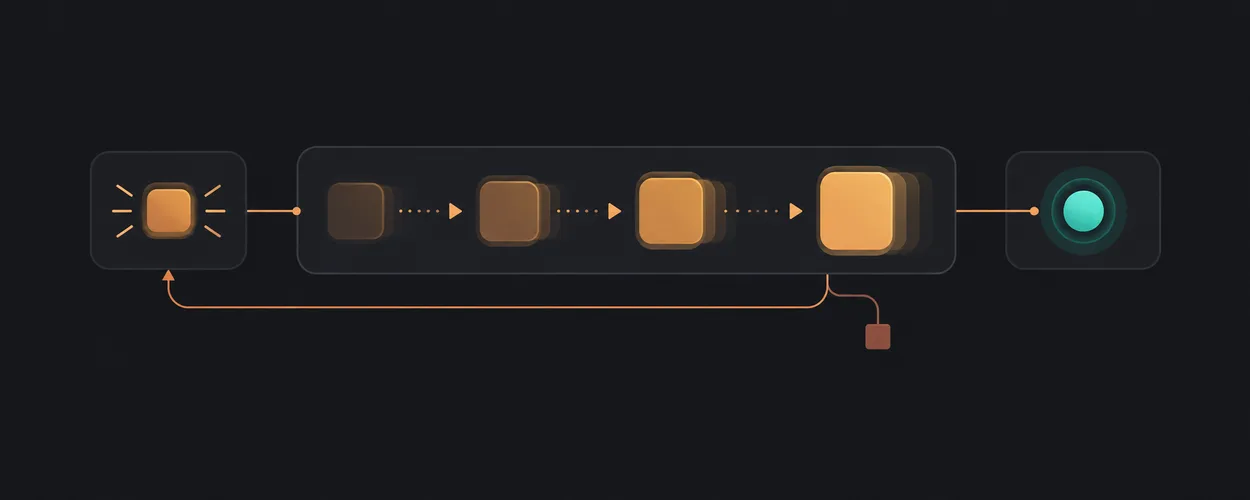
2. One Ticker For Smooth Scroll And Triggers
const lenis = new Lenis({ lerp: 0.11, wheelMultiplier: 0.9 });
lenis.on("scroll", ScrollTrigger.update);
gsap.ticker.add((time) => lenis.raf(time * 1000));
gsap.ticker.lagSmoothing(0);
Driving Lenis from GSAP's ticker keeps pinned scenes in step with the smoothed scroll. Two separate requestAnimationFrame loops make pins jitter.
In-page links should go through Lenis and still move focus:
for (const link of document.querySelectorAll('a[href^="#"]')) {
  link.addEventListener("click", (event) => {
    const target = document.querySelector(link.getAttribute("href"));
    if (!target) return;
    event.preventDefault();
    lenis.scrollTo(target, { duration: 1.4 });
    target.setAttribute("tabindex", "-1");
    target.focus({ preventScroll: true });
  });
}
3. Reveal On Enter
gsap.to("[data-reveal]", {
  opacity: 1, y: 0, duration: 1.1, ease: "expo.out", stagger: 0.12,
  scrollTrigger: { trigger: ".section", start: "top 80%" },
});
4. Scrubbed Scene
Tie a property directly to scroll progress; scrub: true follows exactly, a number adds catch-up smoothing in seconds.
gsap.to(".hero_inner", {
  yPercent: -18, opacity: 0.25, ease: "none",
  scrollTrigger: { trigger: ".hero", start: "top top", end: "bottom top", scrub: true },
});
5. Pinned Horizontal Travel
Vertical scroll moves a horizontal track while the section is pinned. Enable it only where it fits and keep a vertical list otherwise.
const media = gsap.matchMedia();
media.add("(min-width: 64rem)", () => {
  const track = document.querySelector(".schedule_track");
  const distance = () => track.scrollWidth - document.documentElement.clientWidth;
  gsap.to(track, {
    x: () => -distance(), ease: "none",
    scrollTrigger: { trigger: ".schedule", start: "top top", end: () => `+=${distance()}`, pin: true, scrub: 0.6, invalidateOnRefresh: true },
  });
});.schedule_viewport { overflow: clip; } /* the track never widens the document */
@media (min-width: 64rem) { .schedule_track { display: flex; inline-size: max-content; } }Keep focusable controls out of the moving track, or they can receive focus while translated off-screen.
6. Native Alternative: CSS Scroll-Driven Animation
For a single scrubbed property with no library:
@supports (animation-timeline: view()) {
  @media (prefers-reduced-motion: no-preference) {
    .reveal {
      animation: reveal linear both;
      animation-range: entry 10% cover 35%;
      animation-timeline: view();
    }
  }
}
@keyframes reveal { from { opacity: 0; transform: translateY(40px); } }
Opinionated Guidance
Choose three or four scroll scenes per page and make each one say something. A page where everything fades up on scroll has no choreography, only delay.
Platform-Specific Guidance
Lenis smooths wheel input but leaves native touch scrolling alone by default, which is the right choice on phones. ScrollTrigger.refresh() runs on resize; functions for x and end plus invalidateOnRefresh let pinned distances recompute. CSS animation-timeline is not available in every engine; wrap it in @supports.
Unsupported Absolutes
Durations, easings, and trigger offsets here were tuned for one page. Pinning is not appropriate for content that must be read at the reader's own pace.
Verification Contract
A page using this technique passes node scripts/check-showcase.mjs: no horizontal overflow while pinned, focus order intact with Lenis active, and all text visible under reduced motion. Review the middle-scroll screenshot to confirm the pinned section clears any fixed header.
Source, License, And Attribution
Locally authored technique. GSAP and Lenis are loaded at runtime under their own licenses; no library source is reproduced.
IA Navigation
Parent: Motion. Next: Kinetic Type Technique.