로딩부터 완료까지 정확한 피드백
Loading, Progress, And Feedback
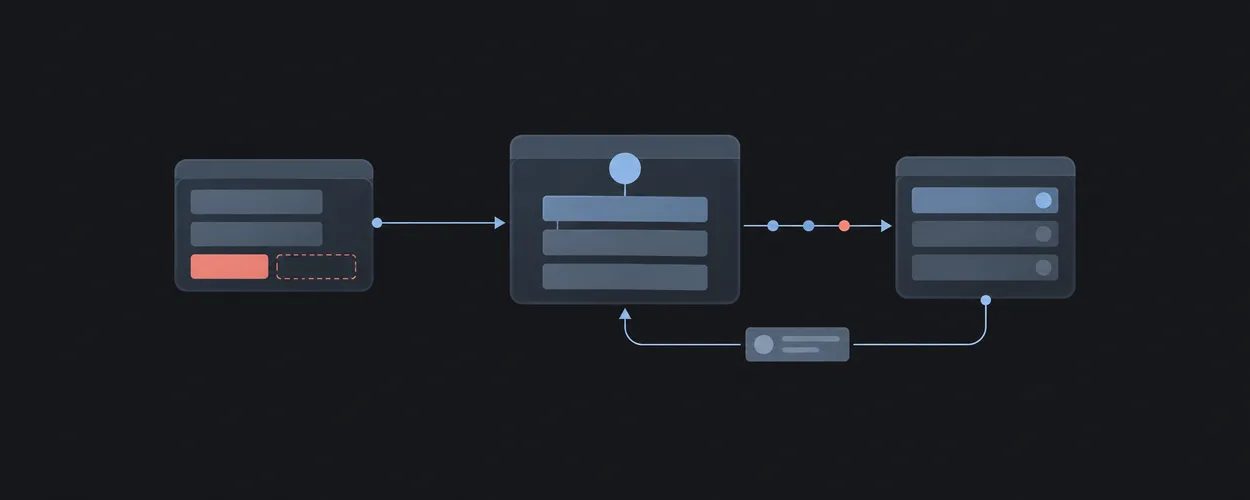
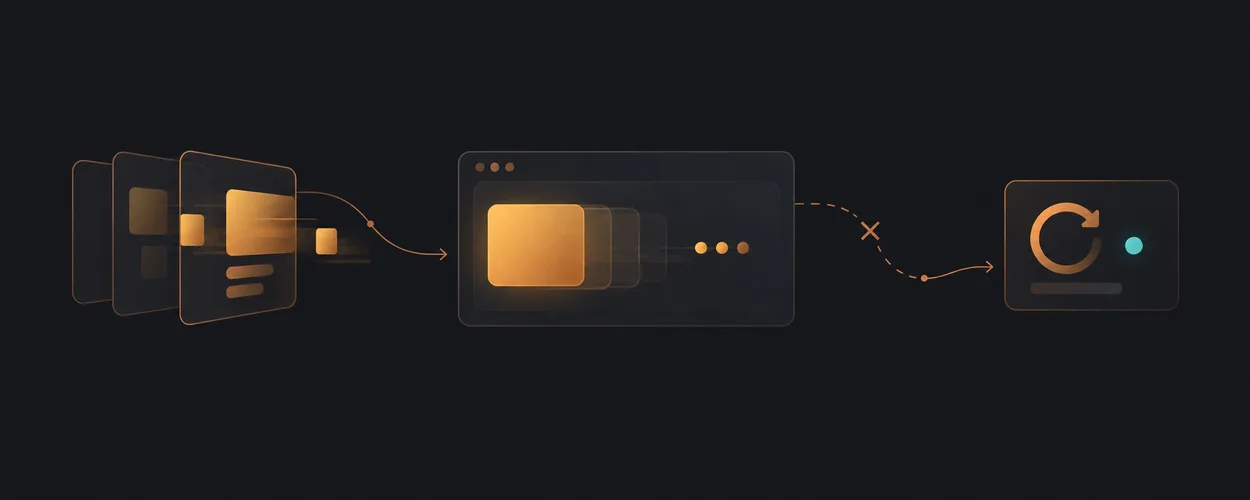
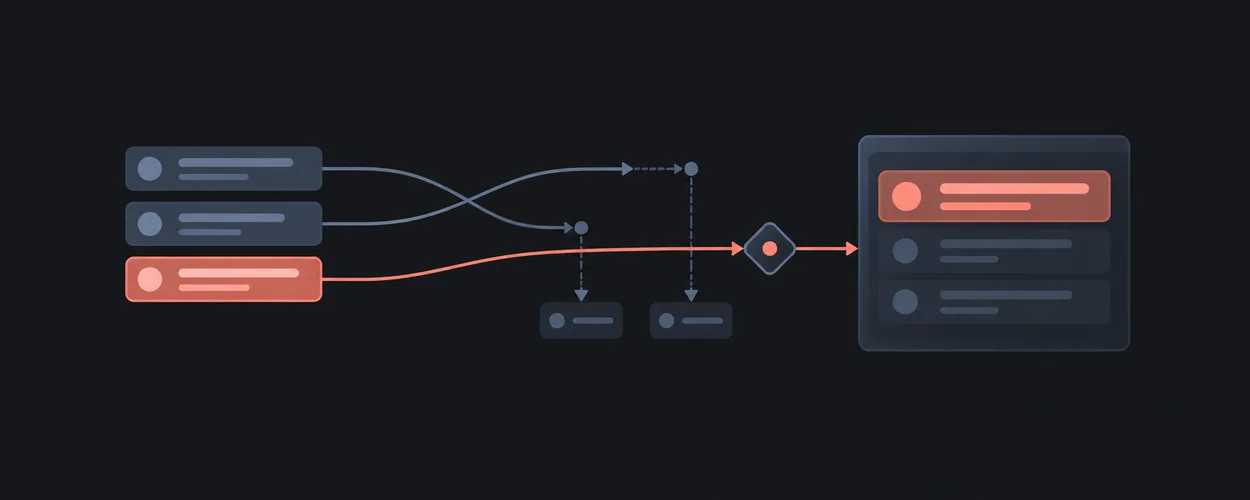
대기, 오래된 결과, 진행률과 확인된 완료를 구분해 전달합니다.
이 자료로 구현하기
원문 주소와 버전이 포함된 요청문입니다. 복사한 뒤 만들 화면과 요구사항을 채워 에이전트에게 전달하세요.
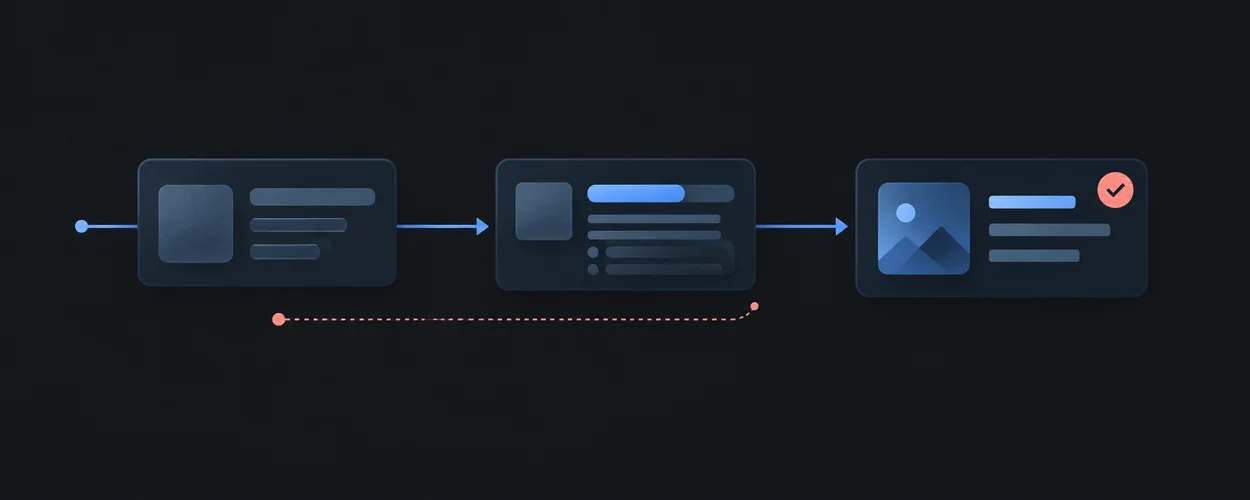
FROM PRINCIPLE TO PRACTICE
이 원리로 만든 예제 32
예제를 열어 동작을 살펴보고, 코드와 함께 이 문서의 원리를 확인해 보세요.
Animated Circular Progress Bar
- 진행률 숫자의 진실 조건
구현은 (value-min)/(max-min)을 백분율로 바꿔 원호와 숫자에 사용합니다. 대표 데모는 2초마다 10씩 더하고 100 다음 0으로 돌아가는 표현 시연입니다. 범위 제한과 max=min 방어, progress 의미는 별도로 마련해야 합니다.
- 진행률 숫자의 진실 조건
Number Ticker
- 보간 숫자와 확정 값
NumberTicker는 화면 진입 후 spring의 변화값을 en-US 형식으로 span에 직접 씁니다. 대표 데모는 0에서 100으로 증가합니다. direction=down에서는 motionValue 시작값과 렌더된 startValue가 다르므로 최초 표시도 점검해야 합니다.
- 보간 숫자와 확정 값
Tweet Card
- 트윗 카드의 로딩·없음·성공 구분
대표 데모는 서버형 TweetCard 대신 ClientTweetCard를 사용합니다. useTweet의 isLoading일 때 skeleton, 오류 또는 데이터 없음이면 TweetNotFound, 데이터가 있으면 MagicTweet을 렌더링합니다. 외부 조회의 성공을 소스 보존만으로 보장할 수 없습니다.
- 트윗 카드의 로딩·없음·성공 구분
연결된 예제 29개 더 보기
Building Interactive 3D Cards in Webflow with Three.js
- 세 모델의 개별 준비와 전체 로딩막 해제
createScene은 카드별 renderer를 숨겨 만들고 GLTF 성공 콜백에서 해당 canvas를 보인 뒤 Promise를 해결합니다. 세 Promise가 모두 성공해야 로딩막 타임라인이 시작됩니다. 실패 경로는 console.error만 남깁니다.
- 세 모델의 개별 준비와 전체 로딩막 해제
Coding a 3D Audio Visualizer with Three.js, GSAP & Web Audio API
- 파일 선택 알림과 실제 오디오 준비의 시점
initAudioFile은 새 audio 요소와 Object URL을 만든 직후 FILE LOADED 알림을 표시합니다. 분석 소스 연결과 play 호출은 이후 loadeddata에서 수행하며 isAudioPlaying은 play Promise의 성공 뒤에 바뀝니다.
- 파일 선택 알림과 실제 오디오 준비의 시점
Creating an Immersive 3D Weather Visualization with React Three Fiber
- 장애 때 반환하는 예제 날씨와 실제 관측값
weatherService는 429·서버 오류·네트워크 실패에서 Demo City의 고정 날씨를 반환하고 serviceUnavailable·rateLimited·requestedLocation을 붙입니다. 400·404의 잘못된 위치는 오류로 남깁니다.
- 장애 때 반환하는 예제 날씨와 실제 관측값
Grid Flow Animation
- 이미지 로드와 무관하게 증가하는 숫자
Loader의 숫자는 1ms interval에서 고정량씩 증가합니다. 종료는 이미지 always 이벤트와 갤러리 진입 완료를 모두 기다리므로 숫자 100은 다운로드 완료율이 아닙니다.
- 이미지 로드와 무관하게 증가하는 숫자
Image Trail Animation for an Intro
- 1.5초 장식 진행률을 실제 작업과 구분
FakeProgress는 steps(14)로 1.5초 동안 value를 100까지 바꾸고 그 숫자를 %로 표시합니다. 이 클래스는 완료량이나 다운로드 바이트를 받지 않습니다.
- 1.5초 장식 진행률을 실제 작업과 구분
On-Scroll Pixelated Image Loading Effect
- 이미지 로드가 아닌 픽셀 단계의 재생
animatePixels는 pxIndex를 timeout마다 증가시키며 canvas를 다시 그립니다. 첫 단계 300ms, 이후 80ms 간격이며 ScrollTrigger는 한 번만 시작합니다.
- 이미지 로드가 아닌 픽셀 단계의 재생
입자 배경의 미디어 커버
- 입자 배경의 미디어 커버의 구현 계약
커버와 슬리브의 시각 상태를 하나의 선택값으로 바꾸고 작은 미디어 표면에 읽기 가능한 제목을 보존합니다. 이 연결은 새로 작성한 실행 코드의 계약을 설명하며, 원본의 동작을 검증했다는 뜻은 아닙니다.
- 입자 배경의 미디어 커버의 구현 계약
수조 형태의 준비 상태
- 수조 형태의 준비 상태의 구현 계약
표시율을 꾸며 내지 않고 준비됨을 고정된 사실로 알리며 입장 버튼은 별도의 시각 상태만 바꿉니다. 이 연결은 새로 작성한 실행 코드의 계약을 설명하며, 원본의 동작을 검증했다는 뜻은 아닙니다.
- 수조 형태의 준비 상태의 구현 계약
필기체 배경과 중앙 소개
- 필기체 배경과 중앙 소개의 구현 계약
배경의 흐린 필기체와 실제 제목을 구분하고 장식의 종료를 기다리지 않고 본문을 열 수 있게 합니다. 이 연결은 새로 작성한 실행 코드의 계약을 설명하며, 원본의 동작을 검증했다는 뜻은 아닙니다.
- 필기체 배경과 중앙 소개의 구현 계약
즉시 진입 가능한 최소 시작 화면
- 즉시 진입 가능한 최소 시작 화면의 구현 계약
최소 입장 버튼의 활성 조건을 고정된 준비 사실로 두고 클릭 즉시 본문을 공개합니다. 원본 후속 동작은 주장하지 않습니다. 이 연결은 새로 작성한 실행 코드의 계약을 설명하며, 원본의 동작을 검증했다는 뜻은 아닙니다.
- 즉시 진입 가능한 최소 시작 화면의 구현 계약
어두운 종이 형상과 실제 준비 상태
- 어두운 종이 형상과 실제 준비 상태의 구현 계약
내장 SVG가 준비된 사실만 상태로 표시하고 비율·보정 작업을 꾸며 내지 않습니다. 비군사 종이 형상의 밝기만 명시적 버튼으로 바꾸며 제품 운용 제어가 없습니다. 이 연결은 새로 작성한 실행 코드의 계약을 설명하며, 원본의 동작을 검증했다는 뜻은 아닙니다.
- 어두운 종이 형상과 실제 준비 상태의 구현 계약
창 모양 기록과 지역·빈 결과 필터
- 창 모양 기록과 지역·빈 결과 필터의 구현 계약
지역 필터는 DOM 기록을 직접 숨기며 결과 수와 빈 결과를 알려 줍니다. 빈 창은 이 예시의 미수록 기록으로 명시하고 원본 빈 테두리를 로딩 실패로 단정하지 않습니다. 이 연결은 새로 작성한 실행 코드의 계약을 설명하며, 원본의 동작을 검증했다는 뜻은 아닙니다.
- 창 모양 기록과 지역·빈 결과 필터의 구현 계약
Spinner · Kibo
- 로딩 모양과 처리 사실의 분리
이 예제는 회전·점·링·막대·무한 곡선 등 8개 변형을 동시에 보여 줍니다. 네트워크 요청이나 진행률·완료 상태는 없습니다. 현재 고정 원본의 throbber는 과거 21st 데모의 circle 이름을 대체하고, default는 ShadcnSpinner를 호출합니다.
- 로딩 모양과 처리 사실의 분리
Alerts With Links · Myna UI
- Retry라는 문구와 실제 재시도의 차이
Pay Now와 Retry는 모두 href="#"인 링크이며 클릭 핸들러가 없습니다. 청구·제출 오류도 고정 문구입니다. 두 알림은 결제 기한이나 실패한 요청을 소유하지 않습니다.
- 두 알림의 의미와 발표 시점
기본 알림과 destructive 알림 모두 imported Alert의 role="alert"를 받습니다. 색상 변형은 역할을 바꾸지 않습니다. 동시에 마운트되는 고정 알림 두 개가 실제로 어떻게 발표되는지는 코드만으로 확정할 수 없습니다.
- Retry라는 문구와 실제 재시도의 차이
Minimal Alerts · Myna UI
- 고정된 메시지 두 개
Alert2는 기본 안내와 destructive 오류를 항상 함께 보여 줍니다. props, 요청, retry, 조건부 분기가 없으므로 두 메시지를 실제 청구나 제출 상태의 결과로 읽으면 안 됩니다.
- 고정된 메시지 두 개
Error Alert Dialog · Myna UI
- 입력 검사 없이 여는 오류 안내
Show Error Message가 고정 Invalid Email Address 문구를 엽니다. 이 데모에는 이메일 입력이나 검사 결과가 없으며 Okay는 확인 창의 Action입니다. 이메일 오류 처리 흐름 전체를 제공하는 예제가 아닙니다.
- 입력 검사 없이 여는 오류 안내
Success Alert Dialog · Myna UI
- 메일 발송 안내와 실제 발송 결과
Show Success Message가 Password Reset Email Sent를 직접 엽니다. praveen@example.com은 고정 문구이며 메일 요청·입력 이메일·성공 응답이 없습니다. 확인 창을 여는 것만으로 메일을 보냈다고 주장하지 않습니다.
- 메일 발송 안내와 실제 발송 결과
Supabase Style Button · Serafim
- 2초 표시와 저장 사실의 경계
클릭은 isLoading을 true로 바꾸고 2초 setTimeout 후 false로 돌립니다. 요청, 데이터 저장, 성공·실패 결과는 없습니다. 버튼 문구도 계속 Save이므로 이 예제의 종료는 시간 기반 표시가 끝났다는 뜻입니다.
- 2초 표시와 저장 사실의 경계
Input Form · Ved UI
- 제출 알림이 의미하는 것
onSubmit은 검사를 통과한 data.text를 toast.success에 전달합니다. 저장 요청이나 서버 확인은 없습니다. 이 갤러리의 Usage.tsx는 원본 호출의 결과가 보이도록 Toaster만 추가하며 제출 값 자체는 바꾸지 않습니다.
- 제출 알림이 의미하는 것
Select Form · Ved UI
- 선택 결과 알림의 정확한 의미
FormSchema는 email을 필수 문자열과 이메일 형식으로 검사합니다. onSubmit의 유일한 동작은 toast.success(data.email)이며 메일 발송이나 서버 저장 요청은 없습니다. 미선택 안내 Get Schwifty!는 실제 폼 값이 아닙니다.
- 선택 결과 알림의 정확한 의미
Location Map · Gamma UI
- Live 표시와 실제 위치 데이터의 경계
baseline은 Berlin, Germany와 52.5200° N, 13.4050° E를 문자열 prop으로 전달합니다. LocationMap은 고정된 도로·건물 도형을 그리며 Live 문구를 항상 표시합니다. 위치 조회, 좌표로 도형을 계산하는 함수, 네트워크 갱신은 이 소스에 없습니다.
- Live 표시와 실제 위치 데이터의 경계
Card Skeleton · Myna UI
- 자리표시자는 요청 상태가 아니다
Cards는 제목 두 줄·큰 본문·버튼 자리 두 개의 Skeleton을 항상 렌더링합니다. 요청, loading boolean, 실제 콘텐츠, 완료 전환은 없습니다. 다섯 블록의 펄스를 서버 처리 진행으로 해석하지 않습니다.
- 자리표시자는 요청 상태가 아니다
방송 일정 알림 · Origin UI
- 27시간은 계산된 카운트다운이 아니다
comp-296은 Live in 27 hours와 November 20 at 8:00 PM.을 고정 문자열로 렌더링합니다. 시계·타이머·날짜 파싱이 없고 연도와 시간대도 지정하지 않습니다. 원형 테두리 안의 RadioIcon은 방송을 나타내는 장식이며 실제 방송 상태를 읽지 않습니다.
- 27시간은 계산된 카운트다운이 아니다
오류 알림 · Origin UI
- 오류 문구에 없는 원인과 복구
comp-269은 빨간 CircleAlert와 An error occurred!만 표시합니다. 실패한 요청, 오류 코드, 입력 필드, 재시도 이벤트가 없습니다. 이 예제는 오류 표현의 형태를 제공하지만 특정 실패를 진단하거나 복구하는 계약은 포함하지 않습니다.
- 오류 문구에 없는 원인과 복구
메시지 전송 안내 · Origin UI
- 전송 완료 문구는 고정된 예시 상태
comp-288은 초록 CircleCheckIcon과 Message sent를 처음부터 렌더링합니다. 메시지 데이터, 전송 요청, 성공 응답을 받는 경로는 없습니다. View와 Undo가 옆에 있어도 전송된 메시지나 취소 가능한 작업이 생기는 것은 아닙니다.
- 전송 완료 문구는 고정된 예시 상태
성공 알림 · Origin UI
- 무엇이 완료됐는지는 원본에 없다
comp-271은 16px 초록 CircleCheckIcon과 Completed successfully!를 표시합니다. 완료 대상, 작업 상태, 결과 데이터, 후속 버튼은 없습니다. 체크 아이콘은 aria-hidden이므로 이 문장만이 읽을 수 있는 완료 설명입니다.
- 무엇이 완료됐는지는 원본에 없다
업데이트 안내 · Origin UI
- 버전 1.4 안내는 업데이트 확인 결과가 아니다
comp-294은 Version 1.4 is now available!과 버그 수정·성능 개선 설명을 고정 문구로 표시합니다. 버전 확인, 다운로드, 설치 진행 또는 완료 상태는 없습니다. RefreshCwIcon에도 회전을 요청하는 클래스나 애니메이션은 선언하지 않습니다.
- 버전 1.4 안내는 업데이트 확인 결과가 아니다
Number ticker숫자가 도착하는 시간
- 숫자 연출과 실제 측정값의 구분
숫자는 정해진 목표 2,480을 향해 변하고 막대는 각자의 고정 높이까지 자랍니다. 실제 데이터 요청이나 작업 진행률이 아니며, 막대 높이와 숫자를 같은 측정 단위로 해석할 근거도 없습니다.
- 숫자 연출과 실제 측정값의 구분
Stateful button행동 뒤의 피드백
- 모의 전송의 대기와 완료
누르면 버튼을 비활성화하고 대기 문구와 회전 기호를 표시한 뒤 700밀리초 타이머로 완료합니다. 네트워크 요청이 없는 모의 동작이며, 실제 전송 성공을 검증하는 예제가 아닙니다.
- 모의 전송의 대기와 완료
Primary role: asynchronous presentation and measurement guide.
Repository Boundary
This page owns the product's account of pending work and results. Request authority remains in State Management, motion in Motion, and evidence claims in Quality. A loading treatment is not a reusable Layout pattern.
Reusable Method
Identify the fact behind each displayed state. Distinguish input received, request started, work in progress, result accepted, result rendered, and result announced. Select a feedback mechanism only after its state owner and truth condition are explicit.
Source Findings
| Source | Bounded finding | Implication |
|---|---|---|
| HTML progress element | A progress element can represent determinate or indeterminate task completion; omitting value expresses indeterminate progress. |
Do not fabricate a percent complete when total work is unknown. |
| WAI-ARIA 1.2 busy state | aria-busy indicates an element is being modified; assistive technologies may defer exposing changes while it is busy. |
Clear the state on every terminal path and verify actual announcements. |
| Status Messages explanation | A result summary may be a status message, while the entire returned result list is not thereby a status message. | Announce concise state/result information rather than every changing node. |
| Interaction to Next Paint | INP measures interaction responsiveness through the next paint; good field responsiveness is described as at most 200 ms at the 75th percentile, assessed by device category. | Do not use that number as a required animation duration or server-response deadline. |
| Optimize INP | Input delay, event processing, and presentation delay contribute to the interaction latency. | Diagnose which interval is slow before changing a loading indicator. |
| Event Timing API | The API defines event timing observations with implementation and exposure constraints. | Record the instrument and observation scope rather than treating callback time as total latency. |
| Cumulative Layout Shift | CLS measures unexpected layout movement with defined exclusions and aggregation. | A stable placeholder can help spatial stability without proving timely or correct completion. |
Sources were inspected 2026-09-21. Browser metric guidance is a measurement convention, not a guarantee of perceived quality. Standards-track drafts and actual browser instrumentation must be distinguished.
State-To-Presentation Contract
| State | Required truth | Local presentation proposal |
|---|---|---|
| Initial pending | No accepted content exists for this request. | Explain what is loading; use stationary structure if useful. |
| Refreshing | Previously accepted content remains visible while a new request runs. | Identify its freshness/query boundary and avoid implying it is the new result. |
| Partial result | Some units are accepted and others remain pending or failed. | Distinguish completed units from missing units and provide a bounded retry. |
| Determinate progress | A meaningful completed/total measure exists. | Expose that measure and its scope; distinguish upload from server processing. |
| Indeterminate progress | The operation runs but no honest completion ratio exists. | Explain the current stage without a fabricated percentage. |
| Success | The relevant authoritative result was accepted. | Make the result durable and expose the next action. |
| Failure or unknown outcome | Failure is confirmed, or acknowledgement is missing. | Preserve recoverable input; distinguish safe retry from possible duplicate work. |
| Cancel requested | A request to stop was issued. | Avoid claiming cancellation is complete until the contract supports that fact. |
These treatments are local proposals. A skeleton, toast, or spinner is neither mandatory nor sufficient for any row.
Worked Scenario: Search While Keeping Results
The user has query A results and submits B. Keep A visible under an explicit refreshing state. Accept B only if its request identity remains current. If A's late failure arrives while B is pending, it cannot clear B's busy state. If B fails, label the retained content as A and provide a retry tied to B.
The result summary, busy state, empty state, and visible records must describe the same accepted request. “No results” is a completed result, not a synonym for “nothing rendered yet.” A late finally handler can violate this even when success callbacks are guarded; use the latest-request contract.
Worked Scenario: Save With An Unknown Outcome
The editor submits a snapshot. Connectivity drops after the server may have received it. The consumer must decide how to reconcile that uncertainty: a supported operation identity, refetch, or a documented recovery flow. Merely showing a retry button cannot prove that retrying is safe.
Keep the submitted snapshot distinct from edits made while saving. A successful acknowledgement for the earlier snapshot cannot mark the newer draft saved. Compose submitted snapshot with draft and baseline.
Opinionated Guidance
Prefer feedback that explains the actual stage and preserves a useful next action. Evaluate delays before showing indicators against measured task frequency and latency distribution; do not turn a borrowed delay into a universal rule. Avoid artificially holding completed content merely to finish a decorative loading cycle.
Keep repeated announcements bounded. When several regions update, establish which summary owns the user-facing completion message instead of making every region assertive.
Platform-Specific Guidance
Native progress controls and web progress semantics differ in APIs and announcement behavior. Real screen-reader tests are needed for the selected combination. For reduced-motion loading treatment, use Accessible Motion; for app suspension and navigation lifetime, preserve the state owner's contract.
Unsupported Absolutes
A spinner cannot prove ongoing backend work. A good INP cannot prove a successful save. A zero CLS measurement cannot prove usable loading feedback. aria-busy alone does not guarantee that a specific message is spoken.
Verification Contract
The unexecuted scenario set includes immediate completion, slow completion, stale success, stale error, partial response, cancelled request, lost acknowledgement, retry, unmount, and reduced motion. Observe focus and announcements as well as the displayed status.
For latency claims, collect a timestamp for input, first useful presentation, authoritative result, and final presentation where each is observable. Name the clock boundary; client and server timestamps cannot be subtracted without a supported synchronization method. Separate local repeatable scenarios from field distributions. Re-review after request policy, feedback ownership, or instrumentation changes.
Source, License, And Attribution
Locally authored synthesis. The linked specifications and first-party performance guidance were inspected 2026-09-21. No source samples are reproduced. consumer_reference: not_applicable because no consumer request or evidence record is selected.
IA Navigation
Parent: Design Engineering. Next: State Verification Matrix.