입력 방식이 달라도 같은 작업
Input And Focus Across Platforms
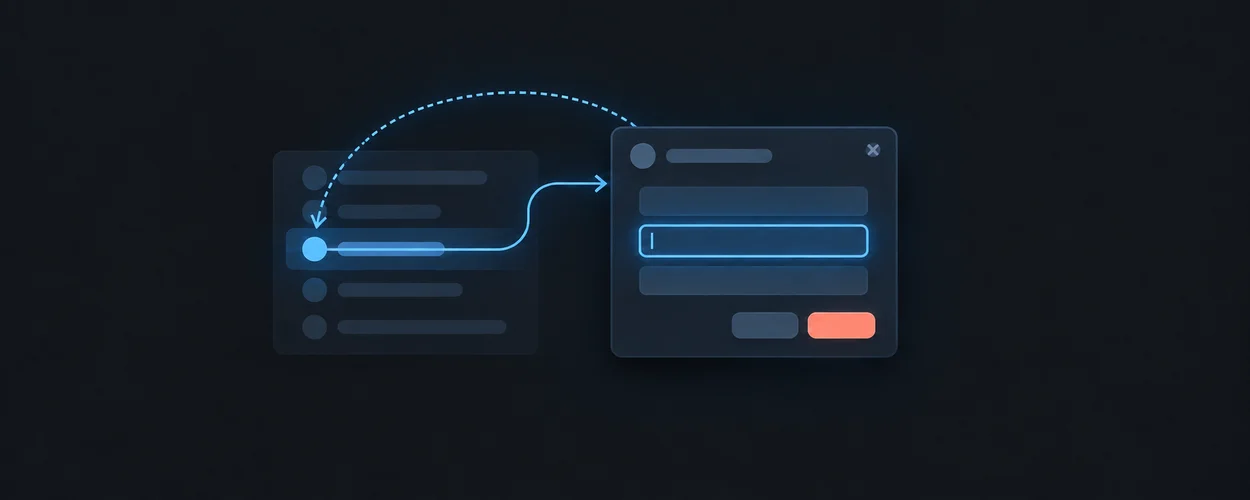
키보드, 포인터, 터치와 드래그 대안의 동작과 포커스를 비교합니다.
이 자료로 구현하기
원문 주소와 버전이 포함된 요청문입니다. 복사한 뒤 만들 화면과 요구사항을 채워 에이전트에게 전달하세요.
Primary role: comparative input and focus guide.
Repository Boundary
This page compares platform interaction contracts. It does not make one platform's shortcuts, target dimensions, or focus model universal. Layout owns logical spatial order; Design Engineering owns the component behavior; shared quality owns accessibility evidence.
Reusable Method
For each task, identify the action, focused or selected object, available input paths, and owner of cancellation. Distinguish moving focus, moving selection, changing a value, and invoking a command. Then compare the target platform's expected behavior with the proposed adaptation.
Platform And Web Sources
| Source | Bounded finding | Adaptation question |
|---|---|---|
| Apple HIG keyboards | Keyboard guidance includes text entry and discoverable, platform-appropriate shortcuts. | Which commands remain discoverable without knowing a shortcut? |
| Apple HIG pointing devices | Pointer interaction is a named platform concern alongside other input. | Does pointer feedback preserve the same task as touch or keyboard input? |
| Android Compose keyboard actions | Editing components have default key behavior; key handlers can consume or propagate events. | Does a parent handler steal a key from an editor or child control? |
| Windows keyboard interactions | The guidance distinguishes navigation, commands, and visible focus for keyboard use. | Are command invocation and focus navigation separate and predictable? |
| APG keyboard interface | Composite widgets have internal navigation conventions; focus and selection are distinct. | Is the chosen widget model actually implemented, including entry and exit? |
| Pointer Events Level 3 | Pointer events model multiple pointing inputs, capture, and cancellation. | Does cancellation leave a coherent drag state and release ownership? |
Read on 2026-09-21. Apple source bodies were inspected through the official documentation JSON. APG is informative guidance; Pointer Events is a standards-track source. Actual input behavior requires a named OS/browser/device combination.
Web Accessibility Conditions To Keep Separate
| Source | Bounded condition | Local probe |
|---|---|---|
| Keyboard, SC 2.1.1 | Functionality needs keyboard operability, with the criterion's scoped exception. | Complete the task without a pointing device. |
| Dragging Movements, SC 2.5.7 | Dragging functionality needs a single-pointer alternative without dragging, subject to exceptions. | Try a click/tap alternative as well as keyboard operation. |
| Target Size Minimum, SC 2.5.8 | The AA criterion specifies 24 by 24 CSS pixels or its stated exceptions, including a defined spacing alternative. | Evaluate the actual hit region and nearby targets, not only the icon. |
| Hover Or Focus Content, SC 1.4.13 | Additional content has dismissibility, hoverability, and persistence conditions with scoped exceptions. | Move onto the revealed content and dismiss it without losing the task. |
| Focus Order, SC 2.4.3 | Sequential focus order must preserve meaning and operation where order matters. | Follow focus through the actual rendered structure. |
| Focus Not Obscured Minimum, SC 2.4.11 | At AA, an author-created surface must not entirely hide the focused component. | Open sticky and overlay surfaces while moving focus. |
These Understanding documents explain normative WCAG requirements. The minimum target criterion is not a universal product target size; native units and platform recommendations need their own rationale. Keyboard access and a no-drag single-pointer alternative answer different conditions.
Worked Adaptation: Reorder An Item
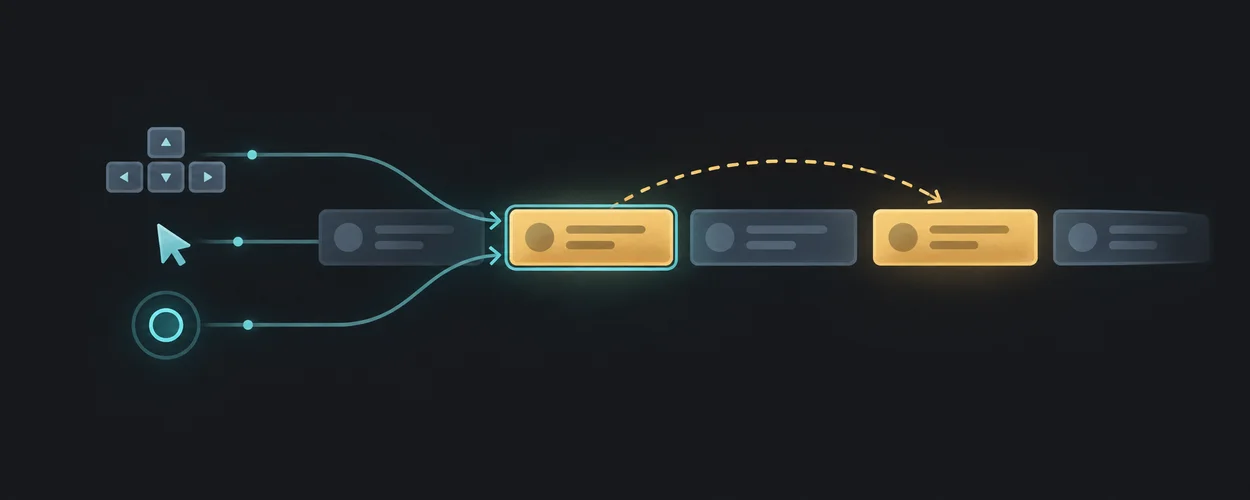
The product offers a drag handle and chooses a Move action with explicit destinations as its alternative. All paths call the same reorder operation with stable item identity. Focus stays on the moved item or on a documented successor, and the result is exposed without relying solely on movement.
| Path | Ownership decision | Failure to catch |
|---|---|---|
| Pointer drag | Capture, drop eligibility, and cancelled-drag outcome | A cancelled pointer stream leaves the item detached. |
| Click/tap Move | Destination choice and confirmation | The alternative still requires a hidden drag gesture. |
| Keyboard | Widget navigation and command activation | Arrow keys move the page and item simultaneously. |
| Assistive technology | Name, action, current position, and resulting state | The visual reorder is absent from the semantic order. |
This is a local proposal. It does not prescribe one keyboard shortcut or say that every list must be a composite ARIA widget.
Opinionated Guidance
Use shortcuts to accelerate visible actions. Scope listeners to the intended surface, and let text editing and composition retain their own keys. Give each cancellation action one clearly documented owner before allowing it to propagate outward.
Platform-Specific Guidance
Primary pointer and hover media features describe capabilities, not an exclusive device category; hybrid input requires an actual interaction matrix. System/browser shortcuts and assistive-technology commands may already own a key combination. Record the platform conflict check instead of translating Control to Command mechanically.
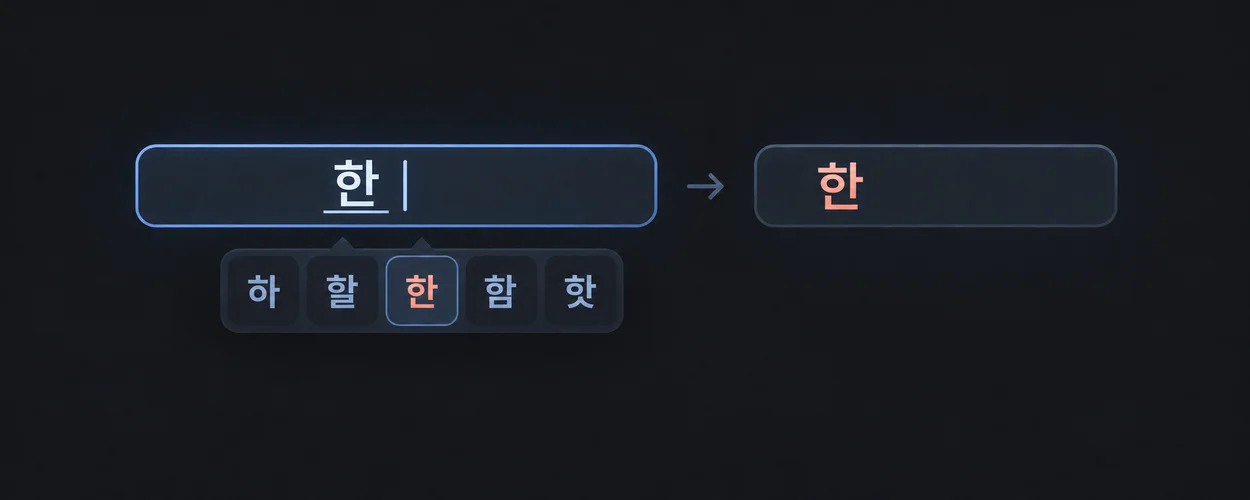
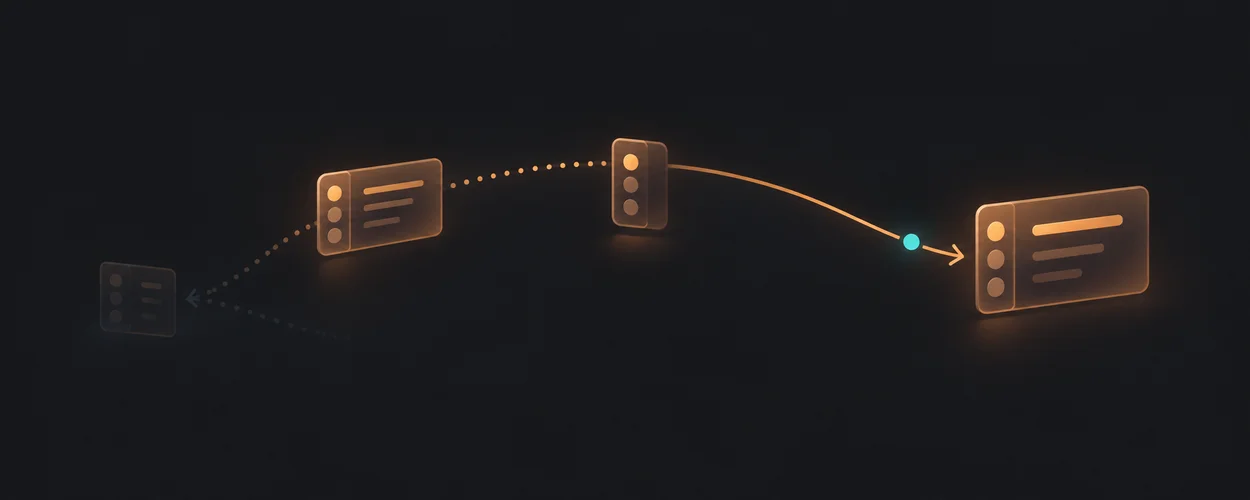
For IME-sensitive keys, follow Text Input And Internationalization. For drag presentation after cancellation, follow Interruption And Retargeting.
Unsupported Absolutes
Keyboard support alone does not satisfy the no-drag pointer condition. Visible focus does not prove focus order. A large icon does not prove a large hit region. A touch-capable device does not imply that hover or keyboard input is absent.
Verification Contract
Use actual task sequences with keyboard, pointer, touch where supported, and relevant assistive technology. Record input mode changes mid-task, cancelled drag, focus after item removal, nested Escape, hover-to-content movement, and overlays covering the focus target.
These cases are unexecuted. Synthetic events can validate handlers but do not establish physical input or assistive-technology integration. Re-review when command scope, component roles, or target input support changes.
Source, License, And Attribution
Locally authored synthesis of the linked first-party sources, inspected 2026-09-21. No native interaction artwork, source examples, or code are copied. consumer_reference: not_applicable because no consumer input record is selected.
IA Navigation
Parent: Platform Guides. Next: Platform Compatibility Matrix.