A FIELD GUIDE FOR INTERFACES
다음 화면의 시작점.
배치부터 움직임, 상태와 용어까지. 만드는 순간에 필요한 인터페이스 지식을 만나보세요.
한국어 키워드로 찾고, 영문 원문으로 이어서 읽어요.
분야별로 둘러보기
모든 단어가 들어맞는 자료가 없어, 일부 단어가 일치하는 자료를 보여드려요. 작업별 읽기 순서도 확인해 보세요.
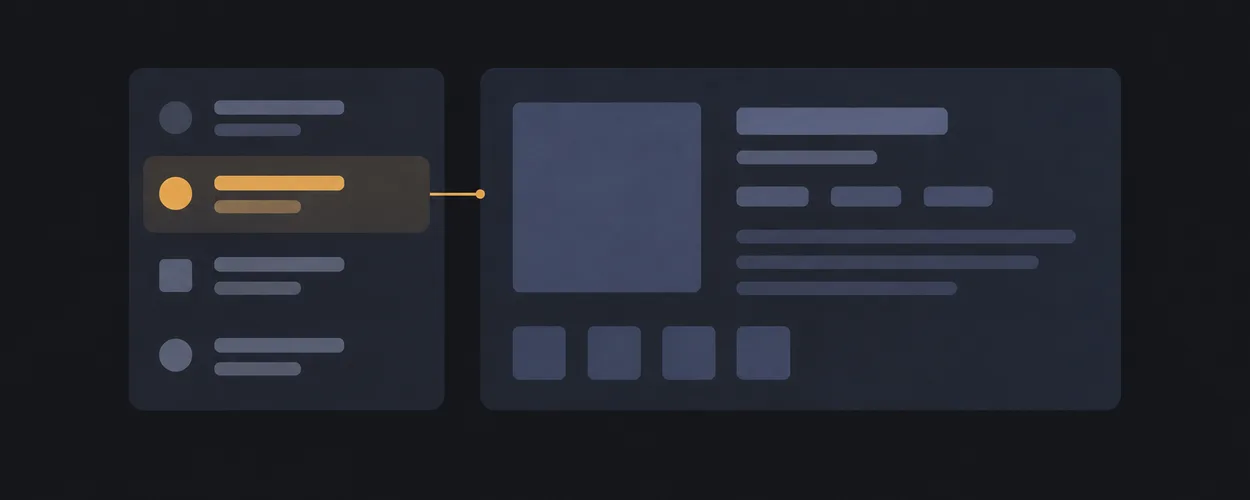
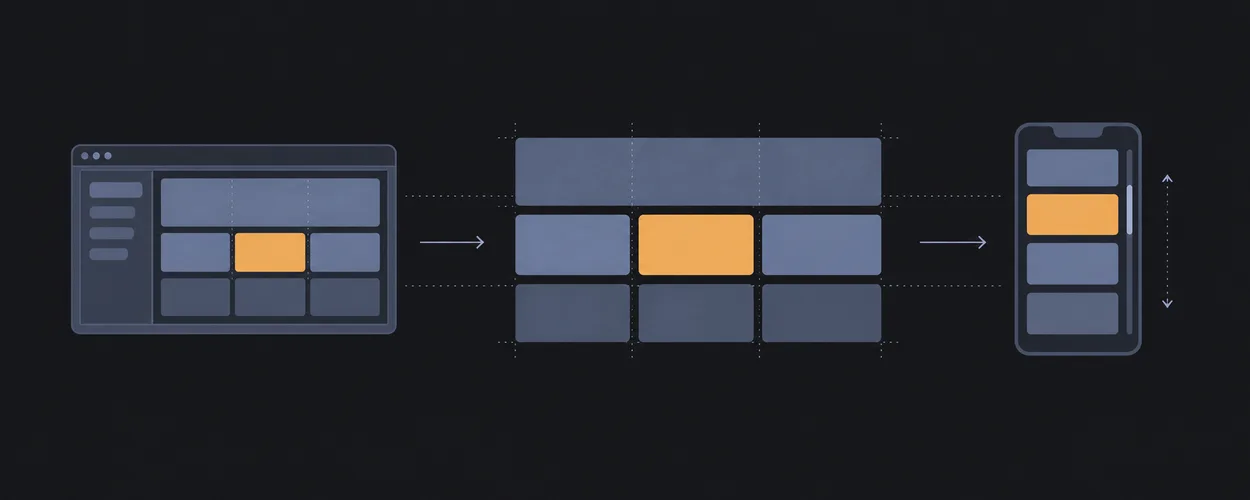
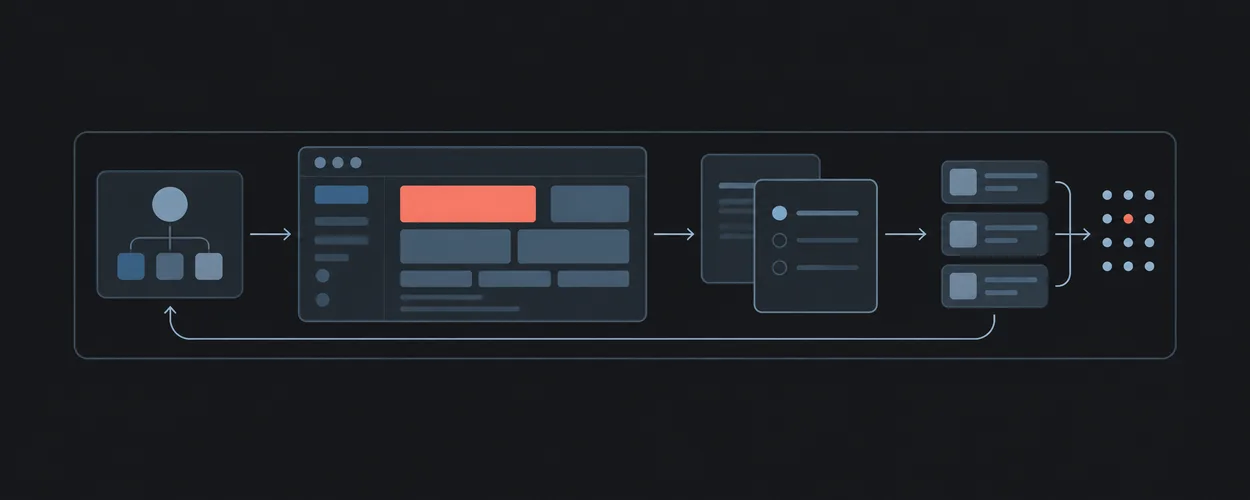
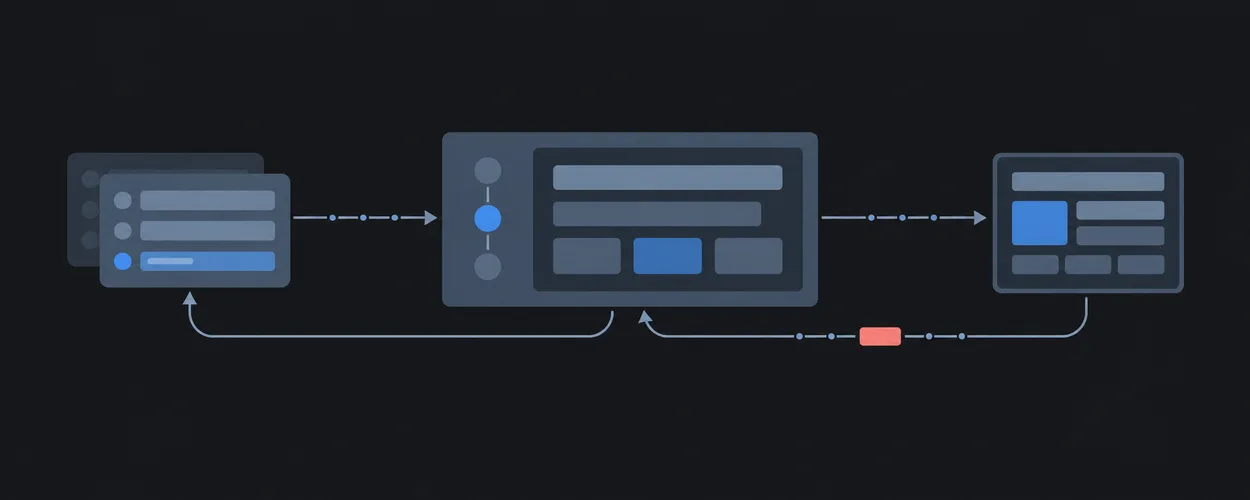
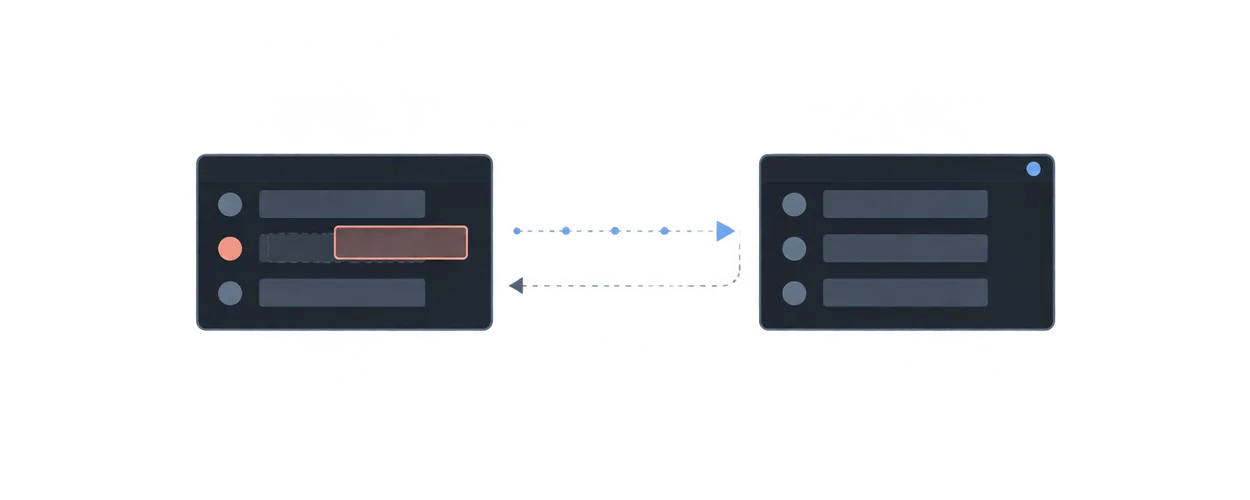
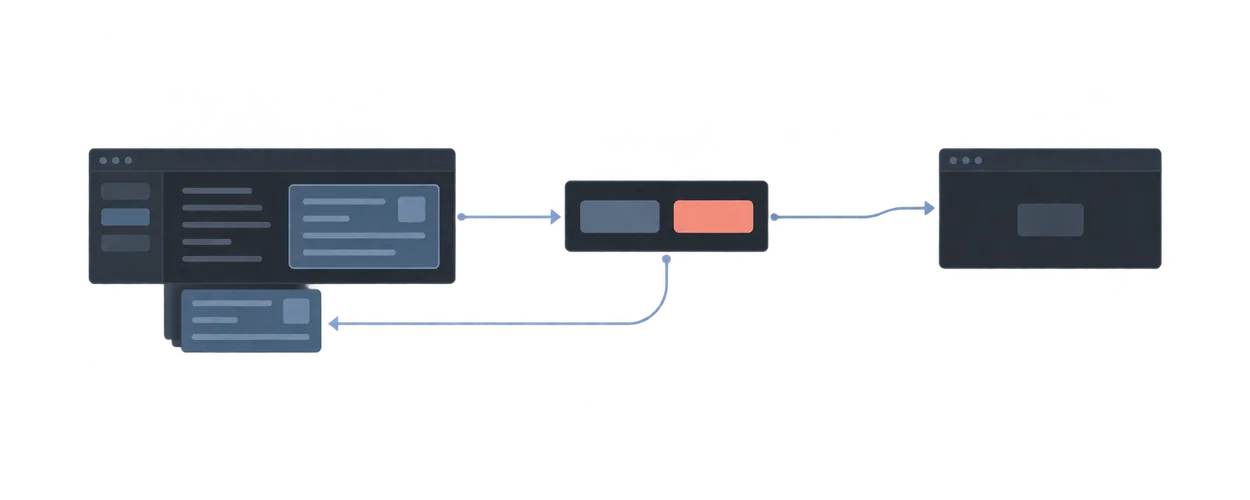
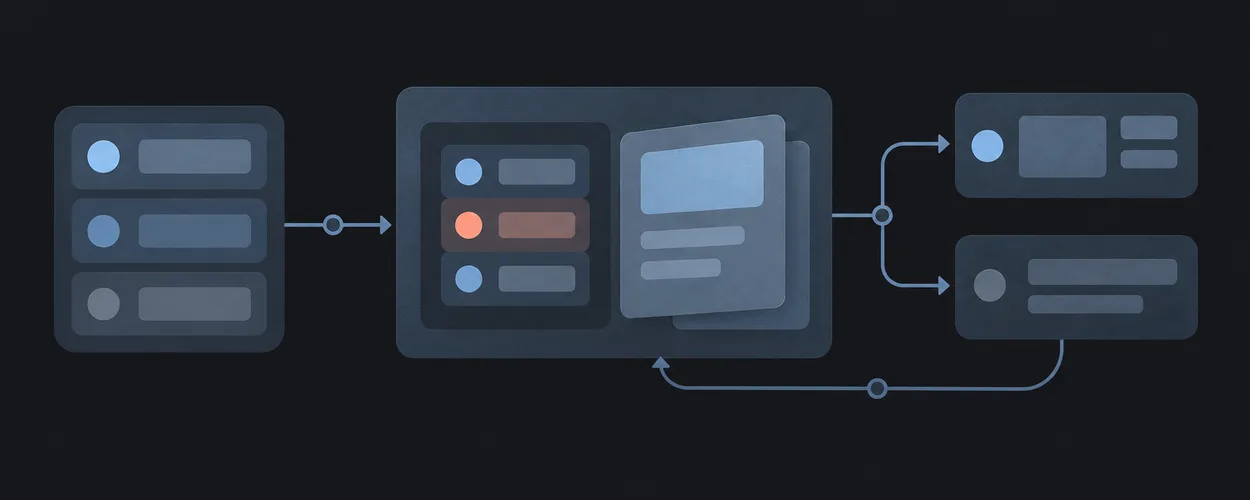
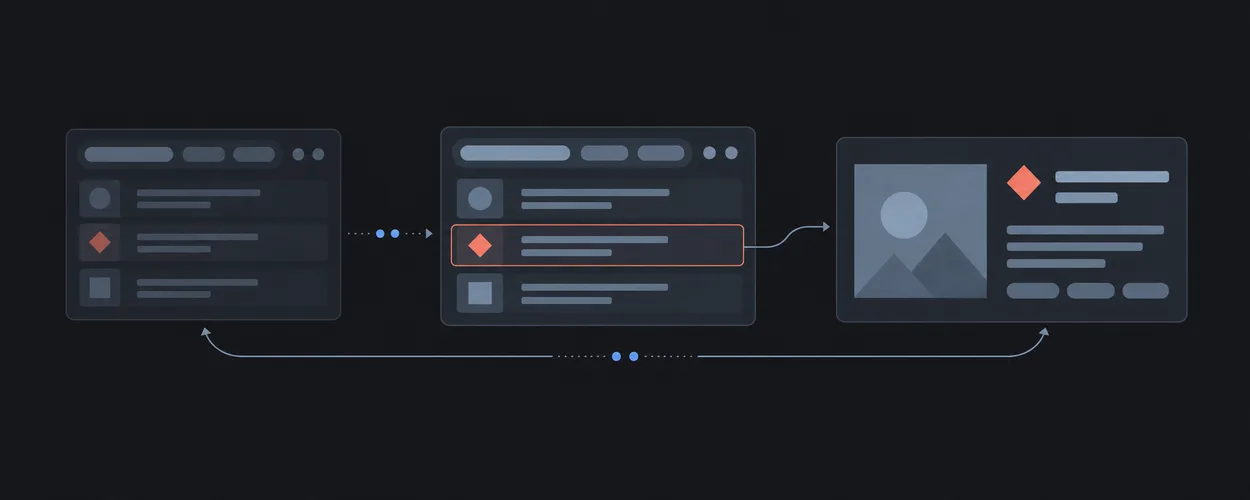
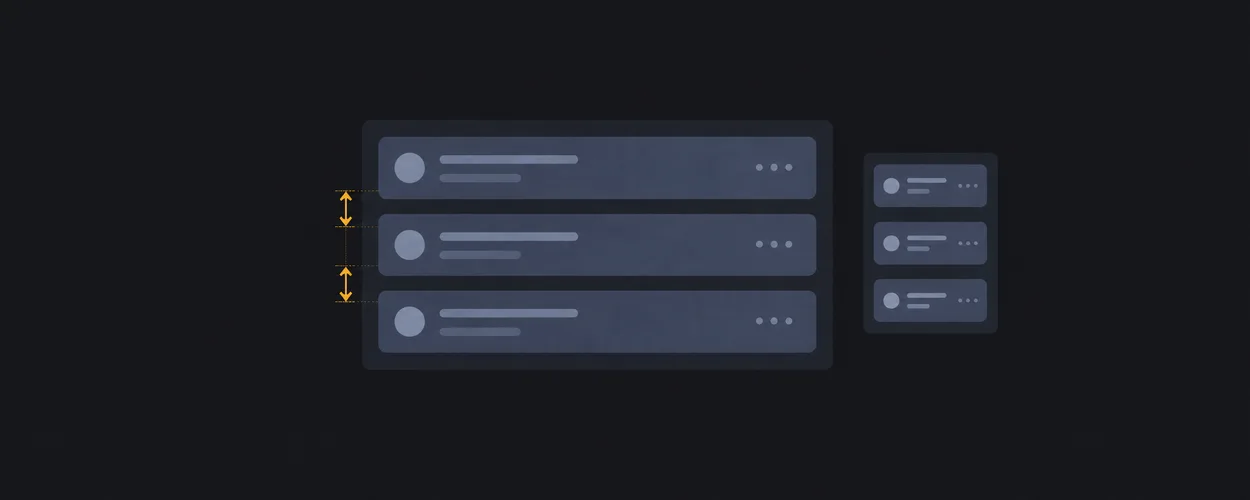
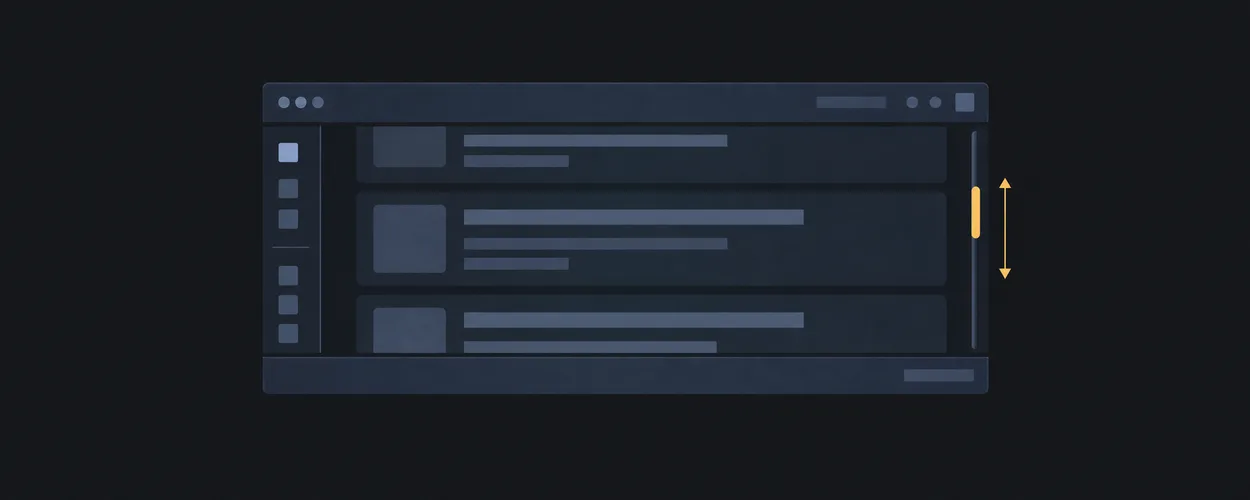
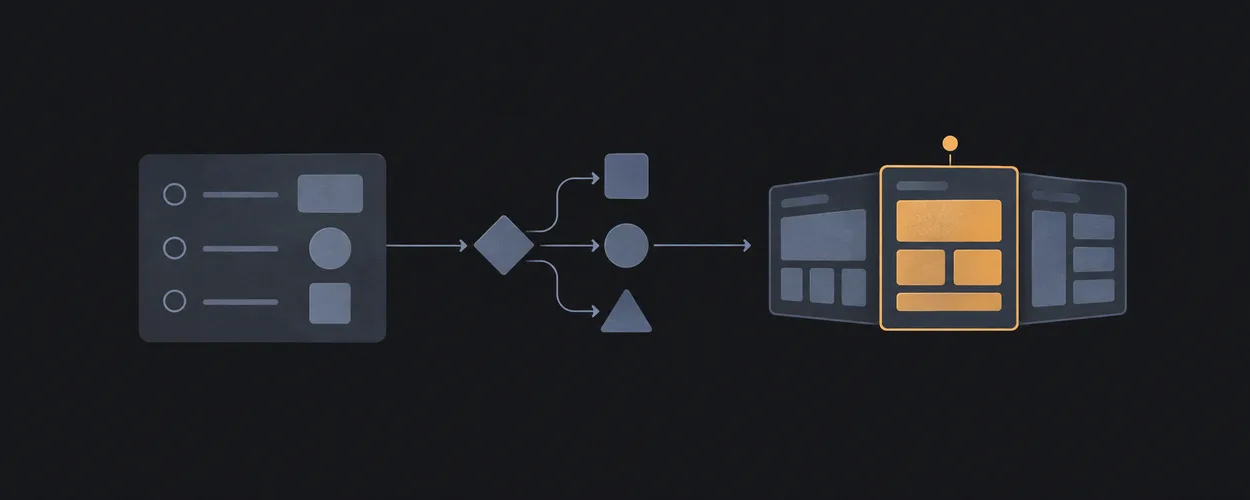
목록과 상세를 나란히
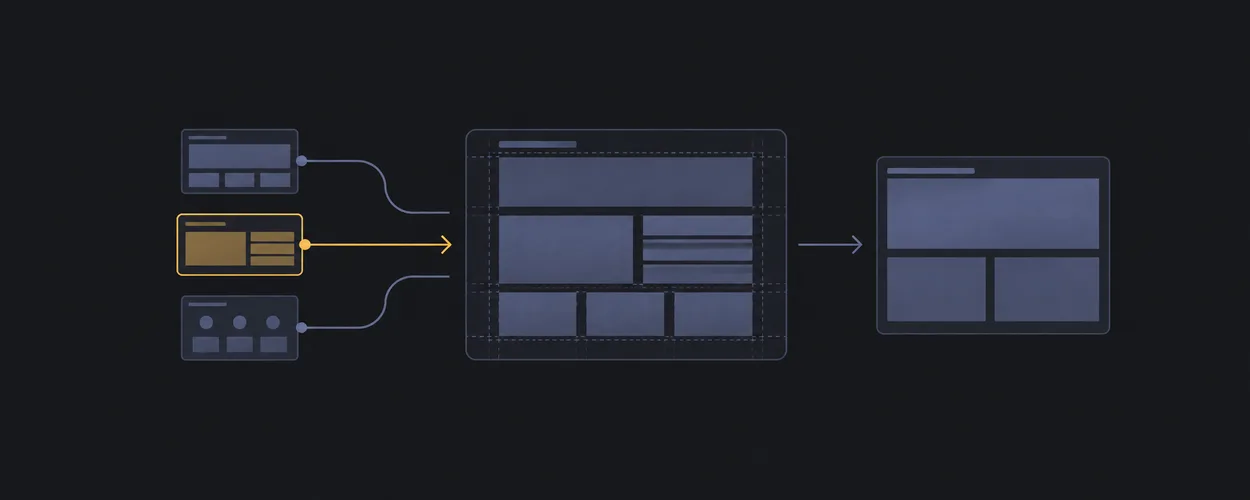
항목을 탐색하면서 선택한 내용을 함께 볼 수 있는 두 영역.
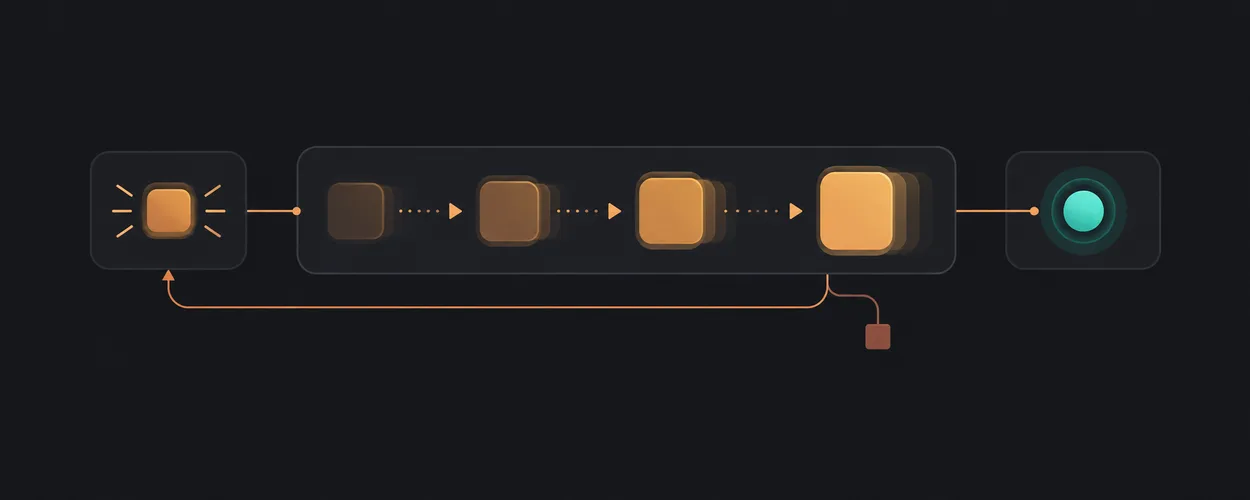
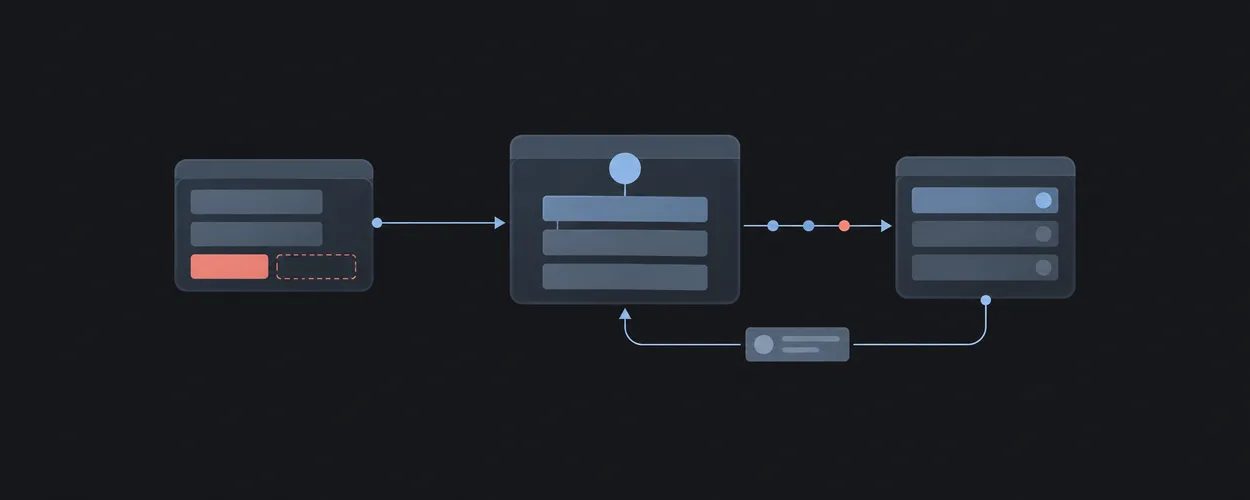
list-detail상태에 반응하는 모션
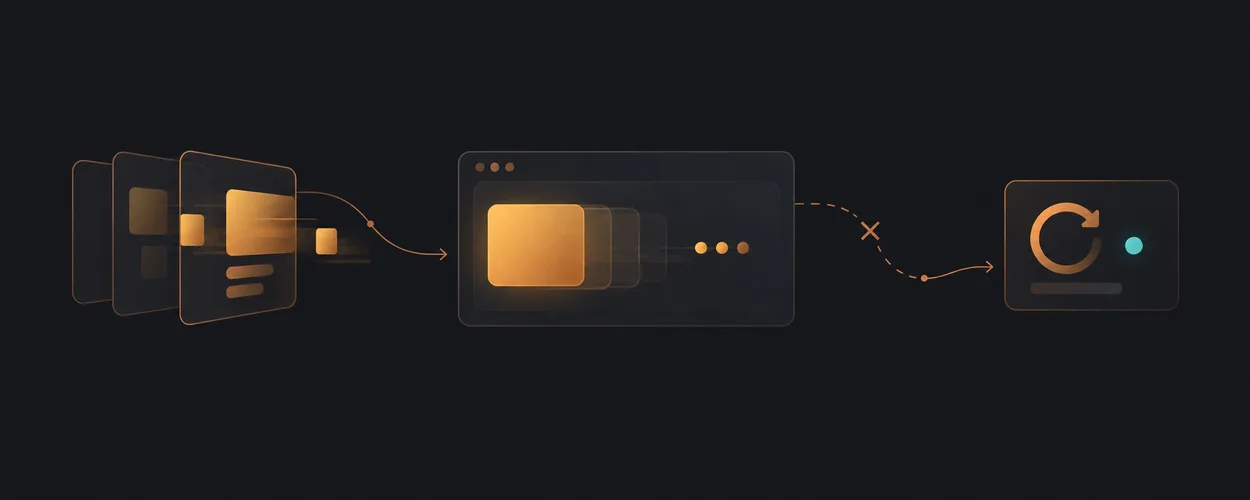
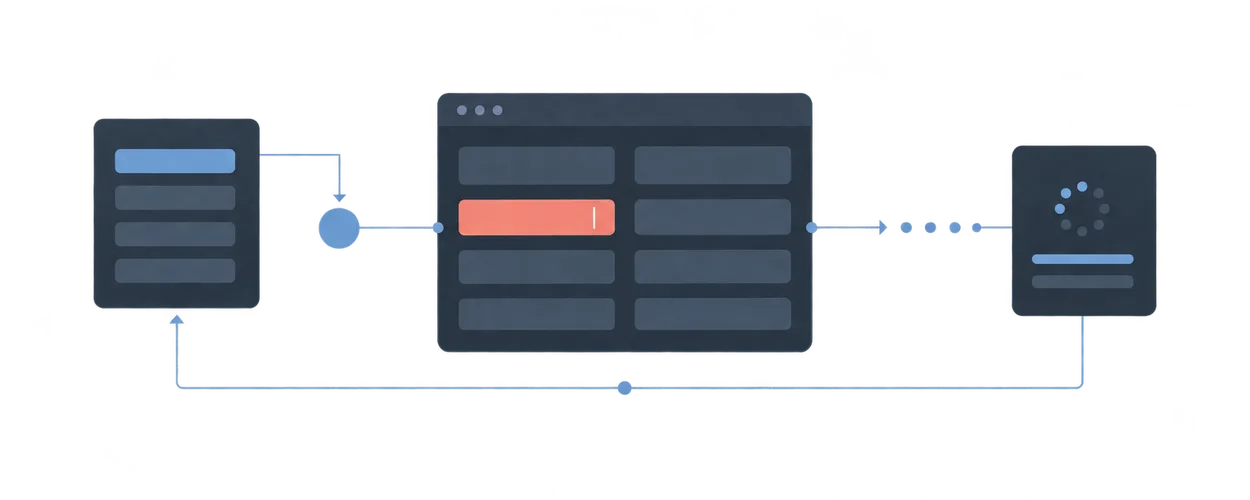
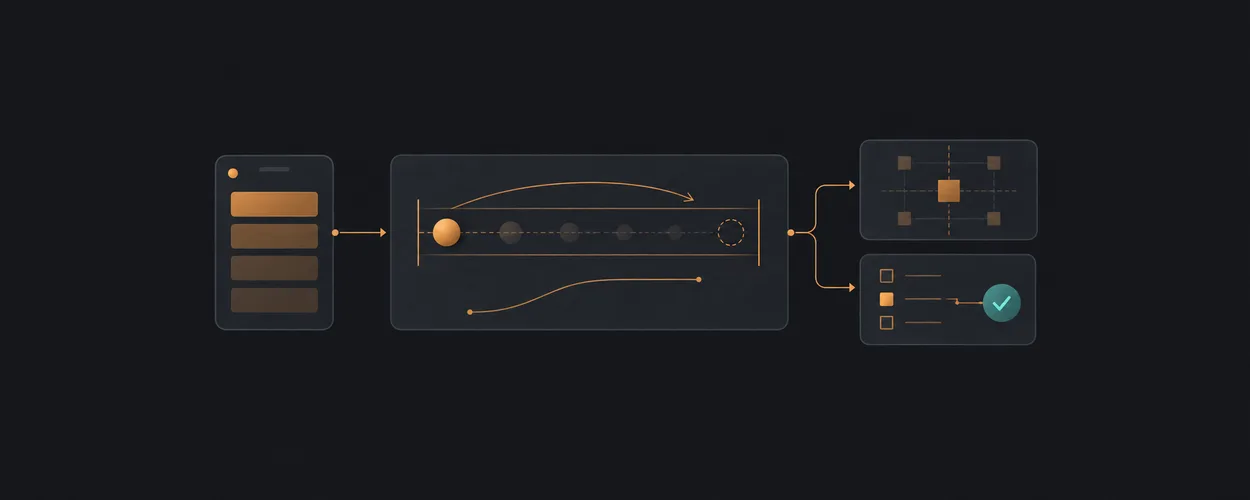
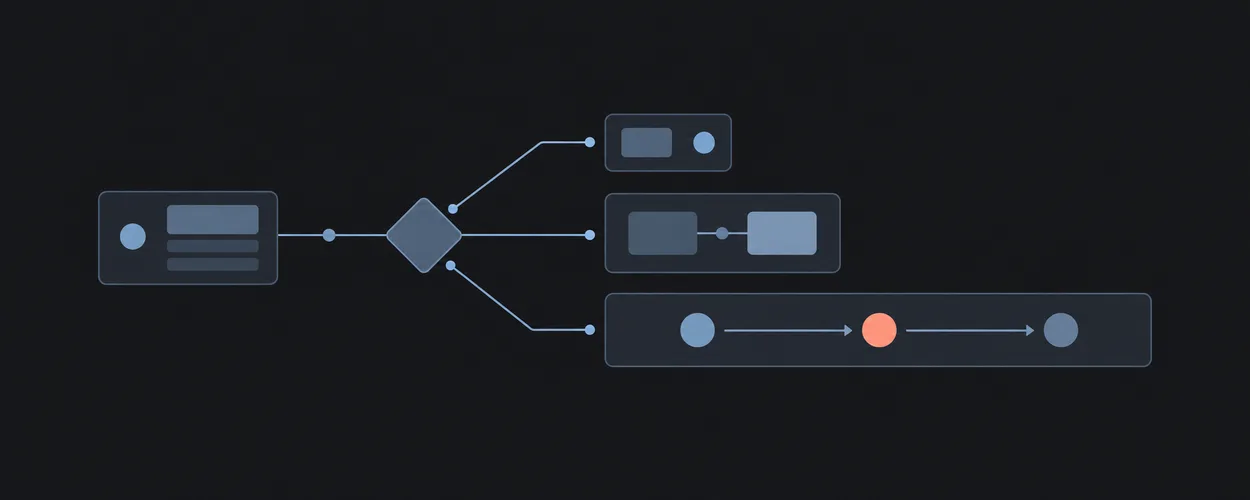
입력의 응답부터 완료까지. 재시도와 중단도 함께 설계합니다.
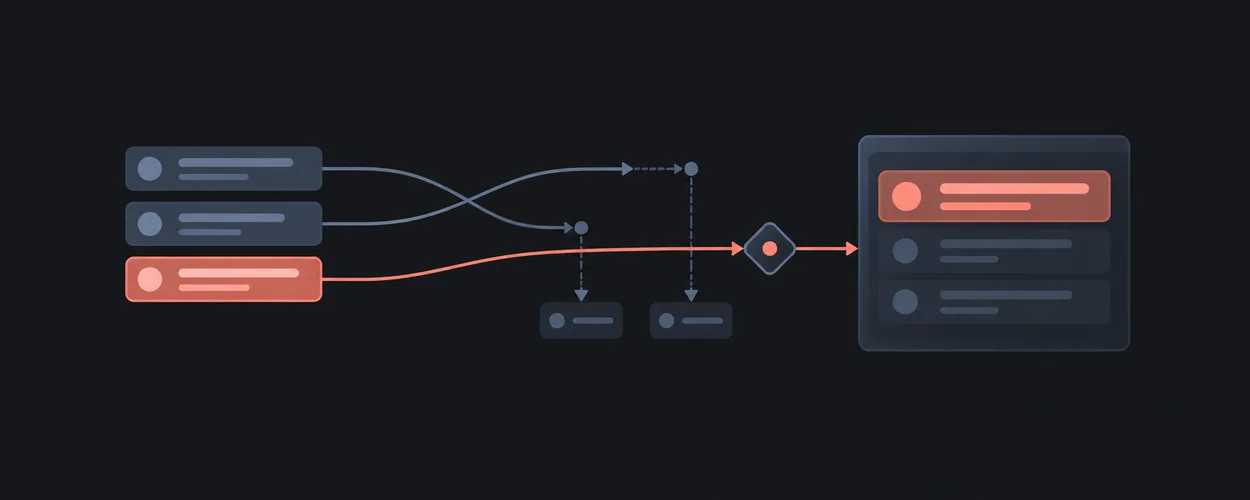
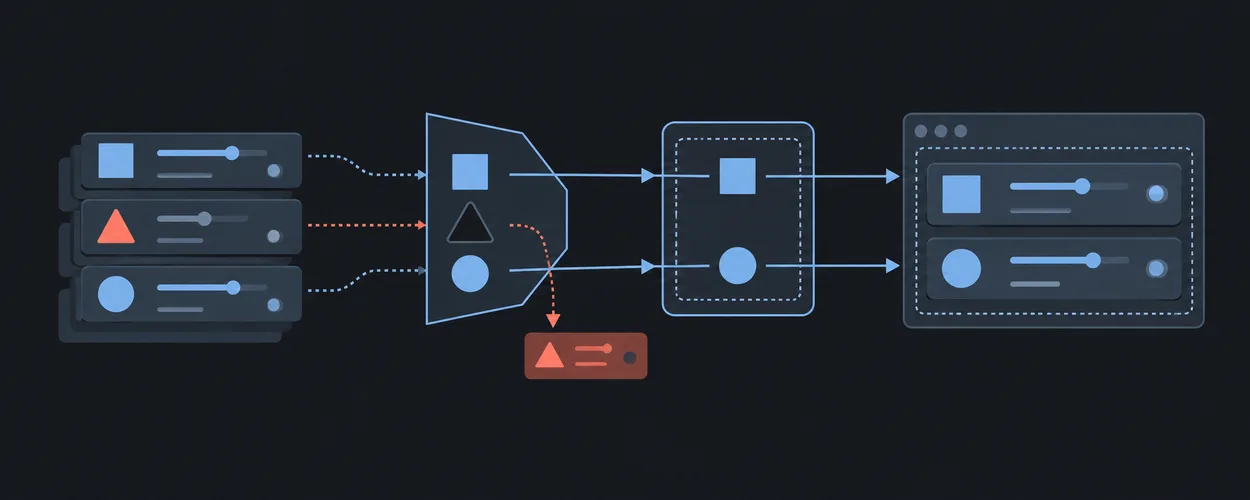
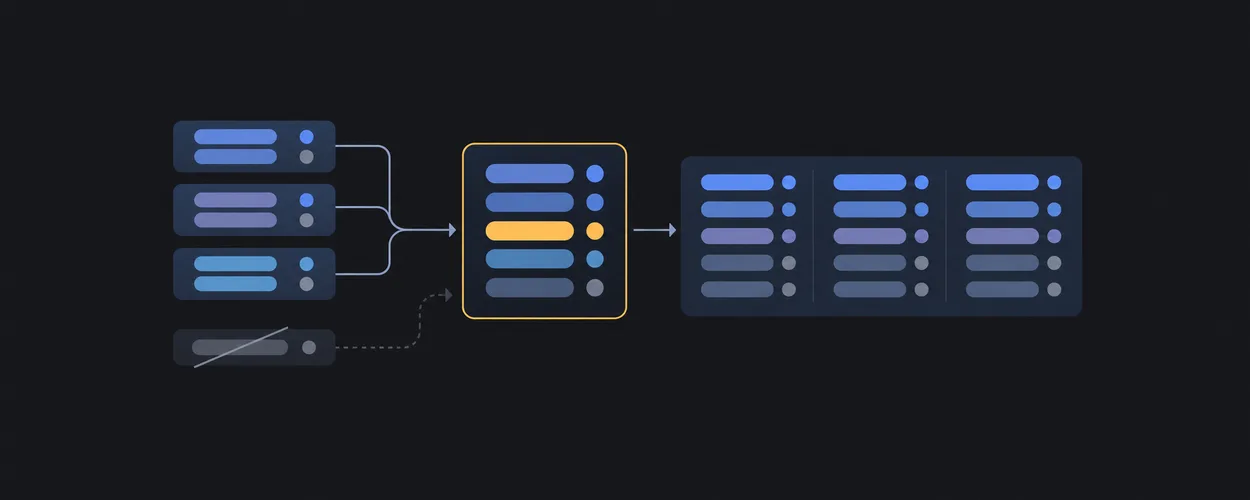
Motion Interaction Recipes마지막 검색이 먼저 도착한다면
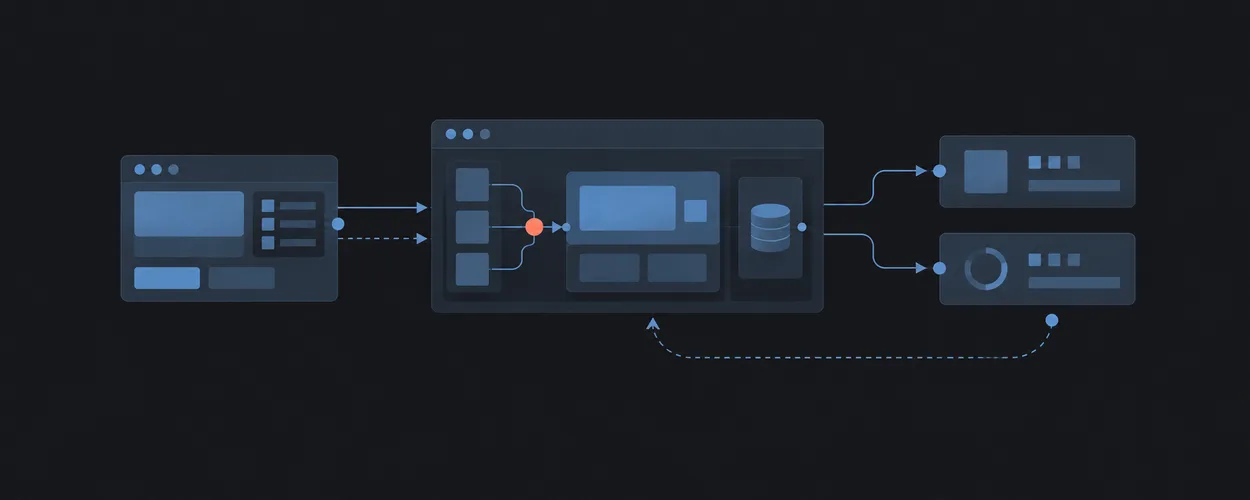
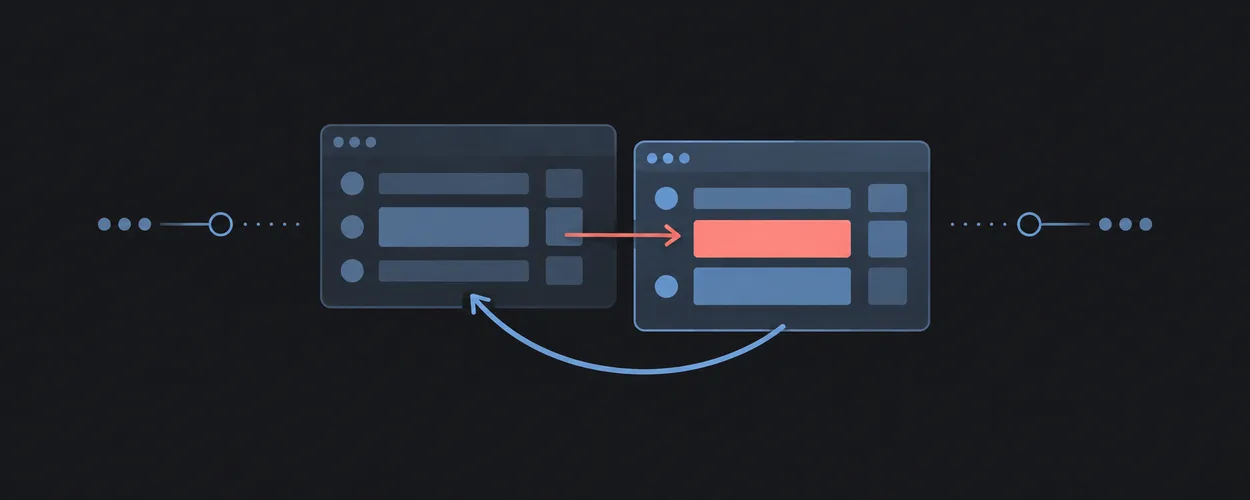
응답 순서가 뒤집혀도 사용자의 최신 의도를 화면에 유지합니다.
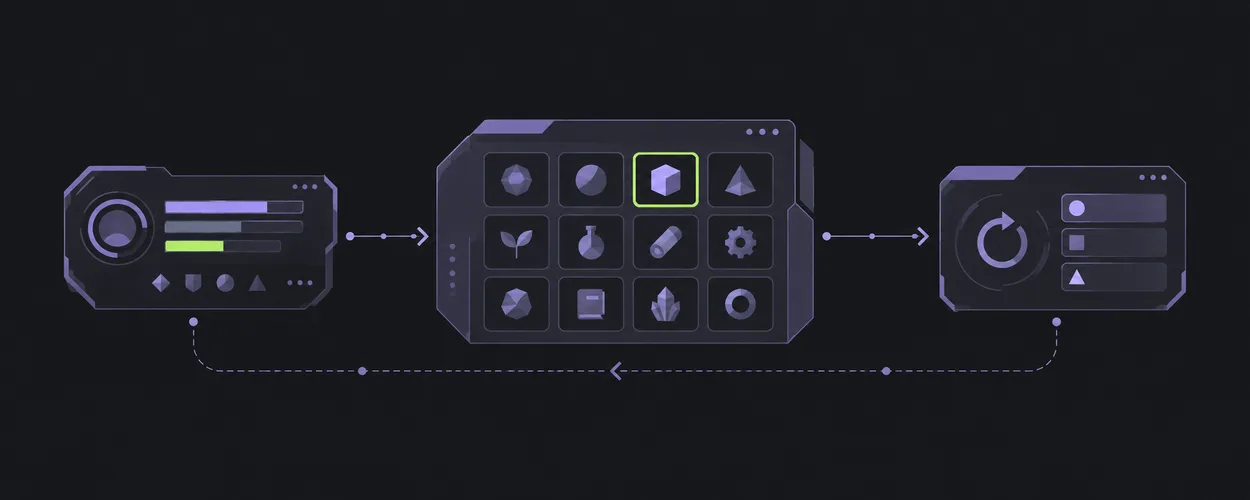
Latest Request Wins플레이어의 작업에서 시작하기
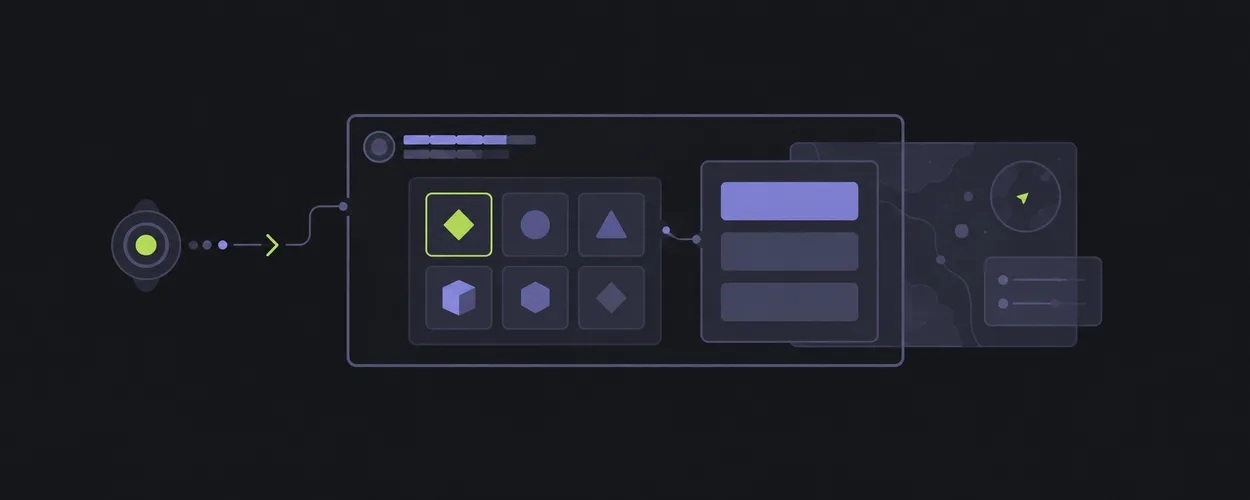
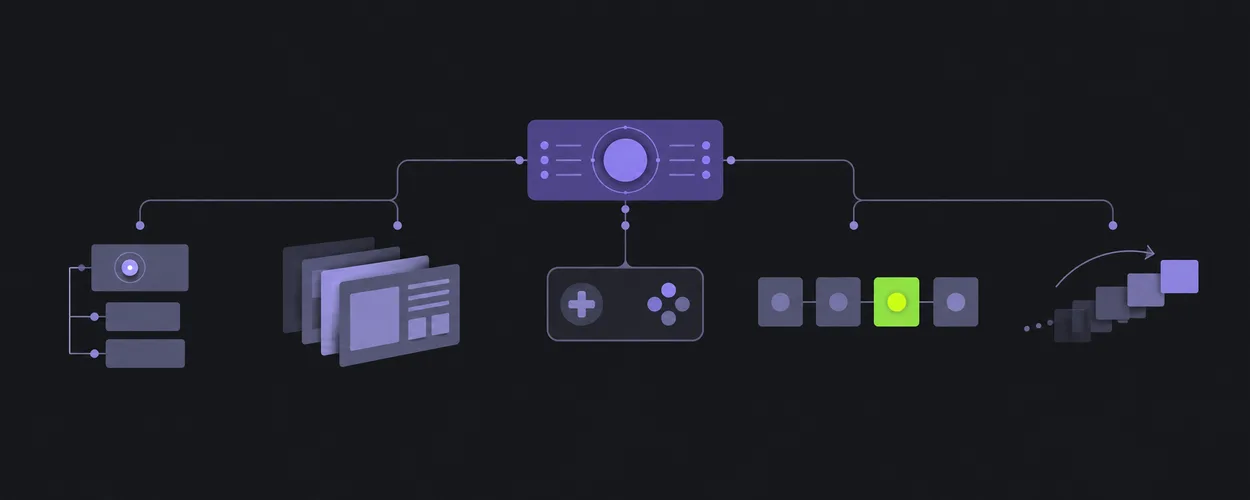
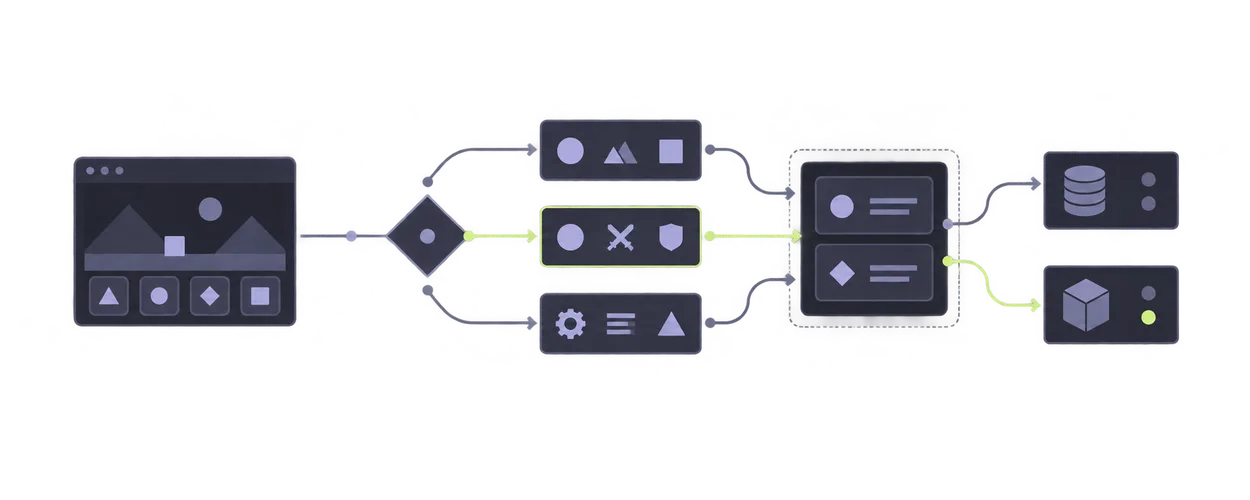
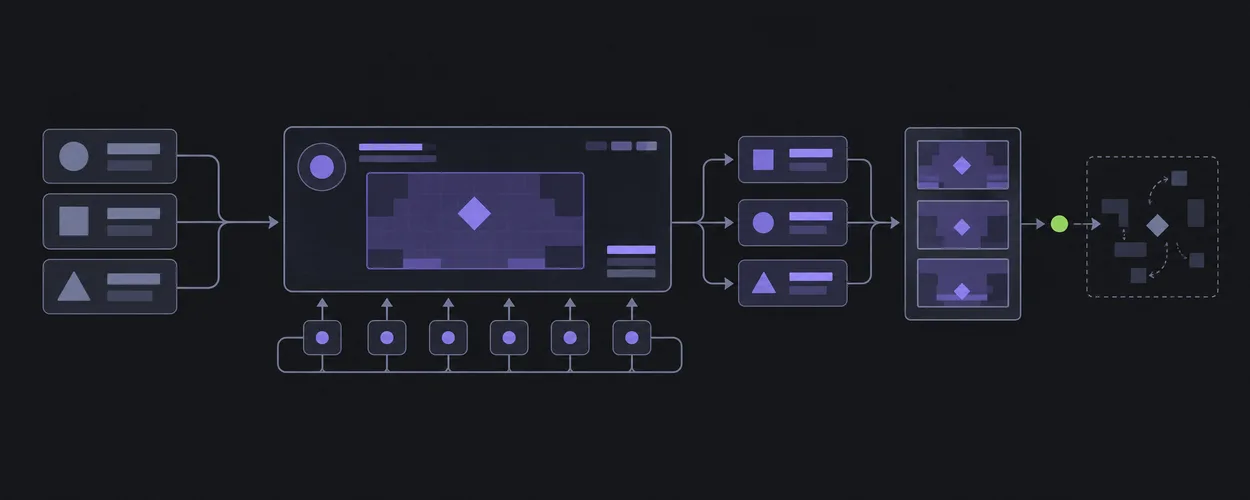
HUD부터 인벤토리까지. 선택, 입력, 복구를 화면 구조로 연결합니다.
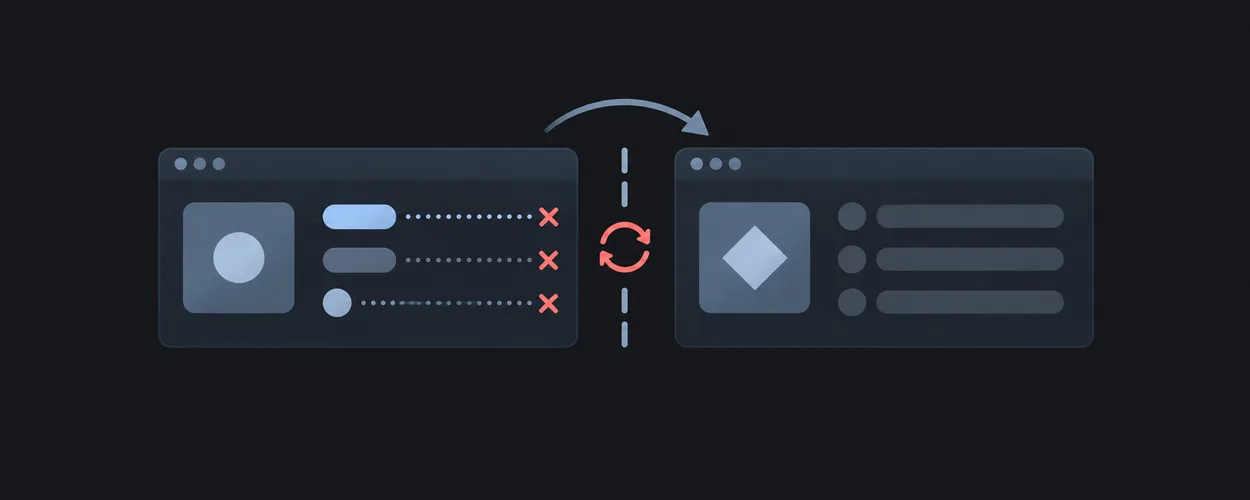
Game UI Screen Recipes플랫폼의 차이를 비교하기
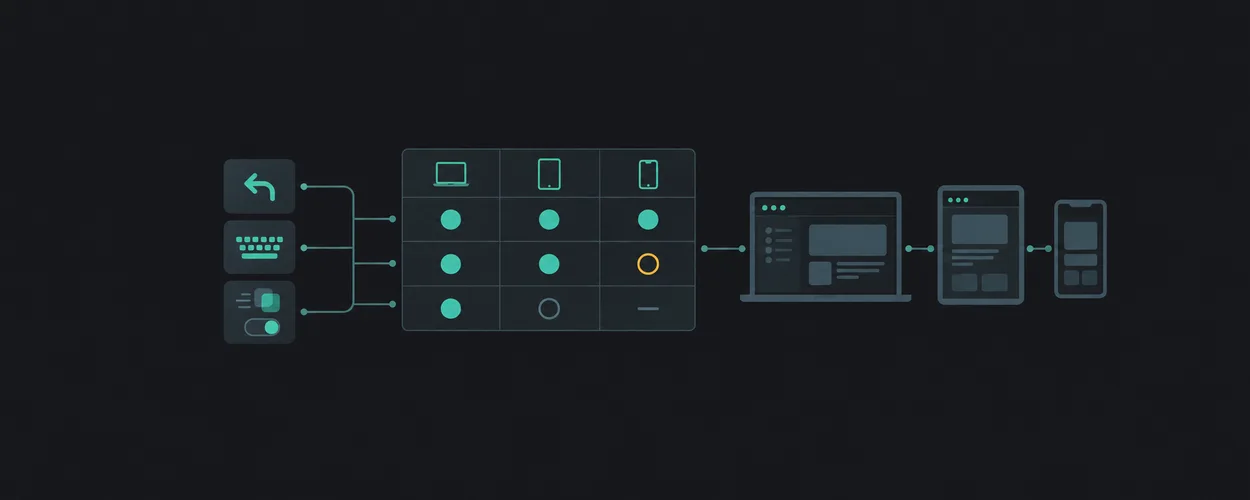
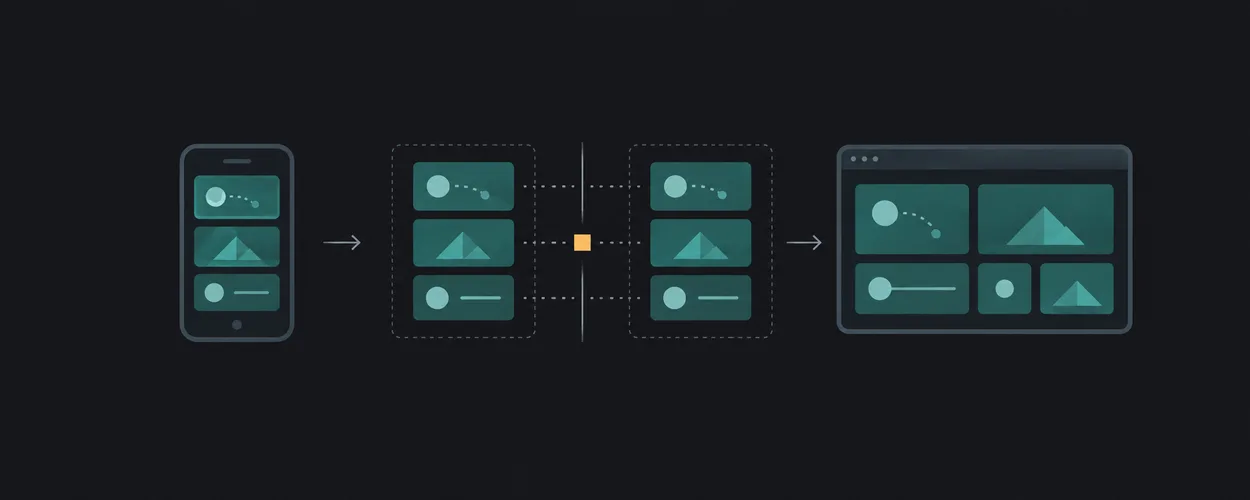
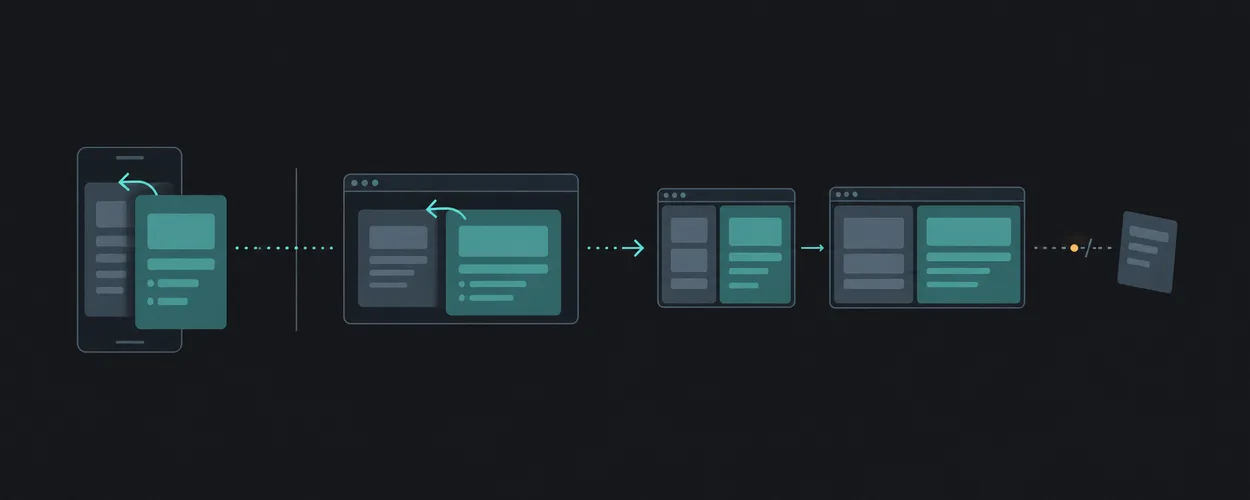
뒤로 가기, 키보드, 모션 설정을 웹에 적용할 때 확인할 것들.
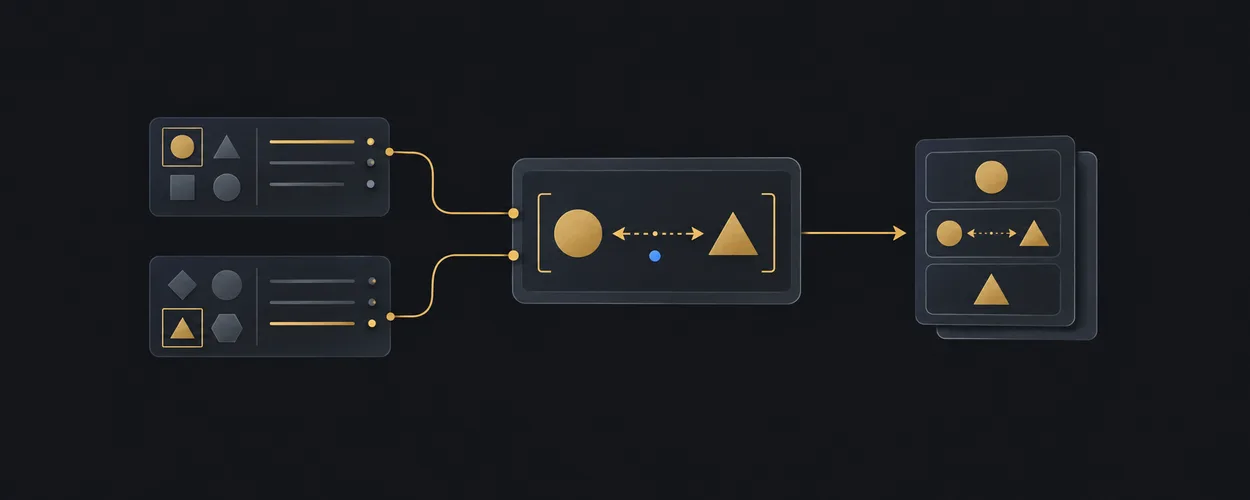
Platform Compatibility Matrix같은 이름이면 같은 뜻일까
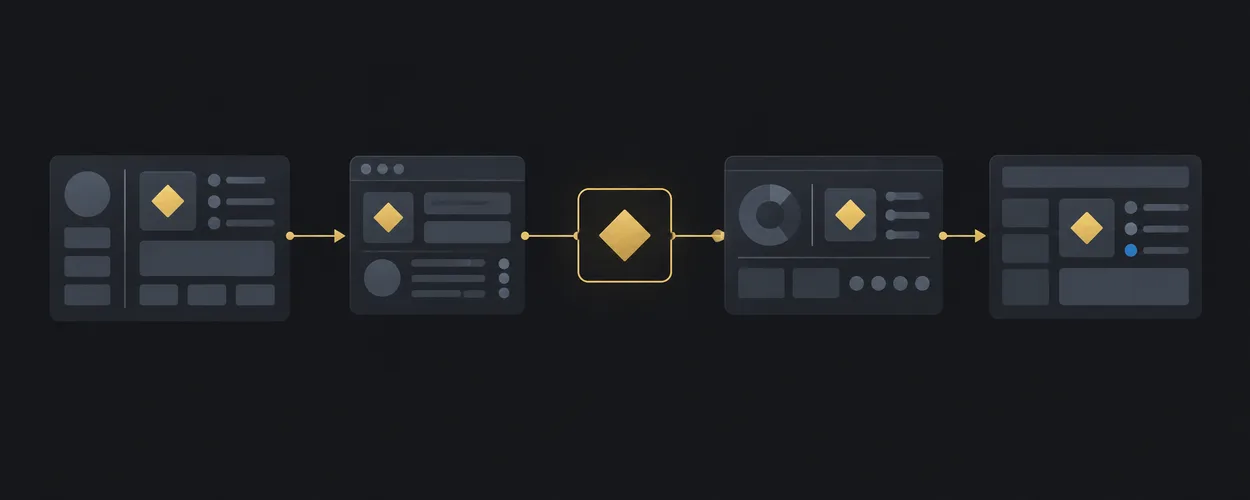
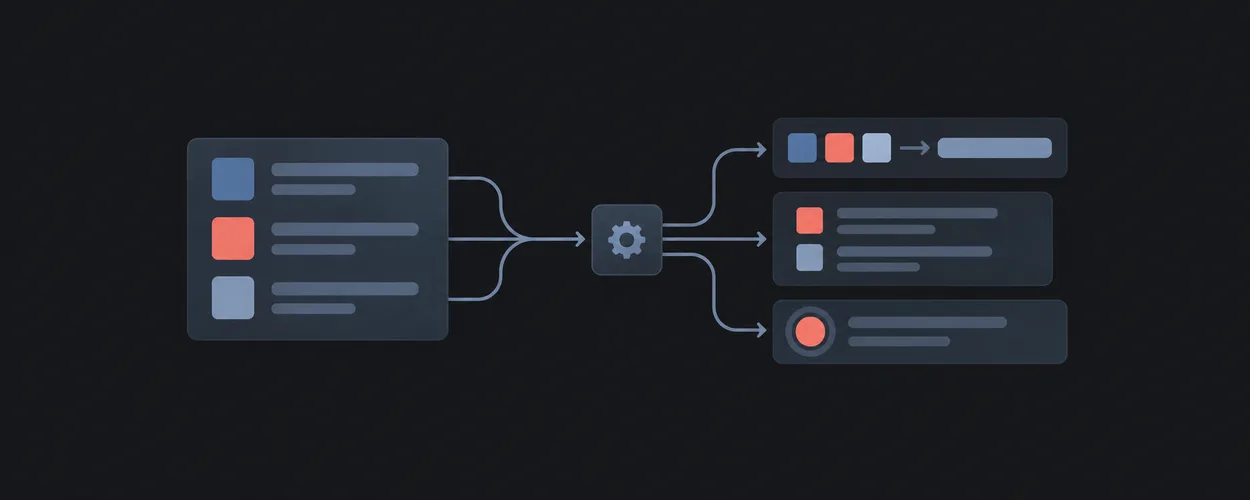
Variable, token, component. 용어를 출처와 함께 비교합니다.
Cross-System Term CasesLayout
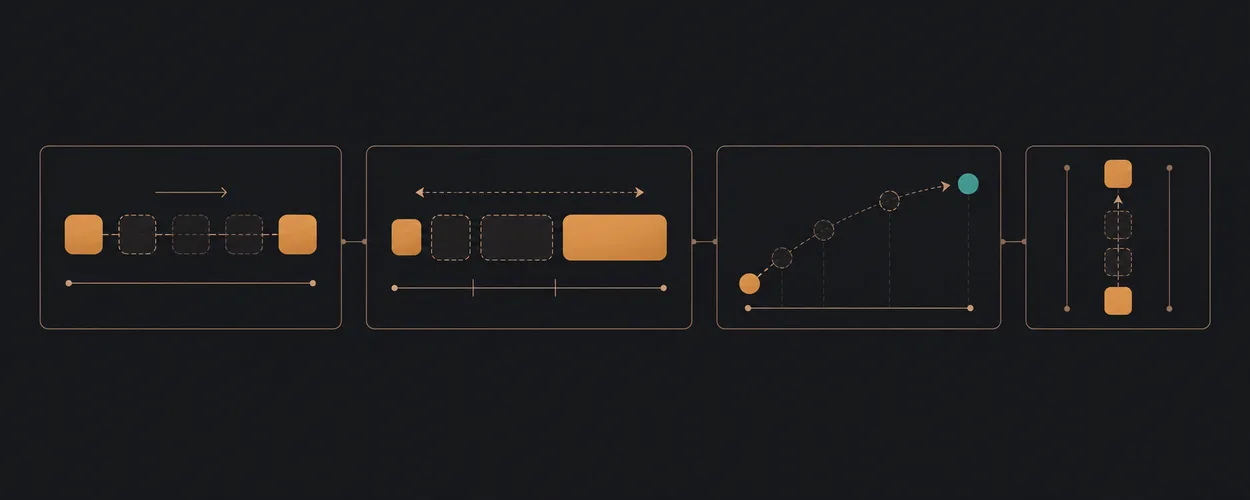
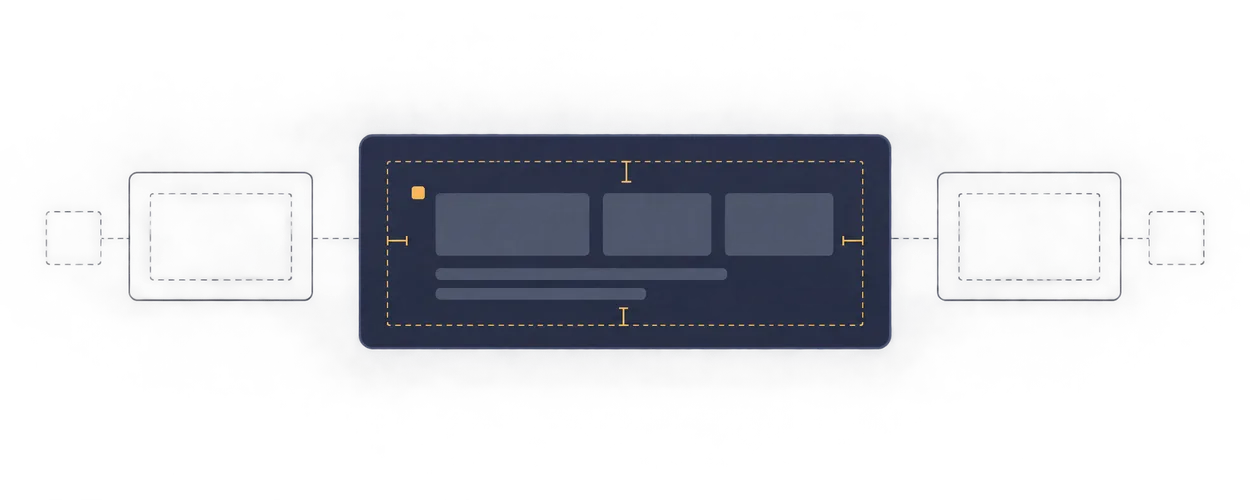
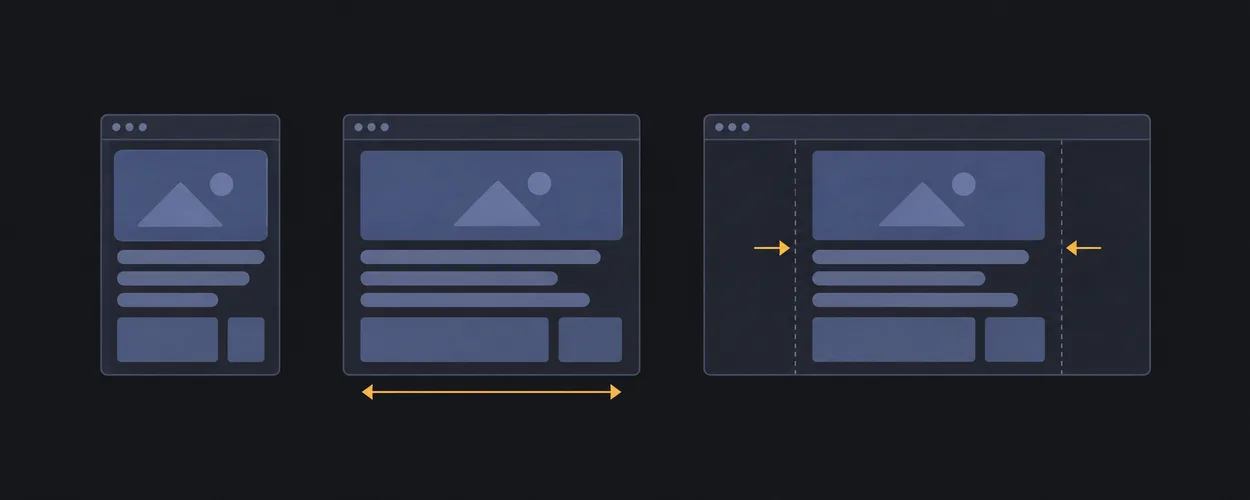
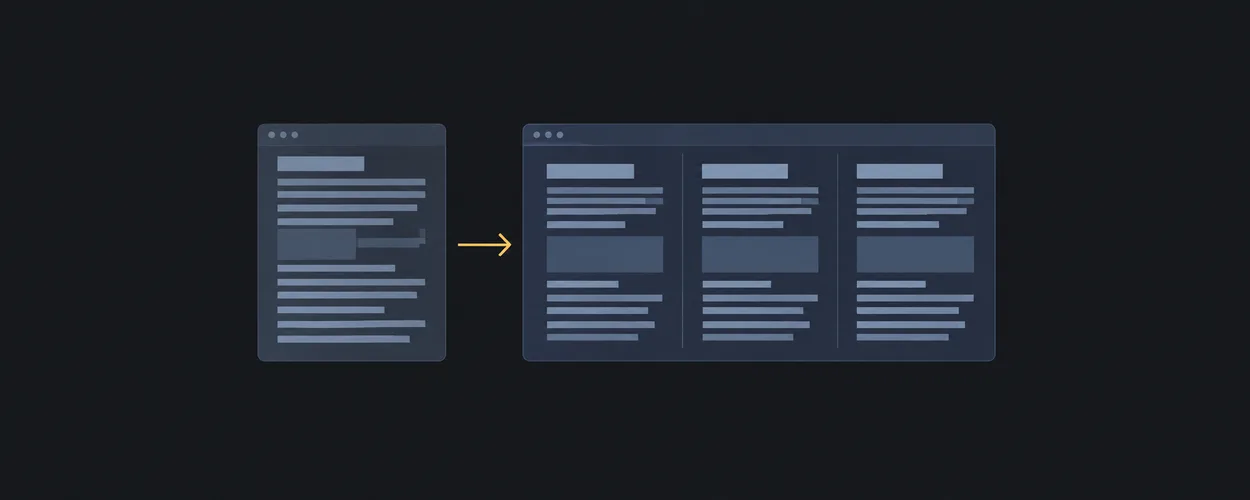
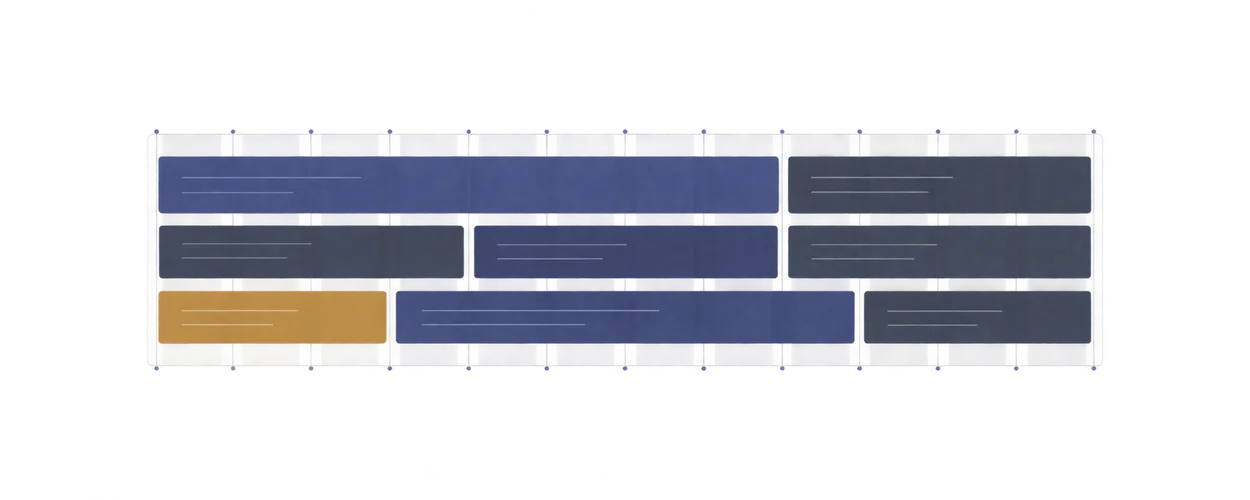
정렬, 그리드, 반응형 배치와 스크롤을 위한 작은 HTML·CSS 패턴.
Motion
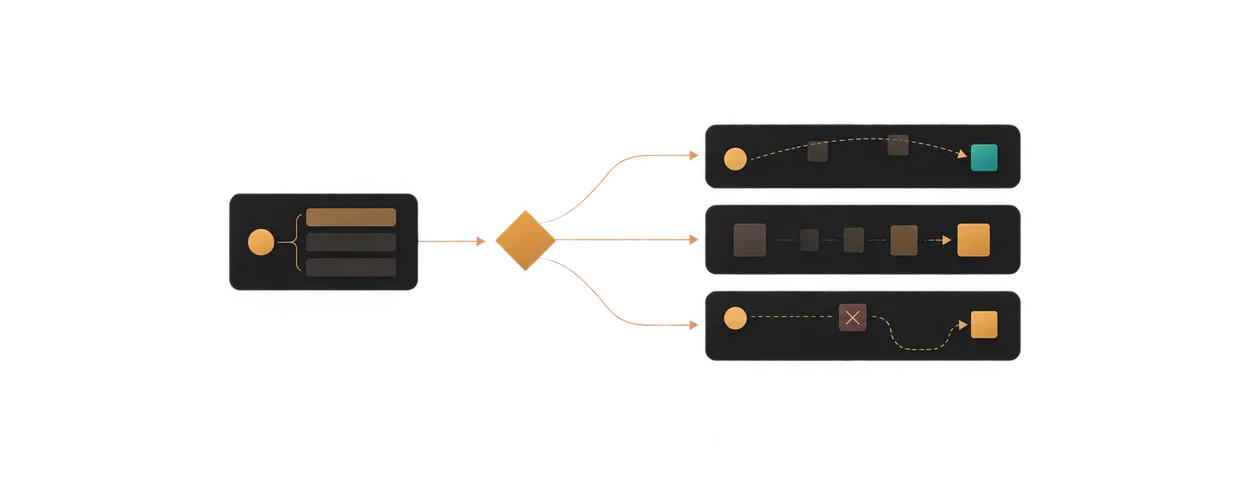
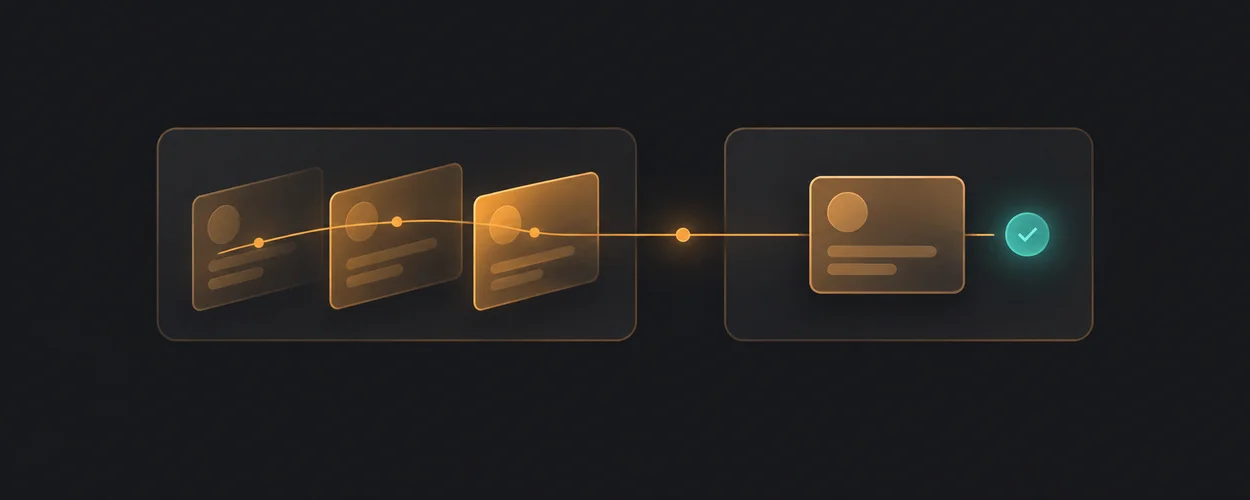
전환과 피드백, 중단과 재시도까지 생각하는 모션 가이드.
Design Engineering
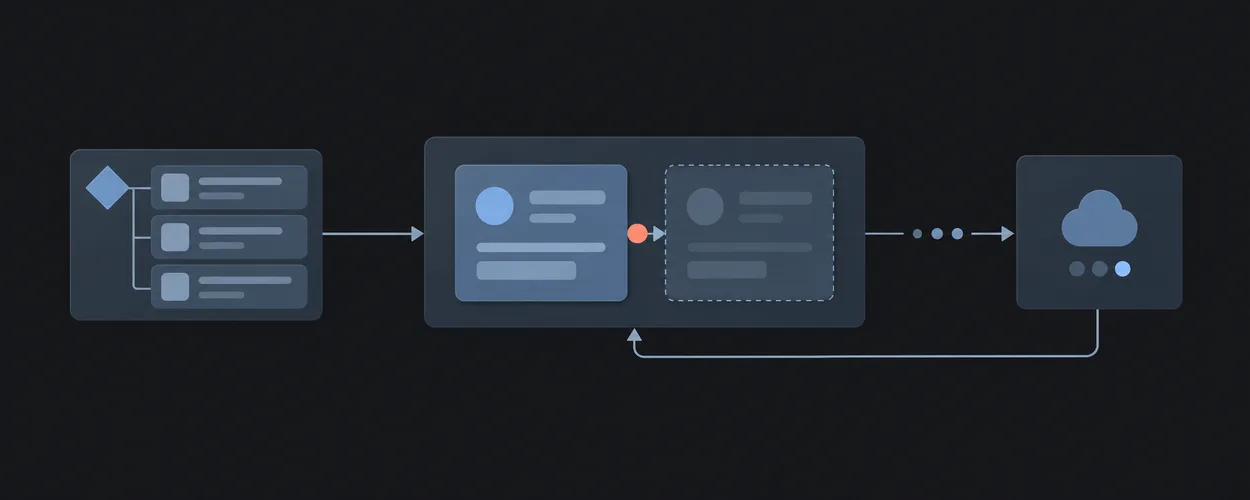
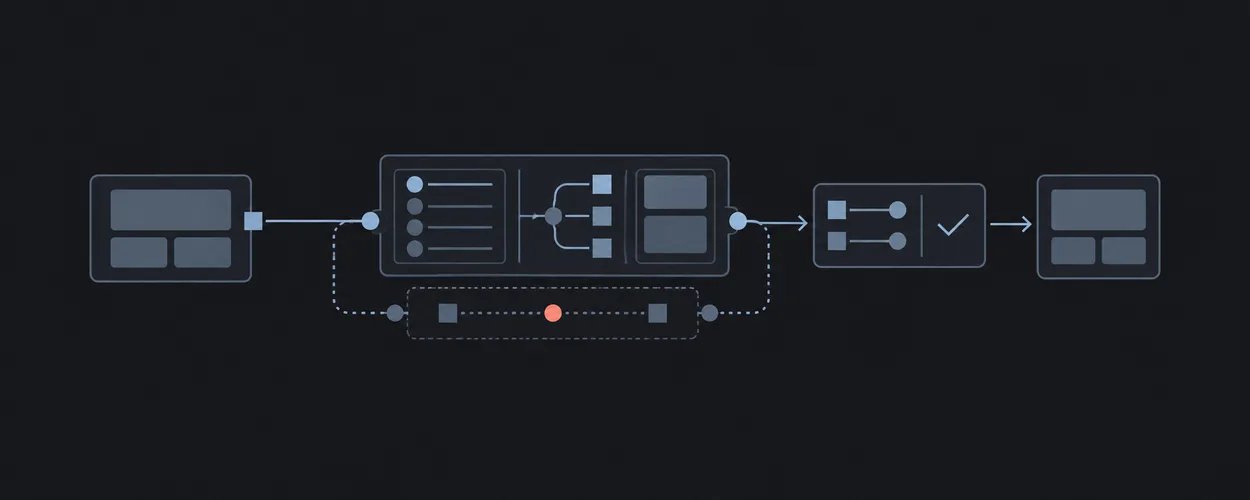
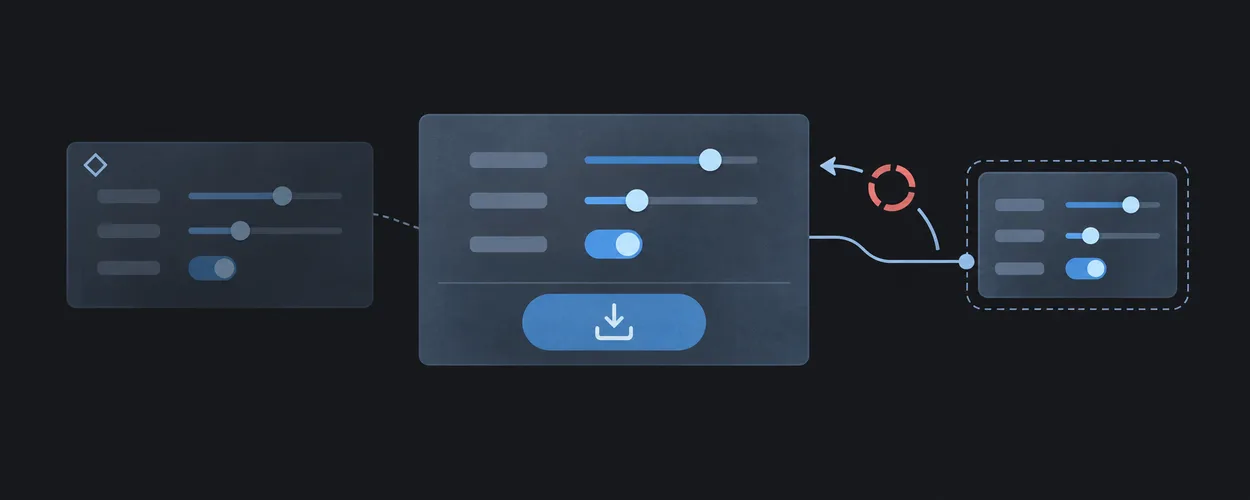
상태의 주인, 저장 중 편집, 비동기 응답과 복구를 다루는 구현 패턴.
Game UI
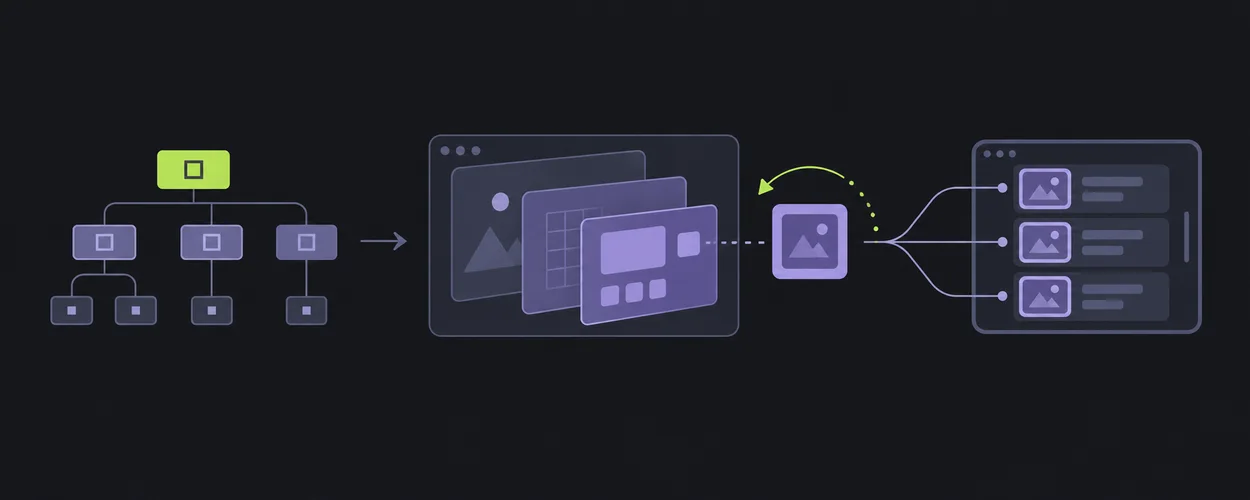
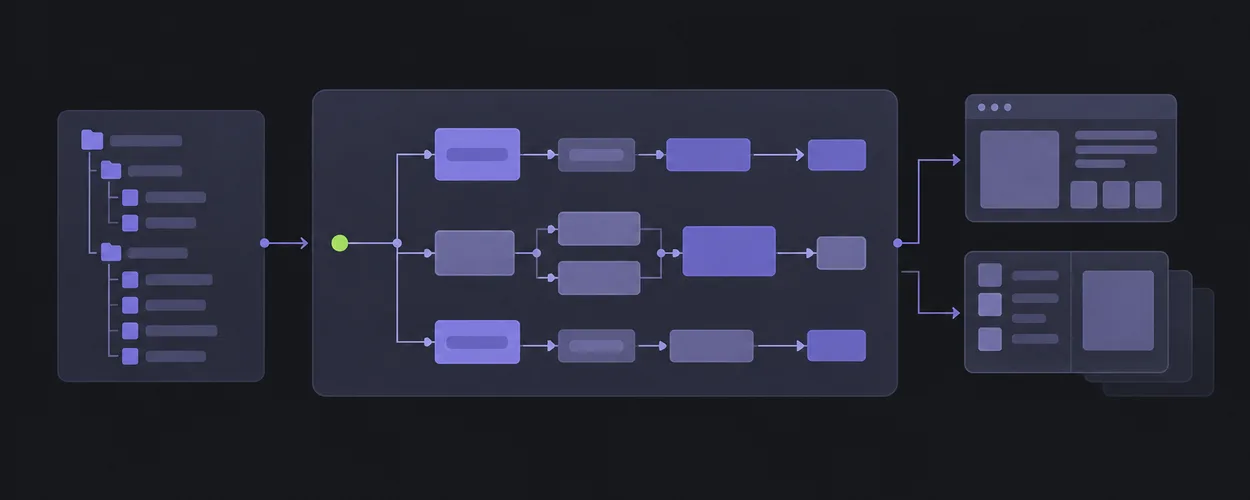
HUD, 인벤토리, 메뉴와 오버레이를 작업과 입력의 관점에서 탐색하세요.
Platform Guides
Apple, Android, Windows의 상호작용을 출처와 적용 범위로 비교합니다.
Design Terminology
디자인 용어가 어느 출처에서 어떤 의미로 쓰이는지 함께 읽어보세요.
Layout Planning Guide
Pre-design entry point for choosing and composing StyleGallery Layout patterns.
Motion Vocabulary
Evidence-bounded method and reference for naming observable interface motion.
Interface Craft Decisions
Repository-bounded method for purpose, implementation, review, and evidence decisions at the product layer.
Game UI Classification
Engine-neutral method for classifying game interfaces by player task, presentation, input, state, and motion.
Apple 상호작용을 웹에 옮길 때
Bounded comparison of Apple interaction themes with explicit web-adaptation and provenance limits.
Apple Interaction As A Comparative ReferenceDesign Source Kinds
Classification of vocabulary sources into design system, platform guideline, specification, design tool, pattern library, and brand style guide kinds.
center
Center a block while respecting a maximum measure.
모션 검토 절차
Evidence-first workflow for reviewing product-layer motion without changing Layout policy.
Motion Review WorkflowConsumer Migration Readiness
Evidence-bound method for deciding whether a consumer migration preserves its declared behavior.
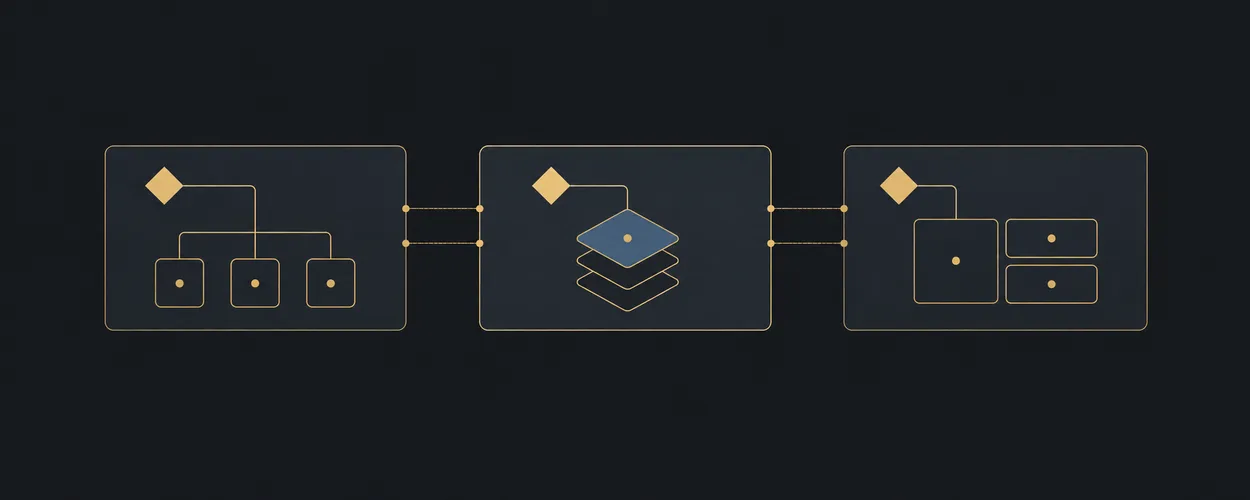
Game UI Screen Hierarchy
Engine-neutral ownership model for composing game-interface shells, screens, layers, regions, components, and controls.
Platform Adaptation Workflow
Compare a native convention with a target implementation through source, capability, fallback, and evidence records.
Design Source Vocabularies
Freshness-bounded inventory of named vocabulary sources with source kind, vocabulary surface, version boundary, and review status.
가운데에 놓기
Center one region along both axes.
super-centerMotion Practice Reference
Bounded motion mechanics, heuristics, platform notes, and verification requirements.
Design Engineering Reference Profiles
상태의 주인, 저장 중 편집, 비동기 응답과 복구를 다루는 구현 패턴.
Game UI Reference Record
Minimum evidence record for adding a game-interface reference to StyleGallery.
Android의 뒤로 가기와 화면 크기
Source-bounded Android Back and adaptive-window guidance with explicit web translation and failure cases.
Android Interaction As A Comparative ReferenceDesign Concept Families
Classification of design terms into foundation, interface-artifact, guidance, governance, consumption, and tooling-construct concept families.
box
Wrap content with predictable internal spacing.
Motion Decision Tree
Choose a motion responsibility from a user task, state change, and failure case.
Governed Local Reference Profiles
상태의 주인, 저장 중 편집, 비동기 응답과 복구를 다루는 구현 패턴.
Unity UI Architecture
Unity-specific mapping from engine-neutral game UI hierarchy to Scenes, Canvas layers, prefabs, runtime instances, and motion ownership.
Windows의 키보드와 포커스
Source-bounded Windows keyboard, focus, and command guidance with web adaptation cases.
Windows Interaction As A Comparative ReferenceDesign Term Relations
Typed semantic relation model between design terms from different named sources, and the term record shape.
clamped-card
Constrain a card to a readable fluid width.
전환을 설계하는 브리프
Author a product-owned transition contract with interruption, preference, and evidence requirements.
Motion BriefExternal Consumer Adaptation
상태의 주인, 저장 중 편집, 비동기 응답과 복구를 다루는 구현 패턴.
Unity UI Systems
Source-pinned comparison of uGUI, UI Toolkit, and NGUI ownership and responsibilities for Game UI review.
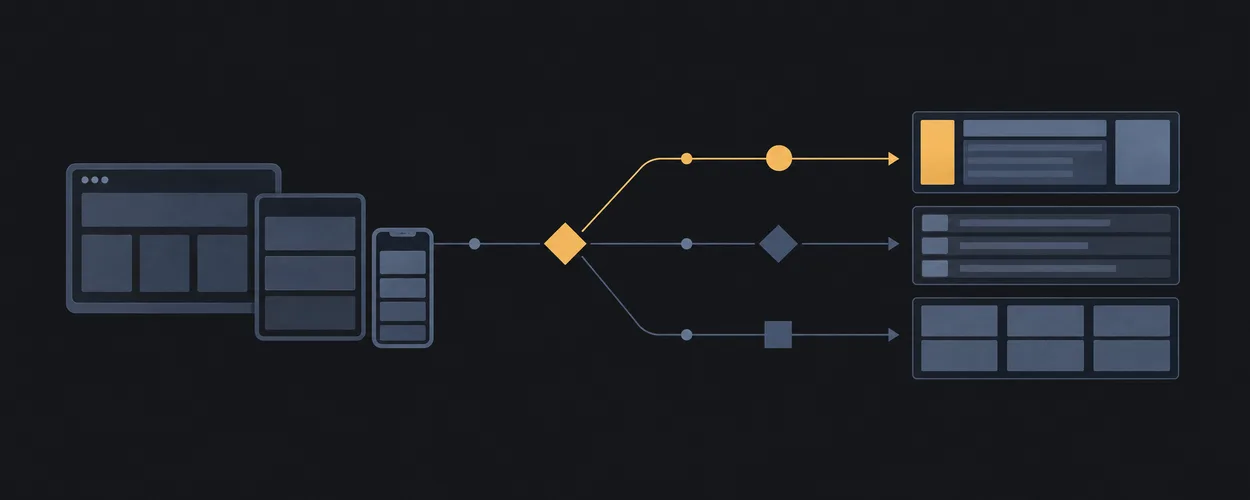
창이 달라져도 이어지는 탐색
화면 전환과 뒤로 가기에서 선택, 기록, 작성 중인 내용을 유지합니다.
Adaptive Navigation Across PlatformsDesign Term Comparison Workflow
Resolve source-specific terminology questions with a scoped relation, explicit uncertainty, and a reusable handoff.
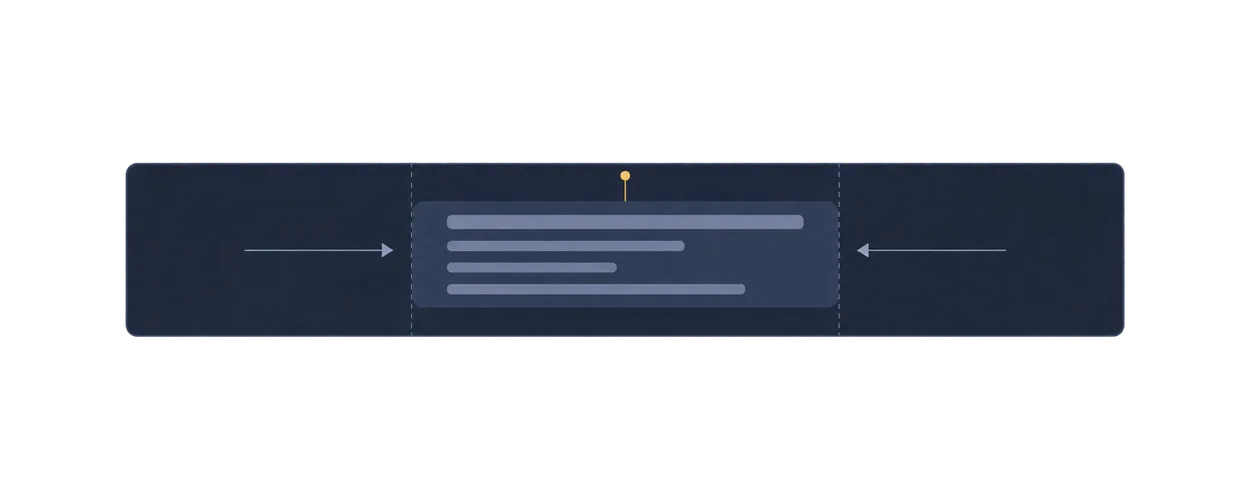
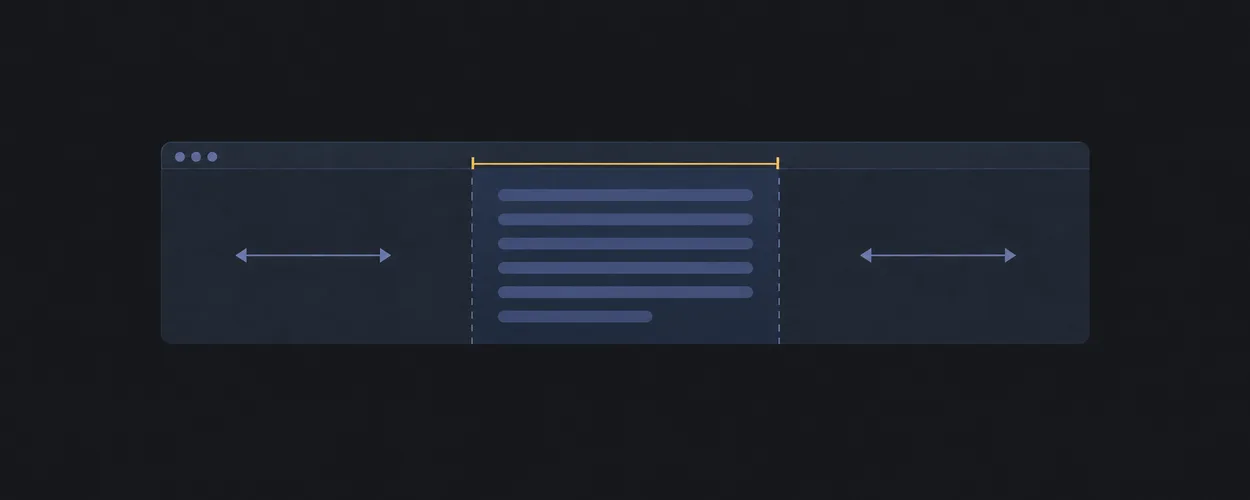
읽기 편한 본문 너비
Keep prose width readable inside fluid containers.
content-limiterObserved Choreography Transcription
Transcribe an observed scroll choreography into Scene Composition Contract vocabulary without copying assets or claiming implementation knowledge.
Design Engineering Decision Tree
Route product craft work from the uncertain decision to a contract, example, and appropriate evidence.
Unity CLI Loop
Source-pinned workflow for inspecting and exercising Unity Game UI with unity-cli-loop while preserving UI-stack boundaries.
사용자 접근성 설정에 맞추기
글자 확대, 모션 감소, 대비와 투명도를 각각의 설정으로 다룹니다.
Preferences And Accessibility Across Platforms토큰의 역할과 참조 구분하기
Alias, 의미 기반 역할, 그룹과 조건별 값 선택을 출처별로 비교합니다.
Token Semantics And Resolutionfluid-styles
Let a region fill available width without exceeding a readable max.
모션 접근성과 대체 피드백
움직임을 줄여도 정보와 다음 행동을 유지하는 방법을 살펴봅니다.
Accessible Motion And Equivalent FeedbackComponent Contract
Define product component semantics, states, events, asynchronous ownership, and verification before visual treatment.
Unity Repository Map
Public default-branch snapshot map for locating Unity UI system sources, examples, adjacent references, and historical material.
입력 방식이 달라도 같은 작업
키보드, 포인터, 터치와 드래그 대안의 동작과 포커스를 비교합니다.
Input And Focus Across PlatformsDialog와 Popover의 뜻 비교하기
HTML, ARIA와 Apple에서 같은 이름이 가리키는 의미를 구분합니다.
Dialog And Popover Semantics정렬된 카드 그리드
Align repeating cards in rows and columns.
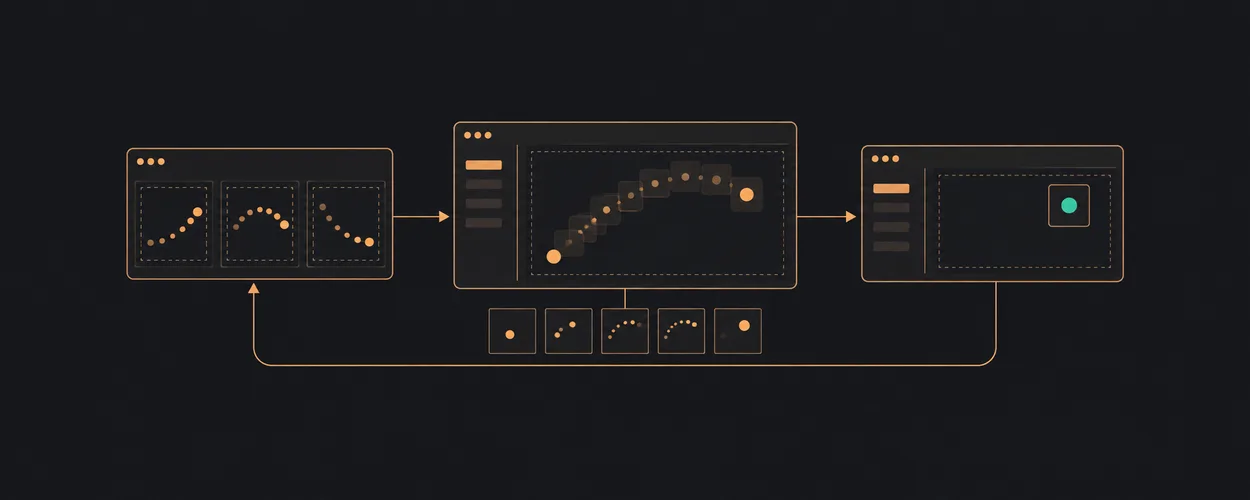
card-grid진행 중인 모션을 다시 조작할 때
열고 닫고 다시 열어도 최신 의도와 포커스를 지키는 전환 규칙.
Interruption And RetargetingDesign Engineering Worked Examples
Apply component contracts to settings, asynchronous search, and destructive list actions with explicit recovery cases.
Unity Organization Compressed Wiki
Independent cluster index over a tracked snapshot of 804 public Unity-Technologies repositories for bounded Game UI source discovery.
타이포그래피 역할과 표현 비교하기
Text Style, Type Ramp, 토큰과 CSS 표현 사이의 차이를 살펴봅니다.
Typography Roles, Styles, And Representationscolumns
Flow long content into balanced text columns.
모션의 렌더링 비용 살펴보기
입력 지연과 프레임 문제를 구분하고 전환의 실제 비용을 진단합니다.
Motion Rendering And PerformanceState Management Decision Tree
Route UI state problems to the smallest ownership or transition contract.
Game UI Decision Tree
Select player-task recipes, ownership boundaries, and engine routes from the screen's purpose.
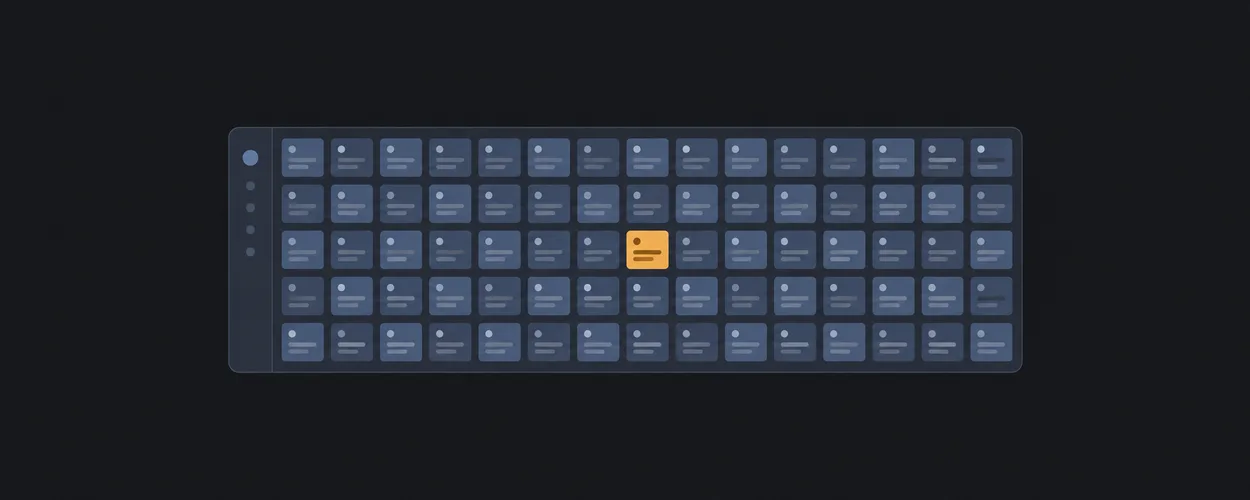
dense-grid
Fill a compact grid with repeated small items.
State Management
상태의 주인, 저장 중 편집, 비동기 응답과 복구를 다루는 구현 패턴.
게임 화면을 입력별로 검증하기
Convert a screen recipe into repeatable input, state, hierarchy, and teardown evidence.
Game UI Verification Workflowgrid-wrapper
Center grid tracks while allowing full-width breakout tracks.
원본에서 계산하는 상태
Prevent totals, filtered lists, and dirty flags from drifting away from their inputs.
Derived State From Authoritative Inputsmasonry-approx
Approximate staggered content with columns when exact row alignment is not needed.
편집한 값과 저장한 값
Preserve editable work while distinguishing it from the last acknowledged saved value.
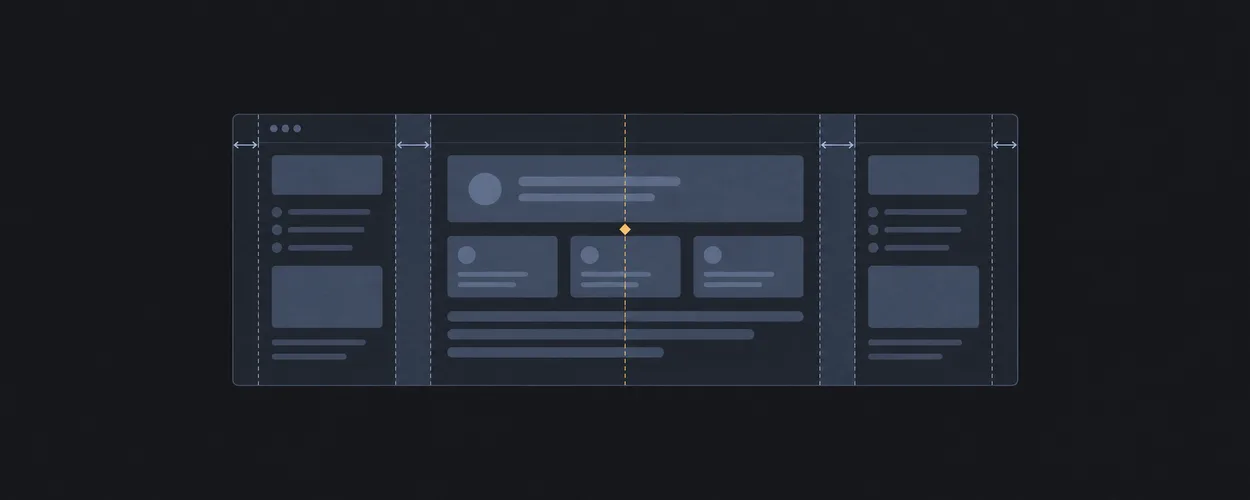
Draft And Persisted Baselinepage-grid
Align page content to margins, gutters, and a central track.
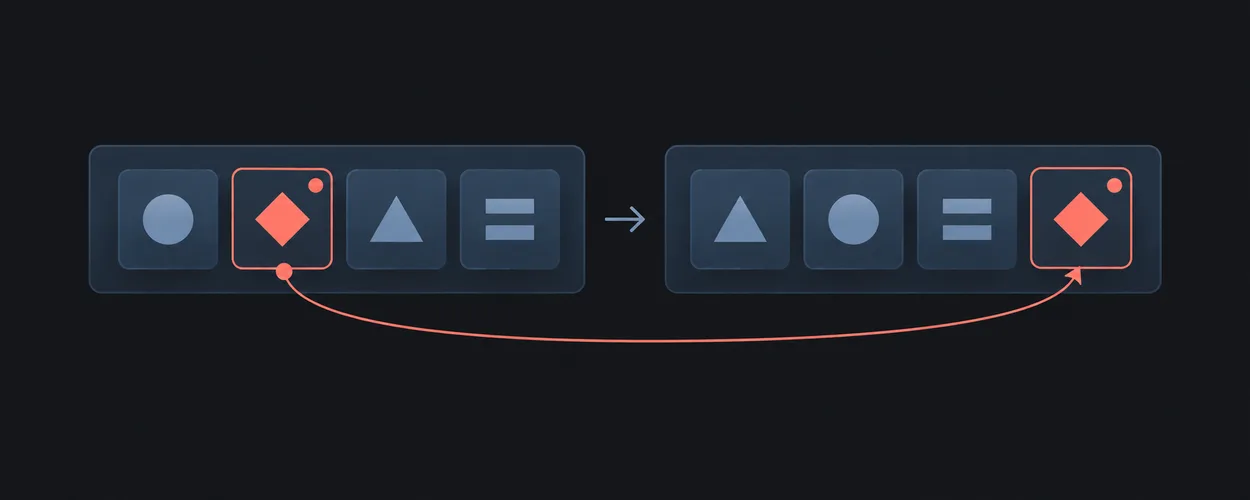
위치 대신 ID로 선택하기
Keep selection attached to an entity while a collection reorders or refreshes.
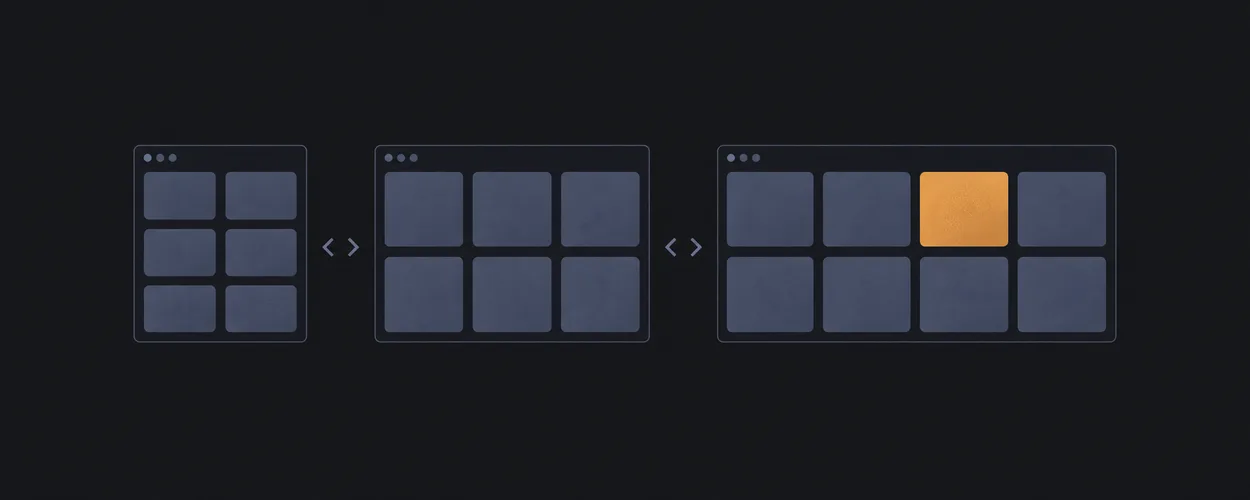
Selection By Stable Identity공간에 맞춰 바뀌는 그리드
Repeat items into as many useful columns as space allows.
ram-grid다른 항목으로 이동할 때
Prevent temporary state and pending outcomes from leaking across entity or account changes.
Identity Boundary And Resettwelve-span-grid
Provide a twelve-column placement scaffold.
낙관적 갱신과 복구
Show a speculative change while preserving an authoritative base for recovery.
Optimistic Overlay And Recoverybadge-list
Align item labels with trailing counts.
중복 제출 다루기
Apply an explicit policy to repeated activation of one pending operation.
Single Flight And Duplicate Submissionbreadcrumb
Lay out hierarchy links compactly with wrapping.
하나의 값, 하나의 주인
Keep one authoritative value when several controls edit the same setting.
Single Owner And Controlled Inputs자연스럽게 줄바꿈하는 묶음
Keep related items together while allowing wrapping.
cluster저장 중에도 이어지는 편집
Keep later edits dirty when an earlier submitted snapshot finishes saving.
Submitted Snapshot And Save Acknowledgementdeconstructed-pancake
Let equal cards stretch in a row and stack naturally when narrow.
저장하지 않은 변경 지키기
Make leaving an edited screen an explicit decision without losing the current draft.
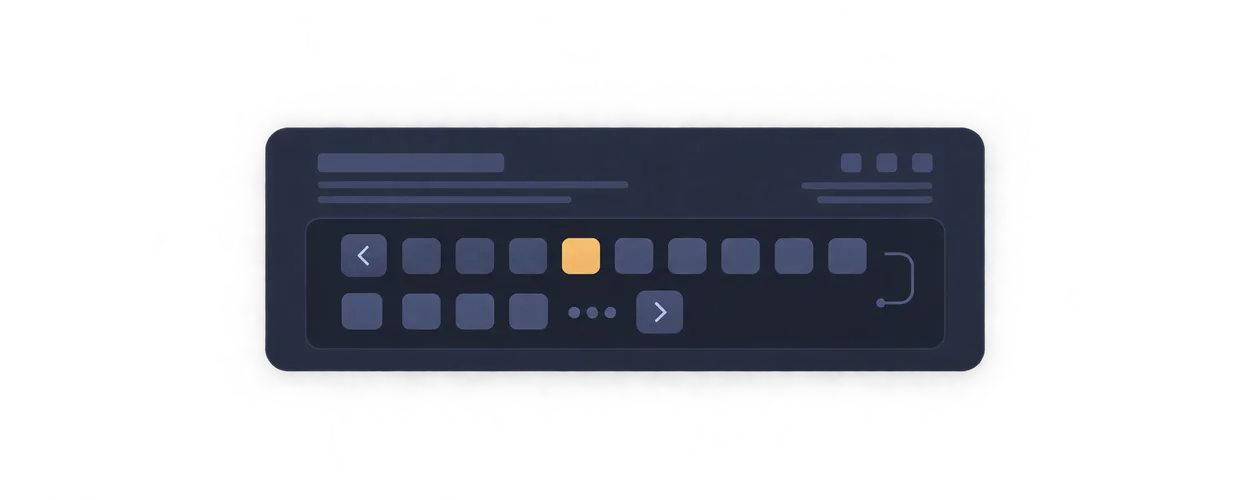
Unsaved Changes And Navigationpagination
Lay out page controls as a bounded wrapping row.
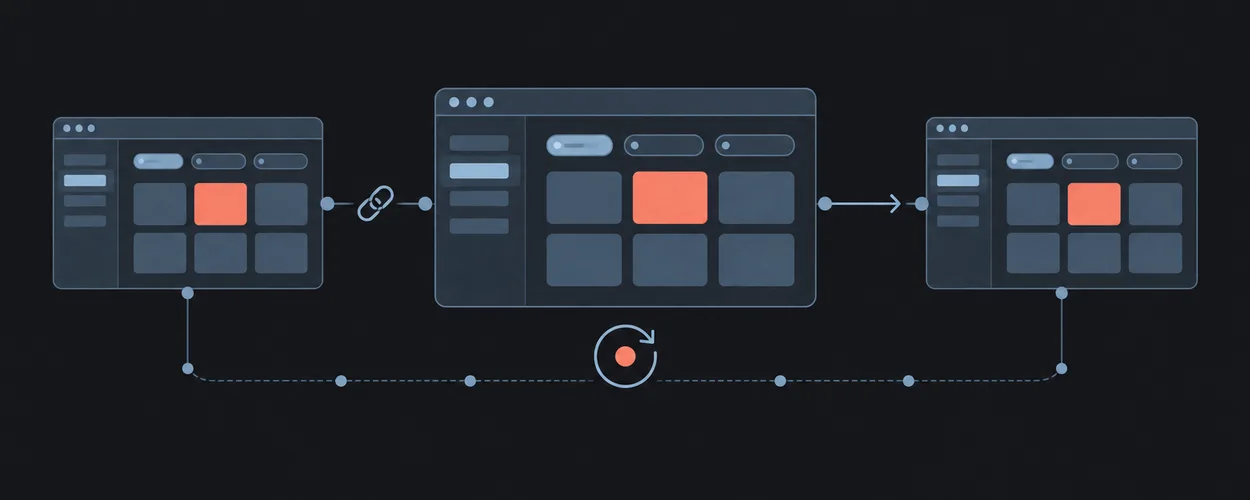
링크에 담는 화면 상태
Keep shareable screen state consistent across links, refresh, and browser history.
URL State And History가로로 넘기는 목록
Let a row scroll horizontally instead of wrapping.
reel유효한 설정만 복원하기
Restore persisted preferences only when their schema and ownership scope are valid.
Versioned And Scoped State Restoresplit-nav
Separate primary and secondary nav actions in one row.
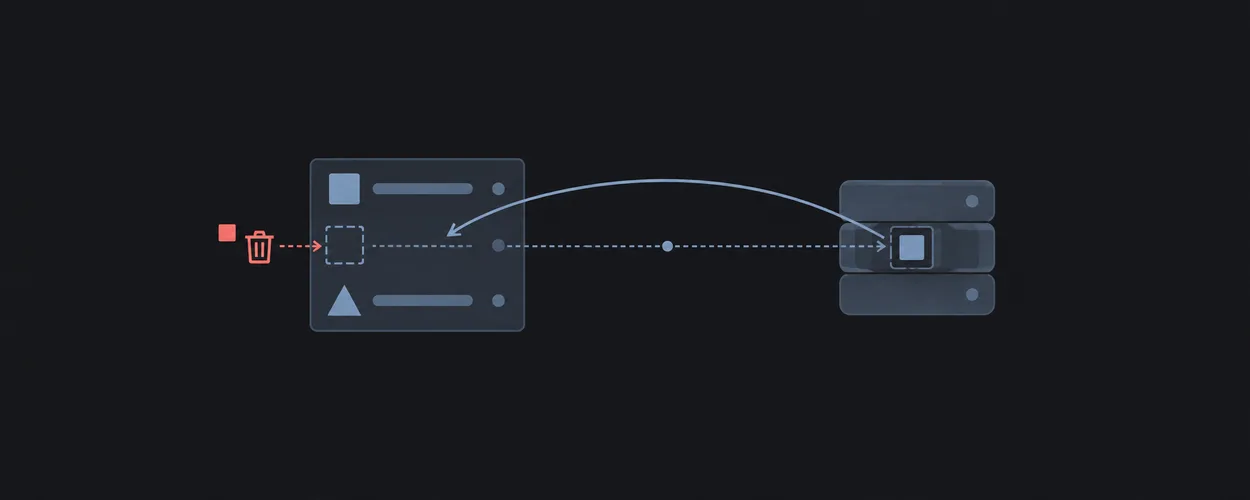
삭제와 되돌리기
Remove the intended entity and provide recovery that matches actual backend capabilities.
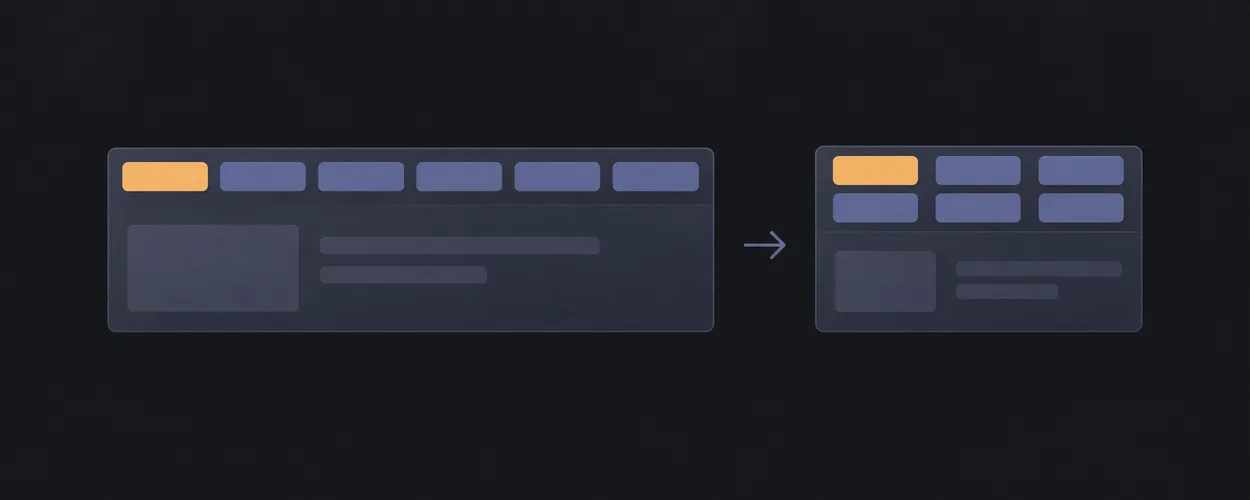
Deletion And Supported Undotab-strip
Keep peer tabs in one stable row that can wrap.
State Management Recipes
상태의 주인, 저장 중 편집, 비동기 응답과 복구를 다루는 구현 패턴.
wrap-row
Wrap controls into rows with stable gaps.
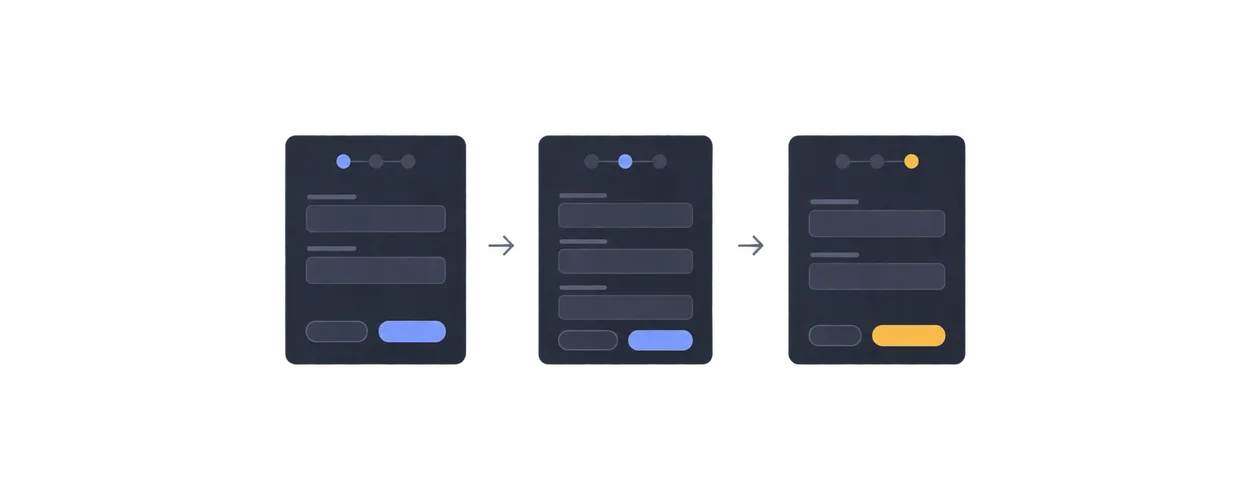
여러 단계에 걸친 입력
Retain entered values across steps and guard progression and final submission.
Multi-Step Form With Retained Draft미디어의 비율 지키기
Preserve media aspect ratio in a responsive slot.
frame검색 결과와 선택한 상세
Preserve query context and entity identity across asynchronous search and history navigation.
Search Filters And Detail Selectionicon-frame
Keep an icon aligned inside a fixed square slot.
설정을 저장하고 실패에서 돌아오기
Edit and save preferences without losing later input or leaving with unsaved work.
Settings With Explicit Saveimposter
Place an overlay region over a parent without changing document order.
State Management Brief
Record authority, transitions, effects, lifetime, and acceptance cases before implementation.
overlay-stack
Stack several regions into the same grid cell.
State Management Verification Matrix
Test event ordering, failure recovery, navigation, and identity boundaries separately from UI presentation.
main-with-rail
Keep primary content dominant with a narrow secondary rail.
Dialog와 Popover의 동작 정하기
컴포넌트 선택부터 키보드, 포커스 복귀, 닫기 동작까지 연결합니다.
Native Interaction Contractsmedia-object
Align media and descriptive content as a stable pair.
한글 조합과 다국어 입력 지키기
IME 조합, 글자 수, 커서, 양방향 텍스트를 편집 의도에 맞게 다룹니다.
Text Input And Internationalization본문 옆에 보조 영역 두기
Let a narrow sidebar and wider content wrap when space is tight.
sidebar로딩부터 완료까지 정확한 피드백
대기, 오래된 결과, 진행률과 확인된 완료를 구분해 전달합니다.
Loading, Progress, And Feedbacksplit-screen
Split a viewport or region into two balanced panes.
읽는 동안 곁에 머무는 목차
Keep related aside content visible during long reads.
sticky-asidesupporting-pane
Keep supplemental information beside a primary task.
switcher
Switch equal regions from row to stack without a viewport breakpoint.
feed
Stack repeated content items with stable rhythm.
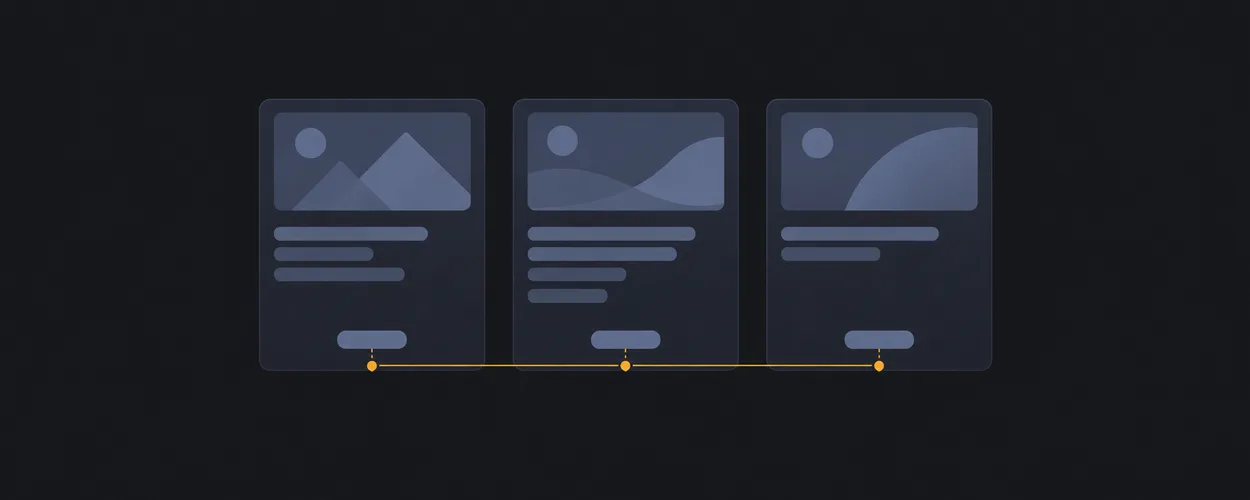
line-up
Keep card footer actions aligned at the bottom.
차곡차곡 쌓기
Create consistent vertical rhythm between direct children.
stackstep-nav
Present sequential steps with consistent vertical rhythm.
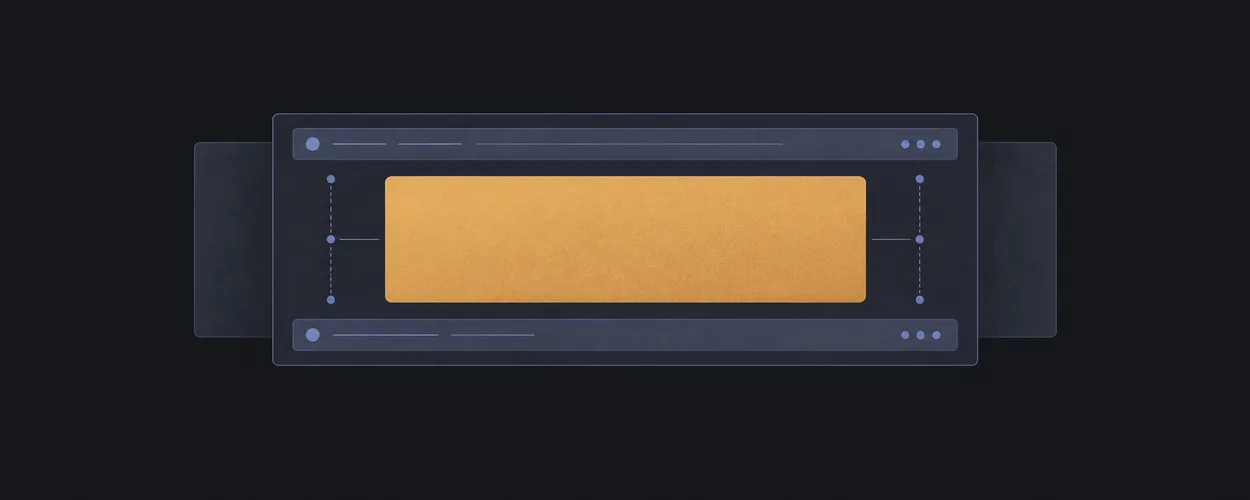
cover
Keep a central region balanced between optional header and footer.
내비게이션을 고정한 앱
Keep side navigation stable while main content scrolls.
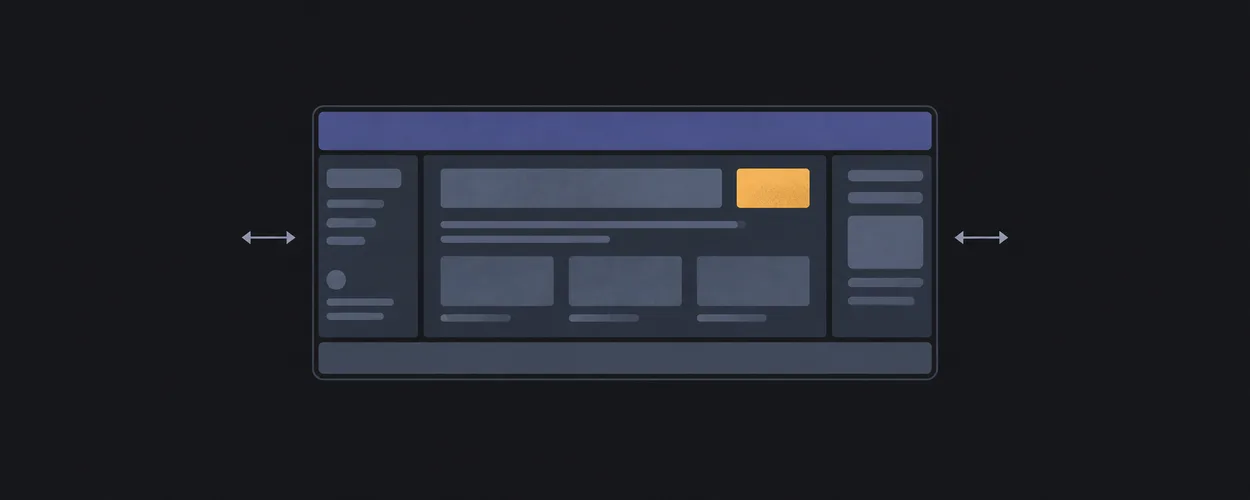
fixed-sidenav-shellholy-grail
Place header, footer, sidebars, and main content in a resilient shell.
panel-layout
Create predictable main and utility panels.
본문만 스크롤하는 화면
Keep shell regions fixed while only the body scrolls.
scroll-body-shellsticky-footer
Keep footer at the bottom when content is short.
스크롤해도 보이는 헤더
Keep a header visible above a scrolling content region.
sticky-headerArticle Page
Compose readable prose with optional supporting aside content.
Command Surface
Compose a tool-heavy shell with stable command and content regions.
Dashboard
Compose repeated panels and action clusters on a page grid.
Form Flow
Compose sequential form content with constrained width and reachable actions.
Homepage
Compose raw content into a homepage or ordinary webpage before product-level visual styling.
List Detail
Compose an explorable list beside its selected detail region.
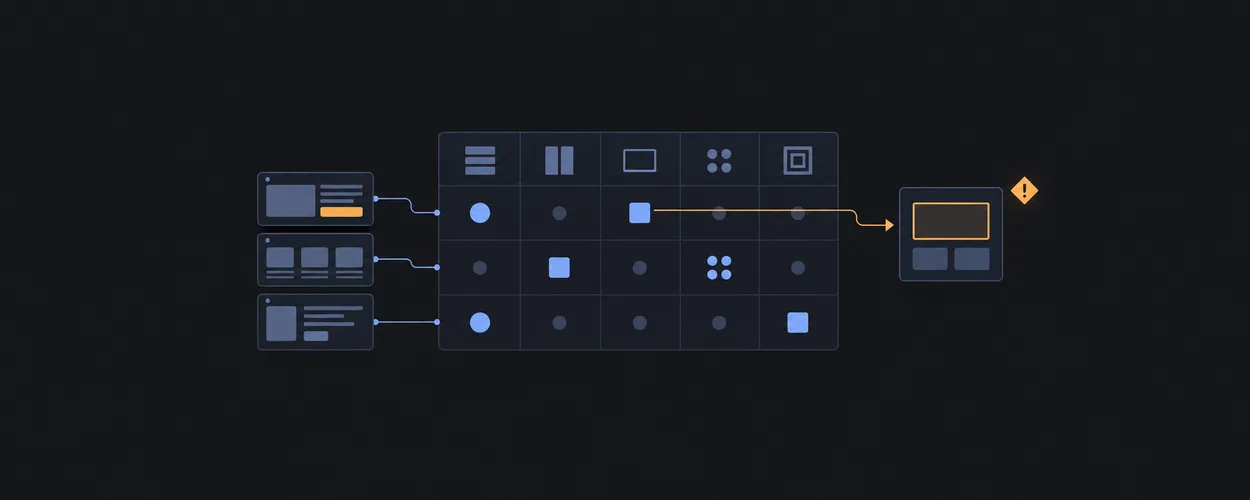
Primitive To Recipe Matrix
Matrix that explains which layout primitives each screen recipe uses, why the slot exists, and what risk follows from substitution.
SaaS Settings
Compose a fixed side navigation with a constrained settings flow.
어떤 배치가 필요한지 고르기
Question-driven route from screen constraints to StyleGallery Layout patterns and recipes.
Layout Decision TreeDocumentation Mode Taxonomy
Primary documentation modes, hybrid decisions, and task routing for StyleGallery.
Layout Brief Template
Questions to answer before selecting a layout pattern stack.
Controlled Vocabulary
Canonical terminology, aliases, deprecated terms, and scannability rules for StyleGallery.
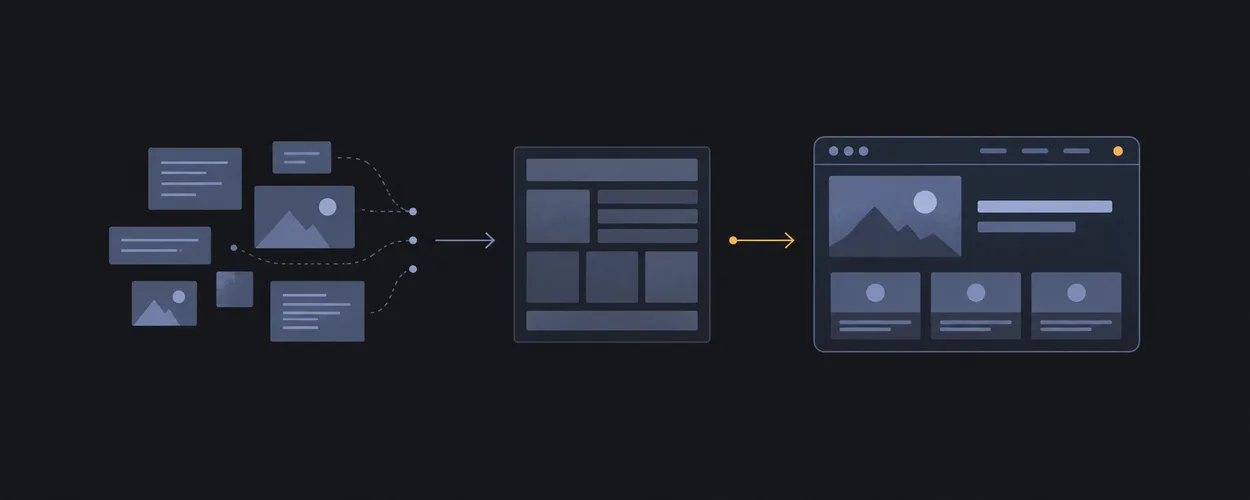
Webpage Generation Workflow
Intake-to-implementation workflow for turning raw content into a homepage or ordinary webpage layout.





























아직 맞는 자료를 찾지 못했어요.
검색어를 짧게 바꾸거나, 모든 분야에서 다시 찾아보세요. 원문은 영어라서 영문 기술 용어로도 찾을 수 있어요.
필요한 순간에 다시 찾을 수 있도록, 페이지를 저장해 두세요.