IDEAS YOU CAN PLAY WITH
스크롤
읽는 흐름에 따라 달라지는 장면
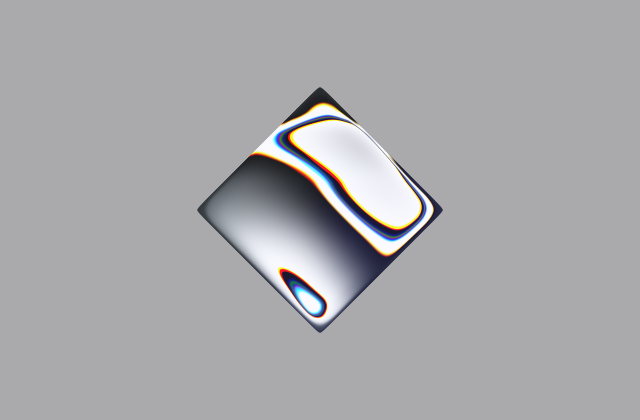
Liquid Metal shader example.
Aurora Text
텍스트A beautiful aurora text effect
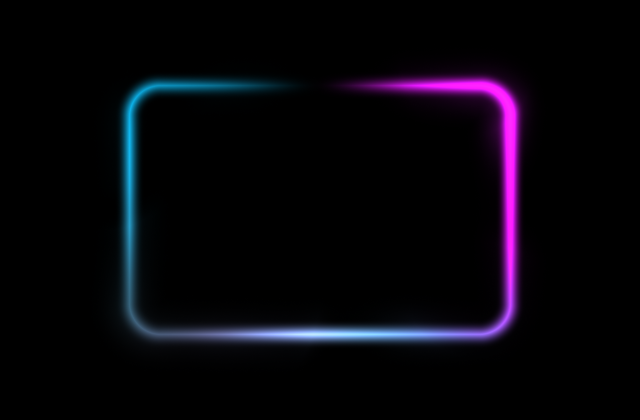
Border Beam
테두리An animated beam of light which travels along the border of its container.
god rays
배경God Rays shader example.
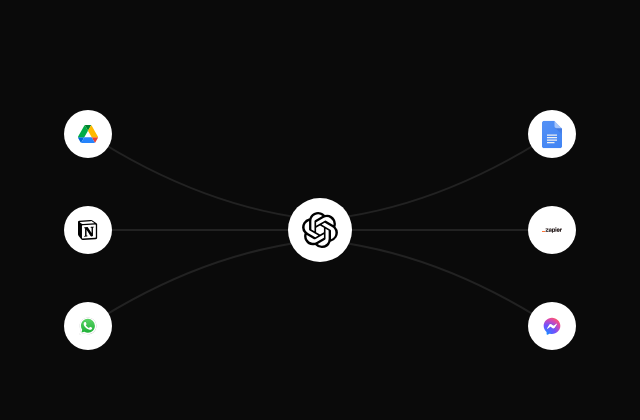
An animated beam of light which travels along a path. Useful for showcasing the integration features of a website.
A beautiful neon card effect
Grain Gradient shader example.
Text Animate
텍스트A text animation component that animates text using a variety of different animations.
Globe
데이터An autorotating, interactive, and highly performant globe made using WebGL.
Pulsing Border shader example.
A spotlight effect that follows your mouse cursor and highlights borders on hover.
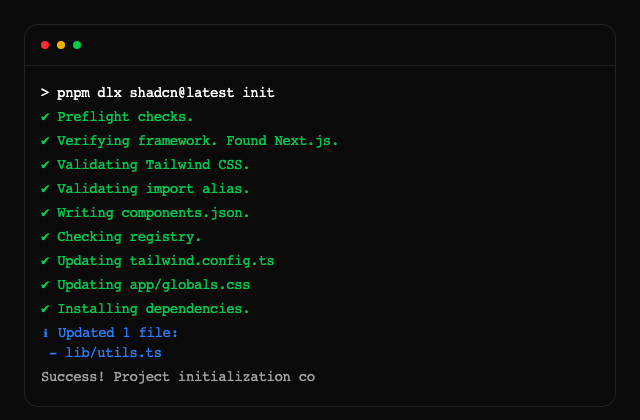
Terminal
데이터A terminal component
Android
섹션A mockup of an Android device.
Animated Circular Progress Bar is a component that displays a circular gauge with a percentage value.
An animated gradient background which transitions between colors for text.
A animated background grid pattern made with SVGs, fully customizable using Tailwind CSS.
A list that animates each item in sequence with a delay. Used to showcase notifications or events on your landing page.
A light glare effect which pans across text making it appear as if it is shimmering.
Theme toggle with View Transitions and animated clip-path masks (circle, polygons, star), optional viewport-centered origin.
Overlapping circles of avatars.
A backlight glow effect for videos, images, and SVGs.
Bento grid is a layout used to showcase the features of a product in a simple and elegant way.
Blur Fade
텍스트Blur fade in and out animation. Used to smoothly fade in and out content.
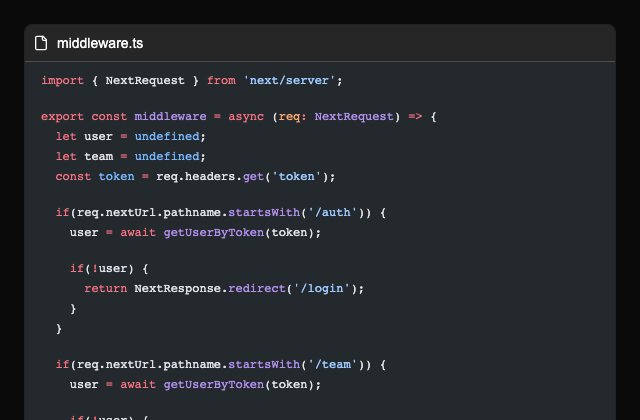
A component which compares two code snippets.
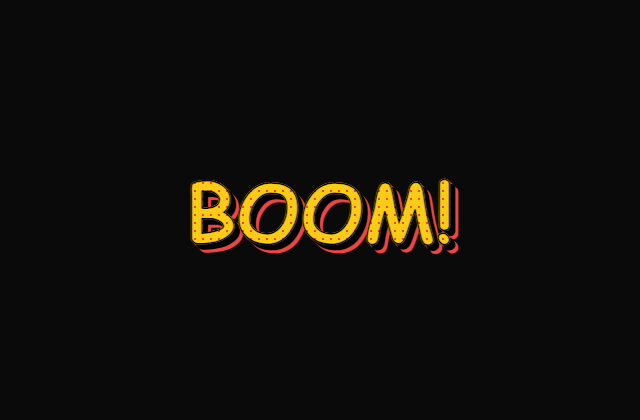
Comic Text
텍스트Comic text animation
Confetti
버튼Confetti animations are best used to delight your users when something special happens
Cool mode effect for buttons, links, and other DOMs
A horizontal color band sweeps across text, revealing a gradient shine before settling on the base color.
Dock
탐색An implementation of the MacOS dock using react + tailwindcss + motion
A background dot pattern made with SVGs, fully customizable using Tailwind CSS.
Dotted Map
데이터A component with a dotted map.
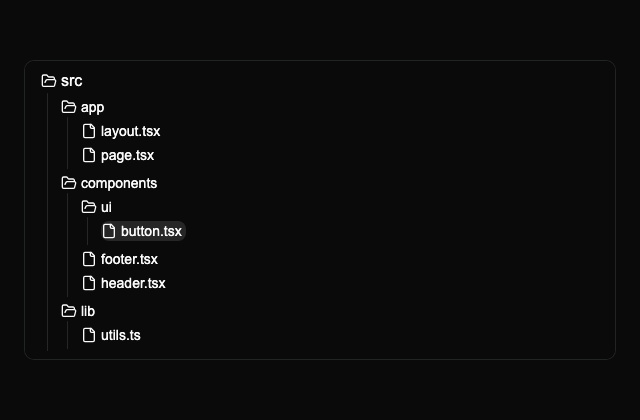
A component used to showcase the folder and file structure of a directory.
A flickering grid background made with SVGs, fully customizable using Tailwind CSS.
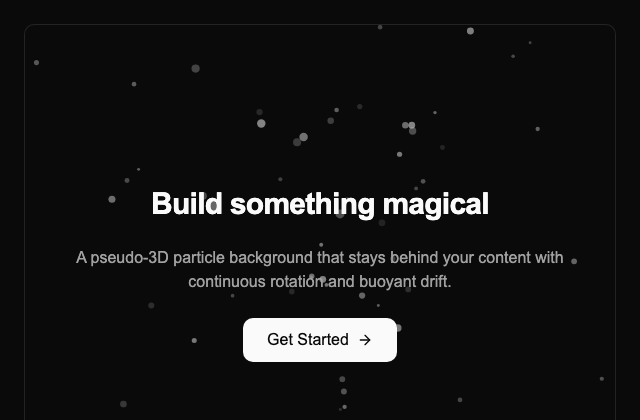
A canvas-based pseudo-3D particle field with perspective projection, continuous rotation and buoyant drift.
A diagonal glare on hover using a ::before gradient and CSS variables (angle, size, duration, color).
Glyph Matrix
데이터An animated grid of subtly shifting glyphs with fade effect and theme support.
A background grid pattern made with SVGs, fully customizable using Tailwind CSS.
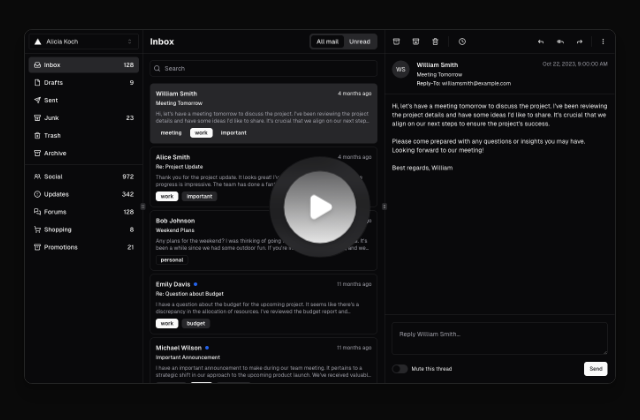
A hero video dialog component.
A background hexagon pattern made with SVGs, fully customizable using Tailwind CSS.
Hyper Text
텍스트A text animation that scrambles letters before revealing the final text.
Icon Cloud
데이터An interactive 3D tag cloud component
A interactive background grid pattern made with SVGs, fully customizable using Tailwind CSS.
Interactive Hover Button shader from the acquired Paper Shaders implementation.
iPhone
섹션A mockup of the iPhone
Kinetic Text
텍스트A text component that animates font weight of characters on hover.
Lens
포인터A interactive component that enables zooming into images, videos and other elements.
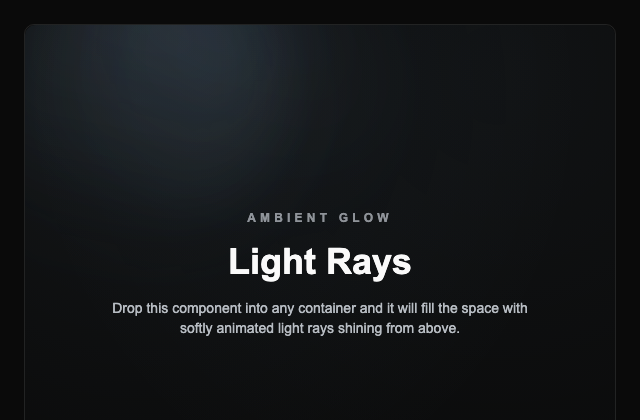
A component with animated light rays which shine down from above.
A text component with a moving line shadow.
Marquee
섹션An infinite scrolling component that can be used to display text, images, or videos.
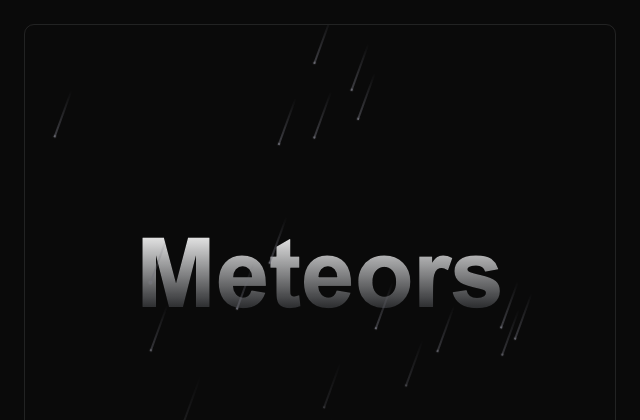
Meteors
배경A meteor shower effect.
A dynamic text morphing component for Magic UI.
An SVG fractal noise layer using feTurbulence, desaturation, and contrast controls for subtle texture overlays.
Animate numbers to count up or down to a target number
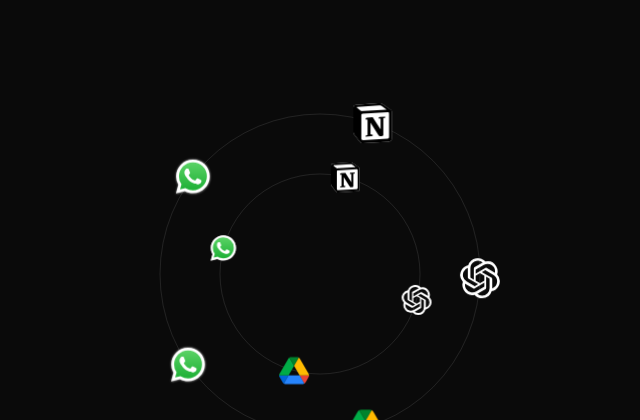
A collection of circles which move in orbit along a circular path
Particles are a fun way to add some visual flair to your website. They can be used to create a sense of depth, movement, and interactivity.
A component that displays an image with a pixelated effect, creating a retro aesthetic.
Pointer
포인터A component that displays a pointer when hovering over an element
The Progressive Blur component adds a smooth blur gradient effect to scrollable content, indicating more content below or above.
An animated pulsating button useful for capturing attention of users.
An animated button with a rainbow effect.
An animated scrolling retro grid effect
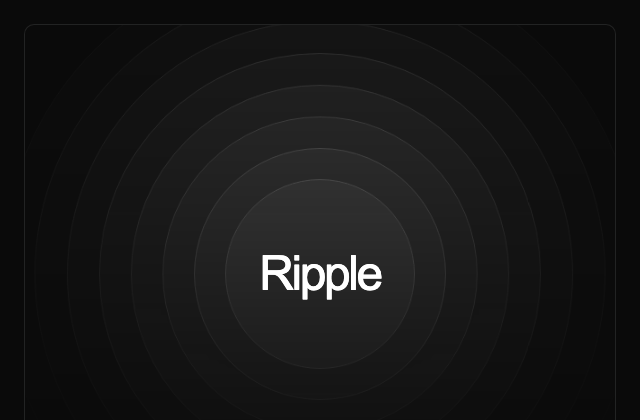
Ripple
배경An animated ripple effect typically used behind elements to emphasize them.
An animated button with ripple useful for user engagement.
Safari
섹션A safari browser mockup to showcase your website.
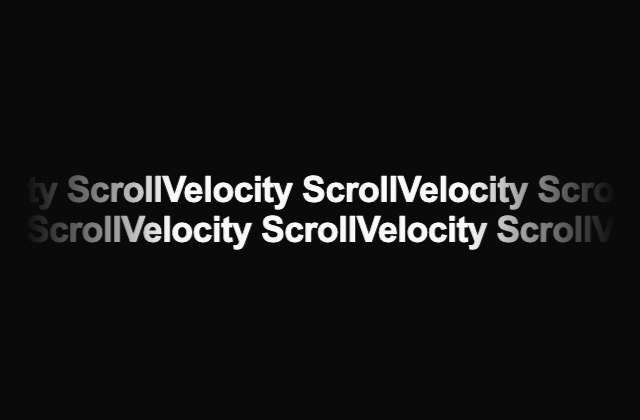
Scrolling text whose speed changes based on scroll speed
Animated Scroll Progress for your pages
A button with a shimmering light which travels around the perimeter.
Shine Border
테두리Shine border is an animated background border effect.
A shiny button component with dynamic styles in the dark mode or light mode.
A customizable, physics-based smooth cursor animation component with spring animations and rotation effects
A dynamic text that generates continuous sparkles with smooth transitions, perfect for highlighting text with animated stars.
The Spinning Text component animates text in a circular motion with customizable speed, direction, color, and transitions for dynamic and engaging effects.
A background striped pattern made with SVGs, fully customizable using Tailwind CSS.
Text 3D Flip
텍스트A text effect that flips each letter in 3D with a staggered animation on hover.
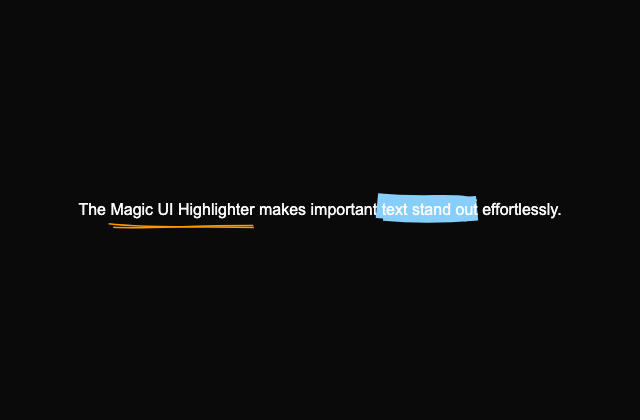
A text highlighter that mimics the effect of a human-drawn marker stroke.
Text Reveal
스크롤Fade in text as you scroll down the page.
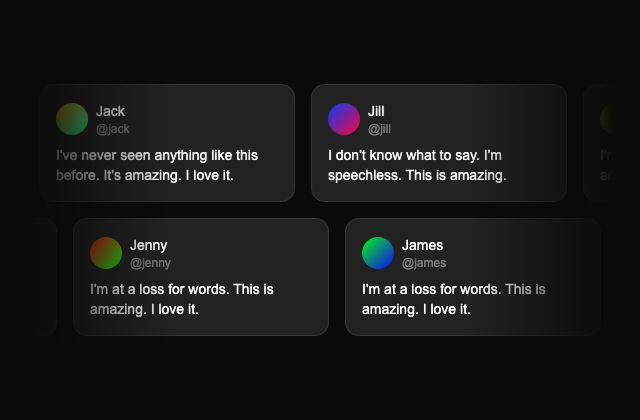
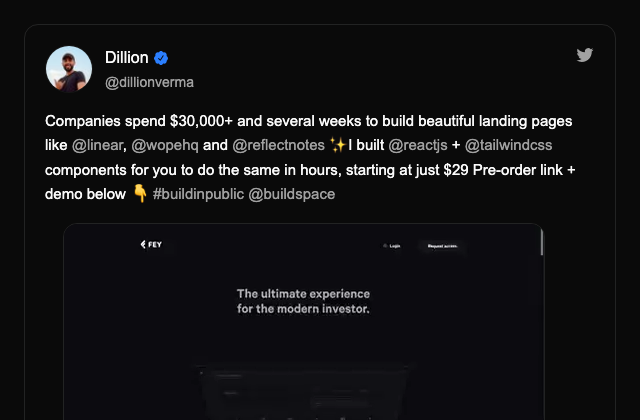
A card that displays a tweet with the author's name, handle, and profile picture.
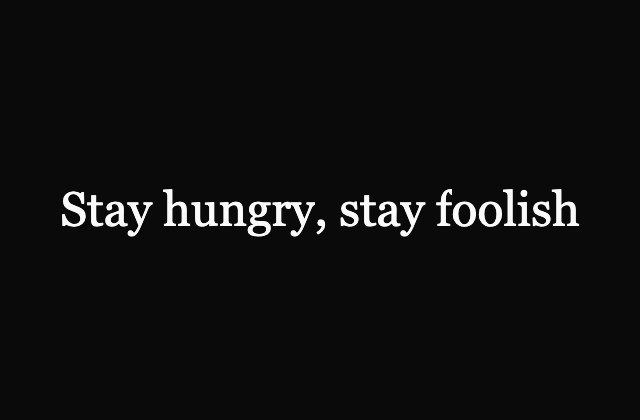
Characters appearing in typed animation
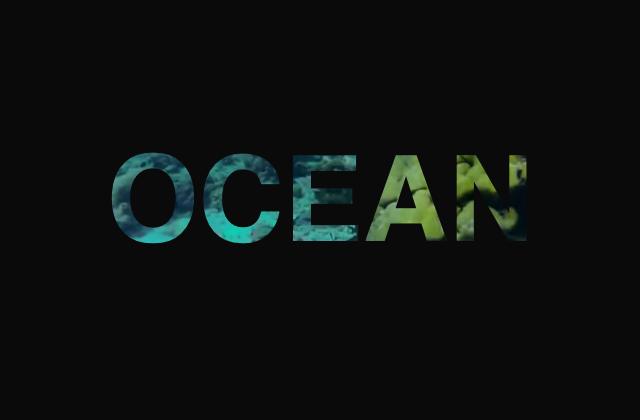
Video Text
텍스트A component that displays text with a video playing in the background.
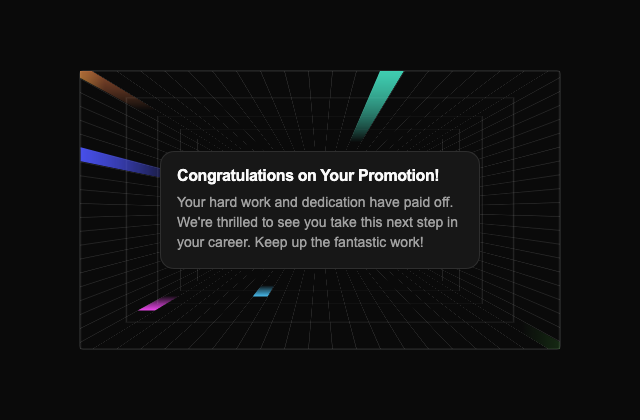
A card with a time warping background effect.
Word Rotate
텍스트A vertical rotation of words
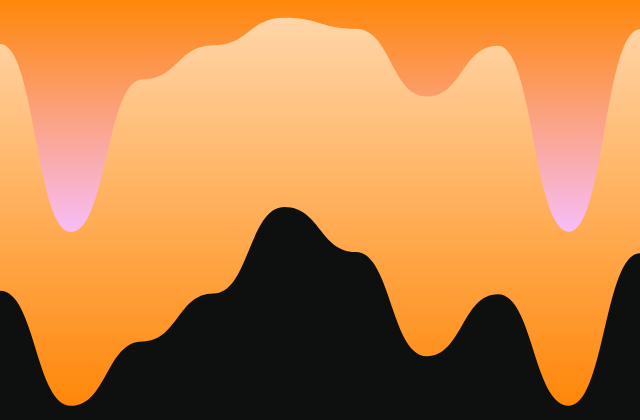
Color Panels shader example.
Dithering shader example.
dot grid
배경Dot Grid shader example.
Dot Orbit shader example.
Fluted Glass shader example.
Gem Smoke shader example.
Halftone CMYK shader example.
Halftone Dots shader example.
heatmap
배경Heatmap shader example.
Image dithering example.
Lens Distortion shader example.
Mesh Gradient shader example.
Metaballs shader example.
Neuro Noise shader example.
Paper Texture shader example.
perlin
배경Perlin Noise shader example.
Simplex Noise shader example.
Smoke Ring shader example.
spiral
배경Spiral shader example.
Static Mesh Gradient shader example.
Static radial Gradient shader example.
swirl
배경Swirl shader example.
voronoi
배경Voronoi shader example.
warp
배경Warp shader example.
water
배경Water shader example.
waves
배경Waves shader example.
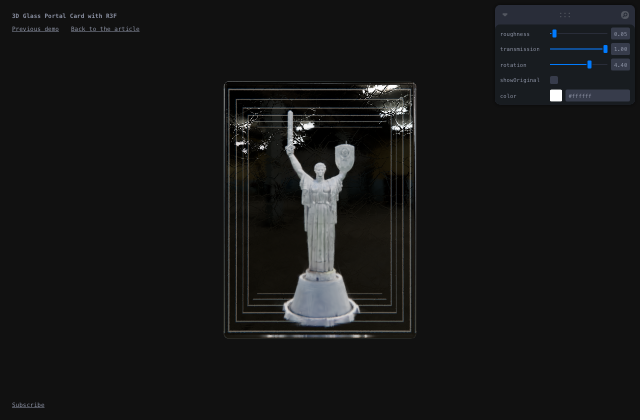
Explore the creation of a 3D glass portal with React Three Fiber, with optimized rendering using Gaussian Splatting and integrating real-world objects.
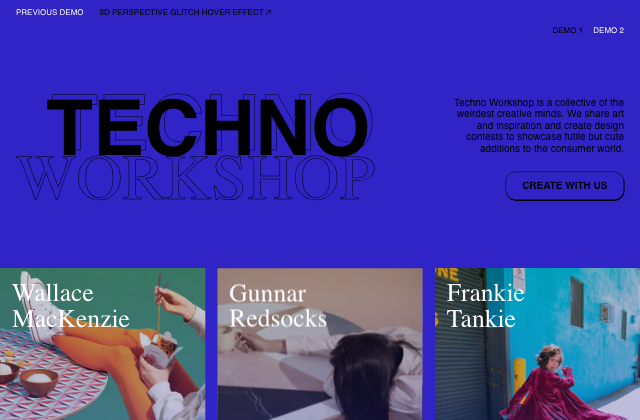
A fun hover effect that shows a pixelated image with a glitch animation inspired by the one seen on buōy’s website.
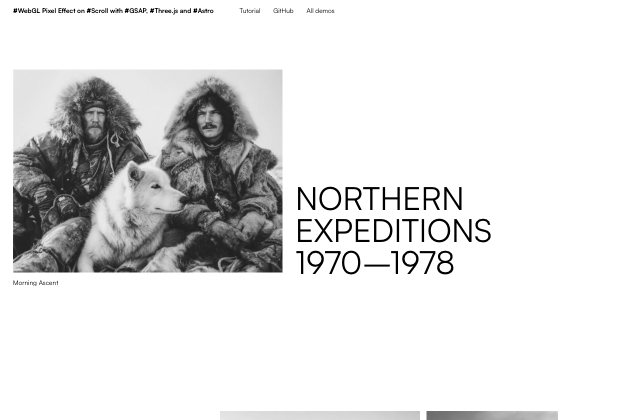
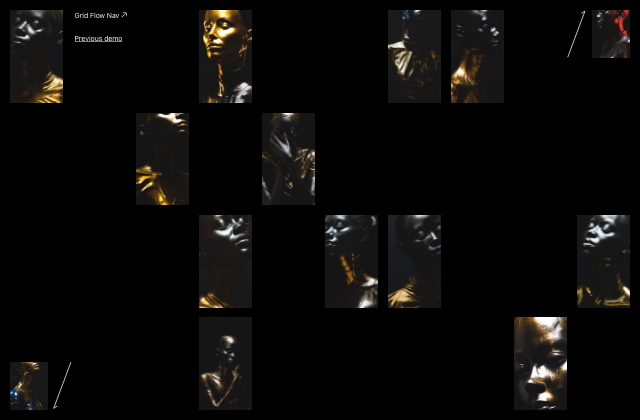
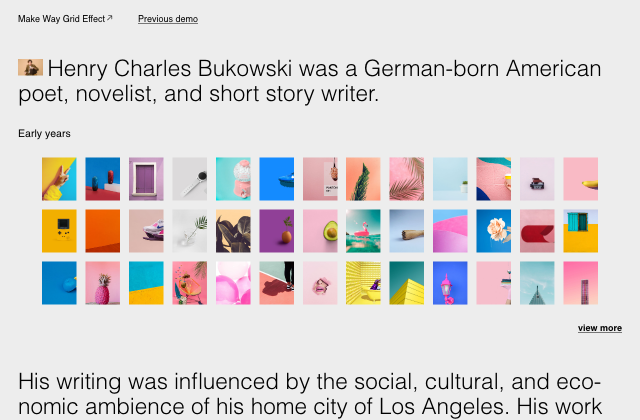
Four distinct demos, from image slideshows to on-scroll typography and hover effects.
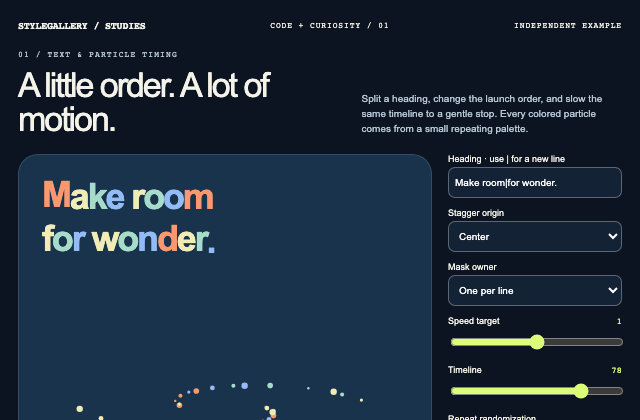
Independently authored article case study. A local timeline assigns independent character offsets, cyclic colors and directions, seeded repeat-refresh particles, and a smoothed playback rate. Line and character clipping can be compared without a text-animation library.
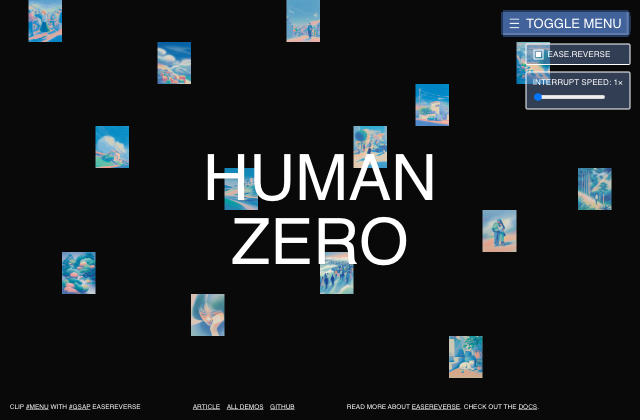
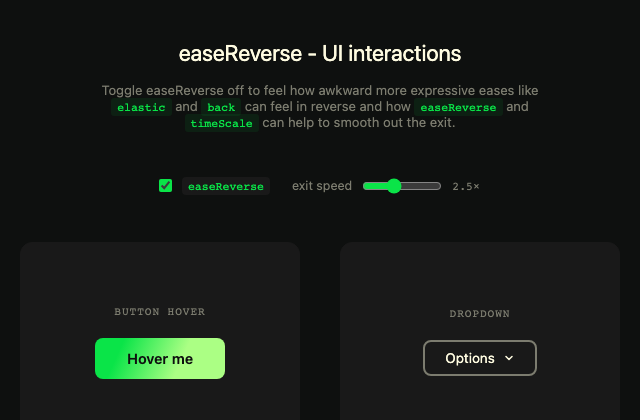
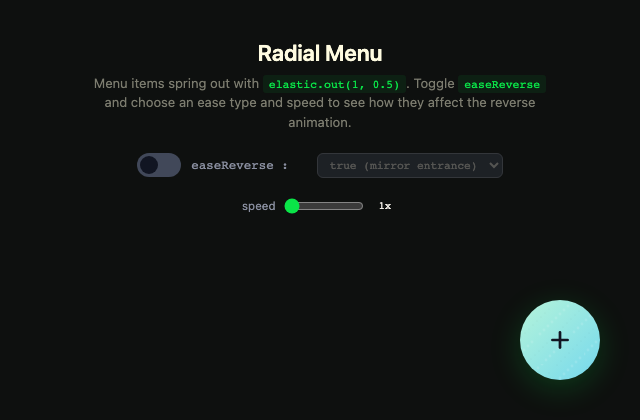
A playful GSAP menu demo exploring how easeReverse makes reversed UI animations feel smoother, snappier, and more intentional.
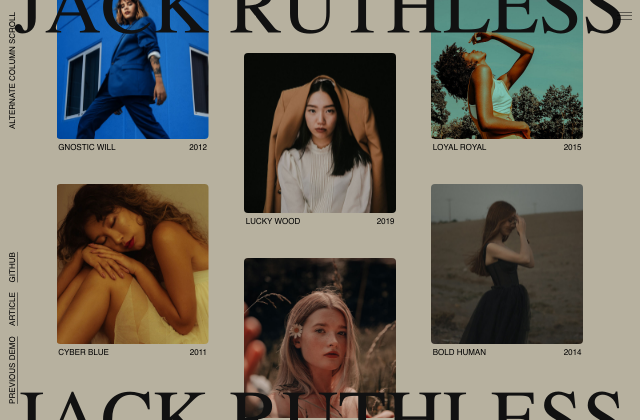
A grid layout with columns that scroll in opposite directions and a content preview animation.
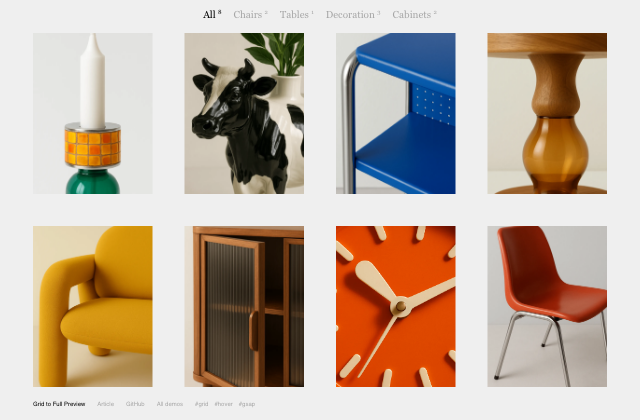
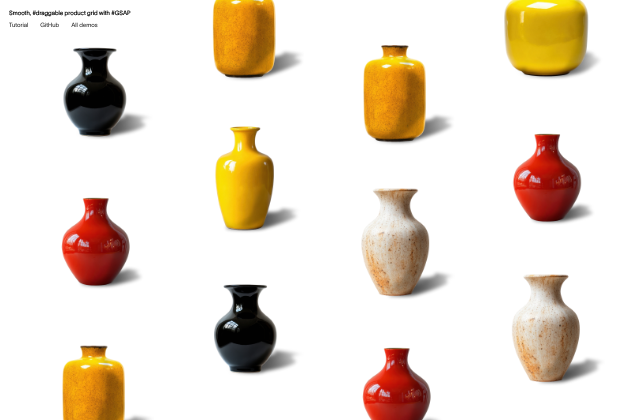
Learn how to transform a simple product grid into an interactive, animated preview experience using GSAP in this hands-on tutorial.
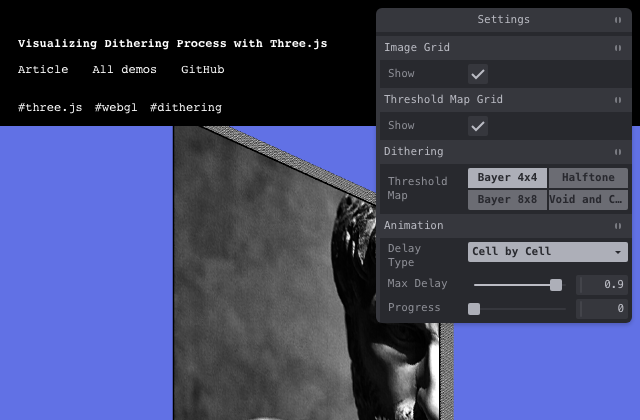
A step-by-step breakdown of how I built a Three.js visual explainer on dithering by animating 160,000 cubes with custom shaders.
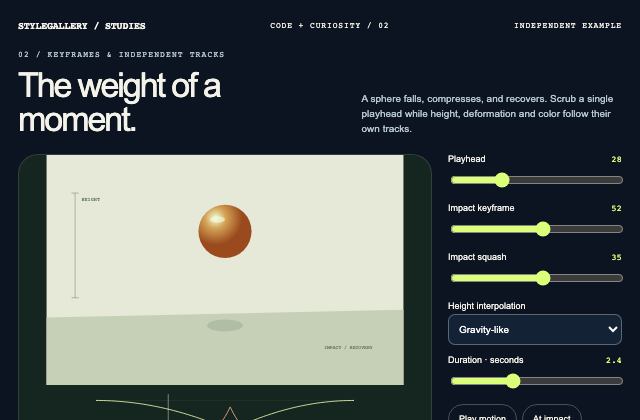
Independently authored article case study. A deterministic bounce evaluator maps the playhead to separate height, squash and color tracks. The impact keyframe is editable; the graph and sphere use the same evaluated values.
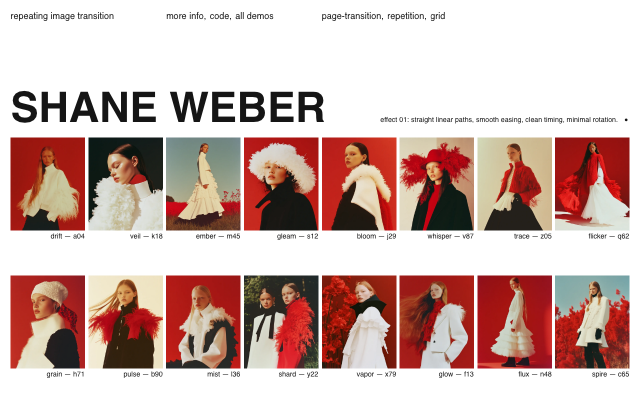
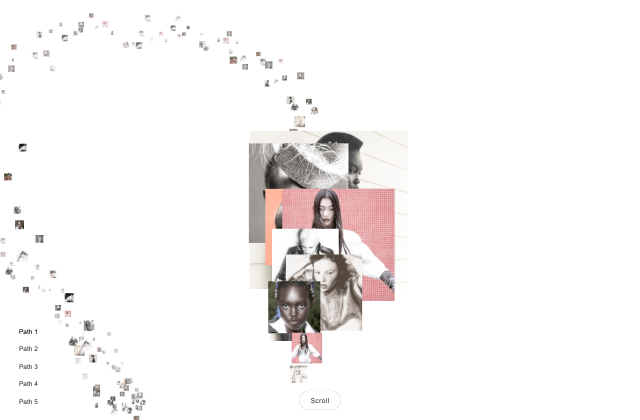
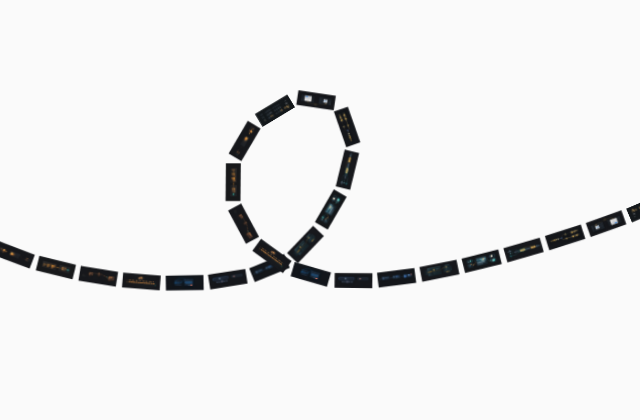
A playful exploration of animating repeated image frames along a path, inspired by Joana Correia’s motion design reel.
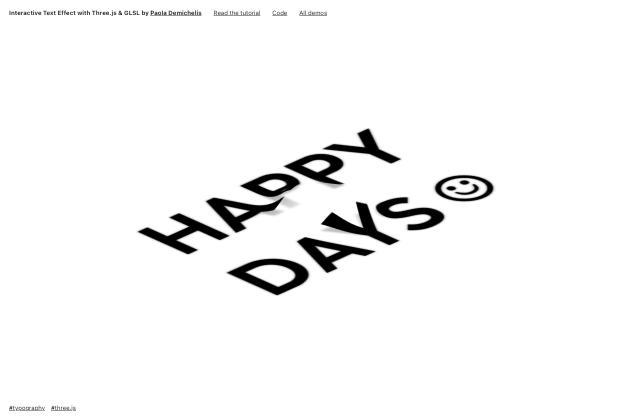
A beginner-friendly tutorial that explores how to create a dynamic text displacement effect using Three.js and custom shaders.
We’ll explore how to use GSAP’s Flip plugin to animate dynamic grid layout changes, showing how grid items can resize and rearrange fluidly.
A background color shift effect using a CSS blend mode and a multi-layer animation.
The Codrops mark, rebuilt as a draggable solid and printed in ASCII on the GPU, where every character cell searches 95 glyphs for its own.
A blurry text reveal animation on scroll inspired by Rauno’s “Blur reveal”.
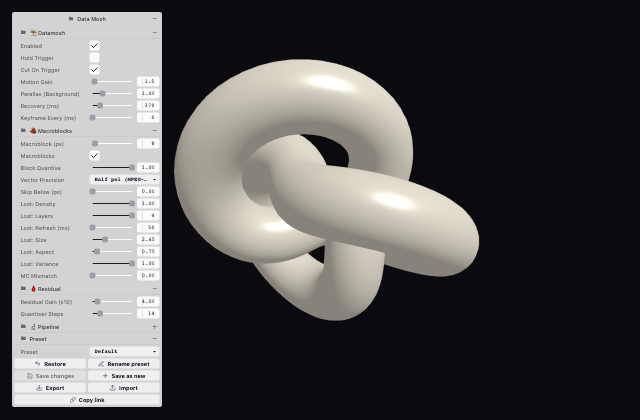
A hands-on exploration of how Three.js, shaders, and codec-inspired techniques can turn a scene transition into a convincing real-time datamosh effect.
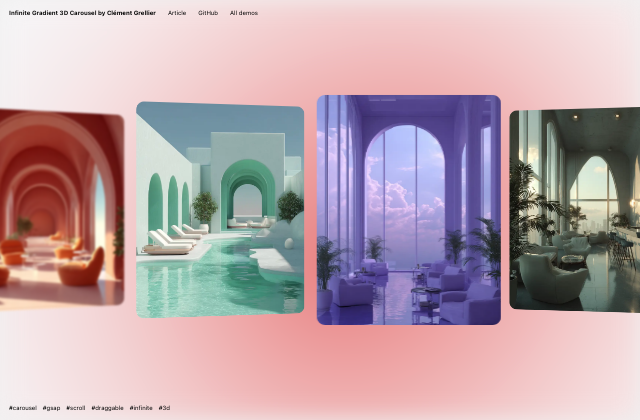
Learn how to build a smooth, infinite 3D carousel where each image drives a reactive, canvas-based background gradient that adapts to its colors.
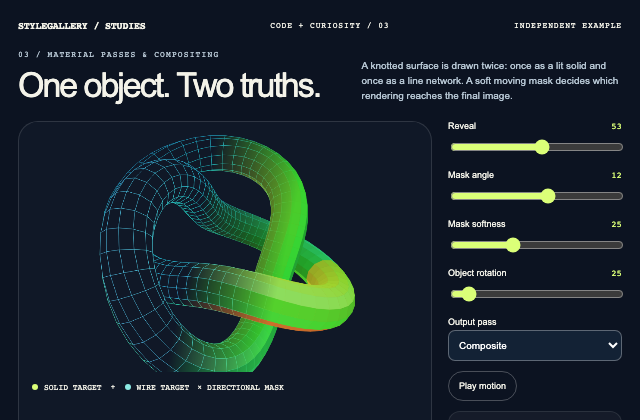
Independently authored article case study. An independently generated torus knot is projected once into two offscreen 2D render targets. Solid and wire passes share geometry and camera; a directional alpha mask composites their outputs. This browser-canvas study isolates the article’s render-target principle without claiming its Three.js shader implementation.
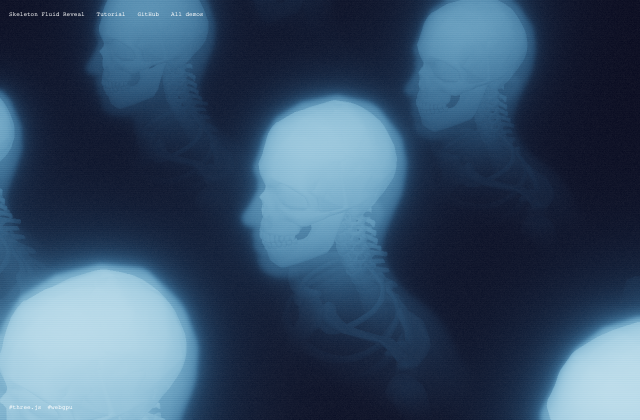
Learn how to use Three.js to blend two scenes with a fluid simulation, creating a smooth, dynamic reveal effect.
Go behind the scenes of an immersive 3D museum built with Blender and Three.js, and explore the creative process, technical decisions, and browser-ready workflow that brought it to life.
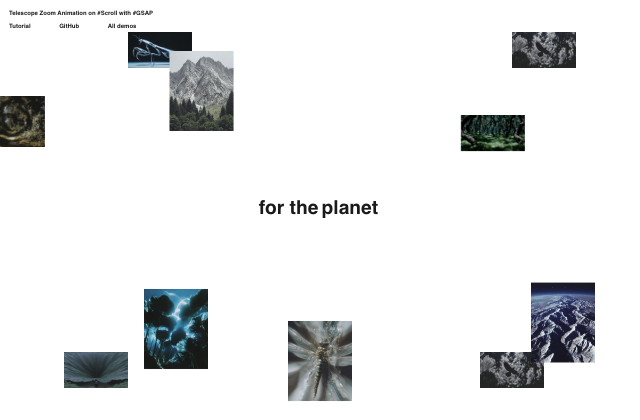
Learn how to recreate Telescope’s smooth, layered zoom scroll animation using GSAP’s ScrollSmoother and ScrollTrigger plugins to achieve a cinematic, depth-filled scrolling experience.
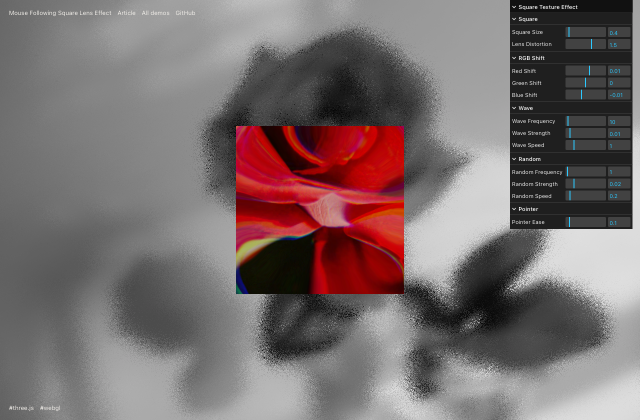
A step-by-step tutorial on using Three.js and GLSL to create a mouse-following square lens effect with image distortion, RGB shifting, and animated shader effects.
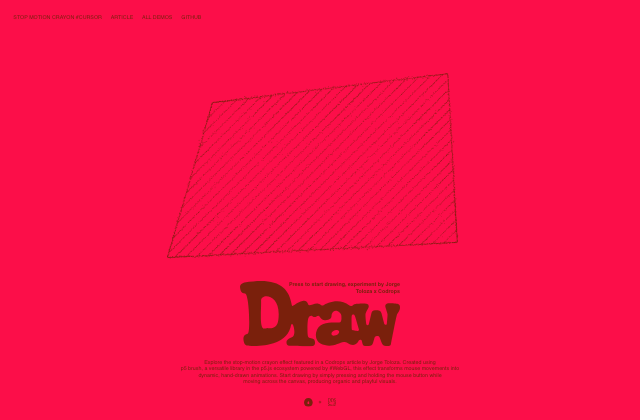
Create a playful stop-motion crayon cursor effect with p5.brush.js and smooth animations.
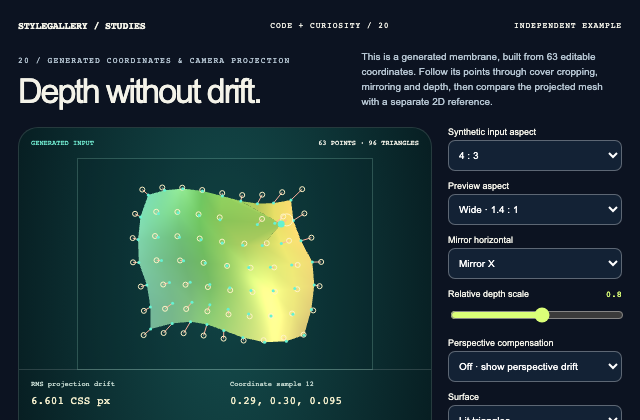
Independently authored article case study. An original indexed patch reuses a persistent position buffer. Normalized generated coordinates map through cover sizing and optional camera-ray compensation into a Three.js perspective camera. Actual updated vertex positions are projected with that camera and compared in CSS pixels with an independently calculated 2D cover reference. No camera or face inference is used.
A step-by-step guide to building a scroll-driven 3D cube gallery in Webflow with GSAP animations and CMS-powered content.
Build a cinematic, scroll-driven 3D gallery using a camera path authored in Blender, rendered with Three.js, and animated with GSAP.
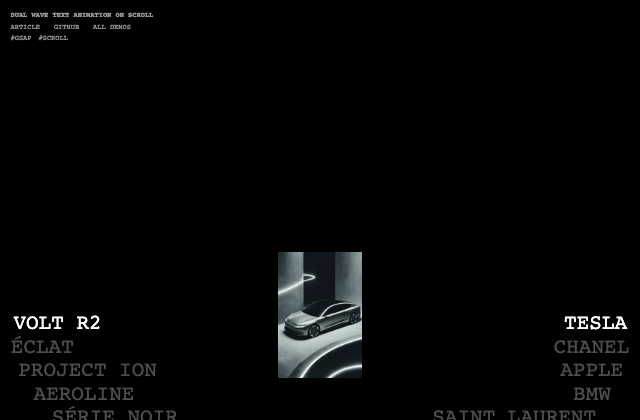
Learn how to create smooth, opposing wave text animations across dual columns with scroll-driven sine wave mathematics and synchronized image updates.
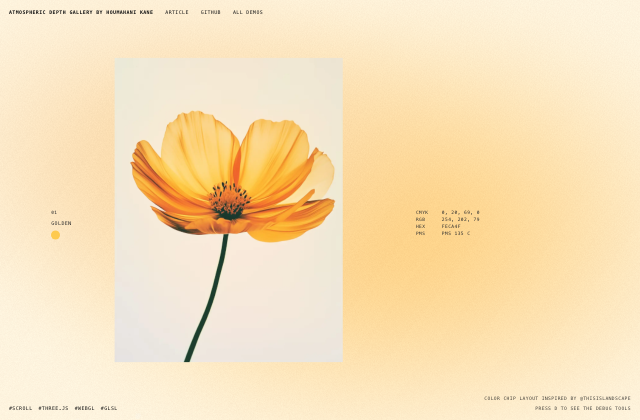
A tutorial on building a scroll-driven WebGL gallery in Three.js with depth-layered images, palette-driven backgrounds, and motion that responds to scroll velocity.
Learn how to build a multi-page WebGL image gallery with scroll-triggered shader reveals, smooth scrolling, and seamless page transitions using GSAP, Three.js, Astro, and Barba.js.
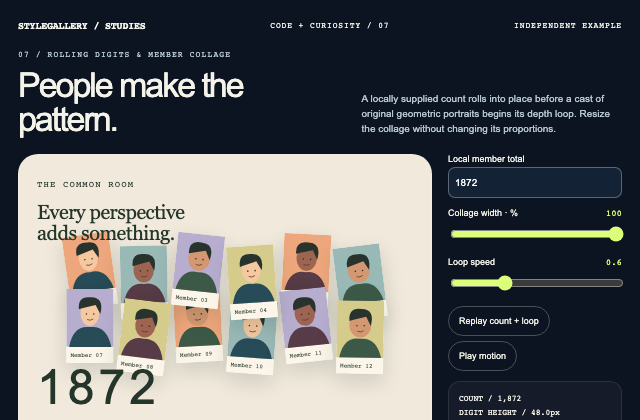
Independently authored article case study. Measured digit strips settle with digit-specific revolutions and durations. Twelve original geometric portrait cards use stable local IDs and container-relative collage positions, then orbit only after the count completes.
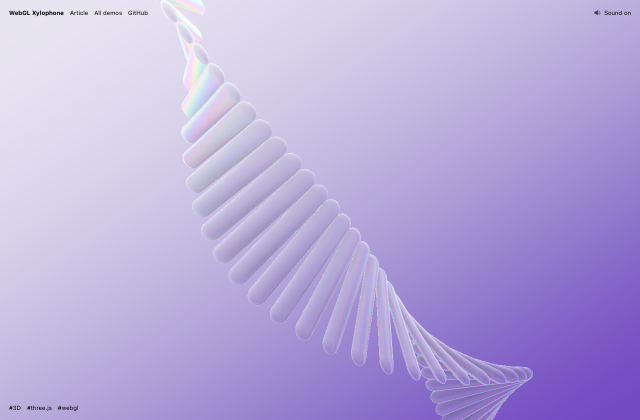
A scrolling helix of frosted glass bars that ring as you sweep across them, built in Three.js with instancing, a fluid simulation, and glass faked entirely in the shader.
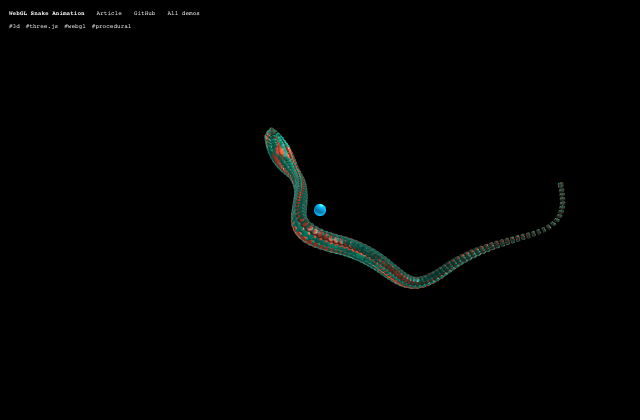
A deep dive into building a GPU-enhanced procedural curve system in Three.js, where organic motion emerges from simple steering rules and endless Bézier paths.
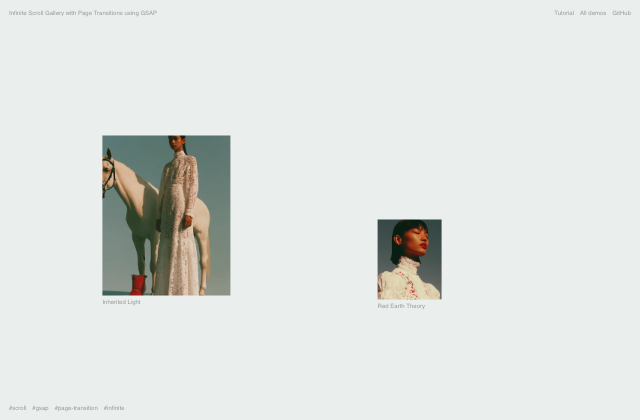
Learn how to build an infinite GSAP gallery with parallax scrolling, reveal animations, and Flip-powered fullscreen transitions.
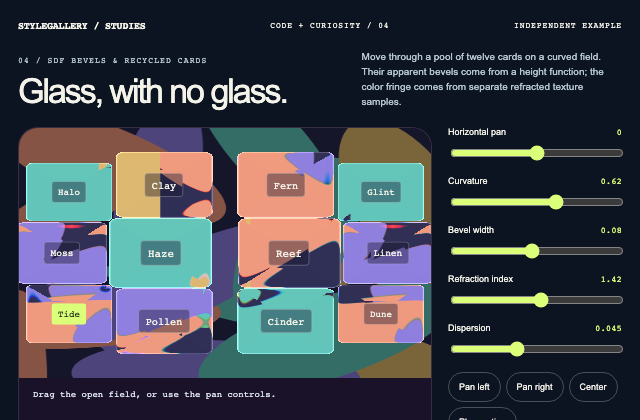
Independently authored article case study. A rounded-rectangle signed distance drives a bevel height field and finite-difference normals in a native WebGL shader. Three refracted samples of an original procedural texture create dispersion. A bounded pool reprojects over a spherical field, and selectable HTML labels use the same projected card data. GPU cloth and the publisher’s full camera-matrix implementation are outside this study.
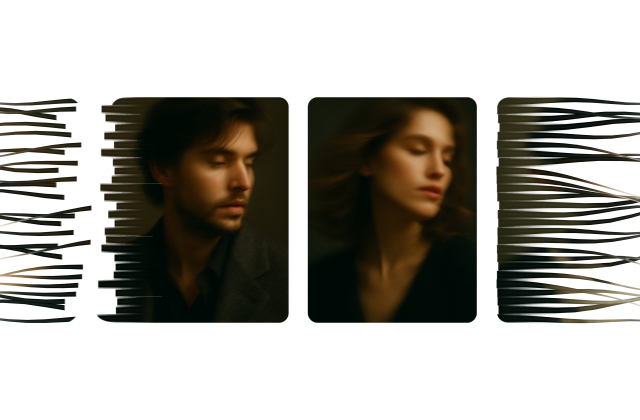
An experimental Three.js demo that transforms images into flowing ribbons, weaving them together and unraveling them as they move across the screen.
Learn how to create an infinite marquee that follows a custom SVG path using React and Motion.
Learn how to create a responsive, infinitely scrolling image grid with parallax motion and staggered text animations using GSAP.
Crumpled paper you can unfold, grab, and throw, made by baking a Vellum simulation in Houdini and bringing it to the web with Vertex Animation Textures, Three.js, and cannon-es.
In this tutorial, we’ll create an interactive image grid using Three.js, covering setup, animations, and shaders.
A tutorial on how to create a minimalistic and customizable 3D wave grid background with Three.js.
Learn how to build a lightweight SPA router with true async crossfade page transitions using Vanilla JavaScript, GSAP, and Vite — no framework required.
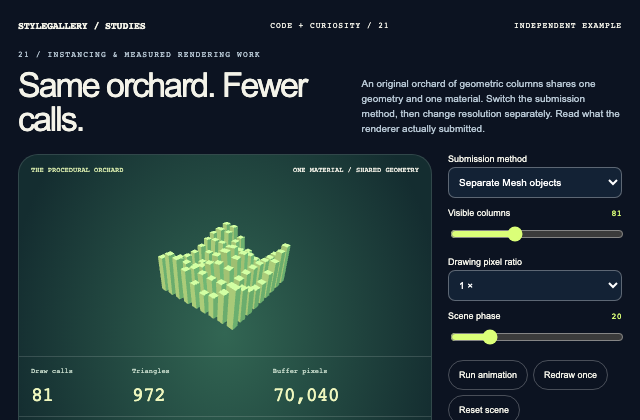
Independently authored article case study. A deterministic array of original column transforms feeds either separate Three.js Mesh objects or one InstancedMesh. A single render reports renderer.info draw calls and triangles, while the drawing buffer reports actual pixel dimensions. Object count, DPR and scheduling are separate controls; no frame-rate or universal speedup claim is made.
A quick guide to integrating interactive 3D models into your Webflow project using Three.js.
A step-by-step tutorial showing how to build seamless GPU-powered page transitions by combining a persistent WebGPU scene, DOM tracking, and a lightweight vanilla JavaScript router.
Smooth curved animations look simple, but building them responsively takes careful control. This tutorial shows how to approach it in practice.
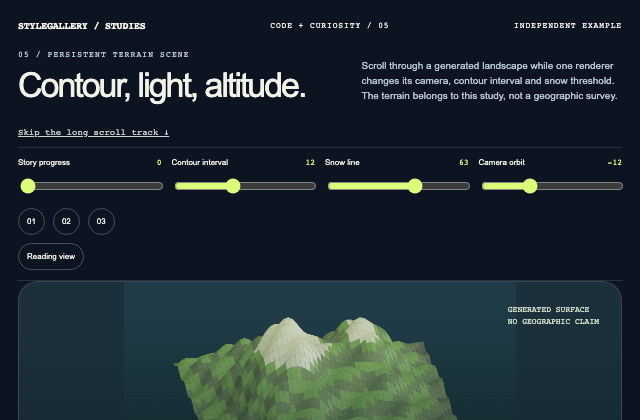
Independently authored article case study. One persistent Canvas 2D surface projects an independently generated elevation grid. Elevation bands, approximate surface hillshade and a snow threshold are derived during drawing. Document progress selects camera and chapter state; the renderer is never remounted. This isolates terrain presentation and lifecycle principles without an actual DEM, glTF or Webflow integration.
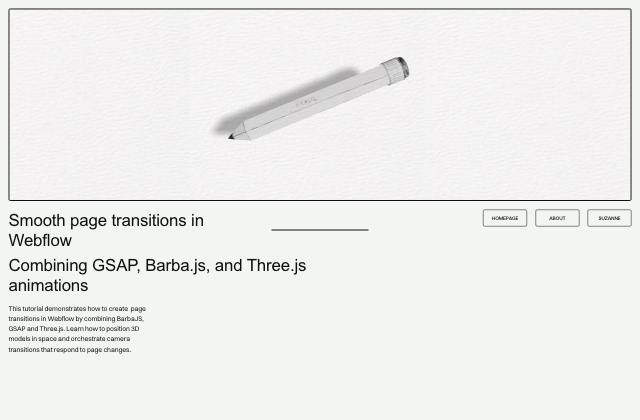
Build a single, persistent Three.js scene in Webflow and drive smooth, GSAP-powered page transitions with Barba.js.
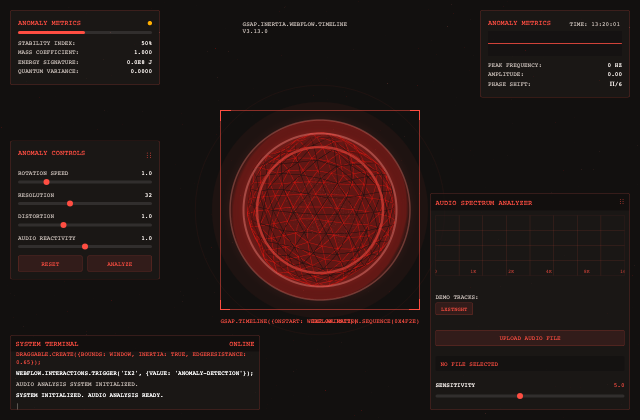
A music-driven visualizer where a glowing 3D orb pulses and spikes to the beat while GSAP-draggable panels drift around it with smooth, inertia-powered motion.
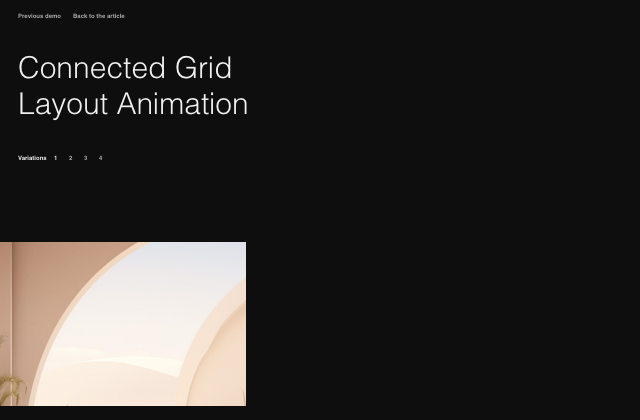
Some ideas for simple on-scroll animations on “connected” grid layouts.
A simple concept of animating one element across different waypoints on scroll using GSAP Flip and ScrollTrigger.
A step-by-step guide to building high-performance 3D scroll effects with GSAP, ScrollTrigger, and CSS transform math.
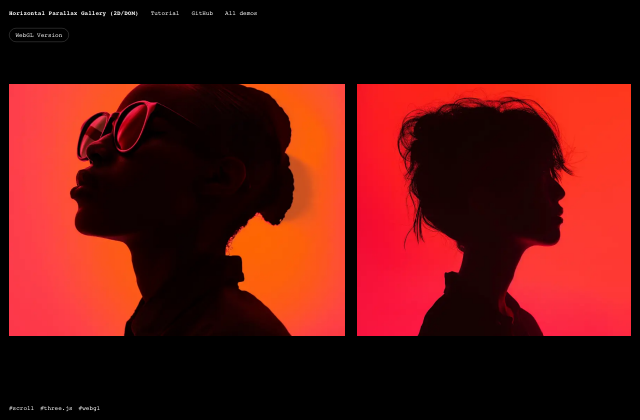
Build a smooth horizontal parallax gallery in DOM/CSS/JS, then upgrade it to GPU-powered WebGL (Three.js) with shaders.
A creative exploration of GSAP MotionPath, where stacked thumbnails unfold into a flowing image strip through curved trajectories.
A step-by-step guide to simulating sun, rain, snow, and storms in an interactive 3D weather app.
A step-by-step tutorial on turning a simple icosahedron into a dynamic, interactive 3D cluster using Three.js, TSL, WebGPU, noise, interaction, and post-processing.
Follow along as we build page transitions in Astro with Barba.js and GSAP, from the initial setup to a working animated transition flow.
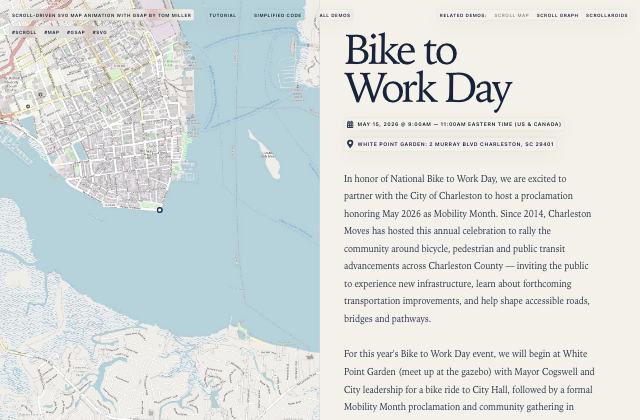
A tutorial on building cinematic scroll-driven SVG map animations with GSAP using path drawing, motion tracking, and smooth camera movement.
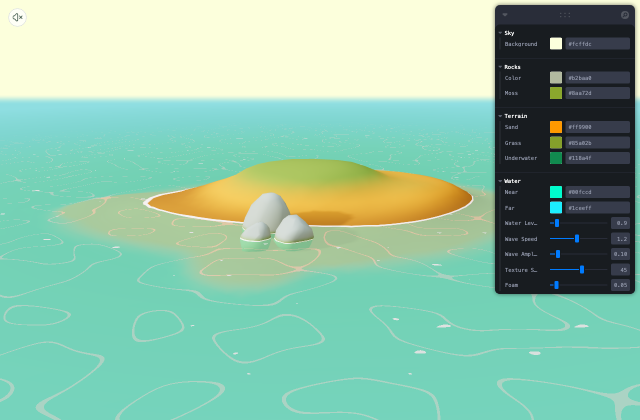
Learn how to craft smooth, cartoon-style water effects with dynamic movement, optimized for performance, using React Three Fiber.
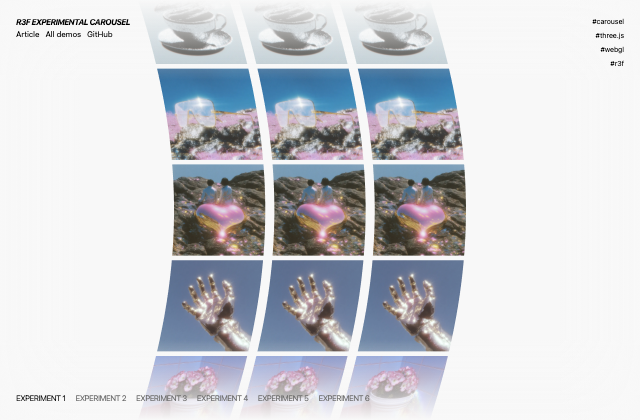
Experimenting with infinitely scrolling, wavy 3D carousels in React Three Fiber with smooth scroll-driven distortion effects.
Several interactive cursor effects made with JavaScript and SVG.
Some ideas for hover effects using clip-path animations where the same image gets revealed in a creative way.
Independently authored article case study. A native WebGL vertex shader derives curve positions, finite-difference tangents, a cross-section frame and normals from immutable progress/angle attributes. The animated reveal changes radius rather than transparency. A stable reference-axis fallback prevents zero-length cross products for this bounded curve family; it does not promise a globally continuous frame for arbitrary curves.
A dynamic tooltip animation with various reveal effects, comprised of different amounts of fragments appearing.
A scroll effect where each column of a grid moves at a slightly different speed, creating a soft, elastic feel as you scroll.
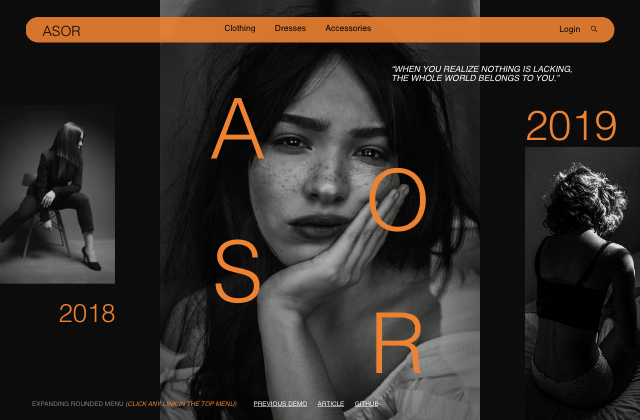
An expanding menu animation with a cover unreveal effect in the background.
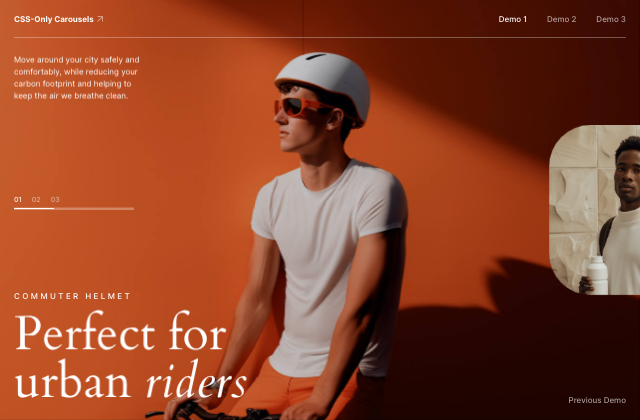
Three carousel experiments made with CSS scroll-driven animations, based on Francesco Zagami’s designs.
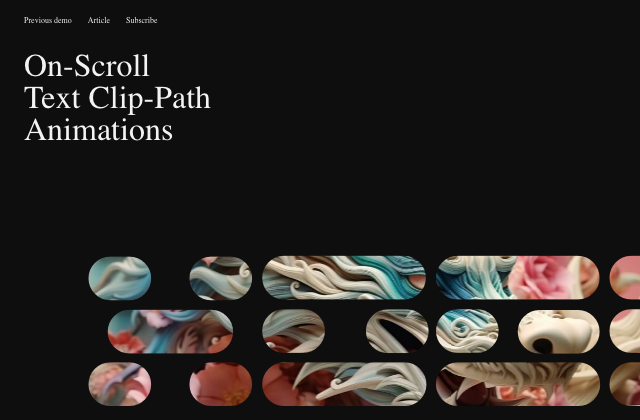
Some experiments with on-scroll typography effects using SVG clip-paths.
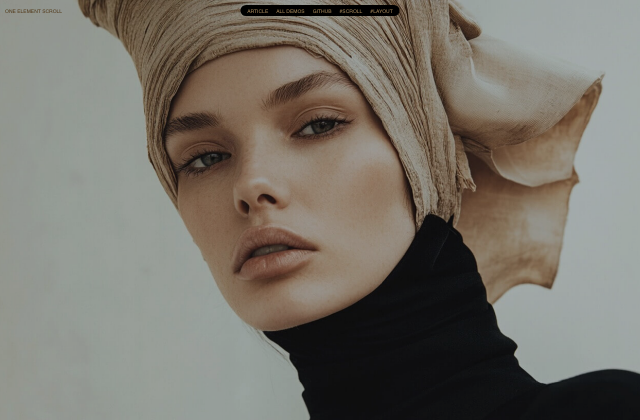
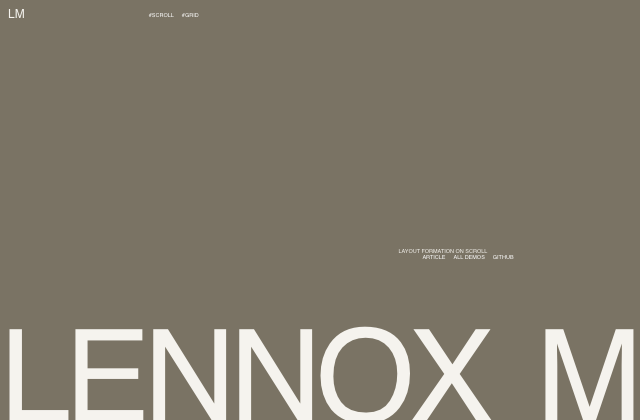
An exploration of layout formations during scroll, where content is pinned until the layout is fully assembled.
Exploring how fixed elements can hide and reveal based on scroll interactions with playful, context-aware animations.
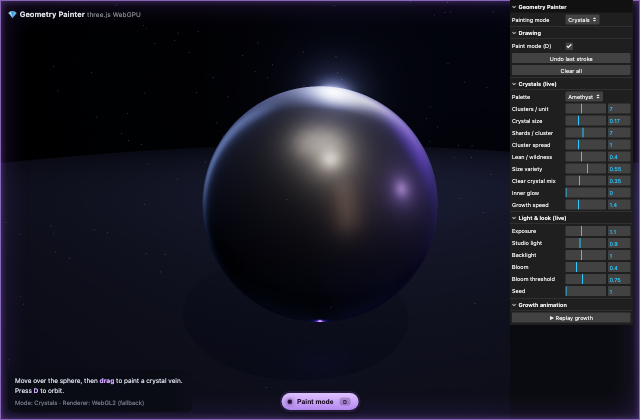
A deep dive into building a flexible Three.js Geometry Painter with WebGPU and TSL, from surface picking and procedural geometry to live controls, custom shaders, lighting, and post-processing.
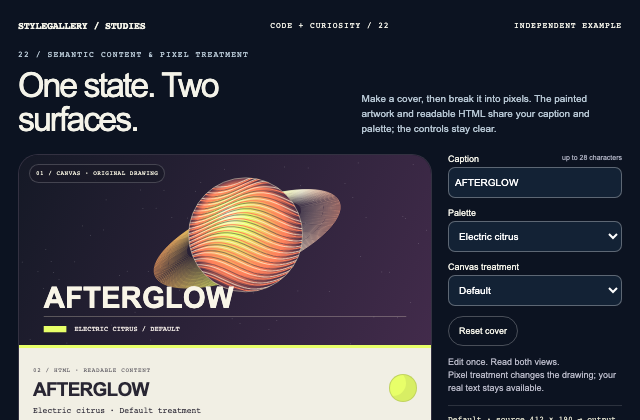
Independently authored article case study. One application state owns caption, accent and effect. Both a semantic HTML card and an independently drawn Canvas2D cover consume the same snapshot. Pixelated mode paints that cover into a smaller detached canvas, then enlarges it with image smoothing disabled. Inputs and resize events redraw the current state without replacing native controls. This is manual drawing of known content, not automatic HTML rasterization.
Learn how to bake a cloth simulation in Blender, export it, and bring it into Three.js as an interactive, replayable animation.
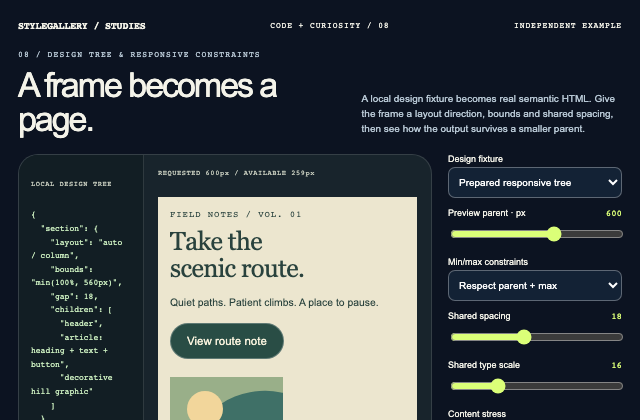
Independently authored article case study. A local design-tree fixture is rendered into a section, header, article and native action. Prepared and fixed-frame modes expose the effects of logical sizing, min/max bounds and shared spacing variables without connecting to Figma or WordPress.
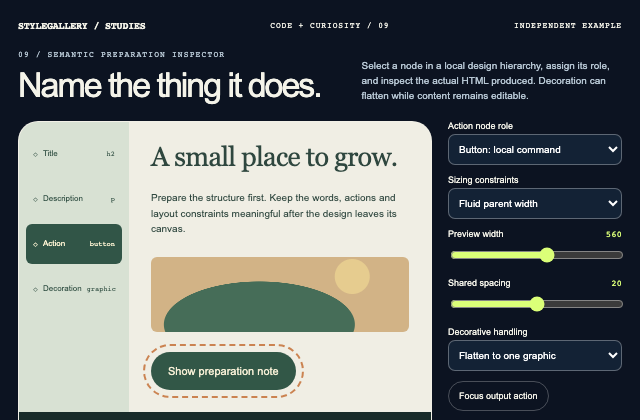
Independently authored article case study. An independent preparation inspector maps stable node identities to native HTML elements and named layout constraints. Node selection, role editing and a shared spacing variable update the rendered fixture and its generated markup together. It studies semantic preparation, not a provider import.
A practical walkthrough of building a curved 3D product grid with React Three Fiber and GLSL, covering shaders, animation, and performance.
GSAP’s premium plugins are now free, and this article explores their creative potential through five playful animation demos.
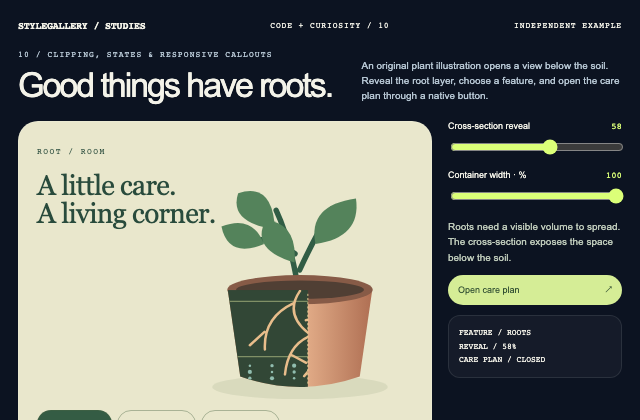
Independently authored article case study. A native range and pointer position share a clipping value for an original SVG pot cross-section. Stable feature selection drives reusable callouts. The care button has idle, hover/focus and expanded states, while its semantic expansion state commits immediately.
Some inspiration for clip-path animations where a fullscreen image moves into a row/grid of smaller images, morphing its shape along the way.
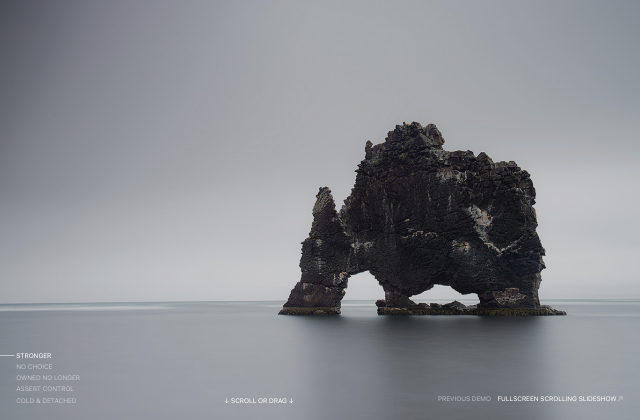
A fullscreen scroll-based slideshow with a content view powered by GreenSock’s Observer plugin.
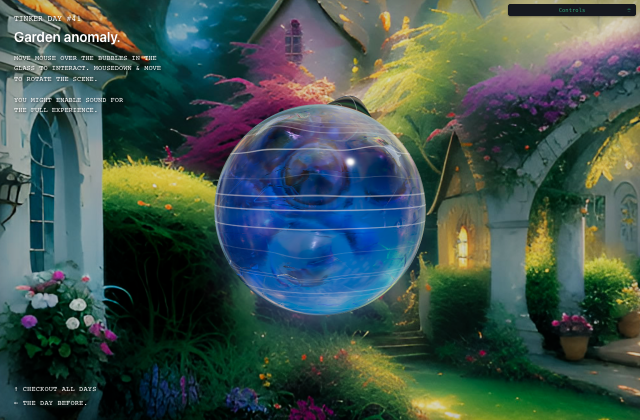
A tiny WebGPU and TSL experiment, tinkering with physics, deformations, and procedural audio, all tied together inside a sphere to play with.
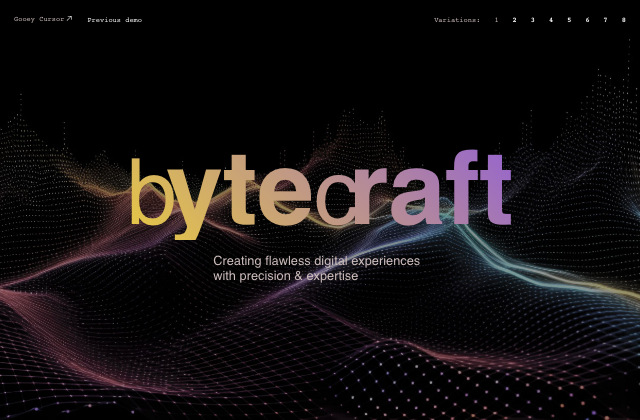
A fun gooey cursor background effect with SVG filters and CSS blend modes.
A loading and navigation animation where thumbnails “flow” into a grid.
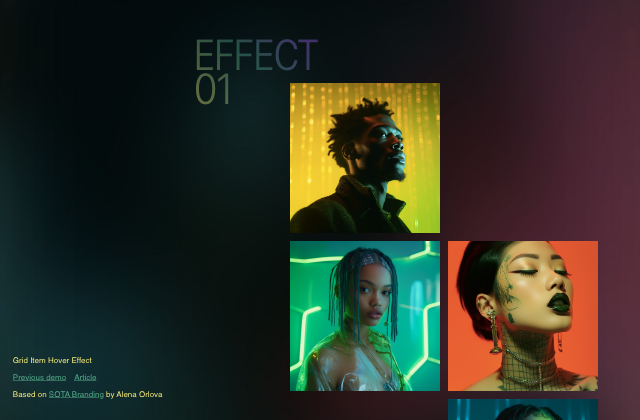
Three hover effects based on a grid design by Alena Orlova.
A recreation of the grid item reveal animation on hover as seen on the website of Metalab.
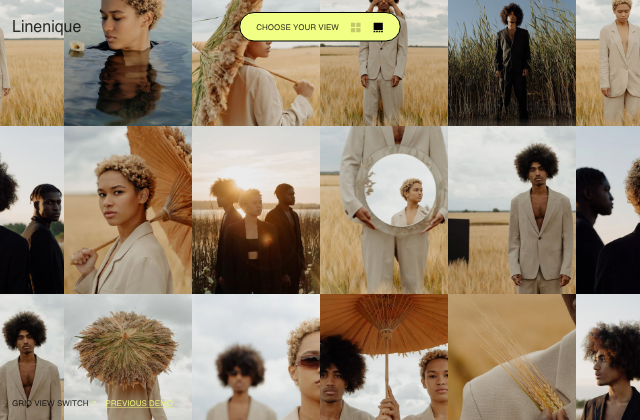
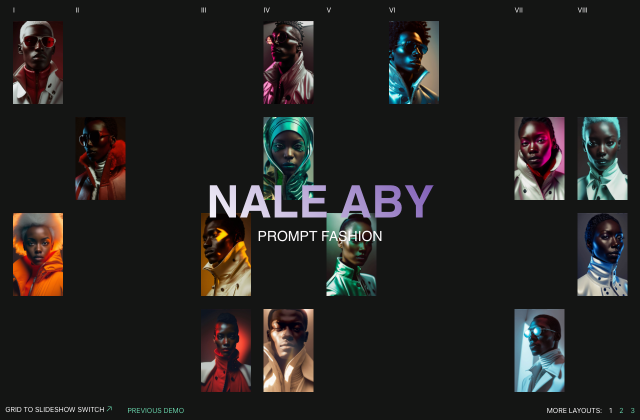
A concept for a view switch animation from grid to slideshow.
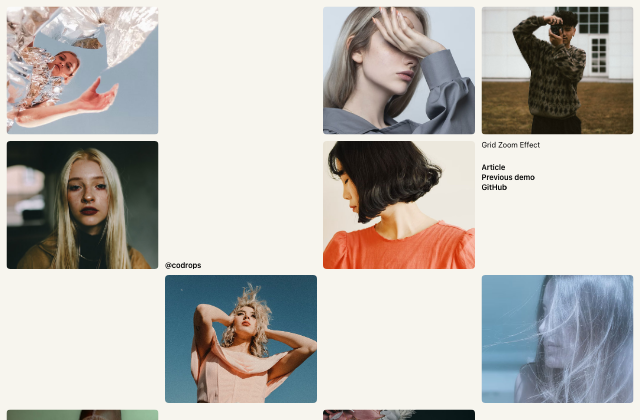
A simple image grid layout where a small grid image zooms to become larger while a content view opens.
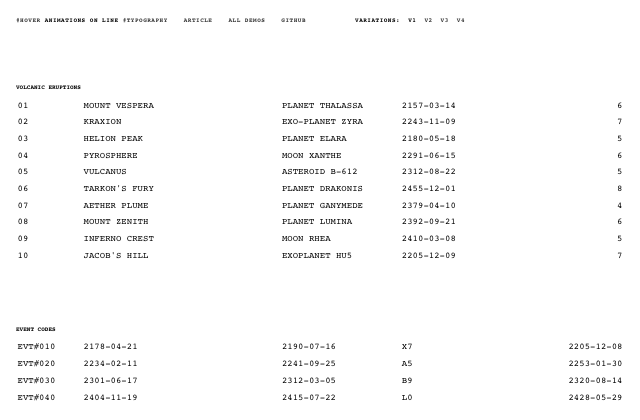
Some fun Terminal-like character hover animations for lines of text.
A little hover motion effect on a grid and an intro animation.
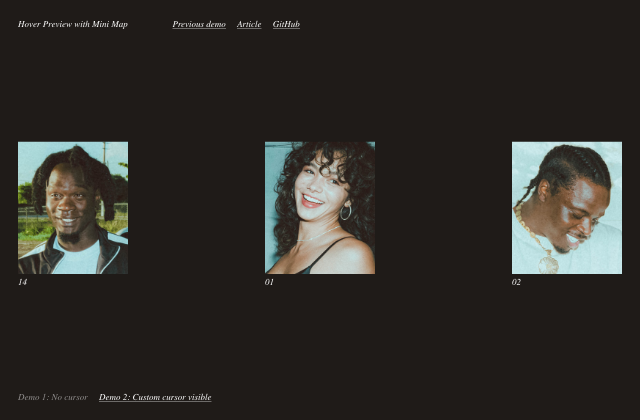
An experimental hover effect, where a content preview is shown while a mini map indicates the position of the cursor.
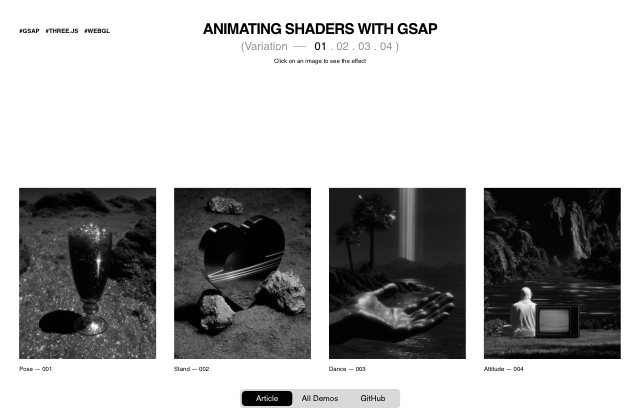
A hands-on guide to animating WebGL shaders with GSAP, exploring how to control shader uniforms and sync JavaScript timelines.
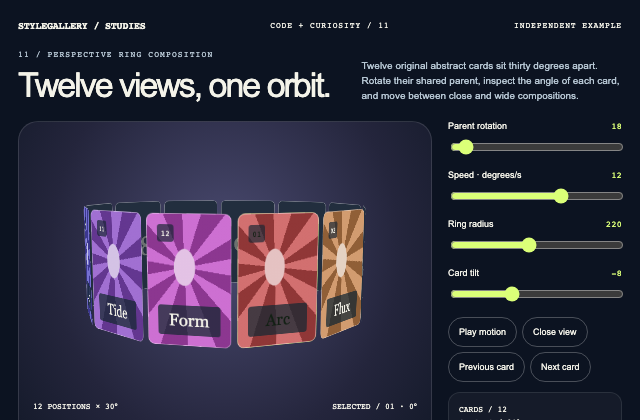
Independently authored article case study. Twelve CSS 3D card transforms share one orbit parent. Each card uses a fixed index-derived 30-degree angle plus a depth translation; radius, tilt, parent rotation and scene scale remain separately editable. Keyboard-operable card selection and angle controls replace any need for a custom cursor.
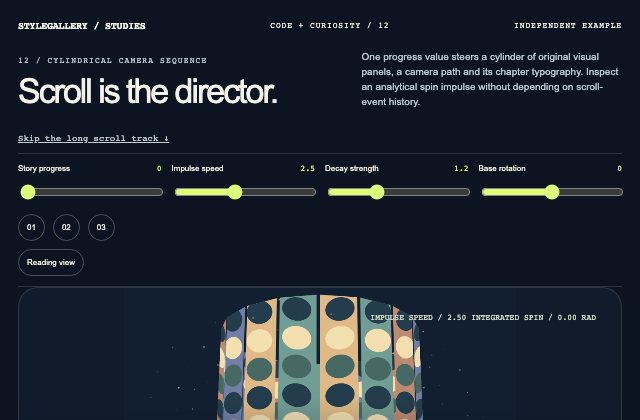
Independently authored article case study. A software-projected cylinder samples an original procedural panel atlas. Document progress sets the camera path, base rotation and chapter selection. A closed-form exponentially decaying spin impulse derives rotation and particle energy from the same scrubbed time. This is a deterministic study of inertia, not a claim that live wheel velocity was measured.
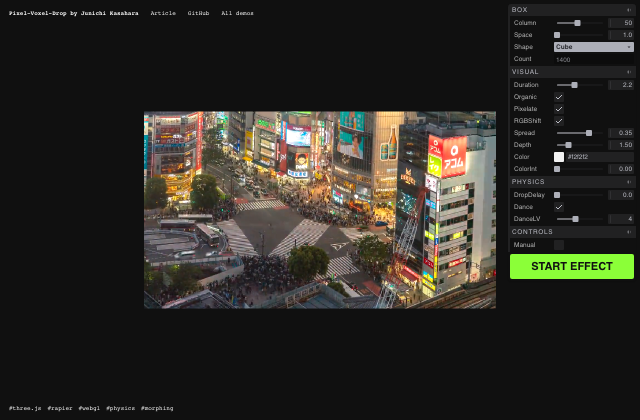
A tutorial showing how video pixels are voxelized in 3D and dropped into a physics-driven world using Three.js, shaders, and Rapier.
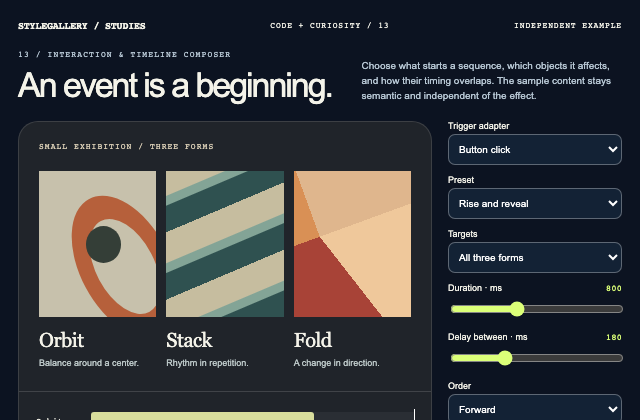
Independently authored article case study. A consumer-owned event adapter launches one preset evaluator. Duration, delay and order define track offsets; the scrubber can inspect the same timeline without firing its trigger.
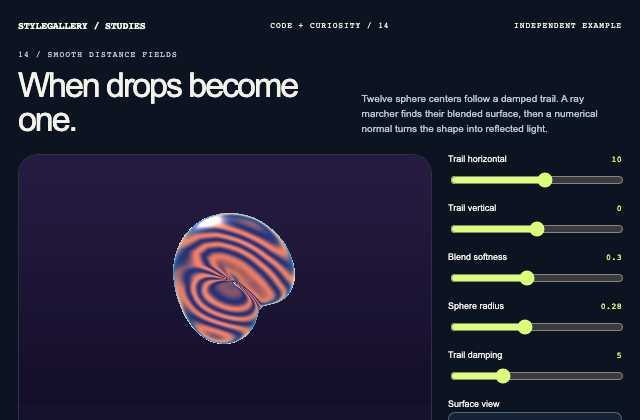
Independently authored article case study. An independently authored native WebGL ray marcher evaluates a smooth union of sphere signed-distance fields. A bounded pointer trail supplies sphere centers; finite-difference surface normals support shaded, normal and distance views. No original custom-licensed implementation is redistributed.
Bring static visuals to life with rotating textures, 3D geometry, and smooth motion powered by React Three Fiber.
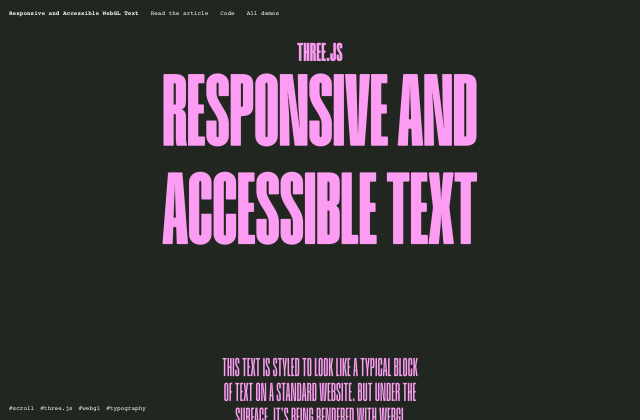
Learn how to combine responsive HTML text with WebGL rendering, enabling scroll-driven animations and custom shader effects.
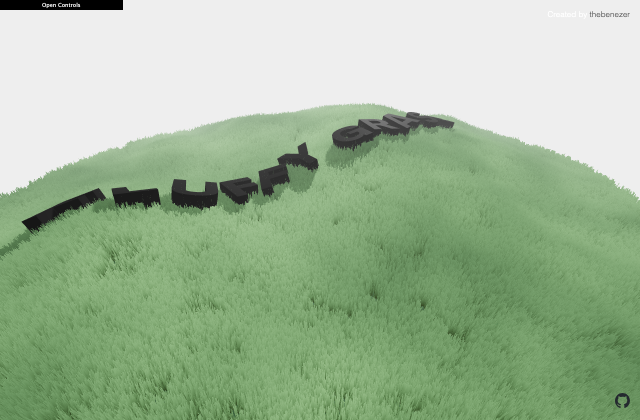
A breakdown of the best techniques to create realistic grass in Three.js without killing performance.
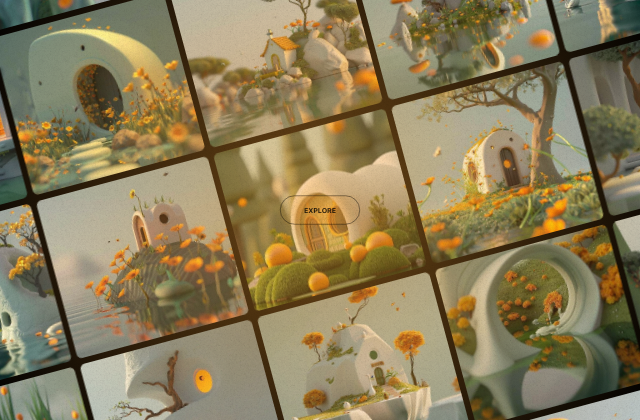
Some ideas and inspiration for layout animations where we go from an irregular grid to a slideshow or alternative view.
Some ideas for mouse/touch responsive animations where images are shown along the path of the user motion.
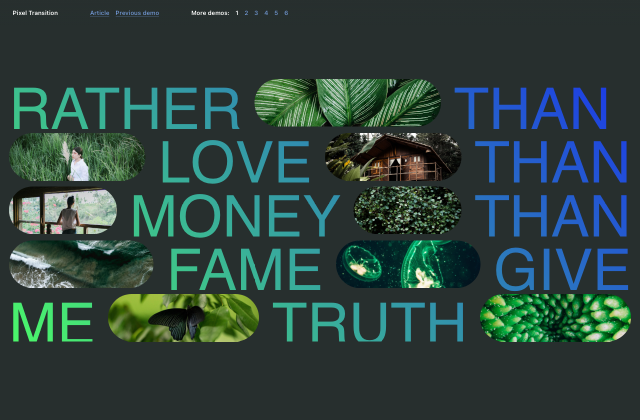
Inspiration for “pixel” page transitions based on Niccolò Miranda’s animation.
Some ideas for speedy page transition animations with layered images using clip-path.
A circular stack intro for images with different animations.
An animation featuring image tiles that transform into a full image when a menu item is clicked.
A simple transition where a large image animates to its place in a grid.
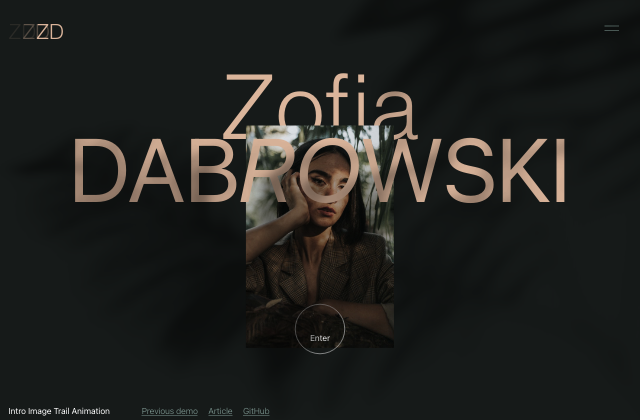
An intro animation concept with an initial loader and an intro screen that animates to a new layout using various effects.
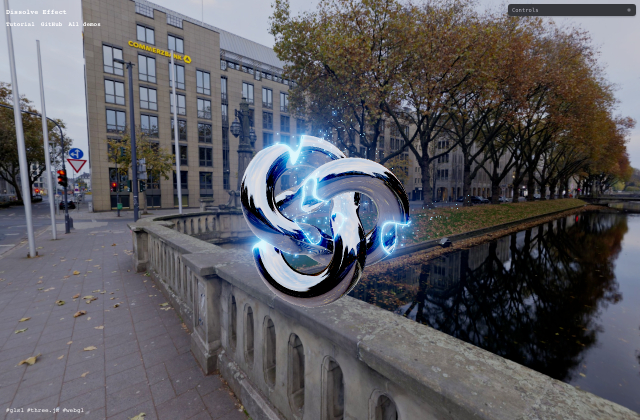
Learn how to create an emissive dissolve effect, a popular technique in games for smoothly fading or transforming objects.
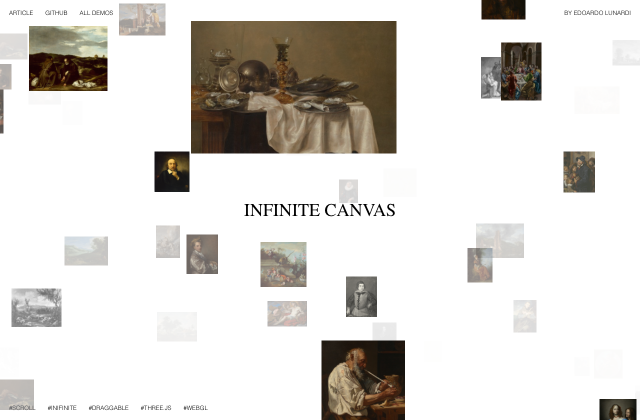
Learn how to build an infinite, pannable image canvas with React Three Fiber. We’ll use chunk-based rendering and performance-first techniques to create a smooth, endlessly explorable image space.
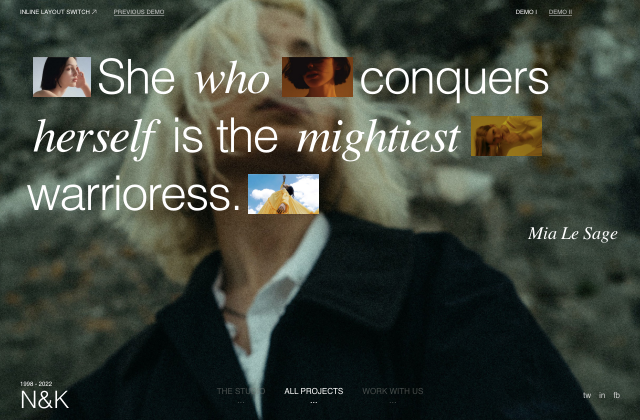
Two ideas for animating images from an inline layout to a column or grid-based one.
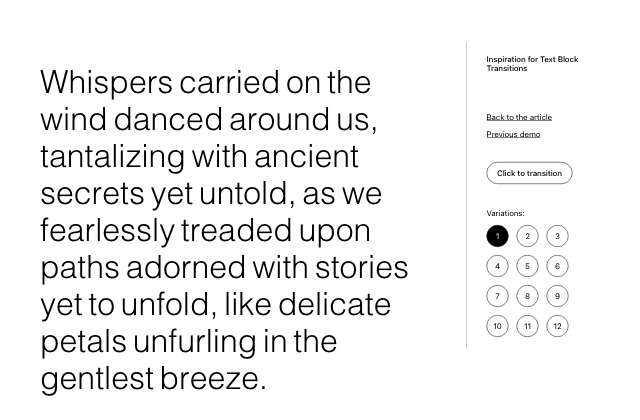
Some inspiration for transitioning text blocks with different word animations.
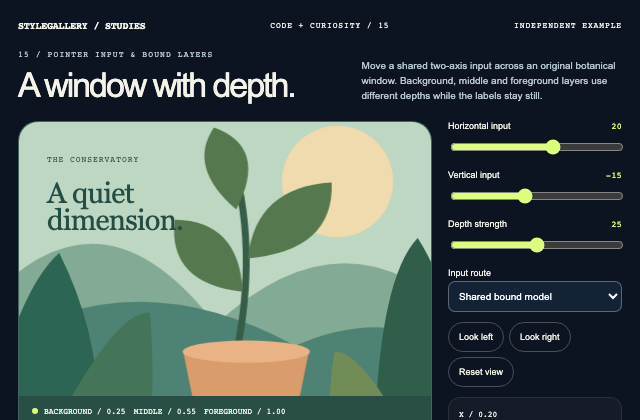
Independently authored article case study. One normalized pointer model drives bounded transforms for three independently illustrated DOM/SVG layers. Direct input and bound-model modes share the same render function, with reset and native coordinate controls. The setting is a botanical display, without game, staking, transaction or provider-runtime behavior.
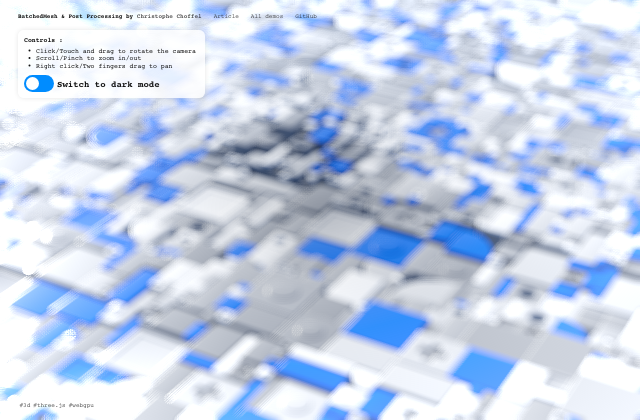
A breakdown of a Three.js demo using BatchedMesh for efficient mesh rendering and exploring the new post-processing pipeline with TSL.
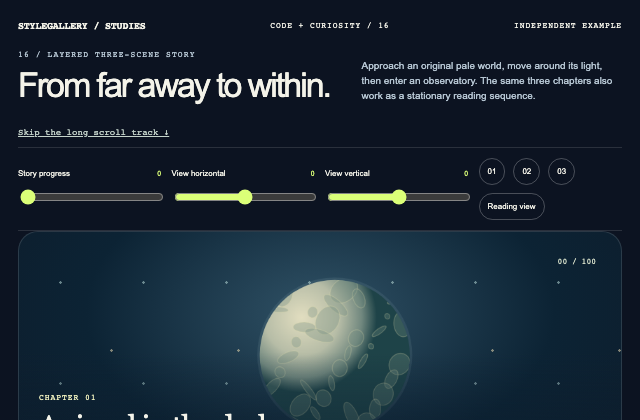
Independently authored article case study. A single progress evaluator blends an original SVG globe, atmospheric depth layers and an observatory interior. Document-owned scroll maps to bounded scale, translation and opacity; chapter availability changes immediately at explicit boundaries. Native view inputs replace pointer parallax and the static path exposes every chapter in ordinary flow.
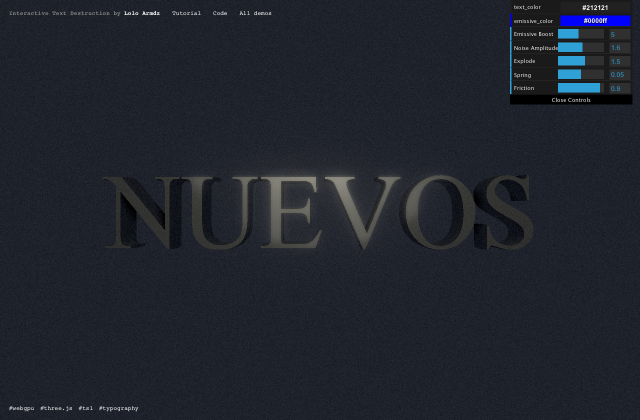
Learn how to create an interactive 3D text effect where letters explode into dynamic shapes using Three.js, WebGPU, and Three Shader Language (TSL).
Learn how to map video textures onto 3D grids of cubes with masks, motion, and interactivity using Three.js.
Discover how to create a subtle, interactive WebGL background with Bayer dithering in this quick tutorial.
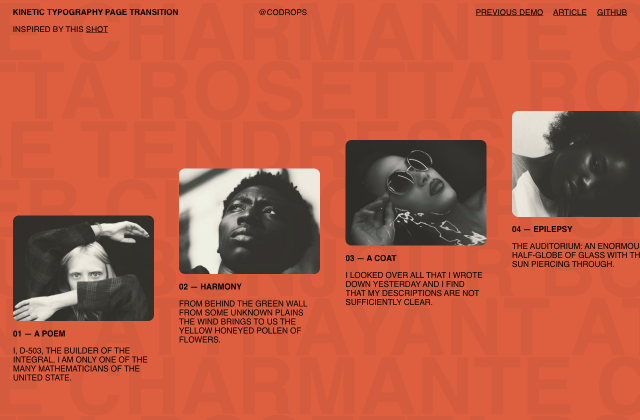
A concept for a kinetic typography based page transition where background letters come into the foreground and reveal a new content level.
A simple scroll effect and page transition inspired by Vitalii Burhonskyi’s Dribbble shot.
A little animation for a big menu where the letters of a word shuffle to become the first letter of each menu item.
A simple layout switch example where we go from a typography row view with inline images to a large image preview with more content.
A creative GSAP experiment where images cascade from the mouse position and rebound off the bottom of the screen with satisfying motion.
A little grid interaction effect where adjoining items make way to a selected one that expands.
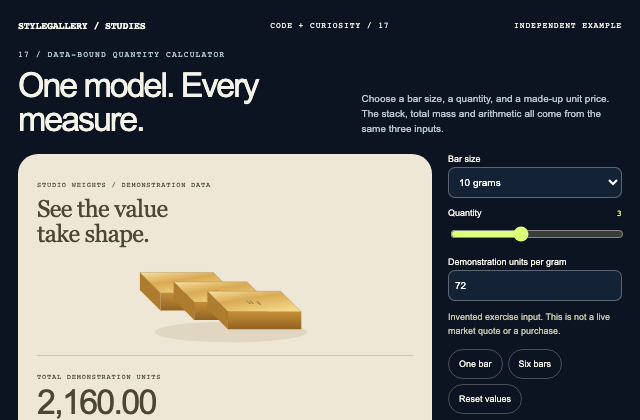
Independently authored article case study. A local data model owns grams per bar, quantity and demonstration units per gram. Total mass and total price are derived by multiplication; original SVG bar dimensions, count and labels update together. No market-data, financial-quote or provider API is involved.
Learn how to build carousels with GSAP using scroll snapping, utility functions, 3D effects, and draggable interactions.
A step-by-step guide to creating particle trails with TSL (Three.js Shader Language), simulating dynamic movement in 3D space.
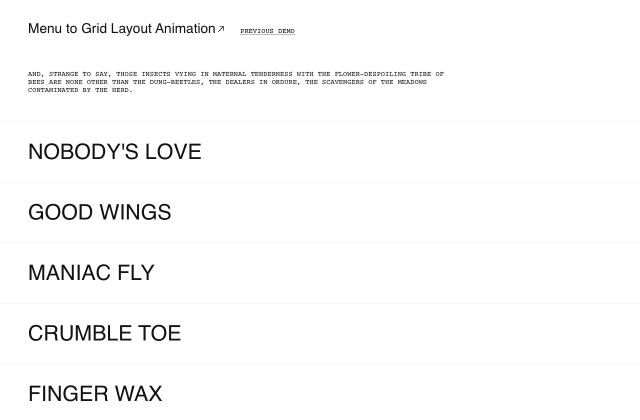
A simple layout animation where the thumbnails of a menu row animate to their position in a content preview grid.
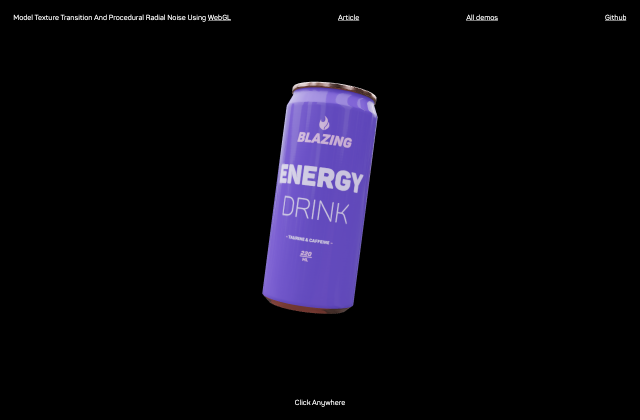
A WebGL experiment that explores two visual effects: a texture transition on a 3D can model and a procedural radial noise field.
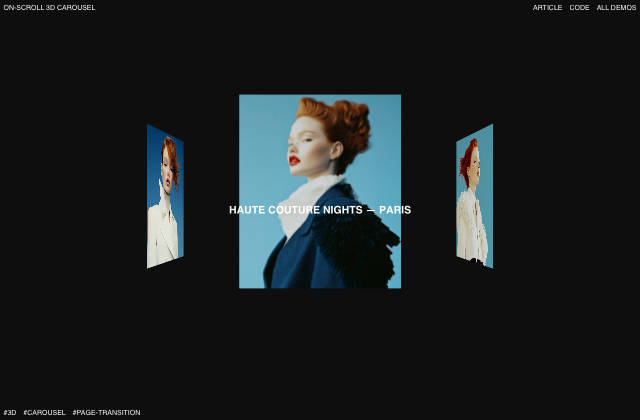
An animation concept where we rotate a carousel in 3D while scrolling.
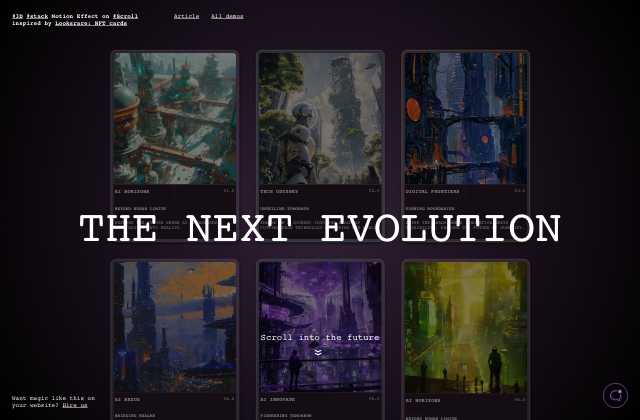
An experimental 3D card stack animation on scroll.
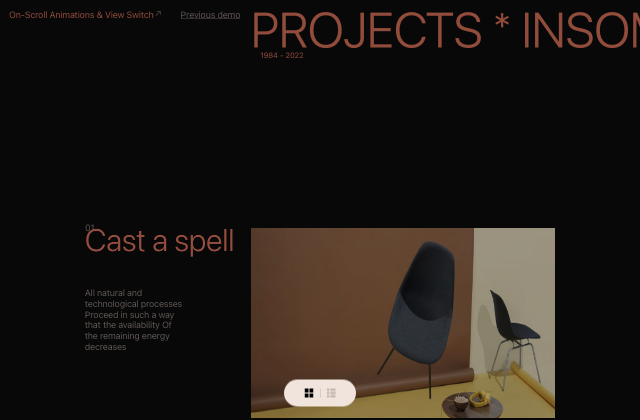
A layout with some scroll animations and a view switch where the content item images animate to a grid.
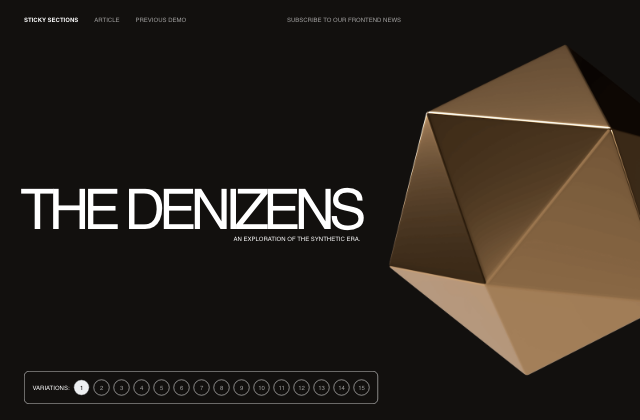
Some ideas of how sticky sections can be animated while exiting the viewport.
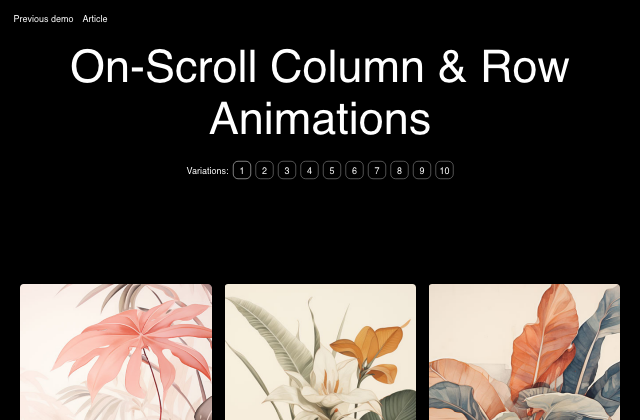
Some inspiration for scroll-driven animations on column and row items.
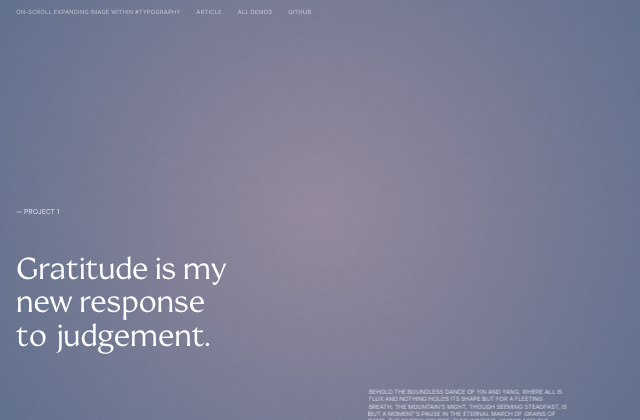
An animation experiment where we expand an image within some typographic element on scroll.
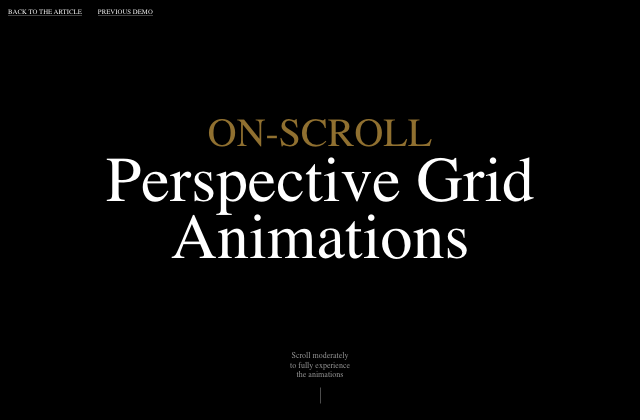
On-scroll animations for perspective image grids with different layouts.
A recreation of the on-scroll pixelated image loading effect seen on Felicity Ingram’s website.
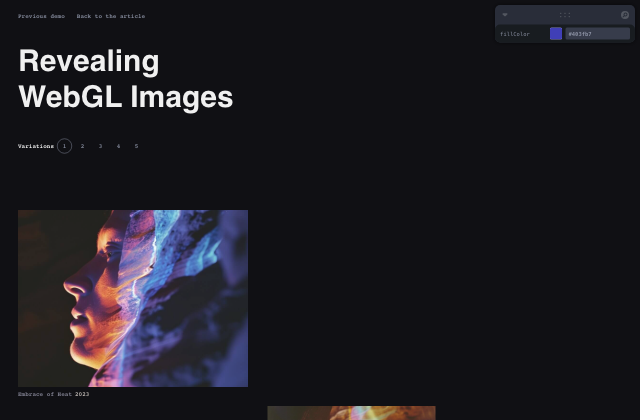
An exploration of on-scroll reveal effects for images in WebGL, using React Three Fiber.
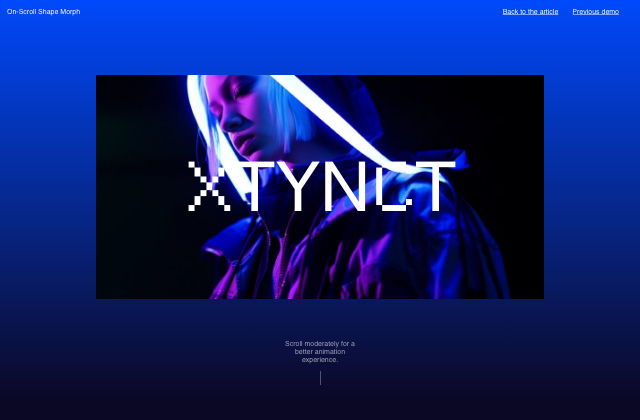
Scroll-driven shape morph animations with tilt interaction inspired by the effect seen on KPR.
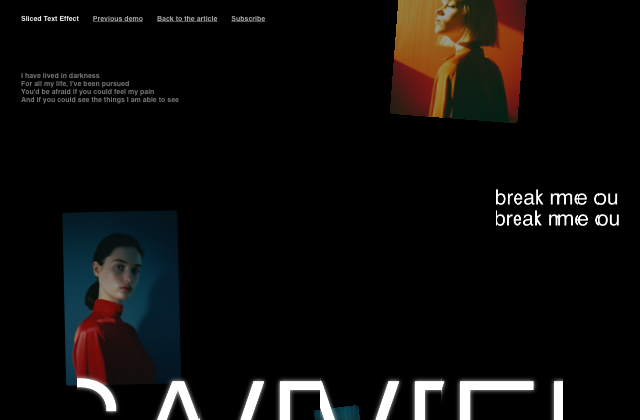
A scroll-triggered sliced text animation, where segmented elements reunite while scrolling.
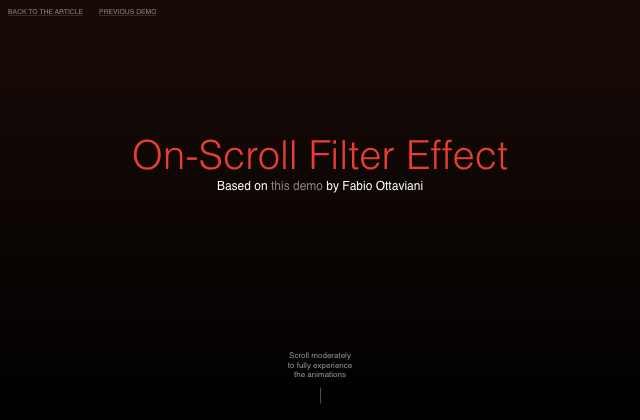
Combining GSAP’s Scroll Trigger and Flip with a SVG Filter, based on a demo by Fabio Ottaviani.
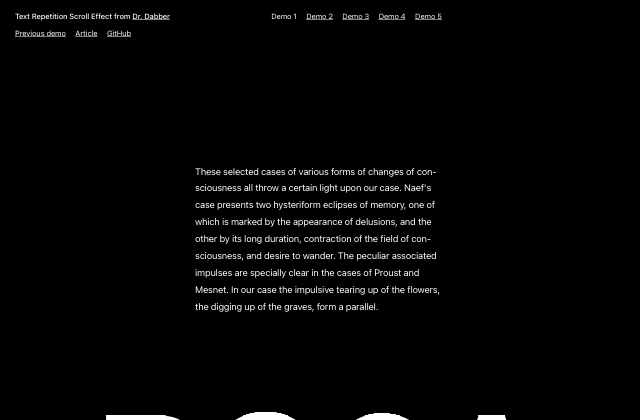
An on-scroll animation that shows repeated fragments of a big text as seen on the website of Dr. Dabber.
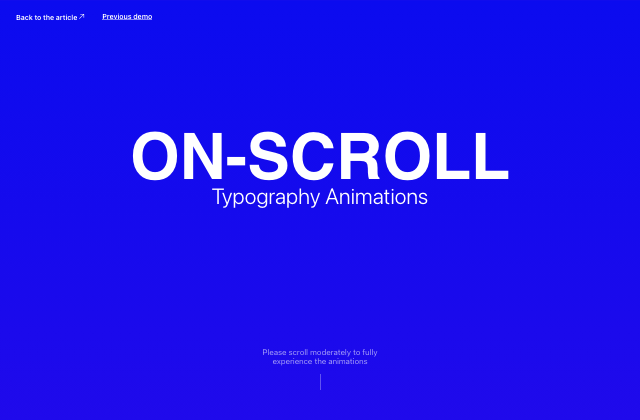
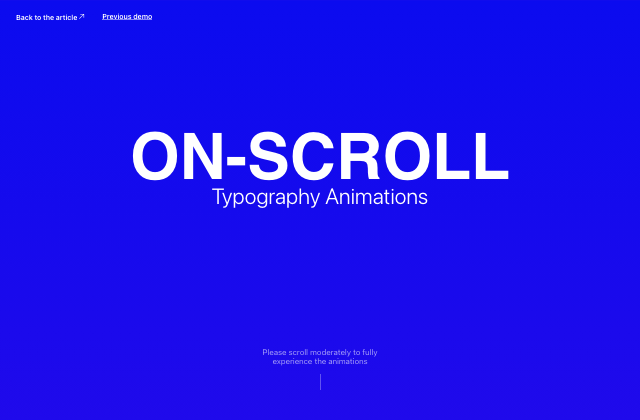
Inspiration and ideas for on-scroll typography animations that add an extra layer of creativity to a website design.
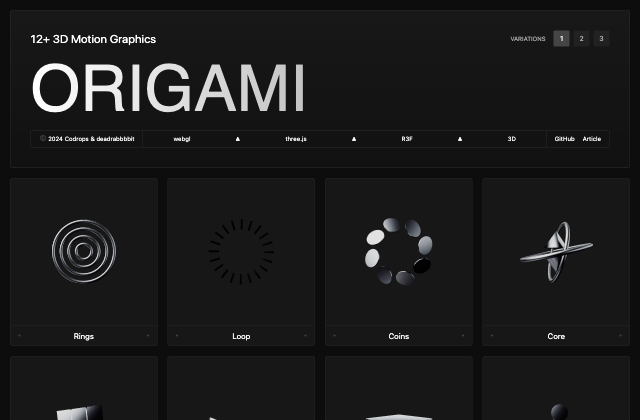
A set of twelve free 3D animations created with React Three Fiber and GSAP.
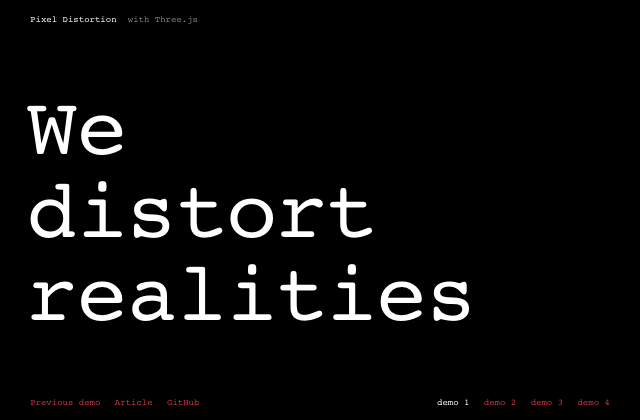
An interactive WebGL pixel distortion effect with lots of possibilities based on the effect seen on the website for “Infinite Bad Guy”.
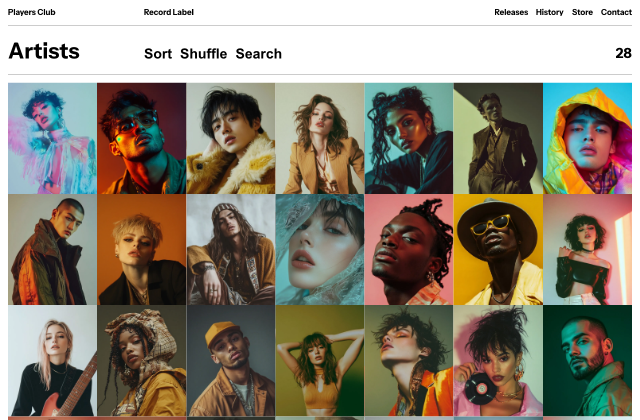
Players Club is a free Astro template for showcasing music artists—an experimental proof of concept built in collaboration with Alex Tkachev.
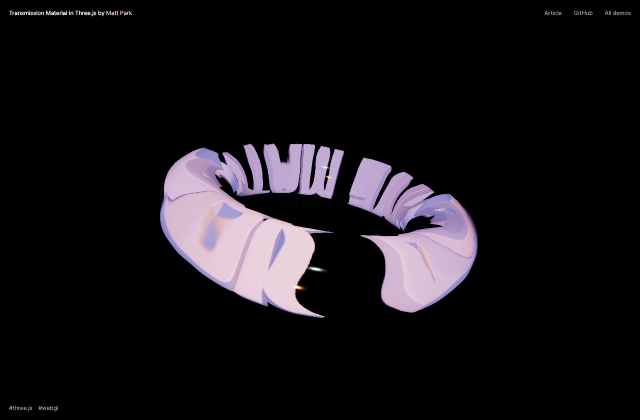
Explore how MeshTransmissionMaterial in Three.js bends light, creates refraction effects, and enhances realistic glass-like materials.
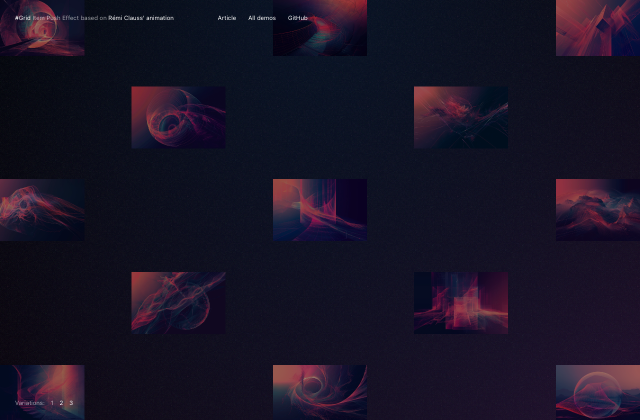
A grid animation based on Rémi Clauss’ concept where grid items move to a specific position relative to their initial one.
Build a scroll-driven, infinitely looping 3D image tube in React Three Fiber powered by shaders, inertia, and a unified motion system.
Learn how to use GSAP and its plugins to recreate a refined grid animation.
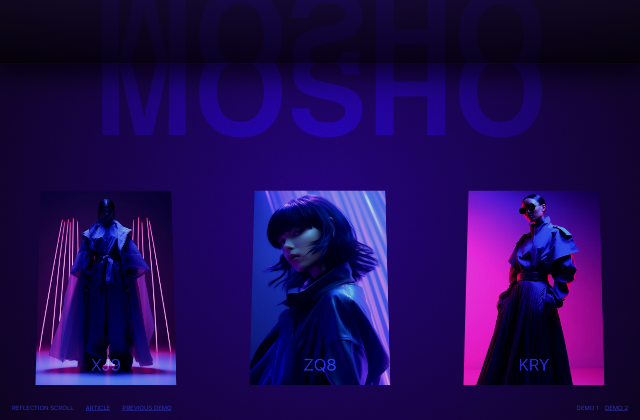
A decorative reflection effect where we simulate a reflected page and scroll it along with the content.
Explore how depth maps, TSL, and WebGPU can be combined to turn flat 2D images into dynamic surfaces with realistic lighting, surface detail, and self-shadowing.
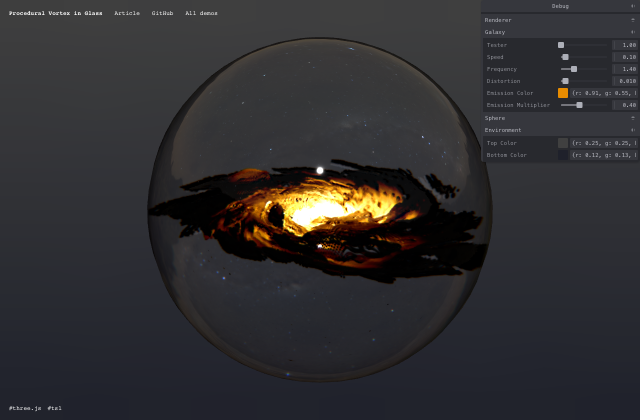
A step-by-step guide to creating a procedural vortex inside a glass sphere using Three.js Shader Language (TSL).
A simple and fun hover effect with repeated image layers that get scaled up and down.
An experimental typography animation based on a kinetic type design by Domagoj Štrok where words get duplicated several times.
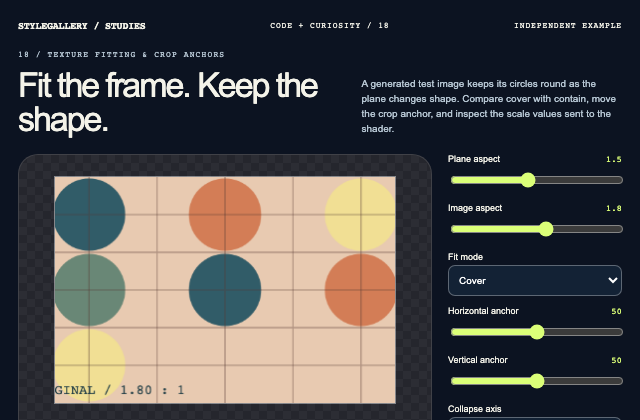
Independently authored article case study. The CPU calculates image and plane aspect-ratio fitting only when its dimension inputs change. A simple texture sampler consumes the derived UV scale and anchor offset. Cover and contain share one fit calculation with zero-size guards; a collapse animation updates only the changing plane dimension.
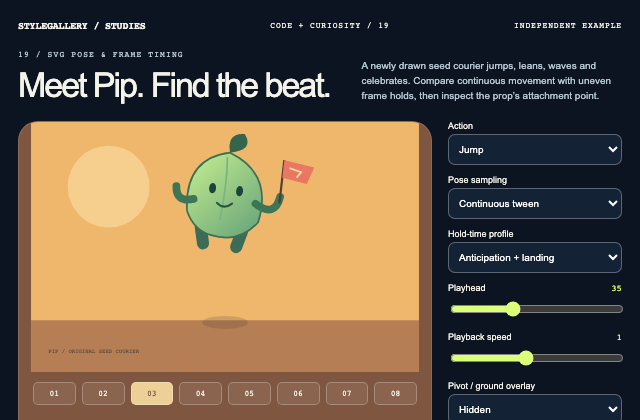
Independently authored article case study. An original seed character uses grouped SVG pivots, a clipped ground plane, a continuous pose evaluator and a discrete variable-hold frame selector. The flag inherits the hand transform.
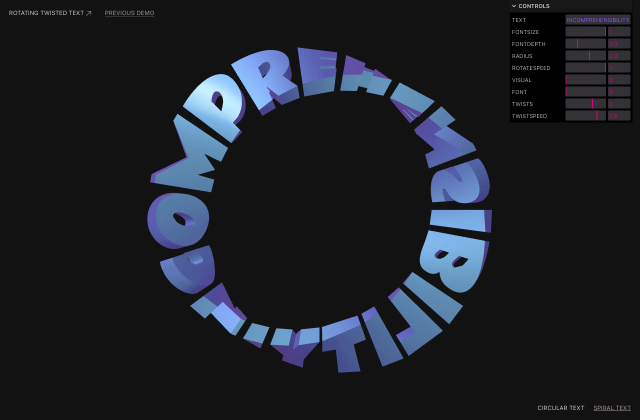
A brief exploration into how to twist and rotate text in 3D using Three.js and Shader magic.
Some ideas for animations on images in a grid when scrolling a page.
An exploration of different scroll based layout switch animations using GSAP’s ScrollTrigger and Flip.
A small set of scroll-based SVG filter animations on HTML text.
A shuffling type animation with various effects for a geeky terminal look.
A slideshow page layout with a filter enhanced navigation effect.
An exploration of smooth panel scroll effects based on Margot Priolet’s website.
A collection of ideas for slideshow animations on fullscreen images.
A second set of ideas for on-scroll typography animations.
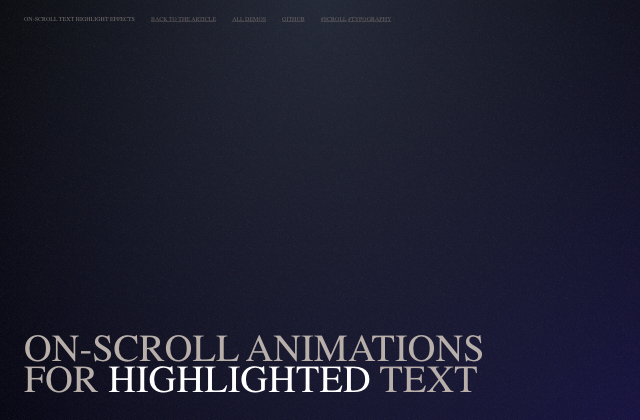
Some ideas for scroll-based text highlight animations.
An experimental layout transition where a stack of images animates to a gallery view, showing some more content.
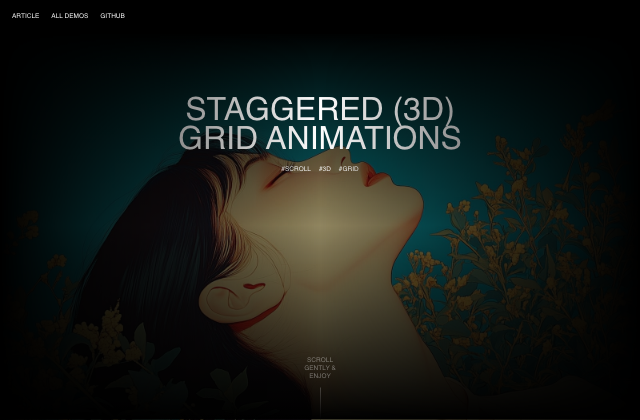
A playful concept where we use scroll-based animations to create 3D grid effects and other transitions.
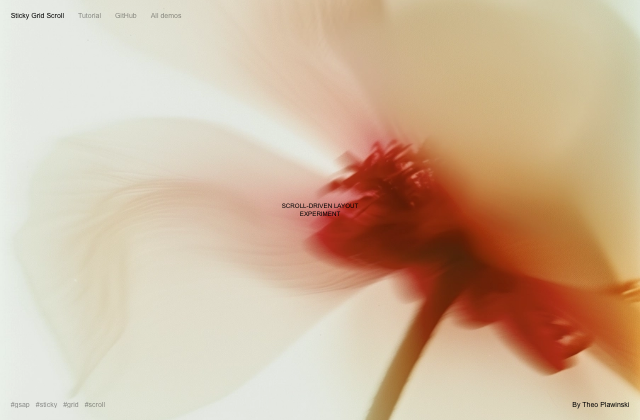
Learn how to build a structured scroll-driven image grid where movement unfolds progressively within a sticky layout.
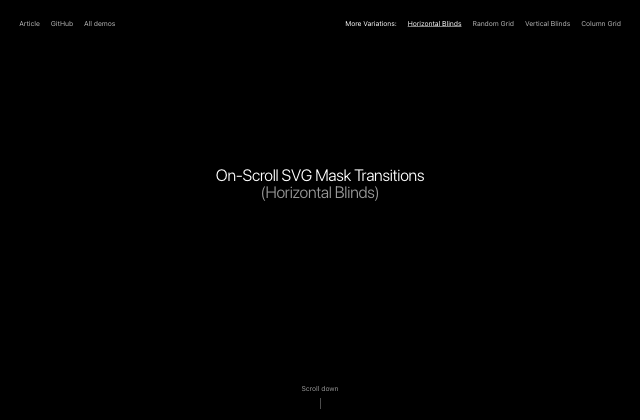
In this tutorial, we’ll create four scroll-driven transitions that reveal fullscreen images using SVG masks, GSAP, and grid- and blind-based patterns.
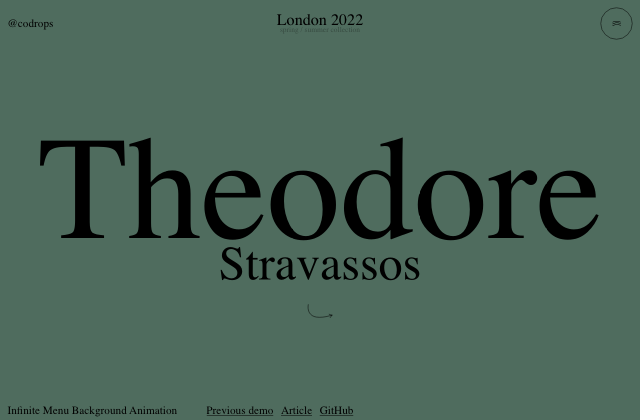
A little menu effect with an SVG overlay and an infinite background CSS animation.
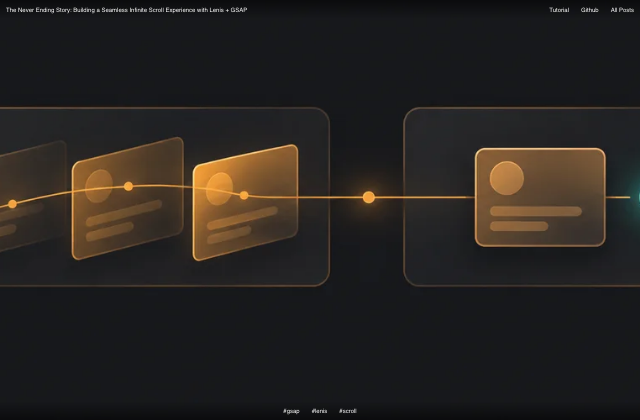
Most pages end when you stop scrolling. This one doesn’t. Learn how to build a seamless infinite scroll with a layered parallax depth effect.
Learn how to render thousands of 3D objects efficiently using instancing in React Three Fiber, as demonstrated in the performance-optimized basement.studio site.
A simple layout transition where a small grid animates to a larger view, using the Flip plugin from GreenSock.
A concept for page transitions where a tooltip image animates to a gallery layout and fullscreen image.
Some explorations of page transitions using covering elements and CSS clip-paths.
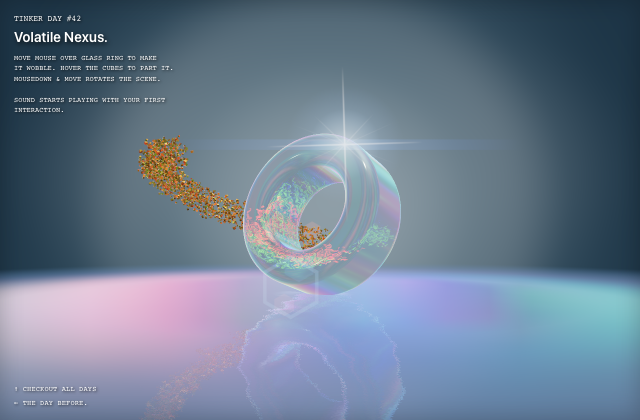
A mesmerizing Three.js experiment where glass, wandering cubes, caustics, refractions, and sound come together in a fluid, interactive scene.
Build a Three.js WebGPU scene where MSDF text dissolves with a noise-driven TSL shader while synchronized dust and spinning petal particles burst out, finished with selective bloom using MRT.
An exploration of a scanning effect using depth maps, custom shaders, and WebGPU rendering.
SVG 경로를 따라 사각형이 일정한 시간으로 반복 이동합니다.
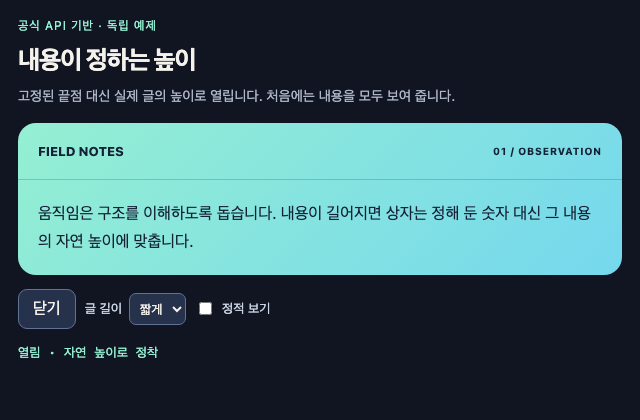
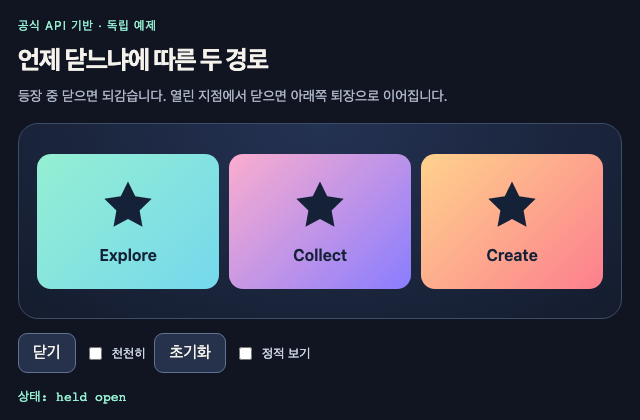
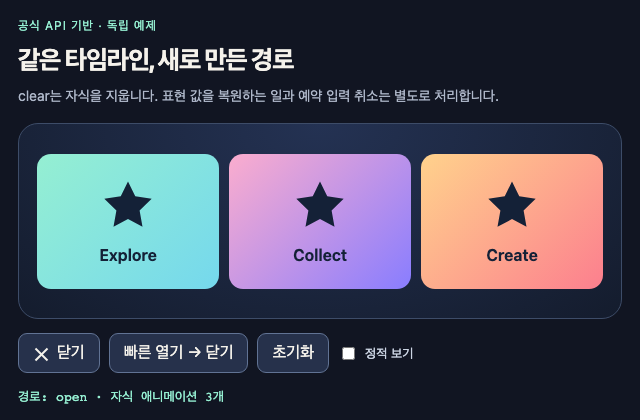
현재 높이에서 내용의 자연 높이로 열고 닫는 독립 연구입니다. 글 길이와 폭 변경의 정리 정책을 함께 보여 줍니다.
작은 이미지와 큰 이미지의 공통 식별자로 크기 전환을 연결합니다.
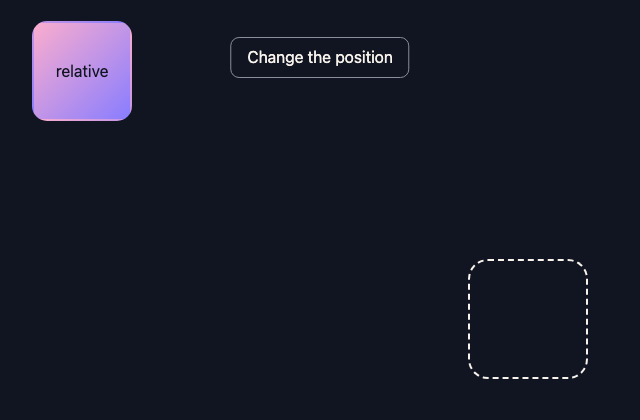
같은 요소를 상대 배치와 절대 배치 사이로 옮기며 두 바퀴 회전합니다.
격자의 큰 칸과 작은 칸을 교환하고 이전 위치에서 이동을 보간합니다.
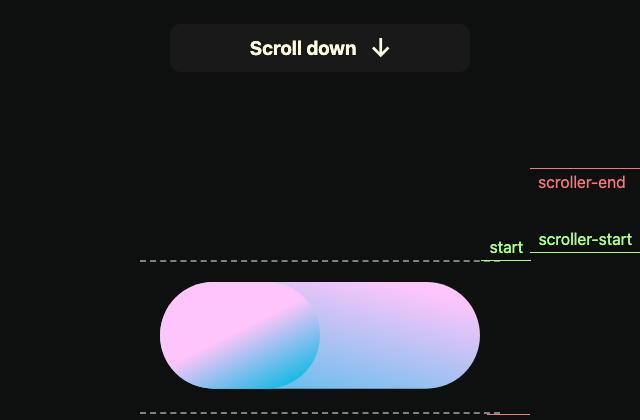
공식 문서의 세 스크롤 이동 호출을 독립 버튼과 두 목표 위치로 비교하는 예제입니다.
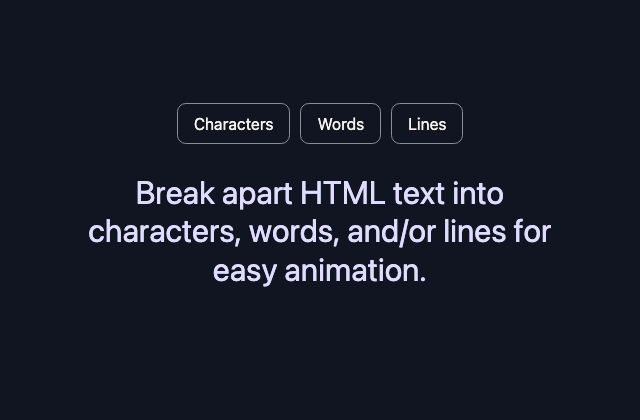
Animate Text
텍스트같은 문장을 글자·단어·줄로 나누어 서로 다른 전환을 비교합니다.
공식 문서의 TextPlugin 호출에 새 문장 표면과 재시작 버튼을 붙인 독립 예제입니다.
공식 문서의 재생 제어 메서드를 각각의 버튼에 연결한 독립 제어판입니다.
세 상자의 회전과 이동을 순서대로 실행하고 역순으로 되돌립니다.
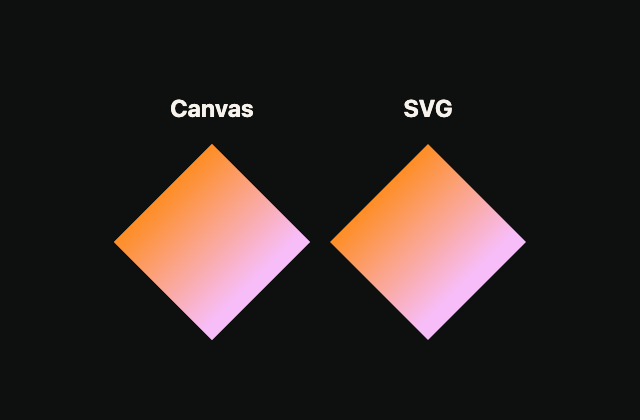
같은 모핑 경로를 SVG와 캔버스에 나란히 그려 비교합니다.
99개 입자의 위치·회전·배율을 계산해 캔버스에 반복해서 그립니다.
맨 앞 카드를 새 노드로 뒤에 연결하여 카드 더미를 순환합니다.
SVG 마스크·회전·크기를 같은 타임라인의 여러 구간에 배치합니다.
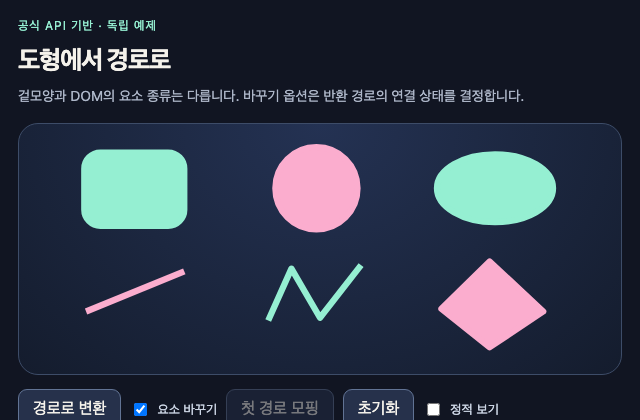
여섯 SVG 기본 도형을 path로 변환하고 원래 노드 교체 여부를 비교하는 독립 연구입니다.
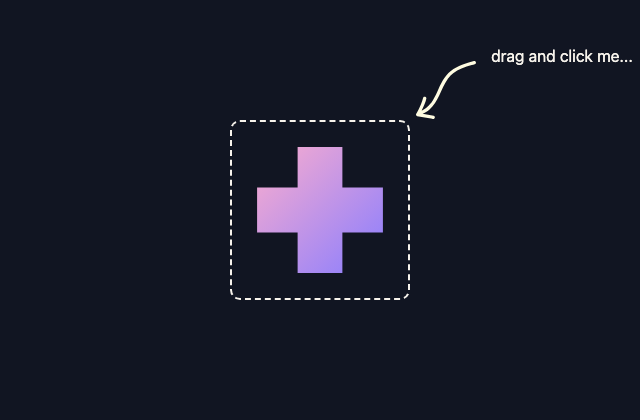
발생기를 드래그하고 클릭해 한 번 만든 25개 입자 효과를 다시 재생합니다.
같은 두 트윈을 재사용하여 포인터의 x·y를 부드럽게 따라갑니다.
Cursor Trail
포인터포인터가 일정 거리 이동할 때마다 재사용 이미지가 나타나 떨어집니다.
바깥 카드의 회전과 안쪽 SVG 이동을 서로 다른 범위로 연결합니다.
행 진입 시 이미지를 현재 포인터에 붙이고 퇴장 후 추종 리스너를 정리합니다.
곡선이 올라온 뒤 평평하게 닫히는 두 단계를 한 타임라인으로 뒤집습니다.
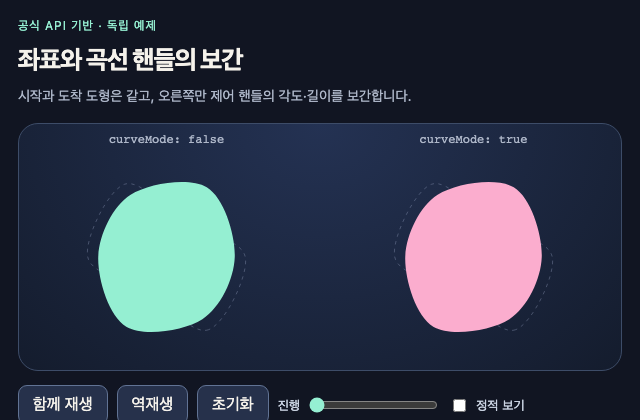
시작과 도착 도형은 같고, 오른쪽만 제어 핸들의 각도·길이를 보간합니다. 원본 데모와 별도로 제작한 공식 API 연구입니다.
휠·터치 방향과 입력 후 감속을 가로 반복 문구의 재생 속도에 연결합니다.
스크롤 방향에 따라 같은 헤더 이동 효과를 재생하거나 되돌립니다.
Draw a path
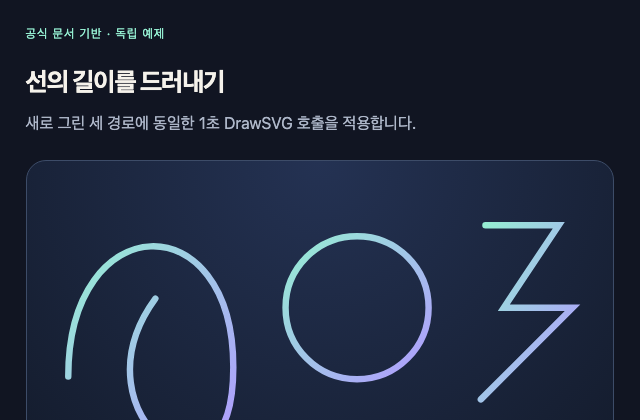
테두리공식 문서의 DrawSVG 호출을 독립 제작한 세 선에 적용한 동반 예제입니다.
스무 개의 제어 값을 움직여 두 겹의 곡선이 화면을 열고 닫습니다.
버튼·드롭다운·툴팁의 입장과 퇴장 곡선을 직접 비교합니다.
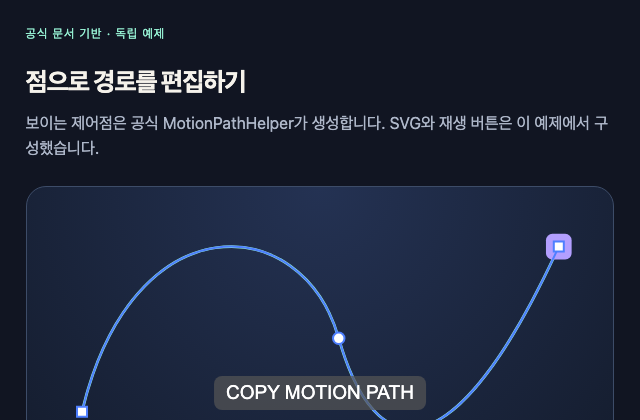
공식 문서의 경로 정렬과 MotionPathHelper 호출을 독립 SVG에 연결한 동반 예제입니다.
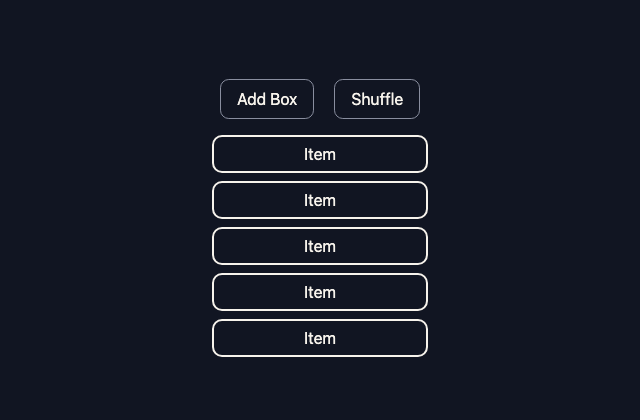
리스트 항목의 추가·섞기·제거를 이전 기하에서 연결합니다.
아홉 항목을 필터링하며 위치 변화와 등장·퇴장을 함께 연결하는 독립 FLIP 연구입니다.
앞이나 뒤의 카드를 복제하여 한 칸씩 순환하고 전환 중 입력을 무시합니다.
한 시각 요소의 실제 배치를 기록한 뒤 대화상자로 옮기고 제자리로 돌려보내는 독립 FLIP 연구입니다. Simple Grid FLIP Modal과 같은 원본 Pen을 가리키므로 독립 구현을 공유합니다.
푸터 진입 시점의 스크롤 속도를 탄성 곡선의 입력으로 사용합니다.
공식 문서의 난수·간격 맞춤·색 선택과 repeatRefresh 호출을 한 화면에서 관찰하는 독립 예제입니다.
세로 스크롤 구간을 여덟 이미지의 가로 이동에 연결합니다.
가로로 흐르는 문장의 각 글자를 그 가로 이동 진행에 맞춰 제자리로 모읍니다.
윗첨자 요소를 분해 대상에서 제외하고 주변 단어만 등장시킵니다.
겹친 이미지와 마스크를 반대 방향으로 이동하여 비교 영역을 드러냅니다.
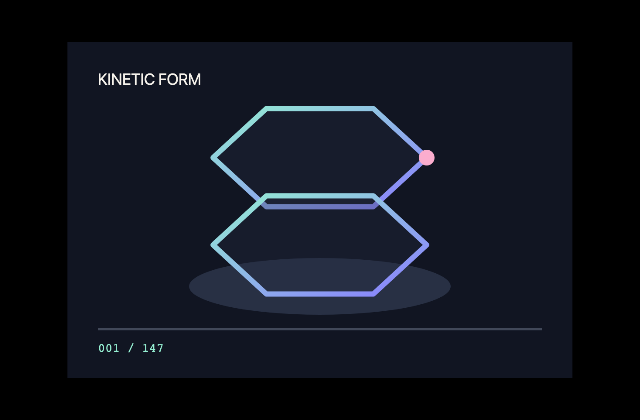
스크롤 진행률에서 프레임 번호를 계산해 147장 시퀀스를 캔버스에 그립니다.
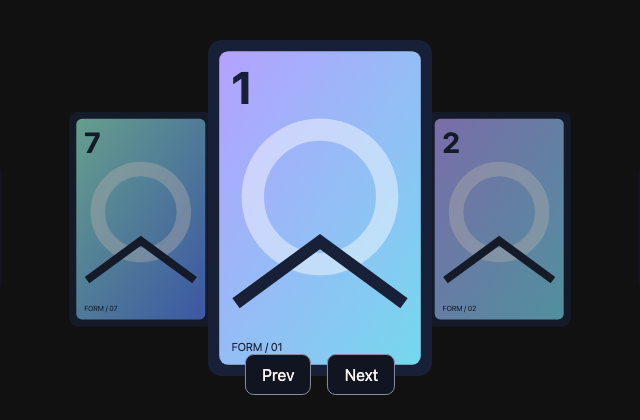
스크롤·드래그·이전·다음 버튼으로 같은 무한 카드 루프를 이동합니다.
첫 패널의 복제본과 스크롤 위치 래핑으로 고정 패널들을 순환합니다.
현재 세로 구간에 대응하는 한 섹션을 확대·표시하고 끝에서는 처음으로 순환합니다.
열리는 중에는 역재생하고, 완전히 열린 뒤에는 다른 퇴장 구간으로 진행하는 단일 타임라인 독립 연구입니다.
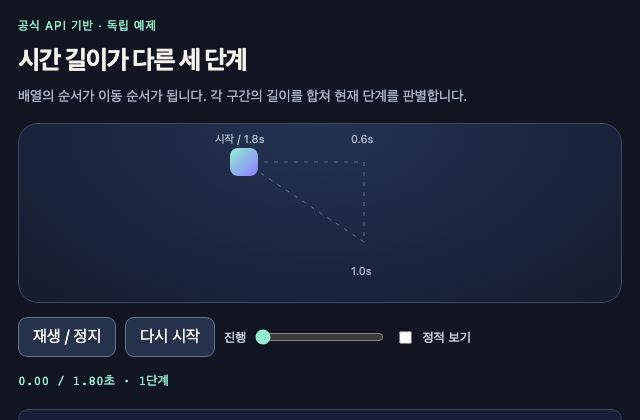
서로 다른 시간의 세 keyframe을 한 대상에 순서대로 적용하고 실제 시간 경계로 현재 단계를 표시하는 독립 연구입니다.
고정된 목록의 강조색·이미지·세로 표시선을 같은 스크롤 타임라인에 묶습니다.
공식 문서의 scrub:true 회전을 독립 스크롤 구간과 도형으로 시연합니다.
포인터에서 가까운 아이콘을 크게 만들고 이웃 아이콘을 옆으로 밀어냅니다.
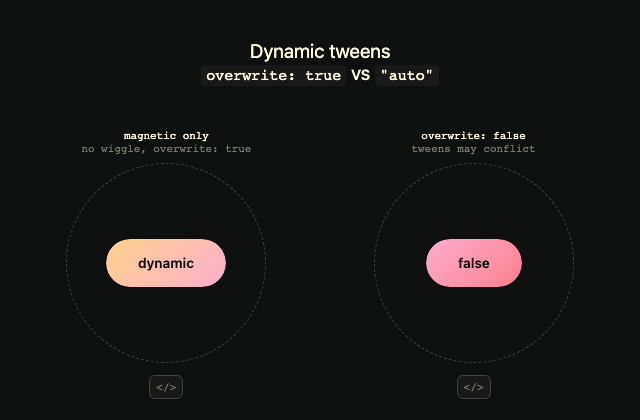
자석처럼 따라오는 버튼에서 전체 덮어쓰기·속성별 덮어쓰기·중첩을 비교합니다.
가로 이동·회전·자유 이동의 세 드래그 설정을 비교합니다.
공식 문서의 1초 MorphSVG 호출을 독립 제작한 원형·번개 경로에 적용합니다.
측정한 다섯 목표 중심을 곡선의 점으로 바꾸어 스크롤 경로를 만듭니다.
입력 방향은 화살표에, 측정 속도는 별도의 바늘 회전에 표시합니다.
패널·항목·아이콘의 각 자식 트윈에 서로 다른 easeReverse를 지정하는 독립 연구입니다.
긴 패널의 내용을 먼저 넘긴 뒤 패널 전체를 축소·퇴장시킵니다.
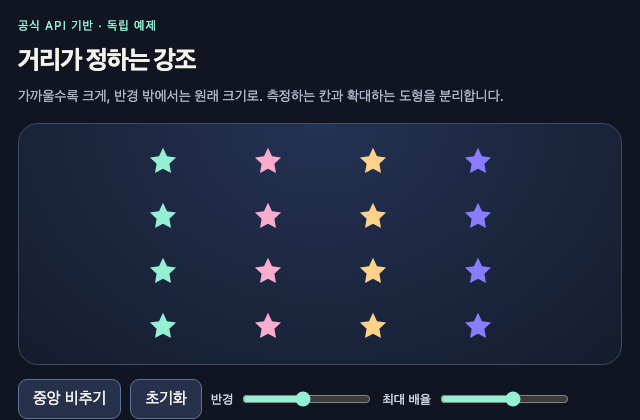
변형하지 않는 칸의 중심에서 거리를 재어 안쪽 도형의 배율만 바꾸는 독립 연구입니다.
네 액션을 부채꼴로 열고 역재생 곡선과 닫힘 속도를 비교합니다.
프리뷰 폭에 맞춰 세로·가로 표면과 회전 방향을 바꿉니다.
현재 줄바꿈을 다시 분해하고 각 문단의 줄 마스크를 스크롤에 연결합니다.
글자별 등장이 끝나면 분해 DOM을 되돌리고 다음 입력에서 다시 만듭니다.
Rolling text
텍스트겹친 네 문장의 글자를 깊이가 있는 회전축 주위로 순서대로 돌립니다.
두 목표 사각형으로 이어지는 FLIP 전환을 하나의 스크롤 구간에 놓습니다.
현재 벤토 배치에서 확대 배치까지의 FLIP 전환을 스크롤에 연결합니다.
스크롤 속도를 공유해 열세 캔버스의 왜곡과 색 채널 이동을 조절합니다.
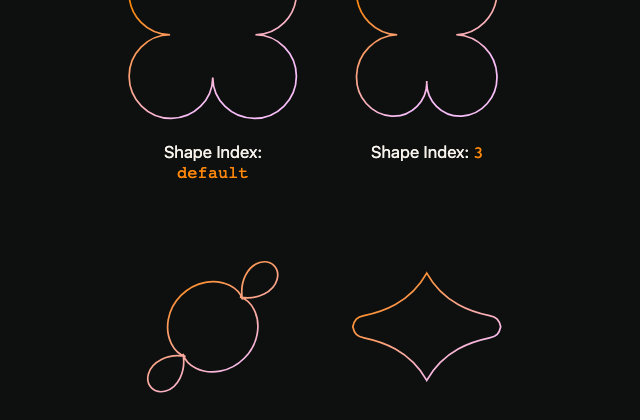
동일한 출발·도착 모양에서 경로 점의 대응 인덱스 차이를 비교합니다.
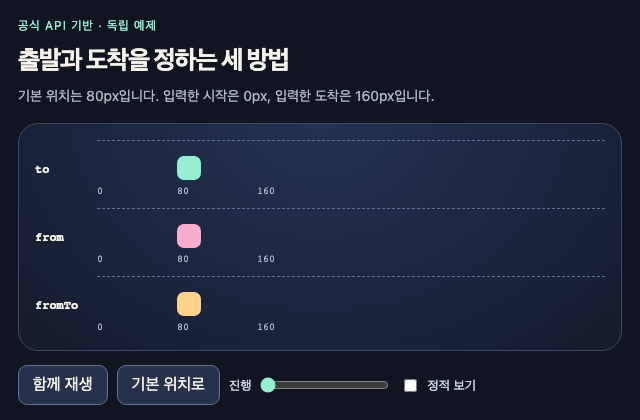
같은 기본 위치에서 to·from·fromTo가 출발과 도착 값을 선택하는 방식을 비교하는 독립 연구입니다.
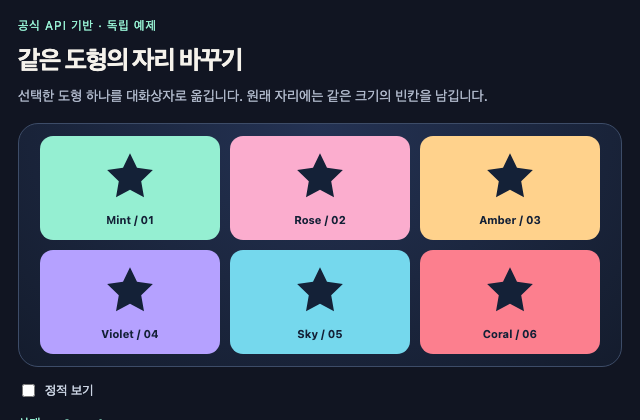
한 시각 요소의 실제 배치를 기록한 뒤 대화상자로 옮기고 제자리로 돌려보내는 독립 FLIP 연구입니다.
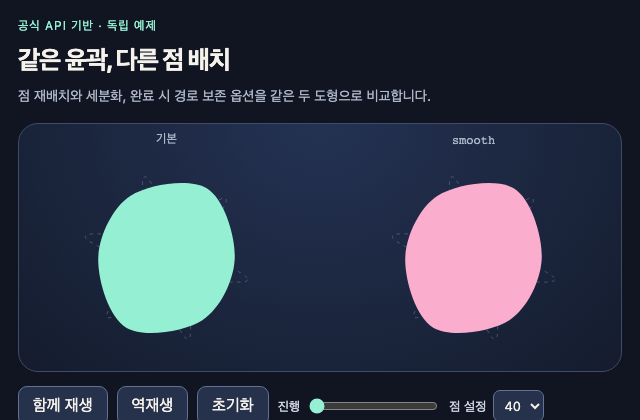
점 재배치와 세분화, 완료 시 경로 보존 옵션을 같은 두 도형으로 비교합니다. 원본 데모와 별도로 제작한 공식 API 연구입니다.
부드러운 스크롤과 서로 다른 속도의 도형, 지정 위치로의 이동을 시연합니다.
비슷한 시점에 화면에 들어온 이미지들을 묶어 순차 등장시킵니다.
클릭한 항목의 인덱스를 기준으로 다섯 상자의 퇴장 순서를 정합니다.
휠·터치 입력마다 다섯 장면의 바깥·안쪽 래퍼를 반대 방향으로 전환합니다.
Text Masking
텍스트줄마다 마스크 안에서 문장을 드러내고 같은 효과를 느리게 다시 재생합니다.
다음 문구를 즉시 선택하고 글자 교체 표현을 최신 목표로 덮어씁니다.
같은 WebGL 캔버스를 목표 위치로 옮기며 큐브를 함께 회전합니다.
한 타임라인의 자식만 비우고, 명시적 등장 시작점과 현재 값에서의 퇴장을 따로 구성하는 독립 연구입니다.
하나의 트윈을 유지하며 재생 방향과 일시 정지를 따로 바꾸는 독립 연구입니다.
네 스크롤 경계 이벤트로 시간 기반 토글 전환을 재생·역재생합니다.
더 강한 스크롤 입력만 받아 이미지 기울기를 갱신하고 0으로 감쇠합니다.
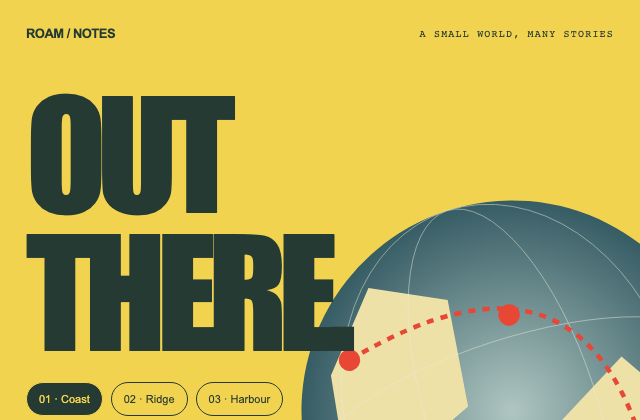
사례를 연구한 독립 예제. 경로 버튼의 선택값을 지구본 각도와 텍스트 기록에 함께 연결합니다.
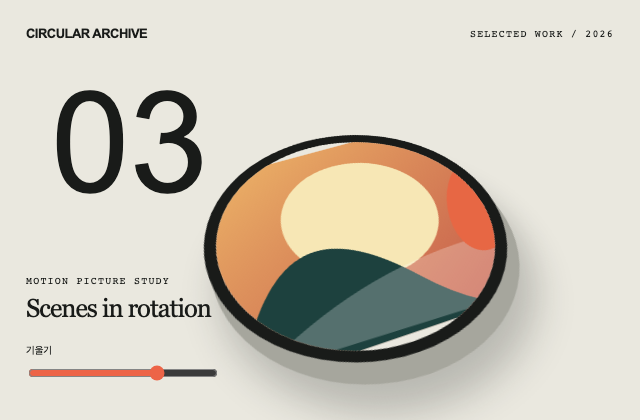
사례를 연구한 독립 예제. 원반 표면과 깊이 그림자를 유지하면서 범위 입력으로 원근 기울기만 바꿉니다.
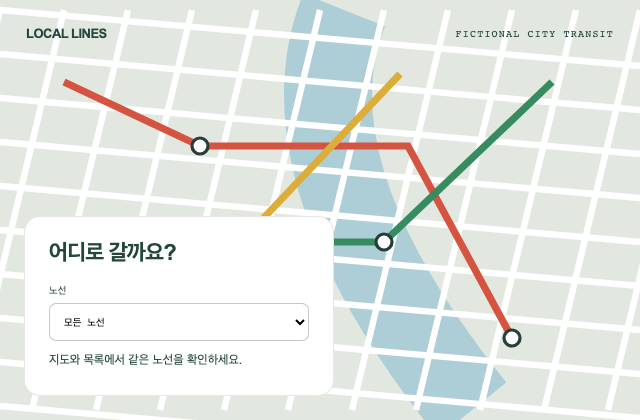
사례를 연구한 독립 예제. 네이티브 select가 노선 강조와 현재 노선 설명을 함께 바꾸며 가상 지도 위에서도 입력 표면을 보존합니다.
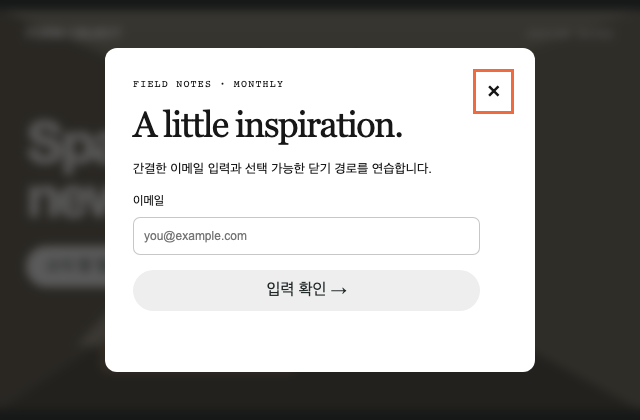
사례를 연구한 독립 예제. showModal의 모달·초점 책임과 폼의 유효성 확인을 분리하고 닫으면 호출 버튼으로 초점을 돌립니다.
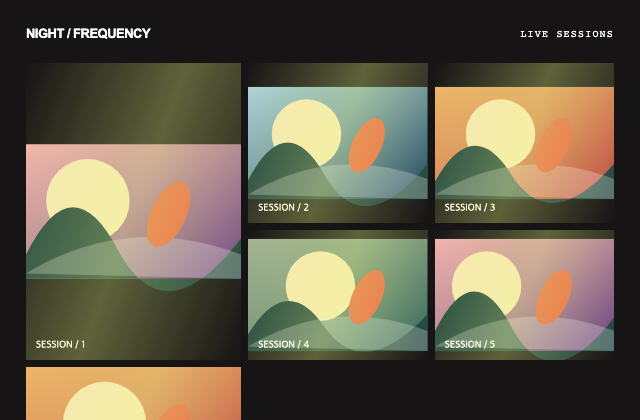
사례를 연구한 독립 예제. 각 타일은 자체 SVG 포스터를 항상 유지하며 사용자가 시작한 조명 장식만 별도로 정지합니다.
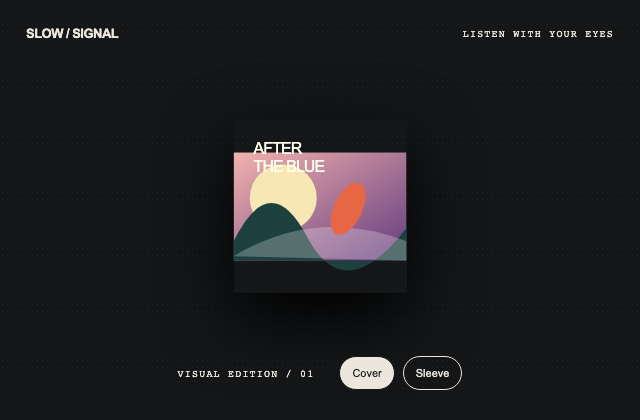
사례를 연구한 독립 예제. 커버와 슬리브의 시각 상태를 하나의 선택값으로 바꾸고 작은 미디어 표면에 읽기 가능한 제목을 보존합니다.
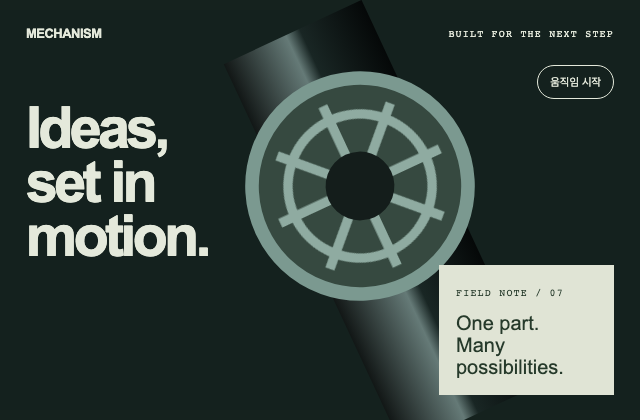
사례를 연구한 독립 예제. 회전하는 기계 도형과 고정된 소식 정보를 분리하며 움직임 정지가 본문을 숨기지 않게 합니다.
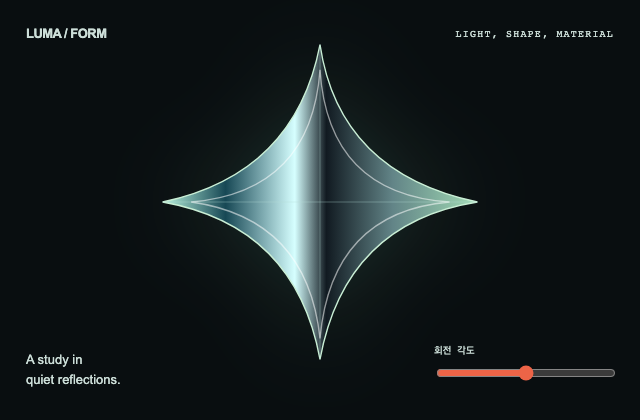
사례를 연구한 독립 예제. 직접 그린 도형의 색면과 윤곽을 고정한 상태에서 각도만 바꾸어 입체감의 원인을 비교합니다.
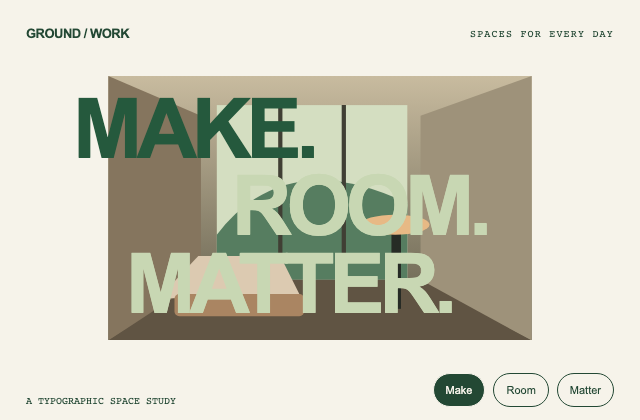
사례를 연구한 독립 예제. 세 단어의 읽기 순서를 DOM에 유지하고 선택된 단어만 강조해 미디어 자르기와 텍스트 계층을 비교합니다.
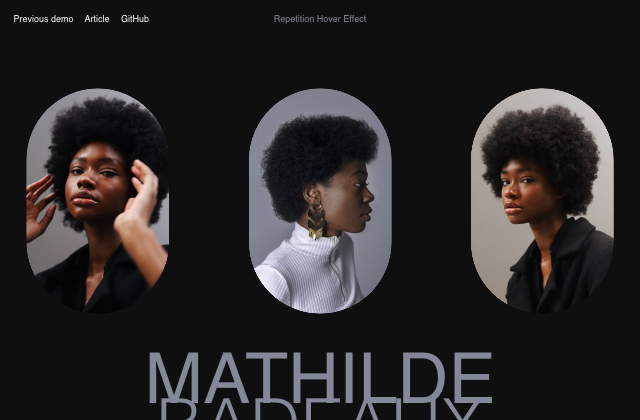
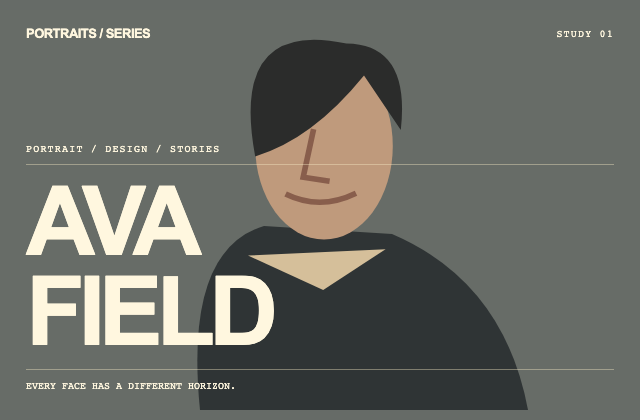
사례를 연구한 독립 예제. 새로 그린 인물 위에서 큰 이름과 작은 설명의 읽기 계층을 구분하고 수평 구획이 제목에 가려지지 않게 합니다.
사례를 연구한 독립 예제. 제목의 정체·이탤릭 대비와 꽃잎 마스크를 구분하고 추가 설명은 네이티브 disclosure로 열고 닫습니다.
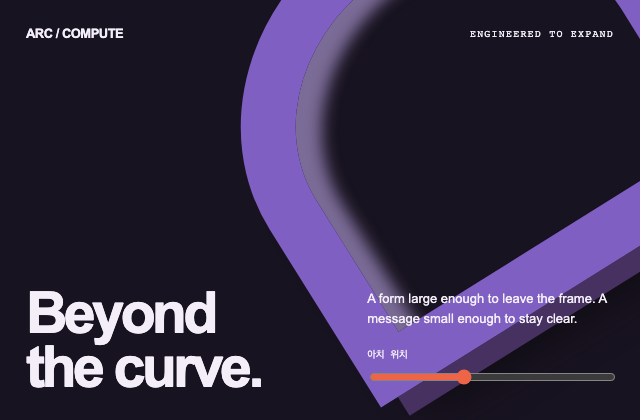
사례를 연구한 독립 예제. 프레임 밖으로 넘치는 아치의 위치만 조절하고 하단 제목과 설명은 문서 흐름에 남겨 겹침을 비교합니다.
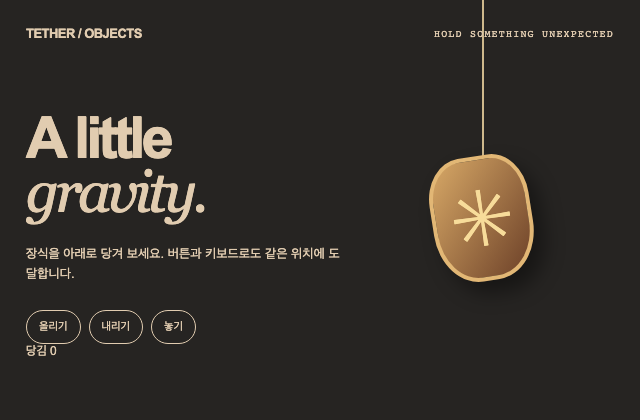
사례를 연구한 독립 예제. 포인터 당김의 미리보기와 버튼·화살표 입력이 같은 제한된 위치 값을 변경하며 놓기에서 기본 위치로 복귀합니다.
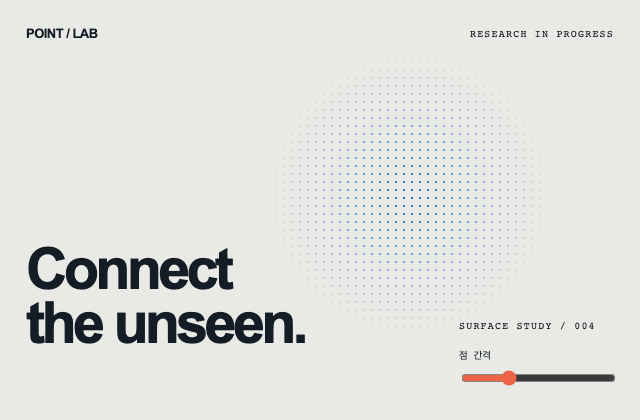
사례를 연구한 독립 예제. 청사진의 큰 구획과 점의 미세 간격을 별도로 만들고 range로 점 간격만 바꾸어 시각 밀도를 비교합니다.
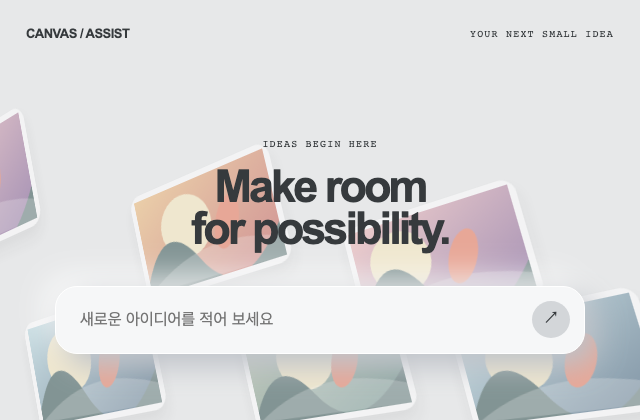
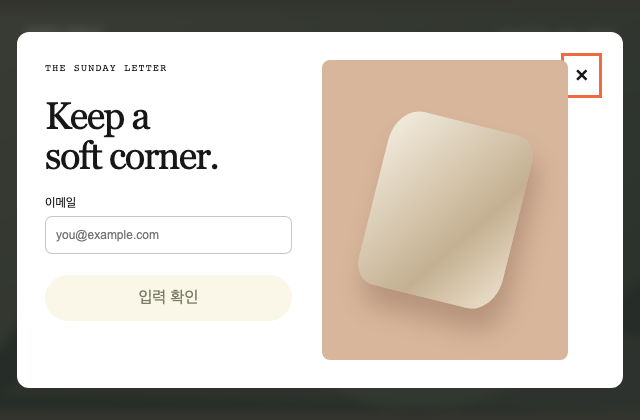
사례를 연구한 독립 예제. 입력 표면의 초점·확인 결과와 뒤쪽 카드의 원근 장식을 분리하고 실제 네트워크 요청 없이 입력 상태만 확인합니다.
사례를 연구한 독립 예제. 모달의 입력·닫기 책임을 유지하면서 장식 제품 패널만 좁은 화면에서 제거하여 핵심 폼의 공간을 확보합니다.
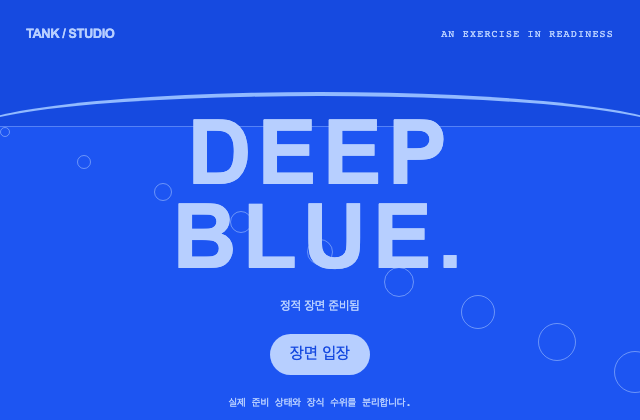
사례를 연구한 독립 예제. 표시율을 꾸며 내지 않고 준비됨을 고정된 사실로 알리며 입장 버튼은 별도의 시각 상태만 바꿉니다.
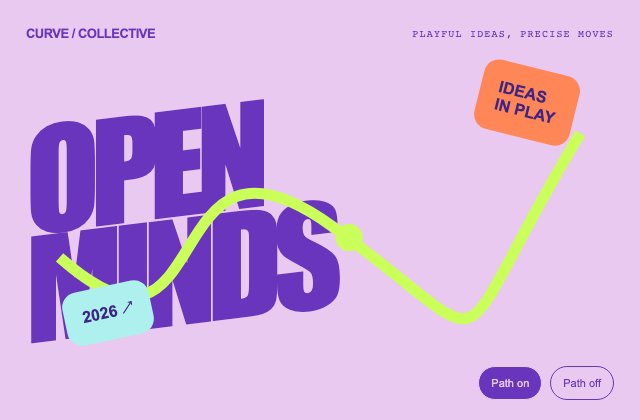
사례를 연구한 독립 예제. 변형된 제목과 벡터 경로를 독립된 층으로 만들고 경로를 숨겨도 단어·선택 제어를 유지합니다.
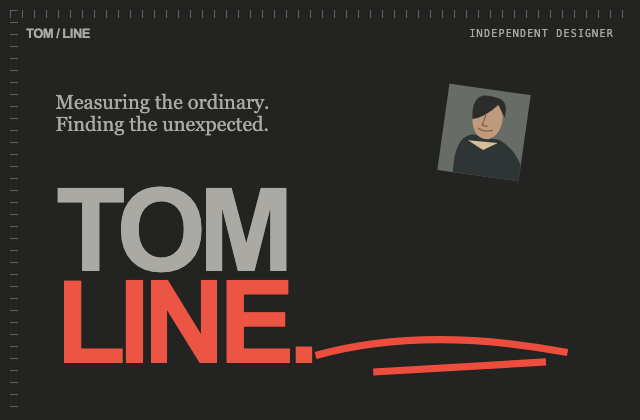
사례를 연구한 독립 예제. 측정 눈금과 손그림 밑줄은 장식으로 숨기고 이름과 설명은 실제 텍스트로 유지해 표현 계층을 비교합니다.
사례를 연구한 독립 예제. 행사 날짜는 도형 배지 안의 실제 텍스트로 남기고 프로그램은 네이티브 disclosure로 공개합니다.
사례를 연구한 독립 예제. 실제 순서는 ol이 소유하고 픽셀 번호는 장식으로 둡니다. 항목별 설명은 독립된 disclosure 상태를 가집니다.
사례를 연구한 독립 예제. 입장 가능 여부를 장식의 완료 시간과 분리하고 명시적 버튼으로 새 타이포그래피 상태를 즉시 선택합니다.
사례를 연구한 독립 예제. 새로 만든 반복 그라디언트의 굴절 인상과 읽기 표면을 분리하며 프로젝트 버튼은 작은 카드의 선택 상태를 갱신합니다.
사례를 연구한 독립 예제. 기하 도형은 읽기 순서에서 제외하고 실제 제목을 별도로 제공합니다. 하단 탐색은 버튼의 선택과 설명을 함께 바꿉니다.
사례를 연구한 독립 예제. 제목과 모서리 연락처를 SVG 밖의 실제 요소로 유지하고 연락 정보는 장식 미디어와 독립된 disclosure로 공개합니다.
사례를 연구한 독립 예제. 무음과 짧은 시작음이 같은 입장 상태로 합류하며 소리는 명시적인 활성화에서만 한 번 재생합니다.
사례를 연구한 독립 예제. 배경의 흐린 필기체와 실제 제목을 구분하고 장식의 종료를 기다리지 않고 본문을 열 수 있게 합니다.
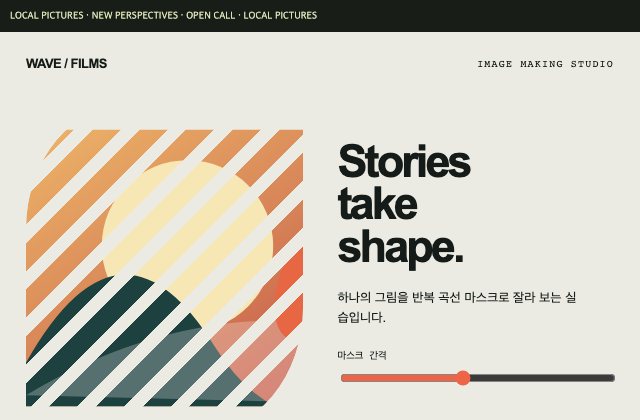
사례를 연구한 독립 예제. 자체 그림의 마스크 간격만 range로 바꾸고 읽기 텍스트와 소식 띠는 효과 바깥에 둡니다.
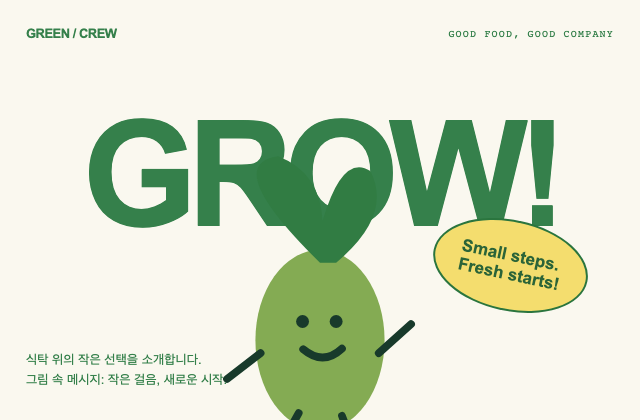
사례를 연구한 독립 예제. 새로 그린 캐릭터와 말풍선을 대형 글자 위에 겹치되 말풍선의 의미를 일반 설명에도 제공합니다.
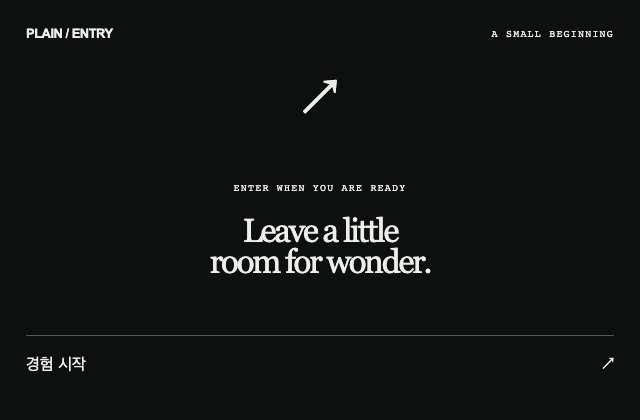
사례를 연구한 독립 예제. 최소 입장 버튼의 활성 조건을 고정된 준비 사실로 두고 클릭 즉시 본문을 공개합니다. 원본 후속 동작은 주장하지 않습니다.
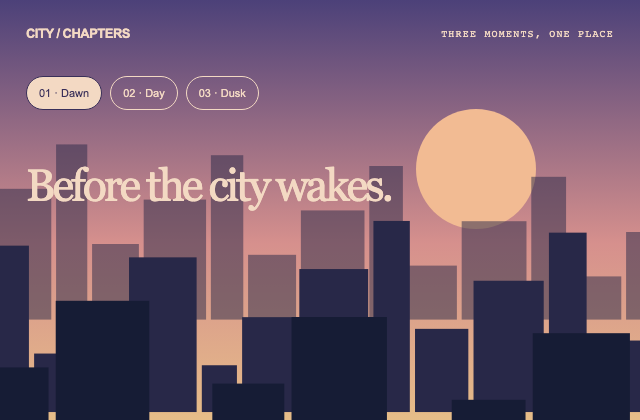
사례를 연구한 독립 예제. 하나의 챕터 선택이 도시 색과 제목을 동시에 결정하며 직접 선택 버튼을 항상 유지합니다. 원본 전환 방향은 추정하지 않습니다.
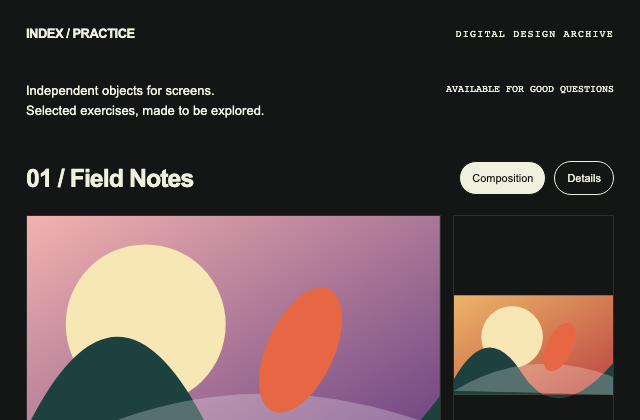
사례를 연구한 독립 예제. 프로젝트 묶음과 개별 자체 그림의 구획을 분리하고 선택된 보기에서 같은 항목의 경계를 강조합니다.
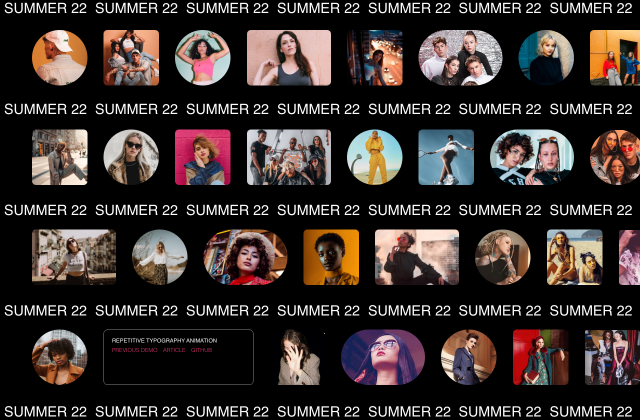
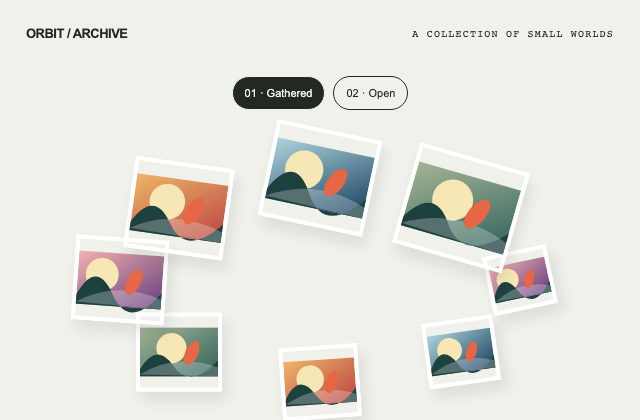
사례를 연구한 독립 예제. 각 그림의 식별과 순서를 유지한 채 타원 군집과 열린 배열 사이의 보기 상태를 바꿉니다.
사례를 연구한 독립 예제. 일반 탐색 disclosure와 언어 선택을 다른 상태로 유지하며 aria 메뉴 역할을 외형 때문에 추가하지 않습니다.
사례를 연구한 독립 예제. 게임 기능 없이 일반 정보 카드의 앞뒷면을 버튼 상태로 전환하며 키보드와 포인터가 같은 값을 변경합니다.
사례를 연구한 독립 예제. 언어 상태와 시각 밝기를 별도로 보관하고 각 버튼의 선택 표시가 다른 선호를 초기화하지 않게 합니다.
사례를 연구한 독립 예제. 선 구체 인트로와 실제 기록 목록을 분리하고 건너뛰기는 타이머 없이 같은 본문을 즉시 공개합니다.
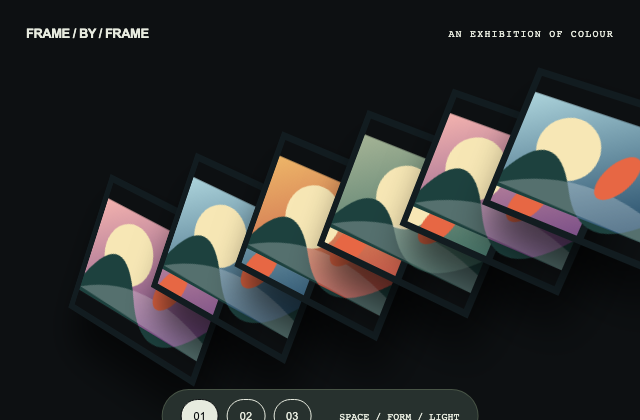
사례를 연구한 독립 예제. 대각선으로 겹친 자체 그림의 표시 위치를 명시적 선택 버튼으로 바꾸고 탐색 표면은 같은 자리에 유지합니다.
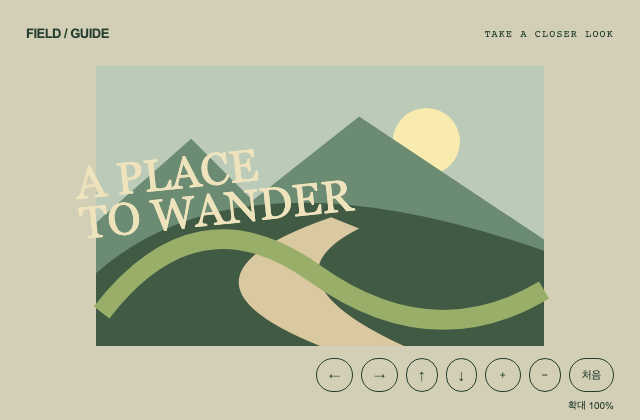
사례를 연구한 독립 예제. 가상 풍경을 버튼과 키보드 활성화로 같은 제한된 좌표·확대값에 이동시키며 처음 위치로 복구할 수 있게 합니다.
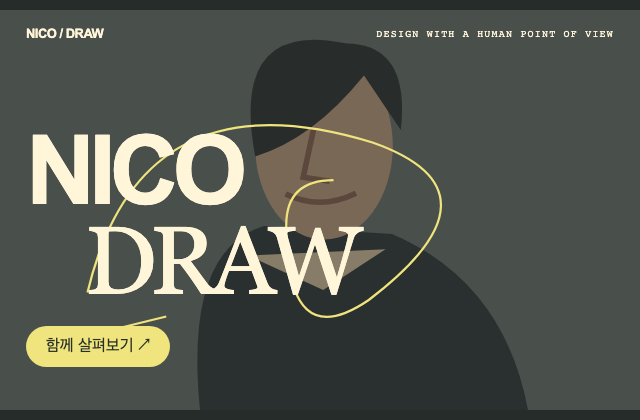
사례를 연구한 독립 예제. 노란 선의 장식과 노란 CTA의 조작 역할을 분리하고 제목을 실제 텍스트로 유지합니다.
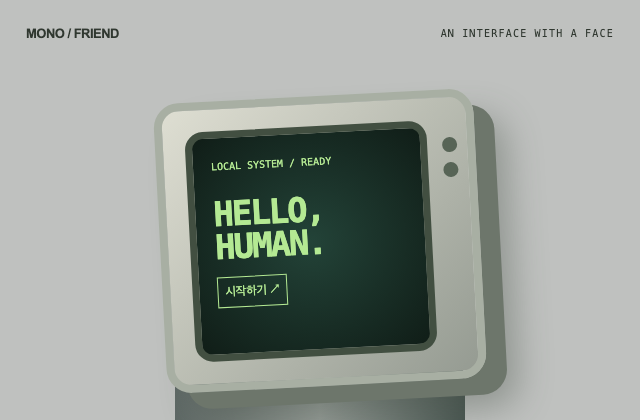
사례를 연구한 독립 예제. 장치 그림과 실제 시작 버튼을 구분하고 입력 후 나타나는 문구를 버튼 활성화의 결과로 표시합니다. AI 응답을 흉내내지 않습니다.
사례를 연구한 독립 예제. 원형 배지는 SVG 장식으로 두고 같은 초대 문구를 일반 텍스트로 제공하여 풍경 실패와 읽기를 분리합니다.
사례를 연구한 독립 예제. 보조 섹션 선택과 예약 정보 공개를 별도 상태로 유지하고 예약을 실행하지 않는 안내임을 결과에 명시합니다.
사례를 연구한 독립 예제. 작은 날개 장식과 그림자를 시각적으로만 연결하고 대형 초대 제목과 연락 disclosure를 일반 문서 흐름에 둡니다.
사례를 연구한 독립 예제. 구체의 개별 음영은 유지한 채 군집의 전체 크기만 조절하여 효과 면적과 본문 겹침을 비교합니다.
사례를 연구한 독립 예제. 게임 영역 없이 새 단어의 금속성 색면만 조절하고 range 입력과 정적인 제목의 읽기 가능성을 비교합니다.
사례를 연구한 독립 예제. 제목 하단과 그림의 경계를 맞추고 넓은 보기·확대 보기 사이에서도 제목과 설명은 같은 읽기 위치에 남깁니다.
사례를 연구한 독립 예제. 호 위 꽃 표식의 버튼 선택과 중앙 설명이 같은 단계값을 읽으며 숫자로 현재 단계를 추가 표시합니다.
사례를 연구한 독립 예제. 문장 조각의 DOM 순서를 유지하며 시각 위치를 분산하고 두 안내 버튼이 서로 다른 설명을 선택하도록 합니다.
사례를 연구한 독립 예제. 서명처럼 배치한 실제 이름과 소식 카드를 그림 밖에 두고 청취 링크 자리는 외부 재생 없는 트랙 표지 선택으로 구현합니다.
사례를 연구한 독립 예제. 큰 제목과 모서리 카드가 맞물리되 카드의 설명은 독립된 읽기 영역으로 유지하고 좁은 화면에서는 전체 폭으로 전환합니다.
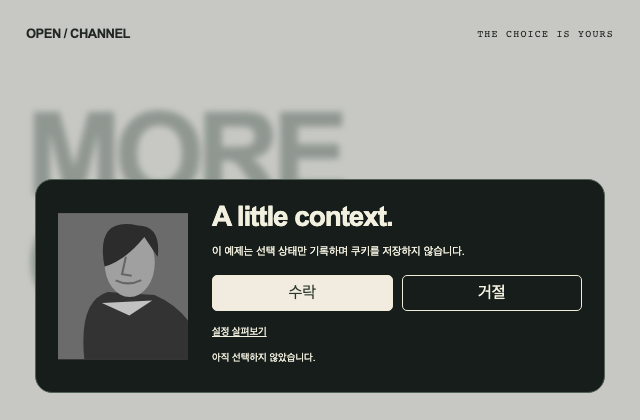
사례를 연구한 독립 예제. 수락·거절·설정 공개를 각각 동작시키되 이 예제의 상태 선택을 실제 쿠키 저장이나 동의 처리로 주장하지 않습니다.
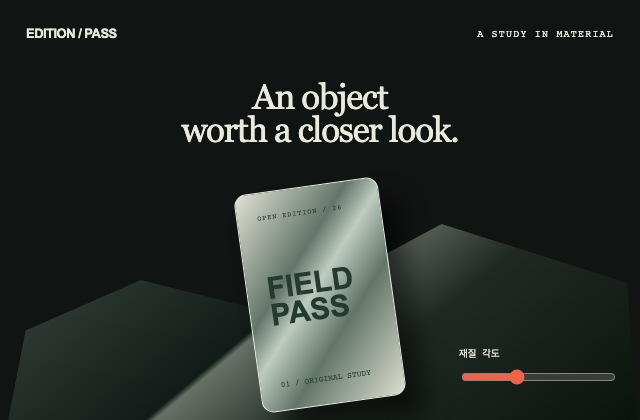
사례를 연구한 독립 예제. 금융·회원 기능 없이 자체 전시 패스의 금속 색면과 각도를 분리해 조절하는 제품 재질 실습입니다.
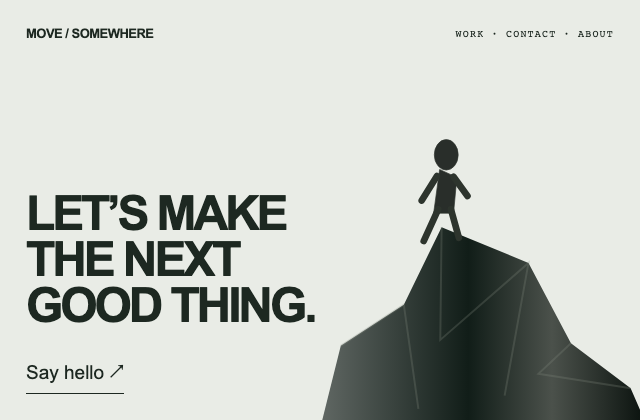
사례를 연구한 독립 예제. 새 지형·인물 그림과 실제 연락 안내의 DOM 책임을 분리하며 시각 장치가 없어도 연락 설명을 열 수 있습니다.
사례를 연구한 독립 예제. 경계를 넘는 새 공업 도형과 실제 설명을 분리하고 추가 구성 설명은 패널 안에서 공개해 겹침 책임을 명확히 합니다.
사례를 연구한 독립 예제. 자동 재생 없이 이전·다음·직접 페이지 선택이 하나의 장면값을 변경하고 네온 장식과 제목·전시 안내를 분리합니다.
사례를 연구한 독립 예제. 소개문과 가구 보드를 다른 읽기 영역으로 두고 빈 칸과 가장자리 자르기는 장식 그림에만 적용합니다.
사례를 연구한 독립 예제. 실제 인증이나 구매 없이 새 수료증 이미지를 만들고 공책 선·강조·추가 메모가 읽기 순서를 바꾸지 않게 합니다.
사례를 연구한 독립 예제. 의료 주장 없이 자체 야외 그림과 소개를 사용하며 둥근 사진 패널의 자르기와 정보 영역의 대비 책임을 분리합니다.
사례를 연구한 독립 예제. 실제 서비스 효능이나 보안 수치 없이 가상 통계의 표시 범위를 두 버튼으로 바꾸고 차트의 표본 경계를 명시합니다.
사례를 연구한 독립 예제. 자체 과일 형상의 각도를 range 한 값으로 제어하고 손그림 주석은 별도 텍스트로 유지해 센서 의존을 만들지 않습니다.
사례를 연구한 독립 예제. 자체 밤 역과 새 캐릭터 위에서 로컬 곡 제목 검색·장르 선택·무음 시각 미리보기를 제공합니다. 오디오·로그인·마이크 요청은 없으며 원본 재생은 미검증입니다.
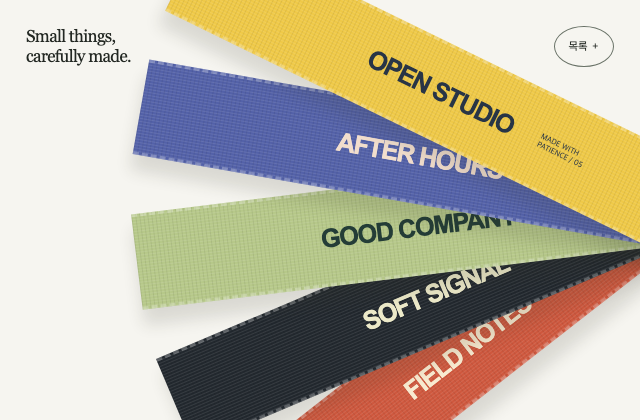
사례를 연구한 독립 예제. 자체 직조 무늬와 새 프로젝트 이름을 서로 다른 각도의 띠로 겹칩니다. 일반 목록은 그림과 독립적으로 읽을 수 있으며 원본 물리 반응은 구현 근거로 사용하지 않습니다.
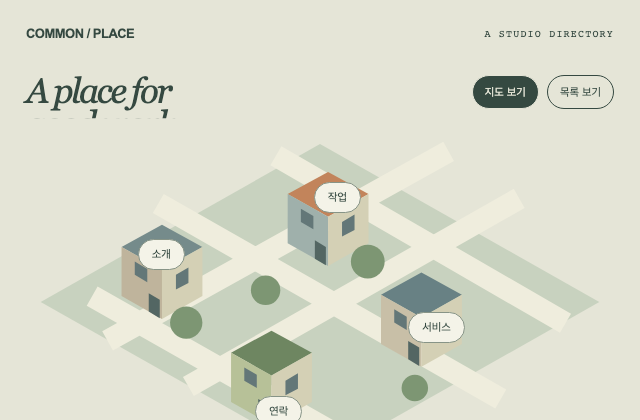
사례를 연구한 독립 예제. 자체 지도와 일반 링크 목록이 같은 네 disclosure 목적지를 가리킵니다. 퀘스트·인물 이동·수집·점수·1인칭 조작을 포함하지 않습니다.
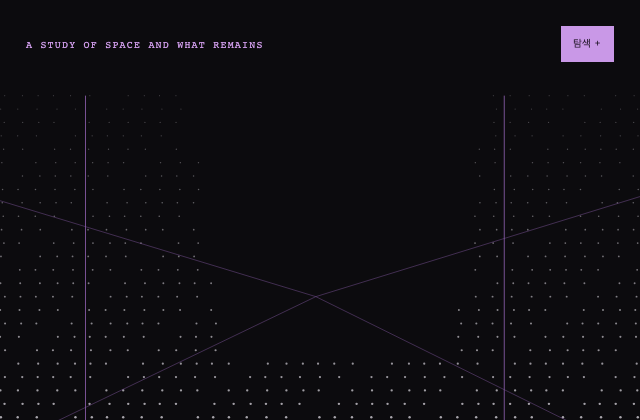
사례를 연구한 독립 예제. 새 수학적 좌표가 원근 공간의 점 장식만 담당하며 제목과 탐색은 일반 DOM으로 남습니다. 원본 점군·LiDAR·카메라 움직임은 주장하지 않습니다.
사례를 연구한 독립 예제. 큰 소개 문장을 중심으로 자체 작업 조각과 제작 중 표식을 배치합니다. 활동 띠는 정지한 채 시작하고 중요한 문구와 상세 설명은 움직임에 의존하지 않습니다.
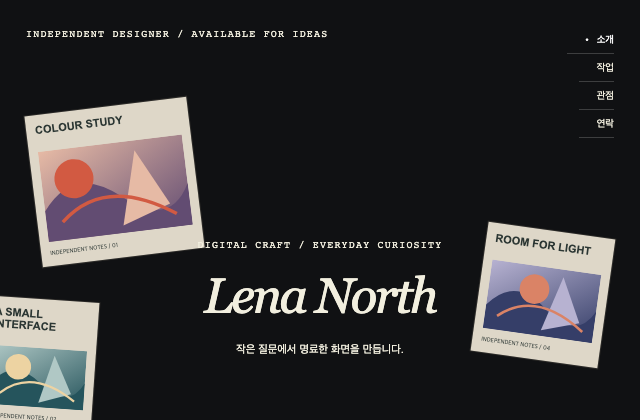
사례를 연구한 독립 예제. 서로 다른 크기의 자체 작업 창을 이름 주변에 배치하고 네 소개 상태를 명시적 버튼으로 선택합니다. 썸네일은 장식이고 조작 가능하다고 표현하지 않습니다.
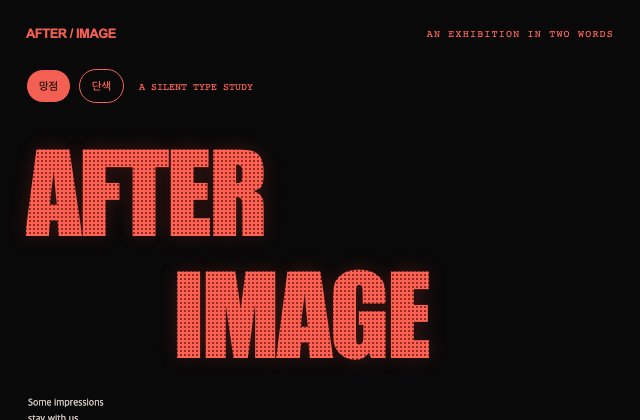
사례를 연구한 독립 예제. 새 전시 문구를 크기와 위치가 다른 붉은 글자로 조합합니다. 망점·단색 보기 모두 읽을 수 있고 플래시나 원본 소리·모드 동작을 추정하지 않습니다.
사례를 연구한 독립 예제. 자체 구슬 분기 도형과 노란 강조 단어, 반투명 메뉴, 모서리 소개 카드를 조합합니다. 도형은 추상 장식이며 생물학적 사실이나 제품 효능을 나타내지 않습니다.
사례를 연구한 독립 예제. 자체 작업 미리보기를 서로 다른 높이의 열로 배치하고 압축 제목·필기체 보조 문장·현재 보기 표시를 독립적으로 유지합니다. 배경 열의 원본 이동 방식은 주장하지 않습니다.
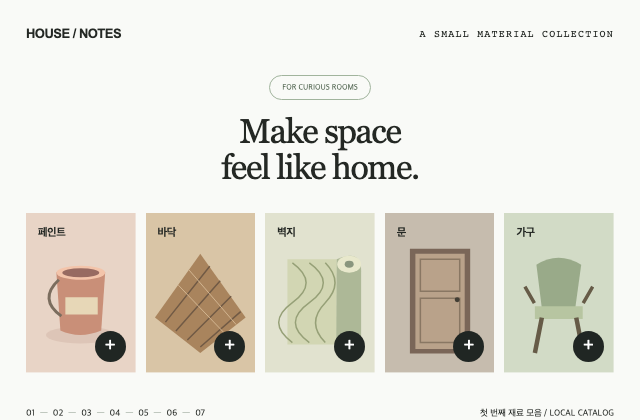
사례를 연구한 독립 예제. 다섯 범주의 자체 물건 그림과 대상 이름이 있는 더하기 버튼을 제공합니다. 하나의 네이티브 상세창은 선택한 설명을 열고 닫을 때 호출 버튼으로 초점을 돌려줍니다. 원본 AR 기능은 구현하지 않습니다.
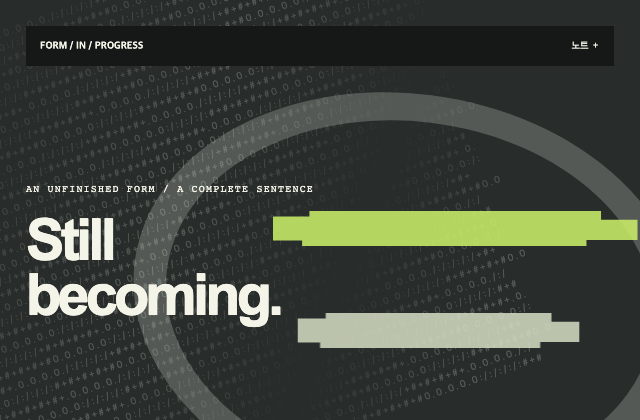
사례를 연구한 독립 예제. 자체 문자 밀도와 윤곽 고리 위에 연두 픽셀 띠를 겹치지만 새 제목은 항상 즉시 읽을 수 있습니다. 선택적 장식 움직임·정지·문자 숨기기는 원본 전환과 별개의 실습 동작입니다.
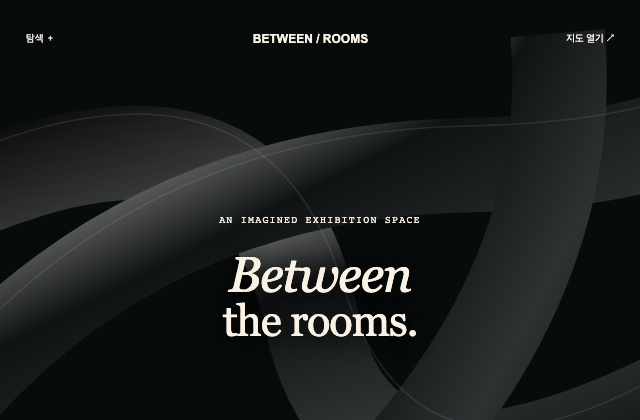
사례를 연구한 독립 예제. 자체 검은 곡면 장식과 제목을 분리하고 지도 썸네일·일반 지도 버튼이 같은 네이티브 상세창을 엽니다. 실제 지리나 원본 3D 지도로 오인할 기능은 포함하지 않습니다.
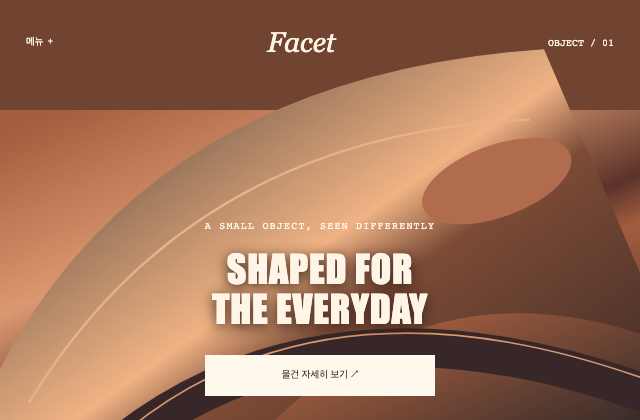
사례를 연구한 독립 예제. 자체 벡터 반사면을 제품 확대 장면으로 사용하고 대비가 유지되는 중앙 버튼에서 새 물건 설명을 엽니다. 차량·시간대 조명·제품 성능을 재현하거나 주장하지 않습니다.
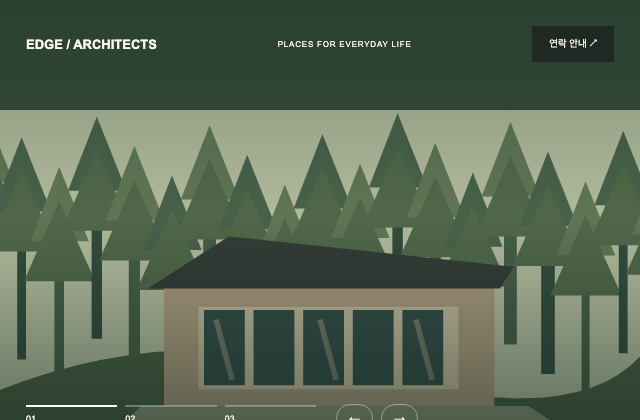
사례를 연구한 독립 예제. 세 장의 자체 건축 그림을 번호·이전·다음 버튼으로 직접 선택합니다. 진행선은 현재 선택만 표시하며 한 프레임으로 확인되지 않은 자동재생을 주장하지 않습니다.
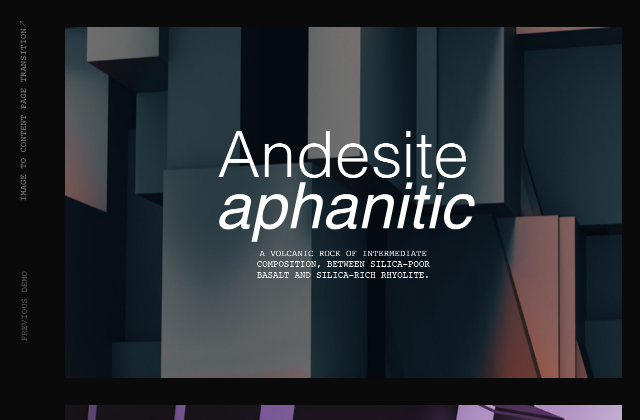
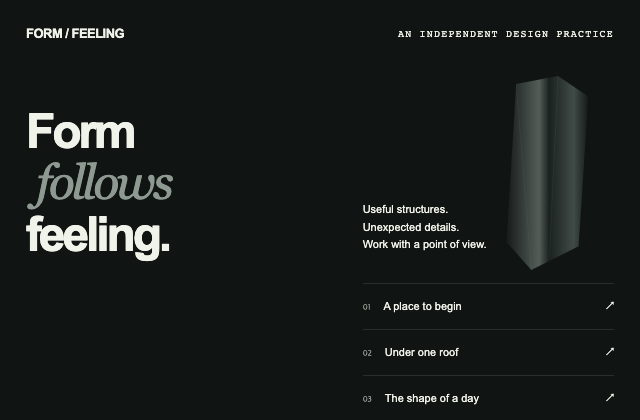
사례를 연구한 독립 예제. 산세리프와 이탤릭 제목 옆에 자체 추상 기둥을 놓고 각 프로젝트 행을 이름이 있는 disclosure로 구현합니다. 낮은 대비 반복 글자는 장식이며 파괴·물리 동작을 포함하지 않습니다.
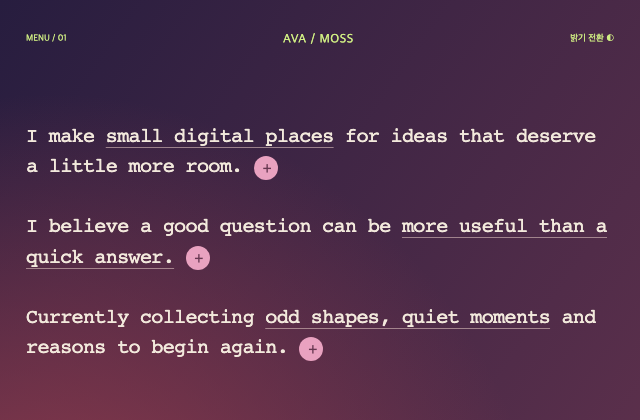
사례를 연구한 독립 예제. 새 소개 문장의 밑줄은 강조로만 사용하고 원형 더하기 버튼이 관계가 명시된 설명을 펼칩니다. 확장 상태와 밝기 상태는 독립적이며 원본 결과를 추정하지 않습니다.
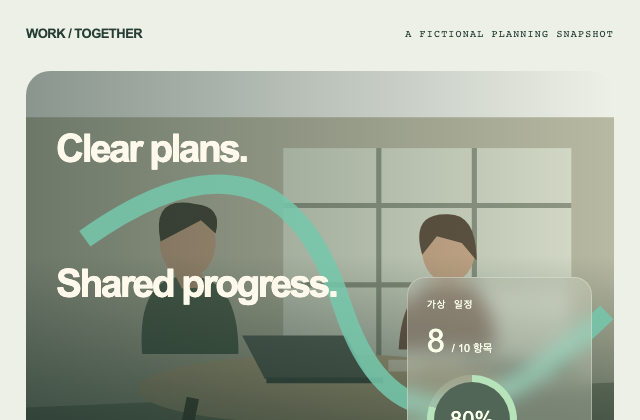
사례를 연구한 독립 예제. 자체 업무 그림의 곡선 장식과 반투명 수치 카드를 분리합니다. 완료 항목 수가 원형 표시·텍스트·progressbar 값에 함께 반영되며 모든 수치는 가상 데이터입니다.
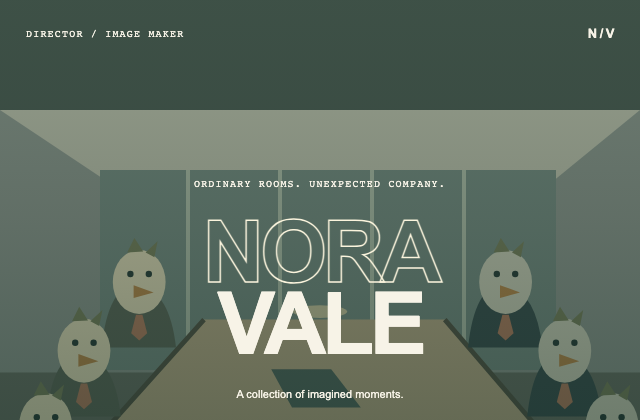
사례를 연구한 독립 예제. 새로운 새들의 회의 장면과 가상 감독 이름을 윤곽선·채움 제목으로 조합합니다. 릴은 정지 포스터 세 장을 직접 넘기는 무음 실습이며 원본 영상 재생과 시간 효과는 미검증입니다.
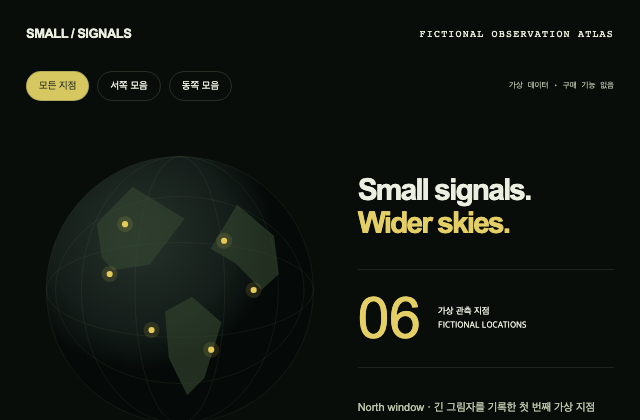
사례를 연구한 독립 예제. 가상 지구 도면·범주 필터·모든 점의 일반 목록을 제공합니다. 회전과 확대에는 네이티브 버튼이 있고 선택 수치와 지점 설명은 그림 밖에서 읽을 수 있습니다. 거래·점유·광고 기능은 포함하지 않습니다.
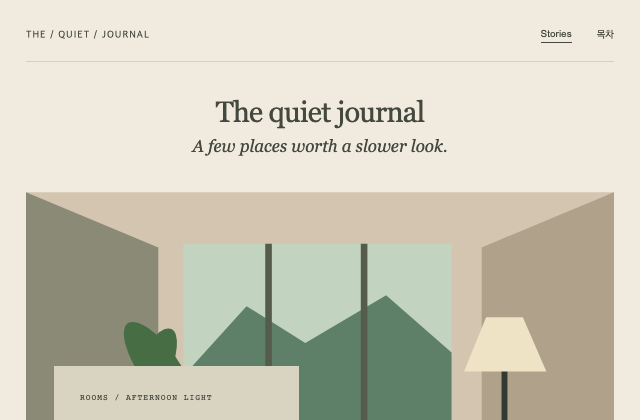
사례를 연구한 독립 예제. 크림색 저널 제목과 자체 실내 그림의 모서리에 새 기사 카드를 놓습니다. 좁은 화면에서는 카드가 자연스러운 문서 흐름으로 이어지며 원문 기사나 이미지는 사용하지 않습니다.
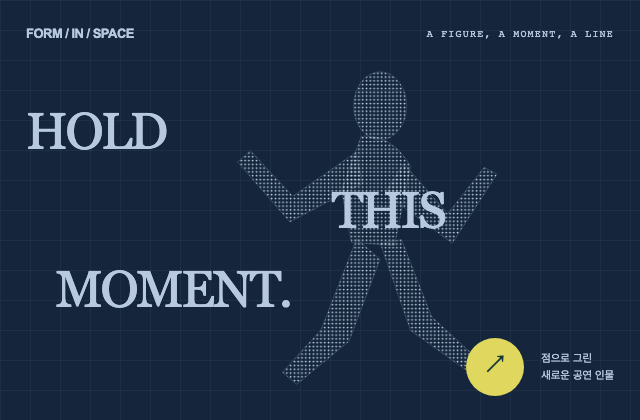
사례를 연구한 독립 예제. 경기·플레이·보상을 포함하지 않는 새 공연 인물 점망을 만들고 분산된 제목의 읽기 순서와 일반 입장 조작을 분리합니다.
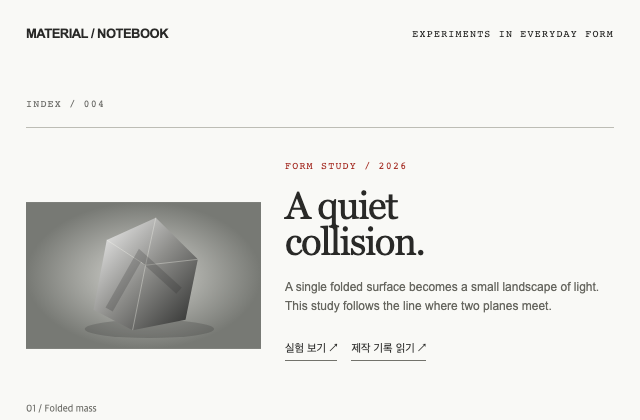
사례를 연구한 독립 예제. 이미지·실행·제작 설명·이름과 값의 사양을 서로 다른 의미로 유지합니다. 밝기 조절은 새로 만든 로컬 실험이며 원본 링크의 동작을 재현한 것은 아닙니다.
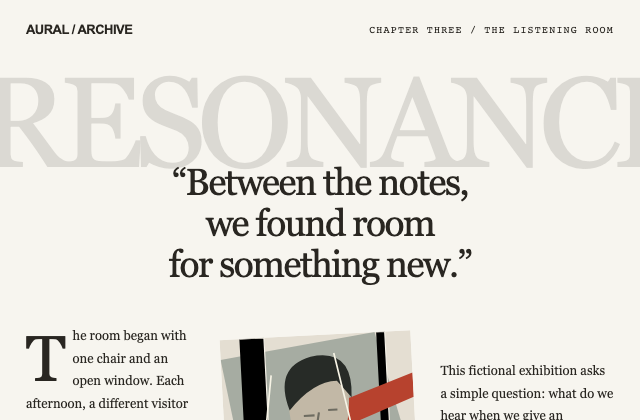
사례를 연구한 독립 예제. 큰 배경 글자는 장식으로 제외하고 실제 인용형 제목과 본문을 논리적 순서로 읽게 합니다. 전기 원문과 음악 자료를 사용하지 않은 가상 전시입니다.
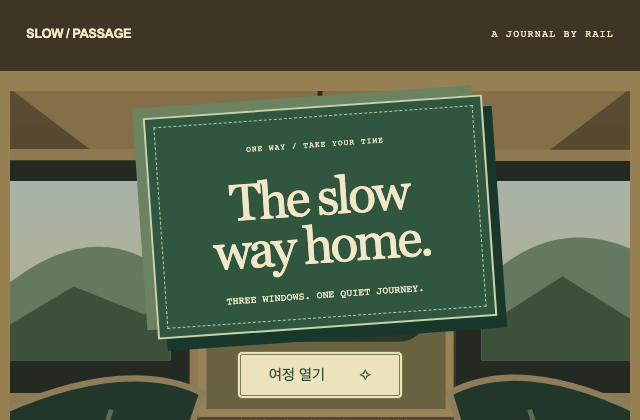
사례를 연구한 독립 예제. 티켓 진입과 시작음은 별도 행동입니다. 여정은 일반 문서와 disclosure로 읽으며 보상·수집·게임 상태를 만들지 않습니다.
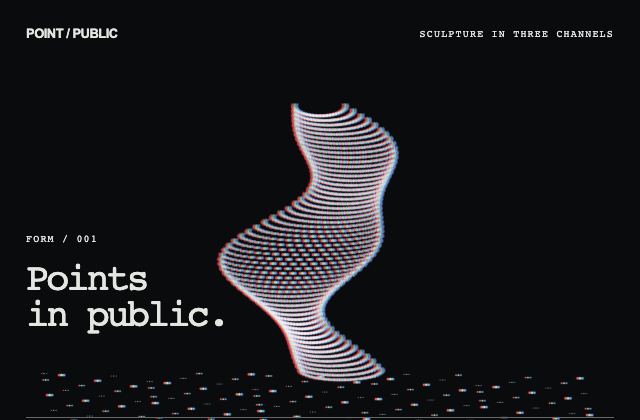
사례를 연구한 독립 예제. 색 점망은 장식이고 탐색 버튼과 설명은 일반 DOM입니다. 추상 조각만 표시하며 감지·조준·적·좌표 패널을 포함하지 않습니다.
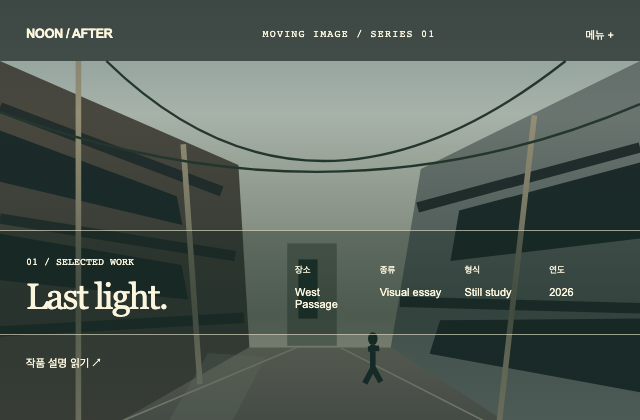
사례를 연구한 독립 예제. 제목 다음에 장소·종류·형식·연도를 이름과 값으로 배치합니다. 공개 프레임의 관계만 사용했으며 유료 템플릿 소스·사진·구매 제어를 가져오지 않았습니다.
사례를 연구한 독립 예제. 내장 SVG가 준비된 사실만 상태로 표시하고 비율·보정 작업을 꾸며 내지 않습니다. 비군사 종이 형상의 밝기만 명시적 버튼으로 바꾸며 제품 운용 제어가 없습니다.
사례를 연구한 독립 예제. 맞붙은 알약과 원은 각각 하나의 버튼·summary 안에 있어 포커스와 행동이 중복되지 않습니다. 방문 계획은 입력 확인만 수행하고 실제 예약을 만들지 않습니다.
사례를 연구한 독립 예제. 네이티브 dialog가 모달·취소를 소유하고 입력 초안은 닫았다 열어도 보존됩니다. 사진 자리가 작아져도 이메일·검증 결과·닫기는 그대로 남습니다.
사례를 연구한 독립 예제. 크기와 비율이 다른 새 포스터를 제목 주변에 배치하되 제목은 실제 읽기 요소로 유지합니다. 포스터 선택은 작품 설명만 갱신하며 원본 영상 재생을 주장하지 않습니다.
사례를 연구한 독립 예제. 수학적으로 그린 무음 파형을 기본 상태로 제공하고 크기·움직임·짧은 시작음을 별도 명시적 입력으로 둡니다. 마이크나 원본 음원 반응을 재현하지 않습니다.
사례를 연구한 독립 예제. 카드의 시각적 회전과 읽기 순서를 분리합니다. 다섯 버튼은 DOM 순서로 탐색되며 선택 이름과 설명을 별도로 제공하고 드래그를 요구하지 않습니다.
사례를 연구한 독립 예제. 중앙 버튼은 이 예시의 작은 장식 움직임만 시작·정지합니다. 최근 작업 disclosure와 별도로 동작하며 원본 쇼릴·영상 길이·쿠키 처리를 추측하지 않습니다.
사례를 연구한 독립 예제. 금속 면·가는 다면체 선·발광 고리를 서로 다른 장식 층으로 두고 제목·소개는 일반 문서에 남깁니다. 고리 회전은 사용자가 시작하는 독립 예시입니다.
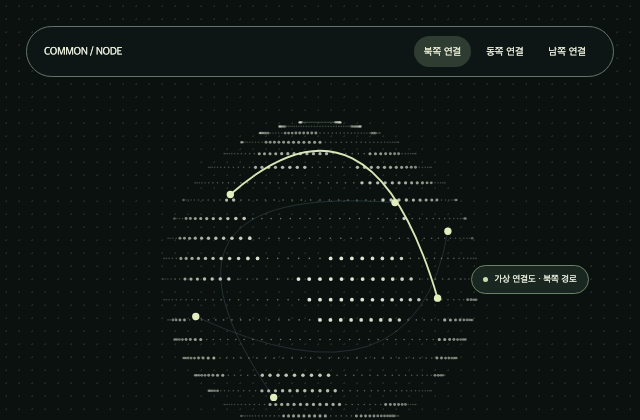
사례를 연구한 독립 예제. 점 지구와 연결선은 가상 데이터 그림입니다. 경로 선택의 상태는 실제 텍스트와 버튼에 나타나며 접속 중·실시간 사용자 수를 주장하지 않습니다.
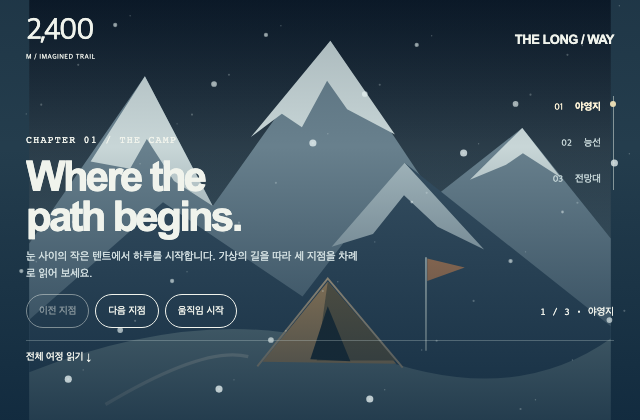
사례를 연구한 독립 예제. 이전·다음·세로 목록은 하나의 지점 상태를 바꾸고 전체 여정은 일반 disclosure 문서로 읽습니다. 휠 입력을 가로채지 않으며 가상 고도와 눈의 움직임을 원본 동작 증거로 취급하지 않습니다.
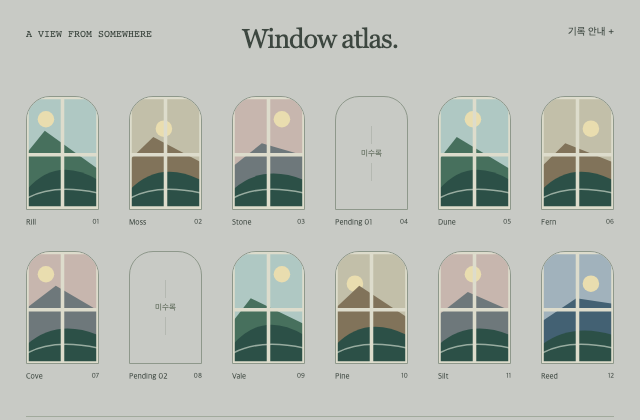
사례를 연구한 독립 예제. 지역 필터는 DOM 기록을 직접 숨기며 결과 수와 빈 결과를 알려 줍니다. 빈 창은 이 예시의 미수록 기록으로 명시하고 원본 빈 테두리를 로딩 실패로 단정하지 않습니다.
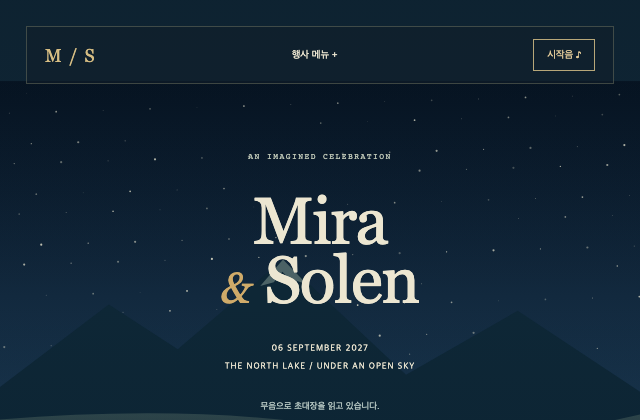
사례를 연구한 독립 예제. 날짜·장소·일정은 별밤 그림 밖의 실제 텍스트이며 소리 없이 바로 접근됩니다. 시작음은 사용자가 요청할 때만 짧게 재생하고 가상 행사임을 밝힙니다.
사례를 연구한 독립 예제. 관절·전선·받침이 있는 비군사 책상 조명을 새로 그려 제품 재질의 확대 표현만 연구합니다. 문의는 로컬 초안이며 목표·좌표·성능·운용 정보를 포함하지 않습니다.
짙은 남색 바탕 위, 상단에서 100px 내려온 지점에 고정된 금빛 방사형 그라데이션입니다. 원본의 500px 반경과 색상 값을 그대로 사용합니다.
짙은 남색 바탕 중앙에 푸른 방사형 그라데이션을 배치합니다. 원본의 600px 반경과 50% 중심 좌표를 그대로 사용하는 정적 배경입니다.
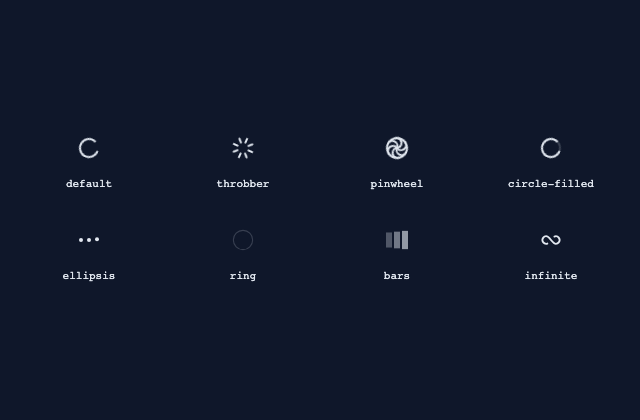
회전·점·링·막대·무한 곡선 등 Kibo 로딩 표시 8종입니다. 확보한 현재 원본에서는 과거 21st 데모의 circle 이름이 throbber로 바뀌었고 default도 별도 ShadcnSpinner를 사용합니다. 실제 요청이나 진행률을 나타내는 데모는 아닙니다.
하나의 테두리 안에 질문 3개를 배치한 아코디언입니다. 한 항목씩 펼치며 열린 항목을 다시 접을 수 있습니다.
아이콘이 있는 안내 4개를 한 항목씩 펼칩니다. 각 항목은 고정된 단계 4개를 보여 주며 실제 계정 설정을 수행하지 않습니다.
질문 3개를 서로 떨어진 카드에 배치합니다. 카드가 분리되어 있어도 열린 항목은 하나이며 모두 접을 수 있습니다.
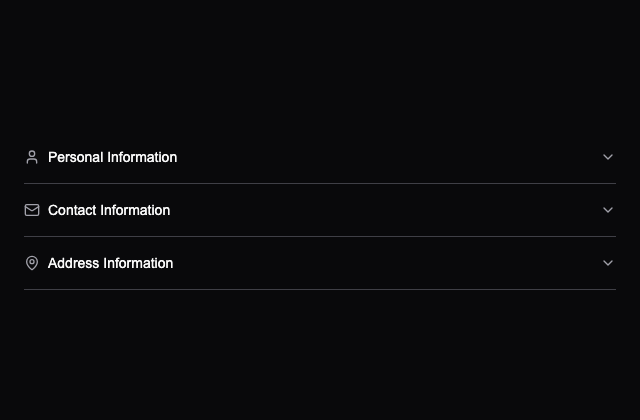
개인·연락처·주소 항목을 펼쳐 입력하는 예제입니다. 입력은 비제어 필드이며 저장·검사·완료 판정은 구현되어 있지 않습니다.
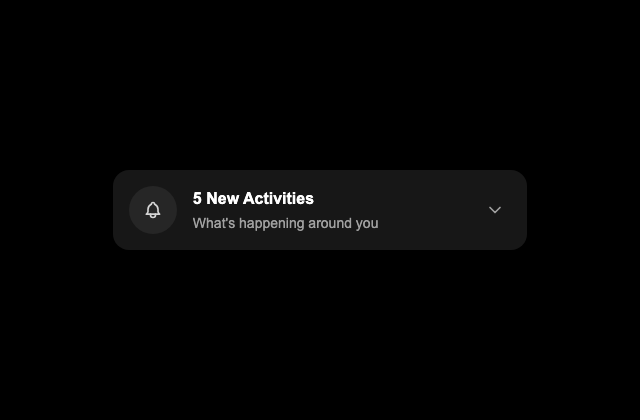
알림 헤더를 누르면 5개 활동 목록을 순서대로 펼치는 카드입니다. 표시 데이터는 원본의 고정 예시이며 실제 알림 서비스와 연결하지 않습니다.
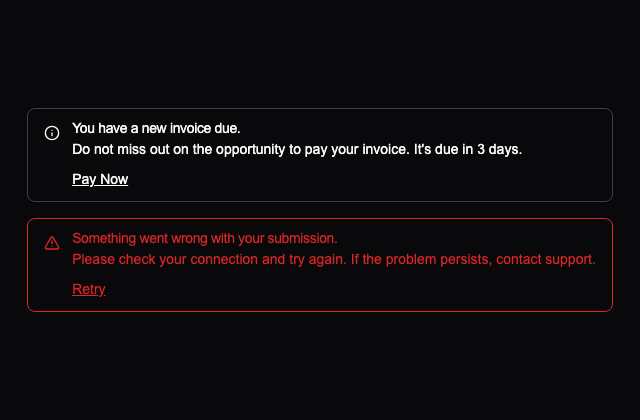
청구 안내와 제출 오류를 링크와 함께 보여 줍니다. Pay Now와 Retry의 주소는 원본의 #이며 결제나 재시도를 실행하지 않습니다.
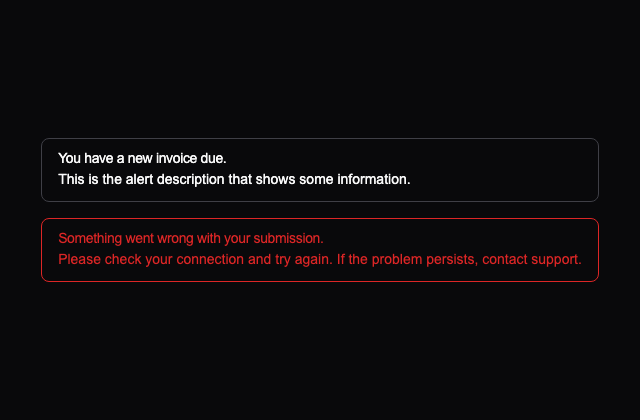
기본 안내와 오류 안내를 제목·설명만으로 비교하는 예제입니다. 두 메시지는 고정 문구이며 실제 요청 상태와 연결하지 않습니다.
계정 삭제를 묻는 확인 창입니다. Cancel과 Continue로 닫을 수 있지만 계정이나 데이터를 삭제하는 코드는 없습니다.
잘못된 이메일 주소 안내를 360px 최대 폭의 창에 보여 줍니다. 입력을 검사하는 예제가 아니라 오류 문구를 직접 여는 예제입니다.
휴지통 아이콘과 계정 삭제 설명을 함께 보여 주는 확인 창입니다. Continue는 창의 동작만 담당하고 실제 삭제는 수행하지 않습니다.
아이콘과 삭제 확인 문구를 중앙에 배치한 창입니다. 취소·계속 버튼을 비교하는 예제이며 실제 계정 변경은 없습니다.
비밀번호 재설정 메일 발송 안내를 여는 예제입니다. 표시된 이메일과 성공 문구는 고정되어 있으며 메일을 보내지 않습니다.
이미지 3개를 역방향 행으로 겹쳐 배치합니다. 원본은 이미지 대체 텍스트와 로딩 실패 시 대체 콘텐츠를 제공하지 않습니다.
이미지 3개를 문서 순서대로 겹쳐 배치합니다. 선택·프로필 이동은 없으며 원본에 이미지 대체 텍스트나 실패 시 대체 콘텐츠가 없습니다.
로켓 아이콘과 두 줄 안내, 실행 버튼을 묶은 배너입니다. 닫기는 실제로 작동하고 Try now는 원본처럼 동작을 연결하지 않은 버튼입니다.
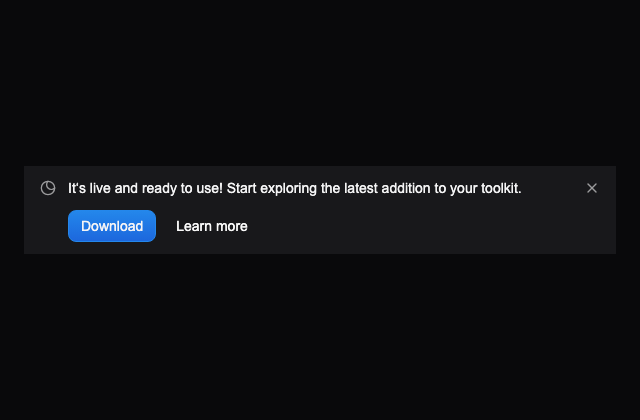
알림 문구와 기본·링크 스타일 버튼을 비교하는 닫을 수 있는 배너입니다. Download와 Learn more에는 원본처럼 후속 동작이 없습니다.
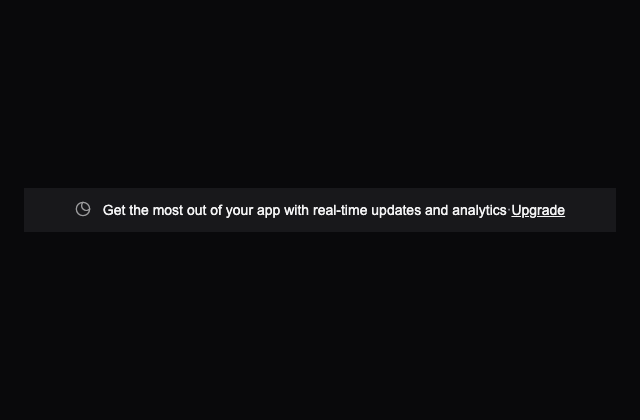
가운데 안내 문구와 업그레이드 링크를 배치한 정적 배너입니다. 실제 회원권이나 결제 기능이 없는 원본의 시각 예제입니다.
새 기능을 알리는 한 줄 링크와 호버 시 이동하는 화살표를 묶은 배너입니다. 실제 이메일 발송 기능은 연결하지 않습니다.
안내 문구와 둥근 버튼을 가운데 묶고 오른쪽에 닫기 버튼을 둔 배너입니다. 좁은 화면에서는 원본의 세로 배치로 바뀝니다.
기본 버튼과 외곽선 버튼을 나란히 제공하는 배너입니다. 닫기는 실제 상태를 바꾸며 두 안내 버튼에는 원본처럼 실행 코드를 추가하지 않았습니다.
안내와 자세히 보기 링크를 넓은 화면에서 양쪽에 배치하는 정적 배너입니다. 좁은 화면에서는 안내 아래에 링크를 배치합니다.
남은 시간을 초 단위로 갱신하는 행사 배너입니다. 원본처럼 실행 시점에서 약 9시간 45분 뒤를 종료 시각으로 삼으며 실제 할인 행사나 구매와 연결하지 않습니다.
안내 배너의 isClosable·onClose 계약을 사용하는 예제입니다. 닫기 버튼을 누르면 부모의 표시 상태가 바뀌어 배너가 사라집니다.
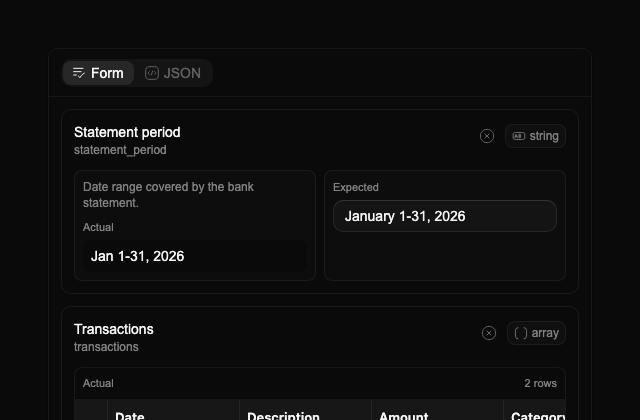
추출 값과 검토 값을 나란히 비교하고 필드 편집·되돌리기·JSON 차이를 확인하는 패널입니다. 원래 데모의 680px 검토 화면을 유지하며 PDF 뷰어를 새로 추가하지 않습니다.
Dashboard와 Reports를 거쳐 현재 위치 Export를 보여 주는 경로입니다. 화살표는 구분자이며 원본 링크 주소는 /와 /reports입니다.
Save 버튼을 누르면 2초 동안 회전 아이콘을 표시하고 다시 누르지 못하게 합니다. 원본의 시간 기반 표시 예제이며 데이터를 저장하지 않습니다.
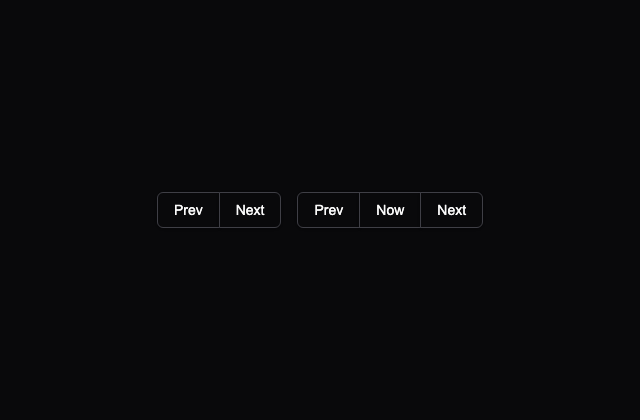
Prev·Next 버튼 묶음과 Prev·Now·Next 묶음을 나란히 비교합니다. 선택 상태나 페이지 이동 처리 없이 버튼의 결합과 초점을 보여 줍니다.
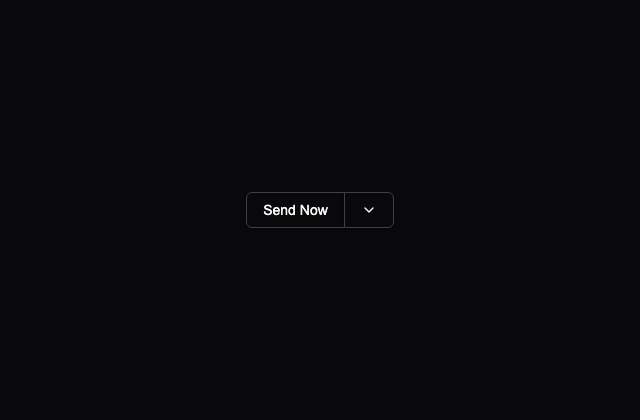
Send Now 버튼 옆에 아래 화살표 버튼을 붙인 예제입니다. 발송·메뉴 열기는 구현되어 있지 않으며 화살표 버튼에 명시적 이름도 없습니다.
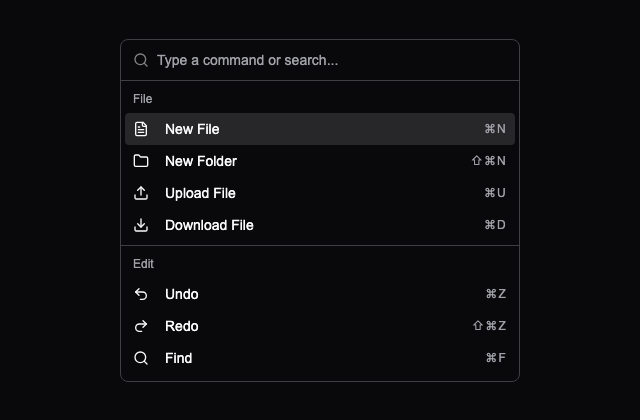
파일·편집·이동 명령 13개를 검색하는 목록입니다. 검색과 항목 탐색은 cmdk에 맡기며 명령 실행과 표시된 단축키 등록은 구현하지 않습니다.
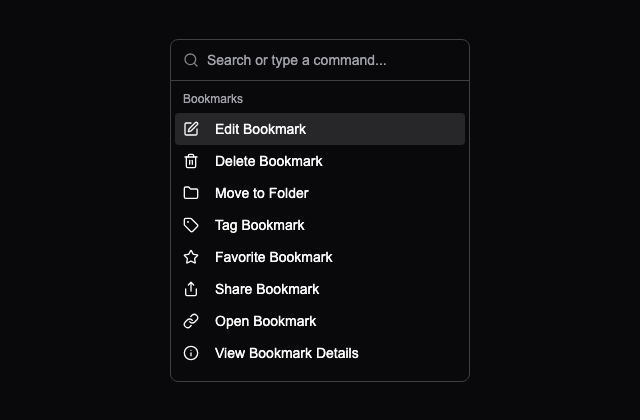
북마크·폴더·태그·작업·설정 항목 23개를 검색하는 300px 폭 목록입니다. 목록 검색과 실제 북마크 편집·로그아웃은 별개의 기능입니다.
PJ 아바타와 Right Click Here 영역에서 프로필 관련 메뉴 12개를 엽니다. 실제 계정 작업은 없으며 키보드로 호출할 경로는 별도 검토가 필요합니다.
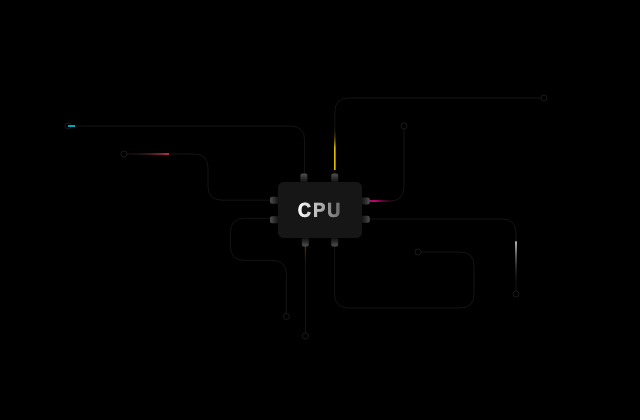
중앙 CPU 도형으로 향하는 8개 경로 위에 색 빛이 흐르는 SVG 예제입니다. 경로·마스크·텍스트 그라데이션과 원본 CSS 애니메이션을 함께 제공합니다.
세션 만료 안내와 Login·Cancel 버튼을 보여 주는 창입니다. Cancel과 기본 닫기 버튼은 창을 닫고 Login은 인증을 실행하지 않습니다.
작업 이름과 담당자 Adam·Ruth·Taylor를 고르는 창입니다. 입력·선택은 가능하지만 Add를 통한 작업 생성이나 저장은 구현되어 있지 않습니다.
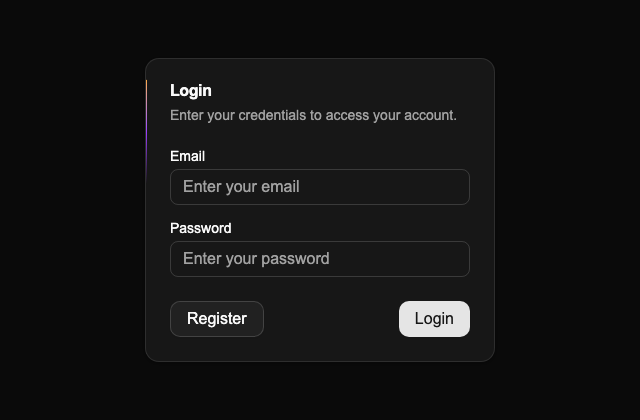
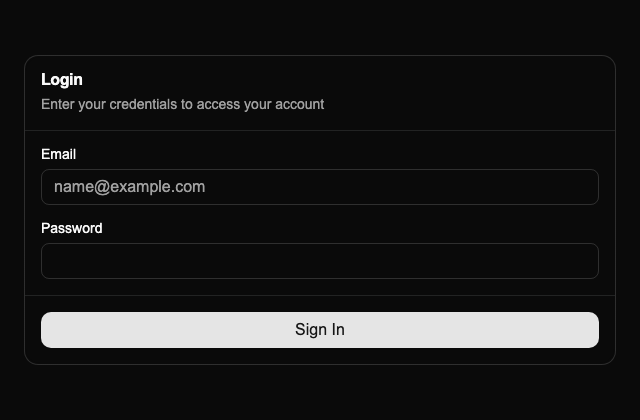
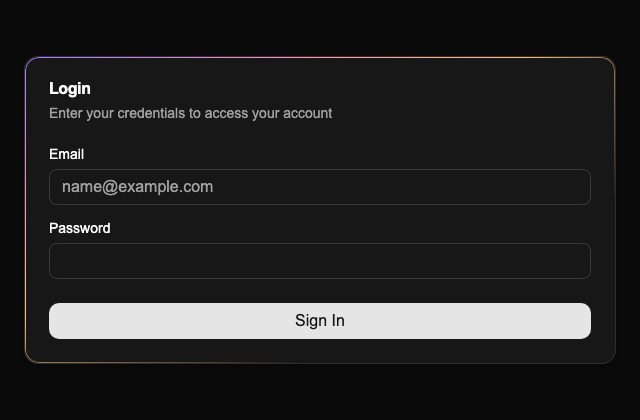
이메일·비밀번호 입력과 자동완성 속성을 보여 주는 로그인 창입니다. Login 버튼은 폼 밖에 있고 제출 연결이 없어 인증이나 클릭 시 폼 검사를 수행하지 않습니다.
화면 아래에서 세션 만료 안내를 여는 서랍입니다. Cancel로 닫을 수 있고 Login은 실제 인증과 연결되지 않은 버튼입니다.
아래에서 이메일·비밀번호 입력 영역을 여는 서랍입니다. Login 버튼이 폼 밖에 있어 제출과 연결되지 않으며 실제 인증도 수행하지 않습니다.
물음표 아이콘으로 도움말 항목 5개를 여는 메뉴입니다. 항목의 이동 주소·실행 처리는 없고 원본 트리거에 명시적 이름도 없습니다.
프로필 메뉴 안에 하위 메뉴·상태 라디오·권한 체크 항목을 배치합니다. Invisible과 Admin은 고정 값이며 실제 계정 상태나 권한을 바꾸지 않습니다.
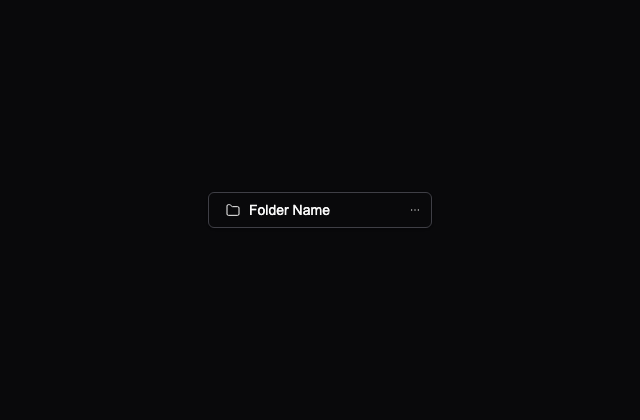
폴더 이름 버튼에서 생성·공유·이동·다운로드·삭제 항목을 엽니다. 표시된 단축키와 명령에는 실제 파일 작업 처리가 없습니다.
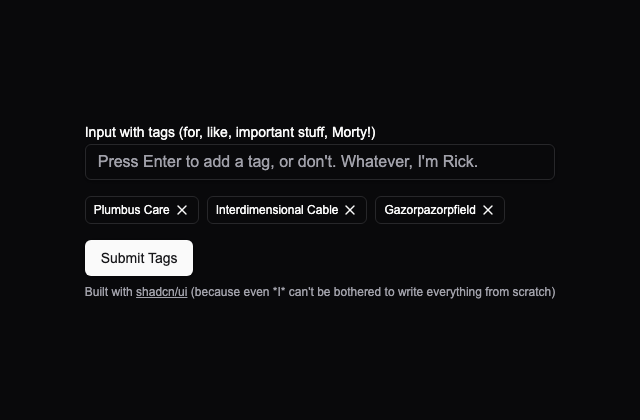
초기 태그 3개를 표시하고 Enter로 태그를 추가하거나 개별 삭제하는 폼입니다. 제출하면 태그 개수를 알림으로 보여 줍니다.
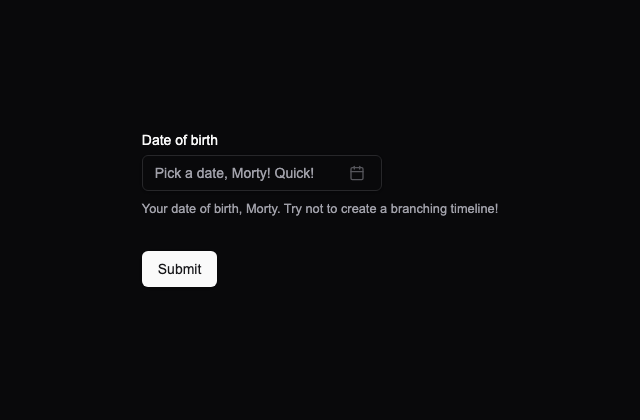
팝오버 달력에서 생년월일을 골라 제출하는 폼입니다. 원본처럼 1900년 이전과 오늘 이후 날짜를 막고, 선택한 날짜를 버튼에 표시합니다.
두 글자 이상 입력했는지 검사하고 제출한 문구를 알림으로 보여 주는 폼입니다. 입력 오류와 제출 결과를 비교할 수 있으며 서버 저장은 수행하지 않습니다.
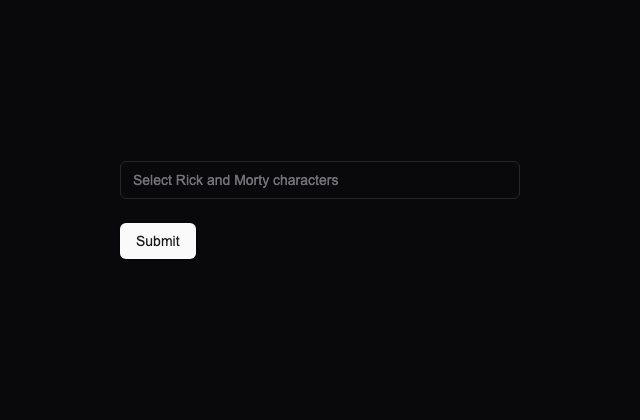
여러 캐릭터를 검색해 선택하고 태그로 표시하는 폼입니다. 원본 목록과 선택할 수 없는 Jerry 항목을 유지하며, 제출은 콘솔에 선택 값을 기록합니다.
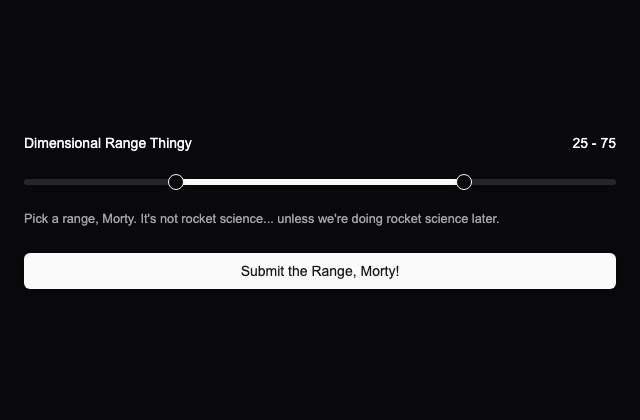
0부터 100까지의 범위를 두 손잡이로 조절하는 폼입니다. 초기 범위는 25–75이고, 아래 값과 위 값의 순서를 검사한 후 선택 범위를 알림으로 보여 줍니다.
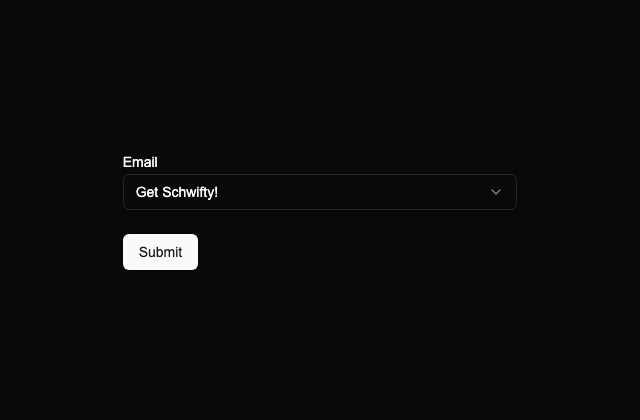
목록에 있는 이메일 주소 하나를 선택해 제출하는 폼입니다. 선택 전 오류와 선택 후 제출 알림을 비교할 수 있습니다.
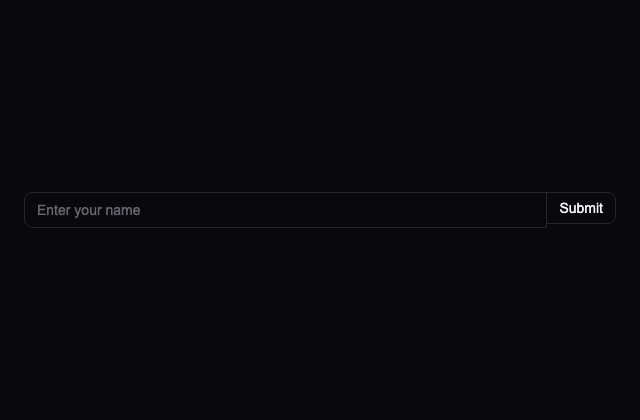
텍스트 입력과 Submit 버튼의 맞닿은 테두리를 연결한 예제입니다. 원본에는 폼 제출 처리나 검증이 없으며 입력과 버튼의 기본 표현을 확인할 수 있습니다.
포인터를 따라 움직이는 원이 뒤의 색을 반전시키는 예제입니다. 원본처럼 60px 커서와 따라오는 보간을 사용하며, 포인터가 영역을 떠나면 원을 숨깁니다.
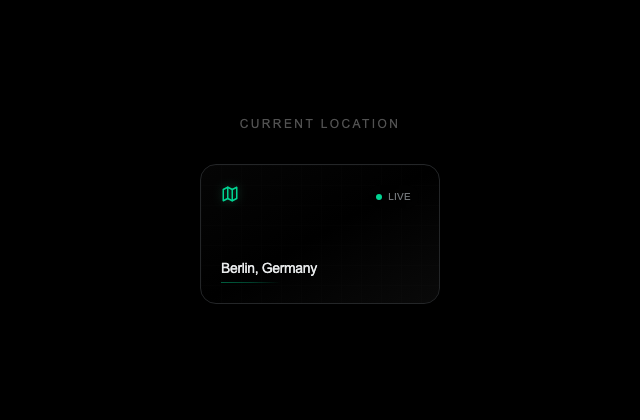
베를린 위치 카드에 포인터를 올리면 기울어지고 누르면 도식 지도와 좌표를 펼칩니다. 고정된 위치를 보여 주는 표현 예제이며 현재 위치를 읽지 않습니다.
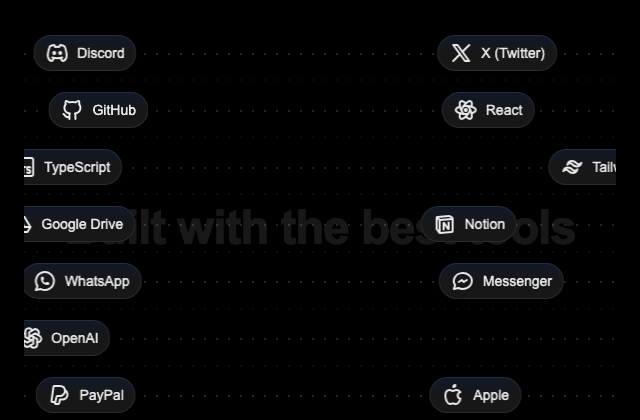
7개 줄의 로고가 서로 다른 속도와 시작 위치로 흘러가는 타임라인입니다. 원본의 13개 로고와 400px 높이를 유지합니다.
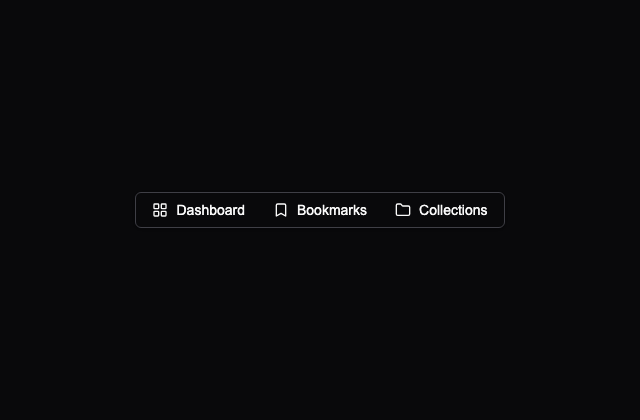
Dashboard·Bookmarks·Collections 메뉴와 각 항목 3개를 보여 줍니다. 메뉴 간 탐색은 primitive에 맡기며 페이지 이동이나 생성 작업은 없습니다.
2번을 현재 페이지로 표시하고 앞뒤 이동과 생략 기호를 보여 줍니다. 모든 링크는 #이며 페이지 상태나 데이터는 변경하지 않습니다.
페이지 링크를 하나의 테두리 안에 묶은 예제입니다. 현재 페이지는 2로 고정되어 있고 링크는 실제 데이터 페이지와 연결되지 않습니다.
Showing 2 of 25 문구와 페이지 링크를 분리해 배치합니다. 좁은 화면에서는 문구를 숨기며 현재 페이지와 총수는 고정 예시입니다.
버튼에 연결된 팝오버로 제목과 설명을 보여 줍니다. 입력·저장 작업 없이 관련 정보를 열고 닫는 예제입니다.
PJ 아바타와 이름에서 고정 프로필 카드를 엽니다. View Profile과 Message는 실제 이동·발송에 연결되지 않은 버튼입니다.
더하기 버튼으로 책 제목·저자 입력 폼을 엽니다. 원본 폼에는 저장 처리나 필드 name이 없으므로 제출을 도서 추가 성공으로 해석할 수 없습니다.
이미지 줄이 30초 주기로 이동하고 양 끝의 8겹 흐림 마스크를 통과하는 예제입니다. 원본 로고 3개와 내려받을 수 없던 한 자리의 자체 제작 일러스트를 함께 사용합니다.
제목 두 줄·큰 콘텐츠·버튼 두 개의 자리를 펄스 효과로 보여 주는 카드입니다. 실제 요청이나 완료 전환 없이 로딩 형태만 비교합니다.
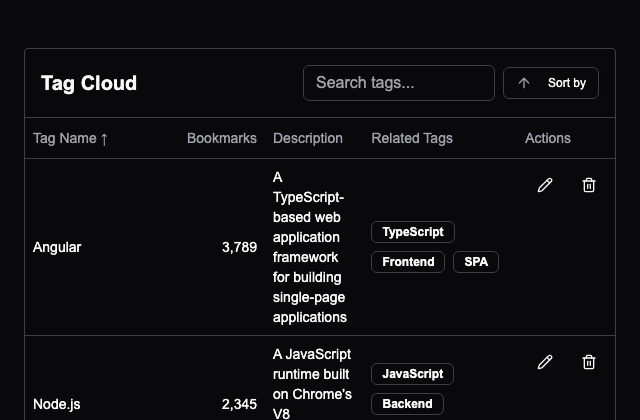
태그 6개를 이름·설명·관련 태그로 검색하고 열 또는 메뉴에서 정렬합니다. 편집·삭제 버튼은 표시만 하며 결과가 없을 때 별도 문구는 없습니다.
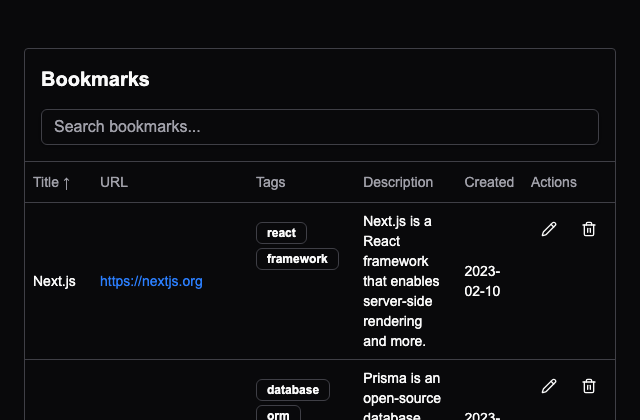
북마크 5개의 제목을 검색하고 열 제목을 클릭해 정렬합니다. URL은 표시 문구이며 링크 주소는 #이고 편집·삭제 동작도 없습니다.
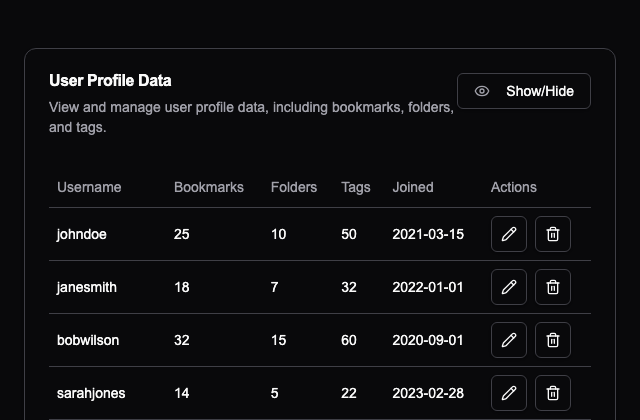
사용자 5명의 표에서 열 6개를 숨기거나 다시 표시합니다. 다시 켠 열은 마지막에 붙고 모든 열을 숨길 수도 있으며 사용자 데이터는 바꾸지 않습니다.
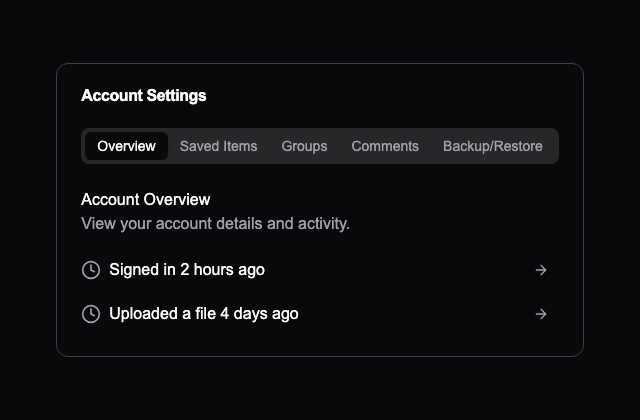
개요·저장 항목·그룹·댓글·백업 화면을 탭 5개로 전환합니다. 계정 데이터는 고정 예시이며 화살표 버튼은 이동이나 백업을 실행하지 않습니다.
북마크 상태에 따라 버튼 색과 툴팁 문구를 바꾸는 토글입니다. 상태는 이 예제 안에서만 유지되며 서버나 계정에 저장하지 않습니다.
해와 달 아이콘을 전환하며 다음 동작을 접근성 이름으로 알려 주는 토글입니다. 원본처럼 버튼 내부 상태만 바꾸고 사이트 전체 테마는 바꾸지 않습니다.
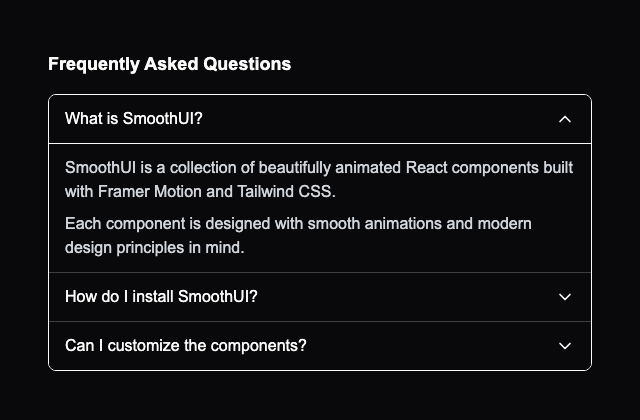
여러 질문을 동시에 펼칠 수 있고 첫 질문을 처음부터 여는 아코디언입니다. 같은 작성자가 MIT로 공개한 공식 FAQ 예제를 연결했으며, 과거 21st 데모와 문구·폭 차이를 기록했습니다.
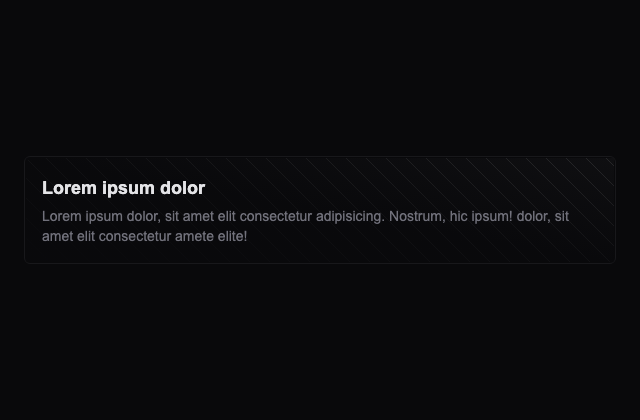
30px 간격의 SVG 점 패턴 위에 대각선 그라데이션과 본문을 올린 카드입니다. 작성자의 공식 Ellipsis 변형과 고정 예문을 사용합니다.
25px SVG 격자 점 타일을 반복하고 가운데 빛이 드러나는 그라데이션을 겹친 카드입니다. 작성자의 공식 Grid ellipsis 변형을 연결했습니다.
50px SVG 격자를 반복하고 어두운 대각선 그라데이션 아래에 깔아 본문과 분리하는 카드입니다. 원래 공식 Grid 변형과 고정 예문을 보존합니다.
40px SVG 선 타일 위에 그라데이션을 겹치고 얇은 바깥 여백으로 둘러싼 카드입니다. 공식 Lines 변형의 정적인 표현 예제입니다.
파란 정보 아이콘 옆에 Just a quick note!를 보여 주는 짧은 안내입니다. 닫기나 추가 작업 없이 고정 문구를 표시합니다.
주황 경고 아이콘과 정보 누락 문구, 닫기 버튼을 한 줄에 배치합니다. 닫기 동작은 연결되어 있지 않으며 화면에 고정되는 알림도 아닙니다.
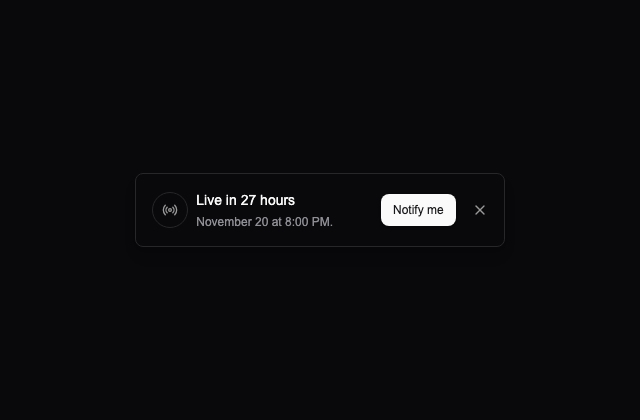
방송 아이콘과 Live in 27 hours, 11월 20일 오후 8시 문구를 보여 줍니다. 시간은 고정 예시이며 알림 신청과 닫기 동작은 연결되어 있지 않습니다.
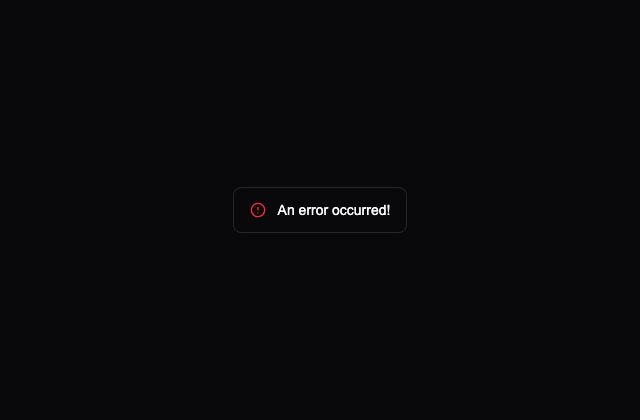
빨간 원형 경고 아이콘과 An error occurred! 문구를 보여 줍니다. 특정 요청의 오류를 감지하거나 재시도하는 기능은 없습니다.
쿠키 사용 설명 아래에 Accept와 Decline을 배치한 안내입니다. 선택 저장이나 닫기 동작은 연결되어 있지 않습니다.
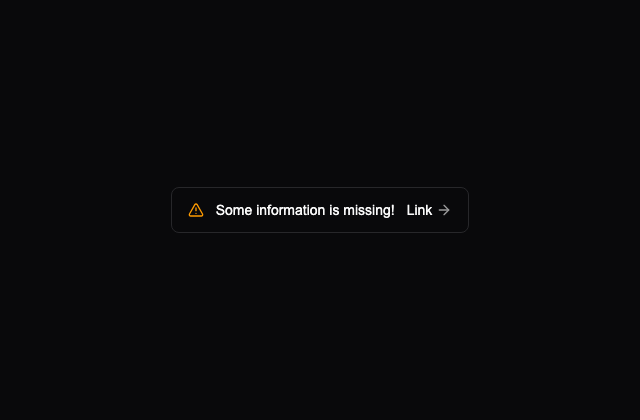
정보 누락 문구 옆에 Link와 오른쪽 화살표를 둡니다. 링크 주소는 원본의 #이며 화살표는 포인터를 올리면 조금 이동하도록 되어 있습니다.
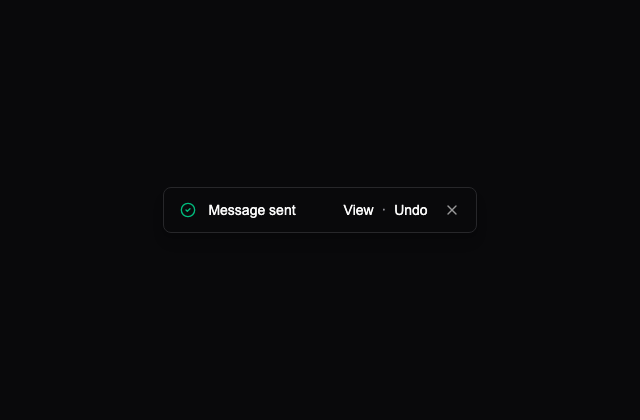
초록 체크 아이콘과 Message sent 문구 옆에 View·Undo를 둡니다. 메시지 조회·전송 취소·닫기 동작은 연결되어 있지 않습니다.
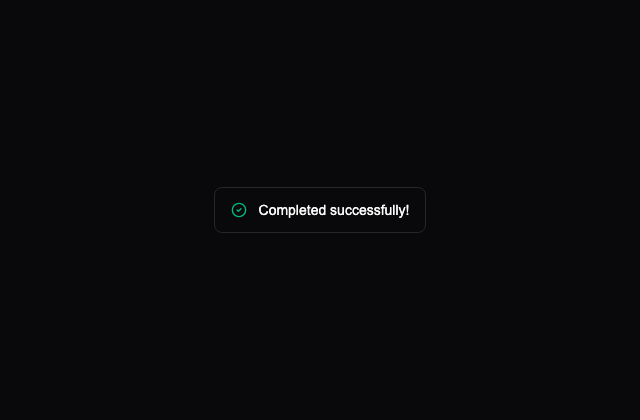
초록 체크 아이콘과 Completed successfully! 문구를 보여 주는 정적인 안내입니다. 실제 작업 완료와 연결되어 있지 않습니다.
주황색 테두리·본문과 반투명 삼각형 아이콘으로 정보 누락을 강조합니다. 링크나 닫기 버튼이 없는 고정 안내입니다.
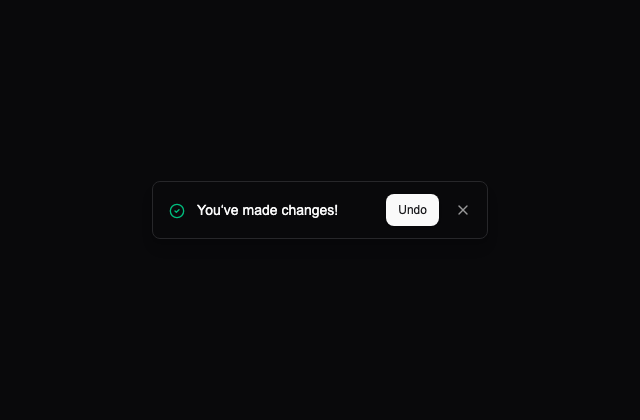
변경을 알리는 문구와 초록 체크 아이콘, Undo 버튼을 함께 보여 줍니다. 되돌릴 상태나 닫기 동작은 연결되어 있지 않습니다.
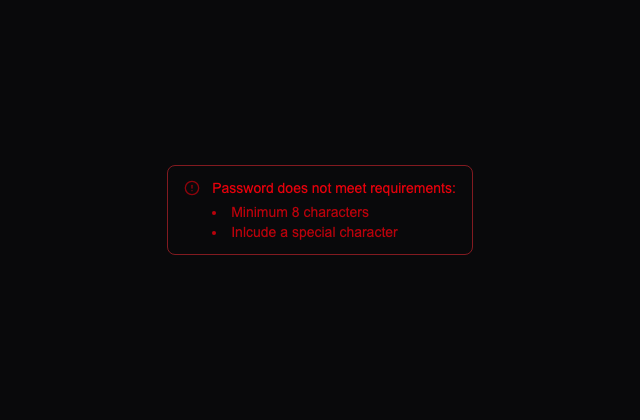
빨간 경고 아래에 최소 8자와 특수문자 포함 요구사항을 목록으로 보여 줍니다. 입력 검사 기능 없이 작성자의 고정 문구를 보존합니다.
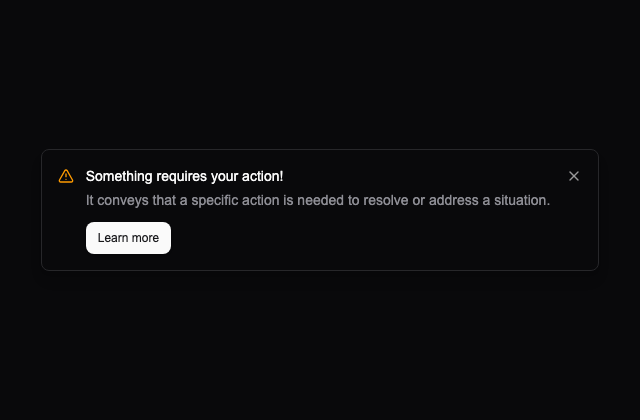
경고 아이콘, 조치가 필요하다는 제목과 설명, Learn more 버튼을 보여 줍니다. 상세 정보 열기나 닫기 동작은 연결되어 있지 않습니다.
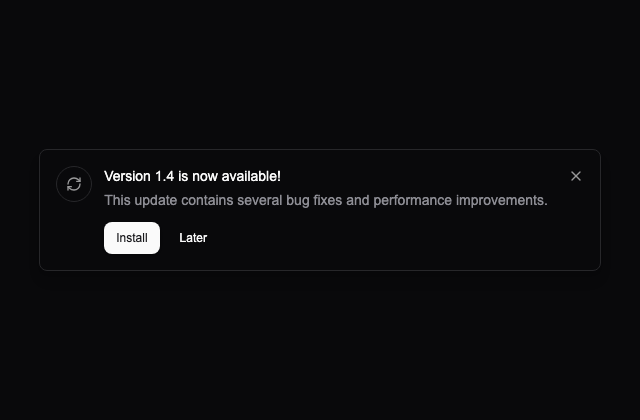
버전 1.4 안내와 새로고침 아이콘 아래에 Install·Later를 둡니다. 업데이트 확인·설치·나중에 알림·닫기는 수행하지 않습니다.
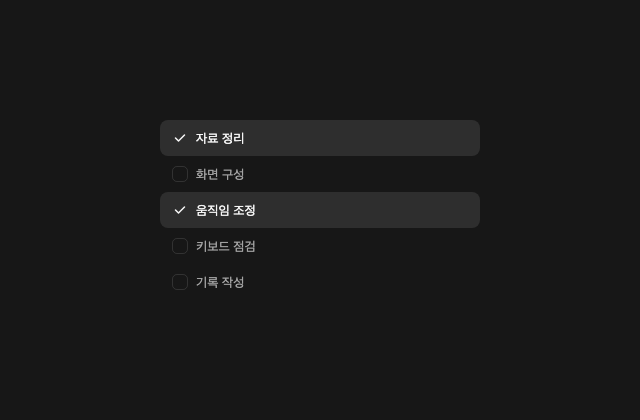
한국어 항목 5개 중 첫째·셋째를 선택한 체크 그룹입니다. 항목을 켜고 끄면 연속 선택 구간의 배경을 연결하며, 작성자의 공식 MIT 구현에 새 한국어 문구를 적용했습니다.
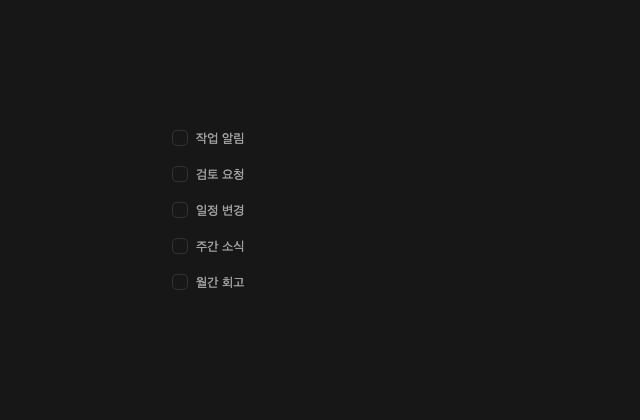
5개 항목을 모두 해제한 상태에서 시작합니다. 행 클릭이나 Enter·Space로 각각 선택하고 화살표로 초점을 옮기는 공식 구현에 새 한국어 문구를 연결했습니다.
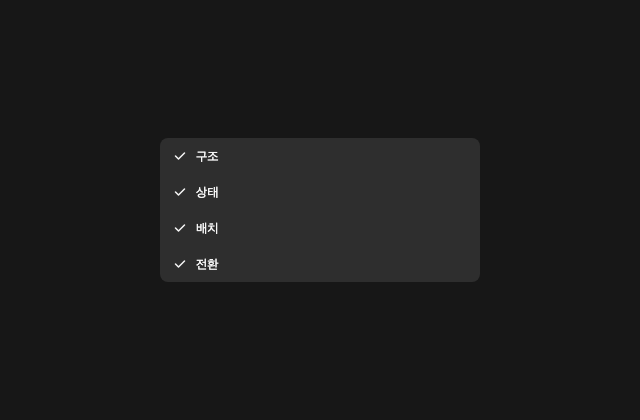
4개 항목을 모두 선택한 상태에서 시작합니다. 중간 항목을 해제하면 연결된 선택 배경이 나뉘는 예제이며 전체 선택 버튼이나 영구 저장은 제공하지 않습니다.
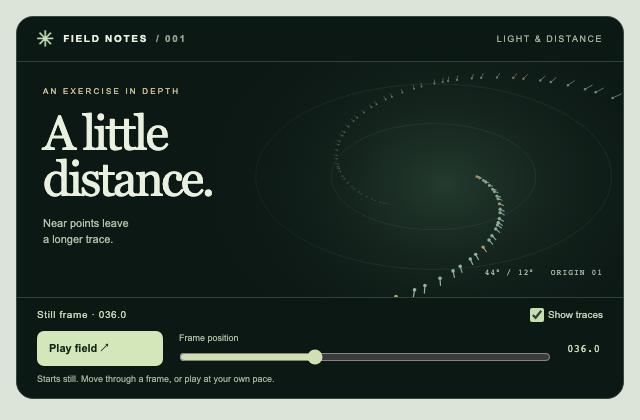
Independently authored observation study. A deterministic point projection links size and trace length to depth. A stationary frame is useful before playback, and the same phase can be revisited with a native range control.
Independently authored observation study. The shell stores selected view, group disclosure and sidebar visibility independently. Hiding navigation releases its space while the breadcrumb and content continue to read the same selection.
Independently authored observation study. A single retained draft survives step navigation. The current step drives heading, progress, active fields and actions; validation blocks advance and routes focus to the first invalid field.
Aurora
배경오로라 흐름
Border beam
테두리빛을 두른 카드
작은 궤도
메시 그라디언트
Aurora type
텍스트색으로 쓰는 한마디
스포트라이트 카드
금속의 표면
자석 버튼
빛을 통과하는 카드
Shine border
테두리반짝이는 윤곽
Split text
텍스트한 글자씩 피어나다
겹쳐 흐르는 파도
손끝의 원근감
프리즘 프레임
수평선 너머
떠 있는 도크
문자가 맞춰지는 순간
Neon frame
테두리은은한 네온
별의 거리
클릭에서 번지는 파문
서로 다른 속도
- 1 / 3FIELD NOTES / 01Small discoveries.✺FIELD NOTES / 02New perspectives.✳FIELD NOTES / 03Good company.✧
겹친 이야기
점을 잇는 표면
Typewriter
텍스트커서 뒤의 문장
Cursor trail
포인터포인터의 잔상
투명한 모서리
입자가 있는 색
선택을 따라가는 탭
Outline type
텍스트빛으로 쓴 윤곽
빛이 스치는 버튼
Color lens
포인터색을 들여다보는 렌즈
앞면과 뒷면
읽는 만큼 차오르는 선
살아 있는 선
어둠을 가르는 빛
달라지는 한 단어
- GOOD QUESTIONS
어디에서 시작하나요?
작은 호기심과 하나의 예제에서 시작해요.
무엇을 만들 수 있나요?
당신만의 색과 움직임이 있는 화면을 만들어요.
다음에는 무엇을 볼까요?
다른 카테고리의 예제를 함께 살펴보세요.
열리는 작은 목록
숫자가 도착하는 시간
카드에서 펼쳐지는 내용
- SCENE 01A new
perspective.✺스크롤하여 다음 장면 ↓SCENE 02A little
closer.✧스크롤하여 다음 장면 ↓SCENE 03A world
of detail.✳스크롤하여 다음 장면 ↓스크롤로 드러나는 장면
행동 뒤의 피드백
Mask reveal
포인터두 가지 표면
선으로 만든 지구
움직이는 메뉴
옆으로 읽는 장면
연결되는 경로
빛으로 여는 첫 화면
작업실의 첫인상
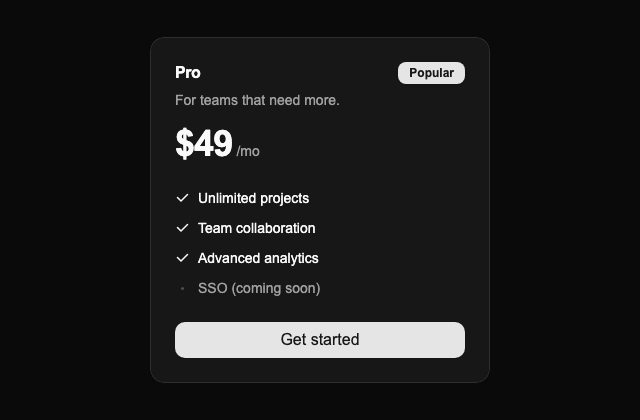
선택하고 싶은 요금제
제품의 작은 순간들
넘겨 읽는 목소리
- GOOD IDEAS FIND GOOD COMPANYMade together.◈ forma✳ orbit◎ softspace✺ newday◇ studioCRAFTCURIOSITYGOOD ENERGYFRESH EYES
끊김 없이 흐르는 이름


























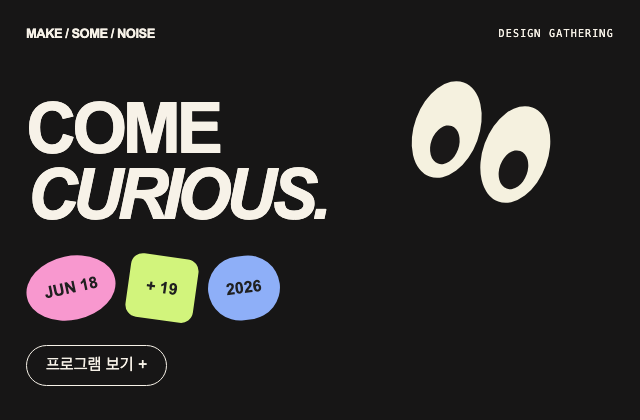
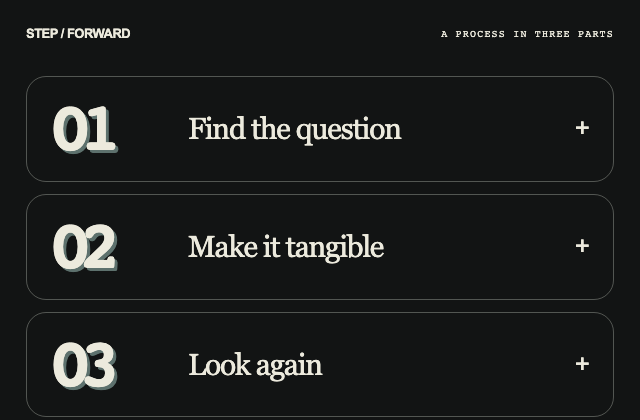
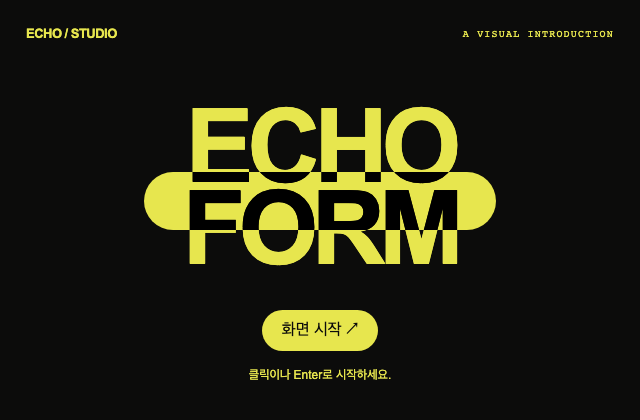

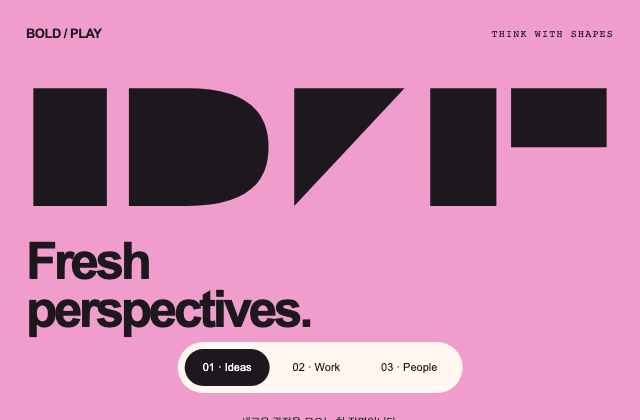

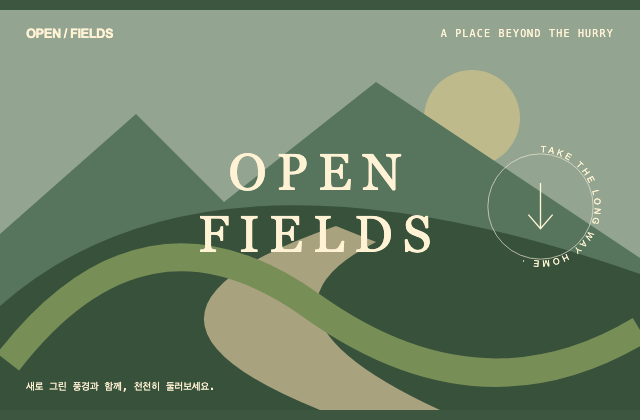
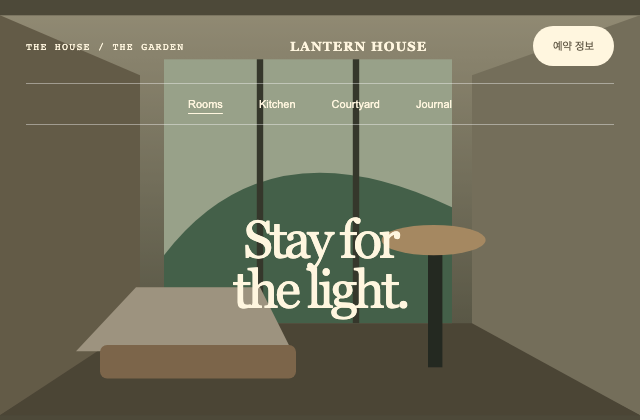

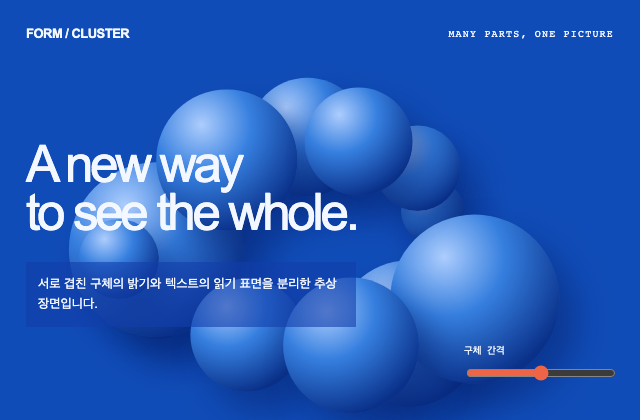
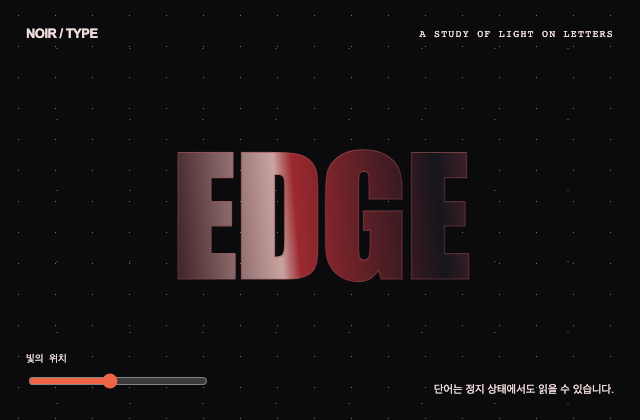





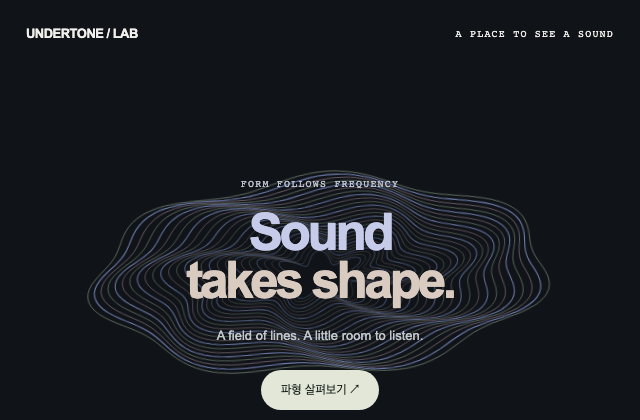
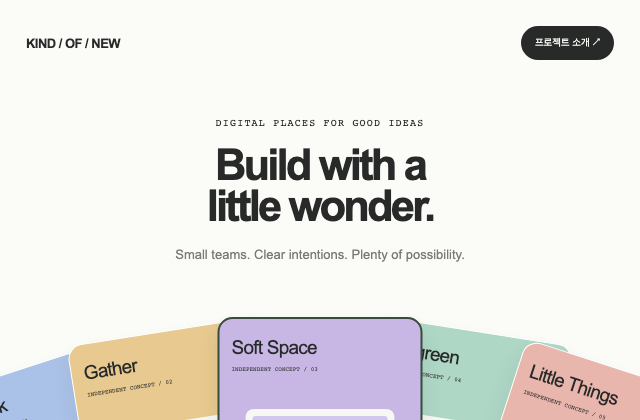
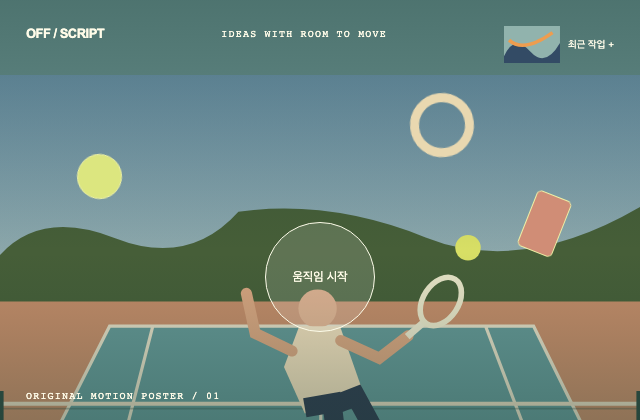
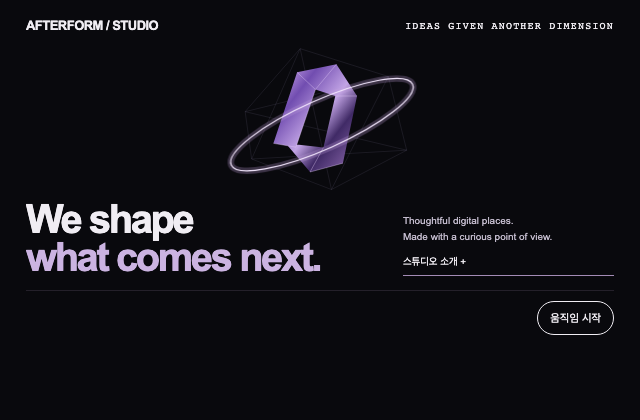











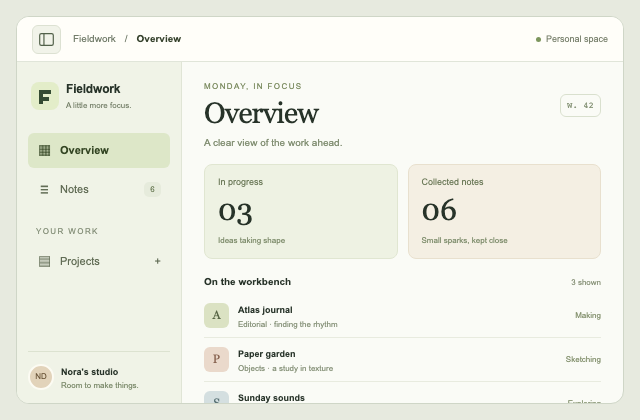
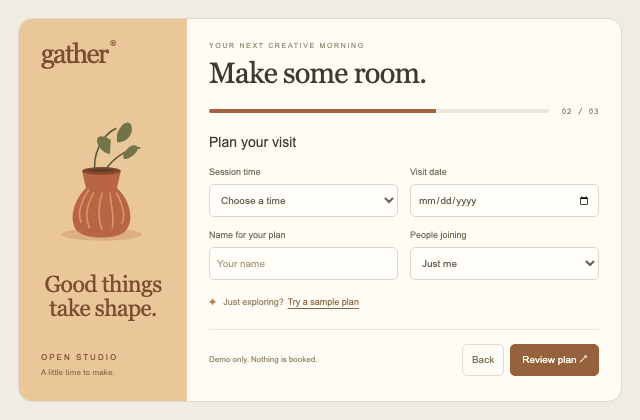
아직 맞는 장면을 찾지 못했어요.
검색어를 짧게 바꾸거나, 다른 카테고리를 둘러보세요.
마음에 드는 예제를 열면 실행 코드와 사용 방법을 볼 수 있어요.